
Guides
Guides
Help for your next conversation.
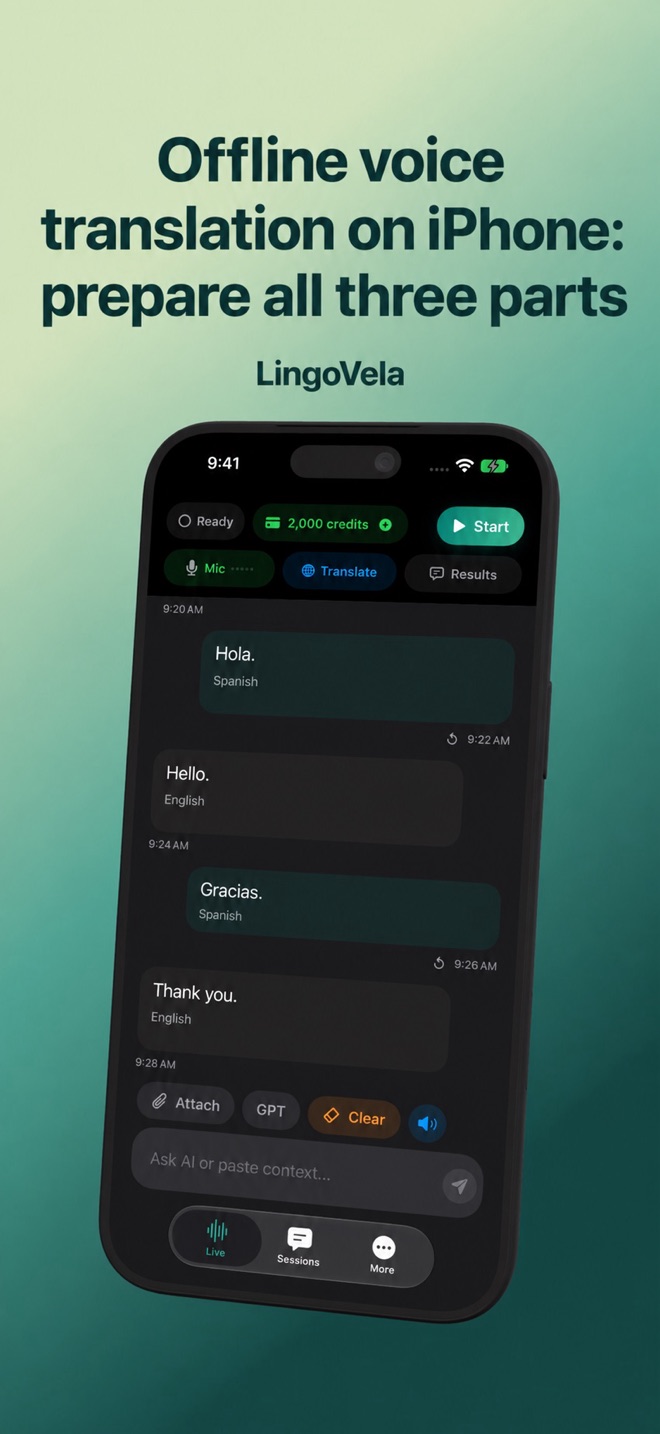 Offline voice translators for iPhone: setup and app comparisonCompare offline iPhone voice translators, including HearBridge, Pakt, Prau and SubVocal. Check language packs, microphone support and data handling.
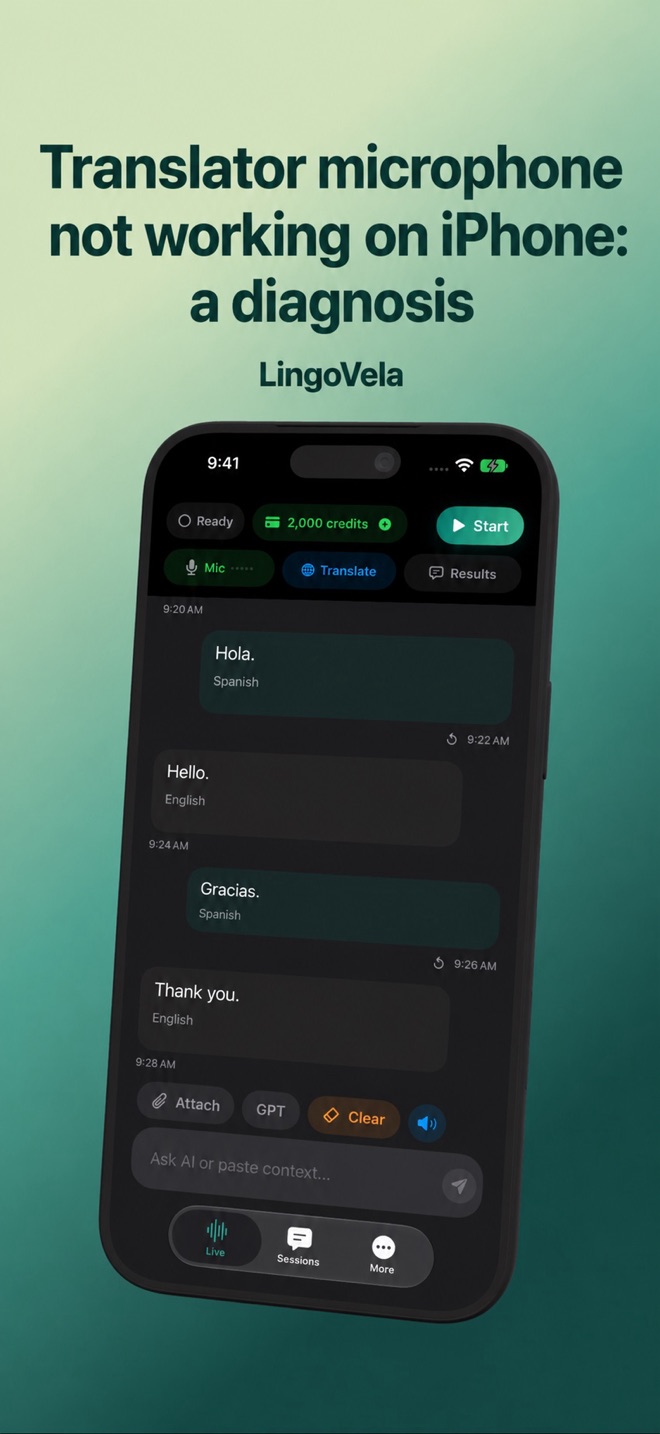 Translator microphone not working on iPhone: a diagnosisFind out whether the problem is microphone permission, speech assets, audio routing or translation. Use a safe step-by-step LingoVela check.
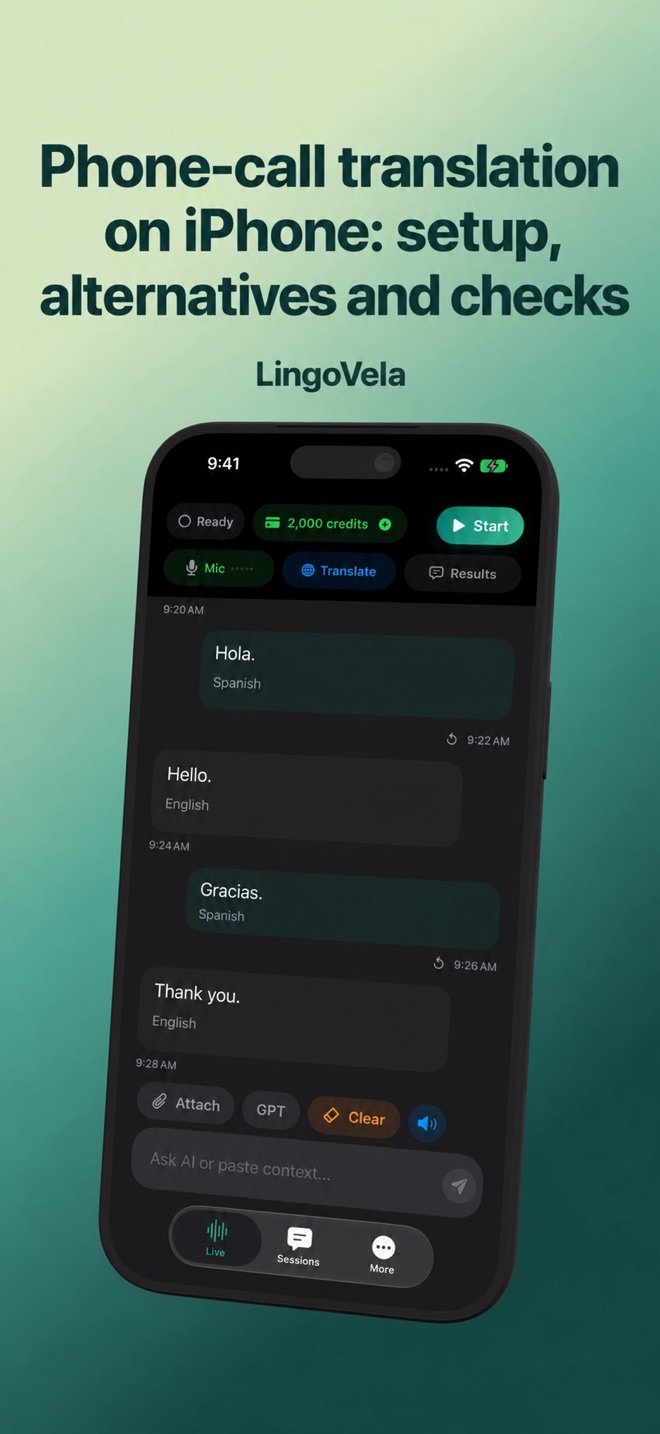 Phone-call translation on iPhone: setup, alternatives and checksChoose a supported call-translation route, check both callers, compare charges and recover missing speech. LingoVela is not a phone-call bridge.
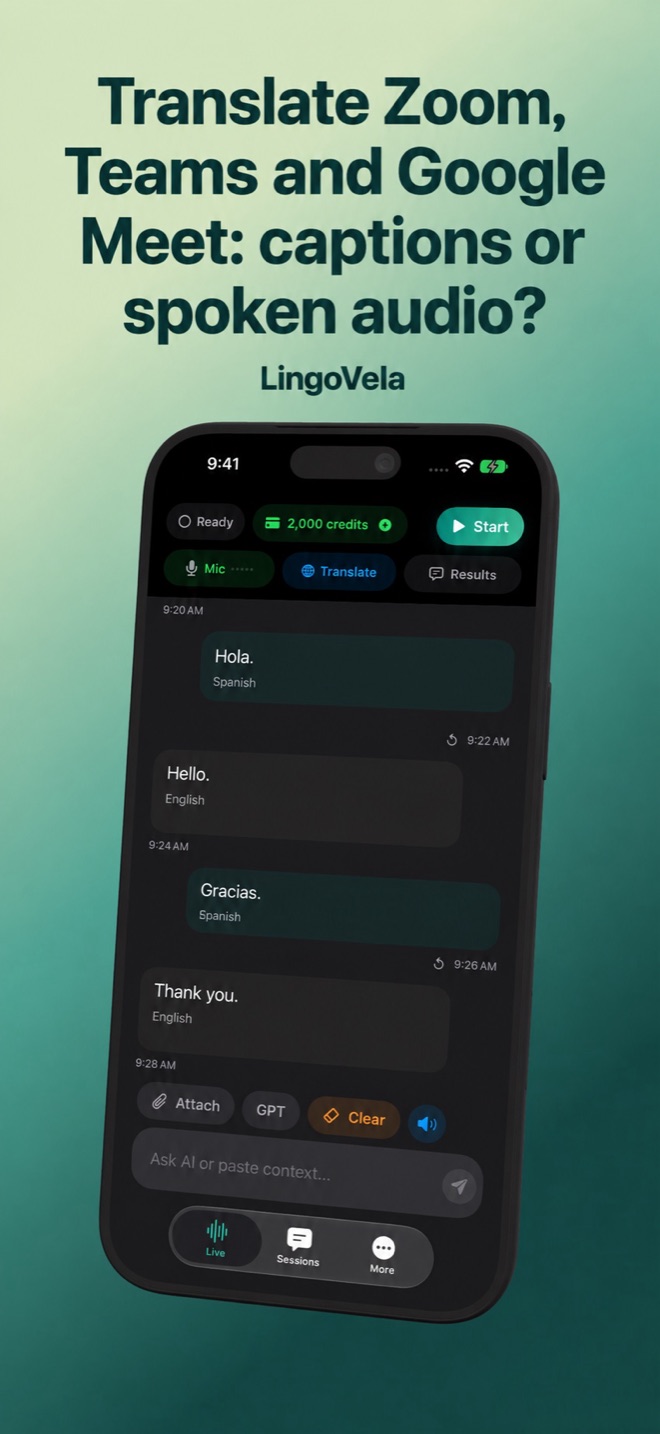 Translate Zoom, Teams and Google Meet: captions or spoken audio?Compare Zoom, Teams and Meet captions, spoken translation and meeting notes. Check language, access, saved transcripts and the decisions people confirm.
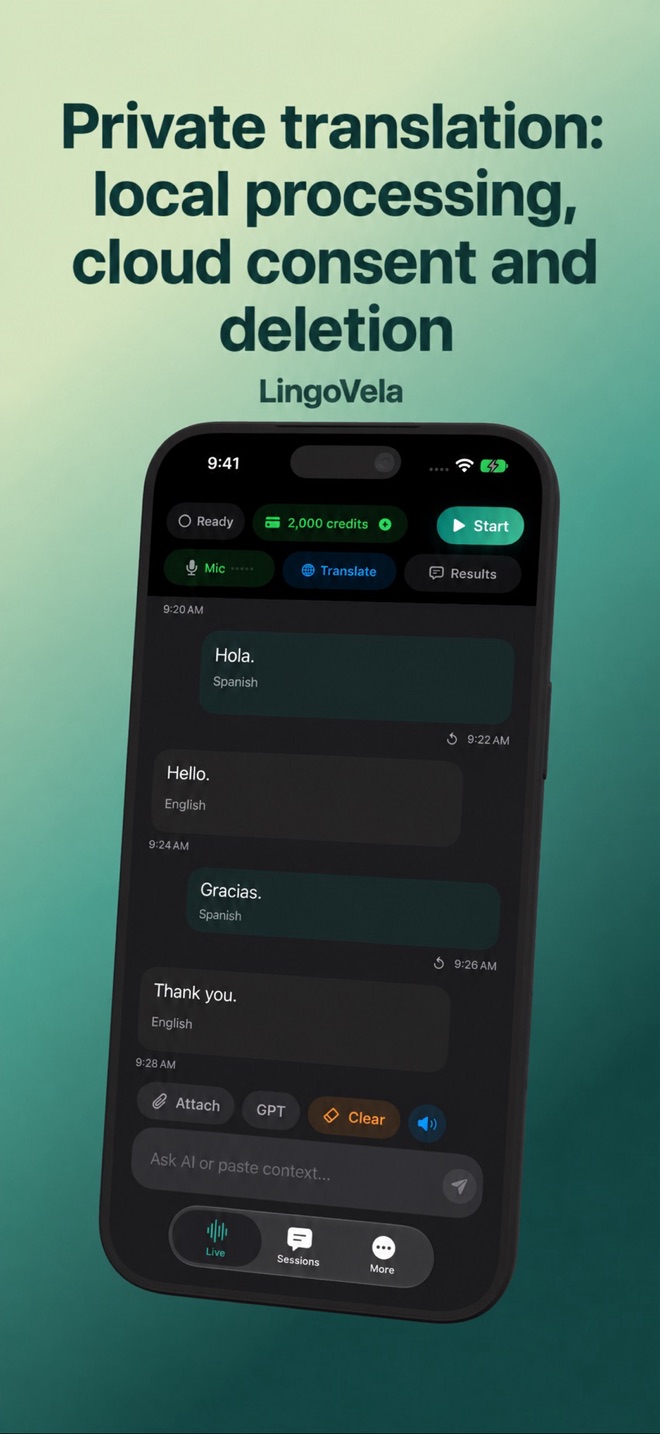 Private translation: local processing, cloud consent and deletionCompare processing, saved history and account records in translation apps. Check the right policy, provider consent and deletion before sharing speech.
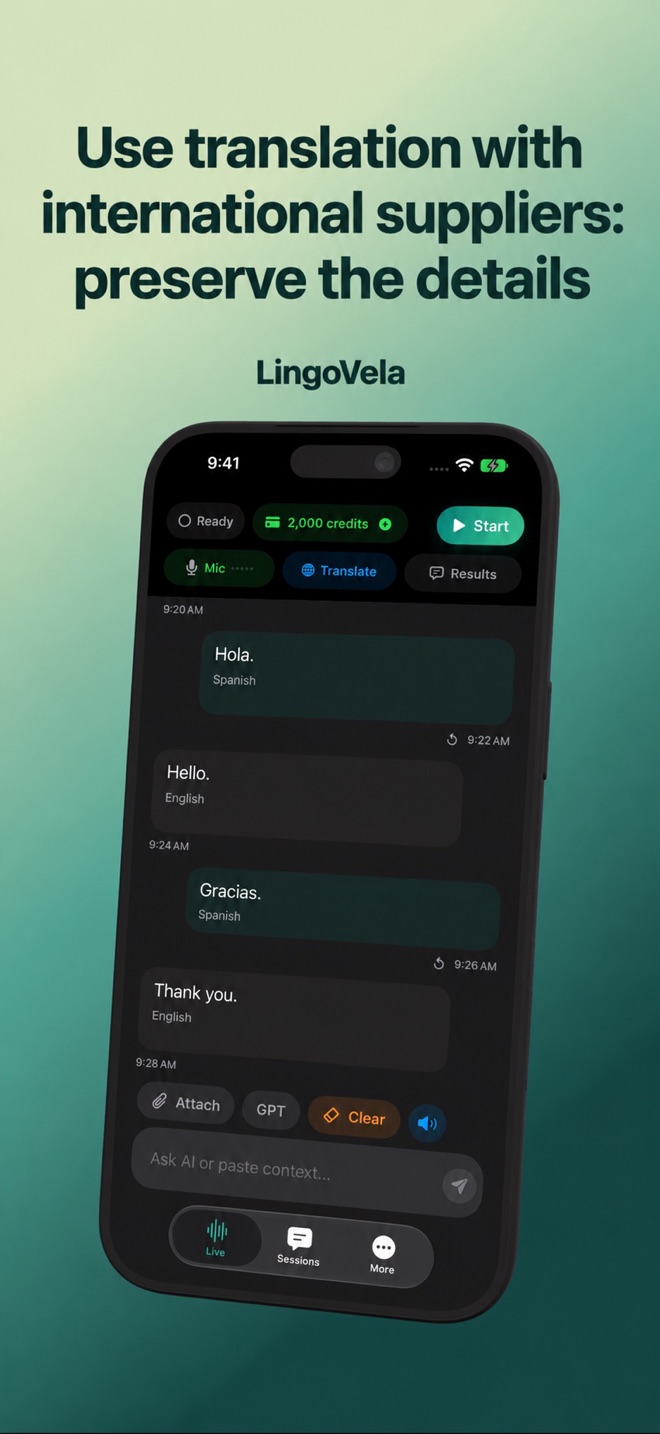 Use translation with international suppliers: preserve the detailsA practical checklist for supplier conversations: specifications, quantities, dates and written confirmation. Know the limits of a voice translator.
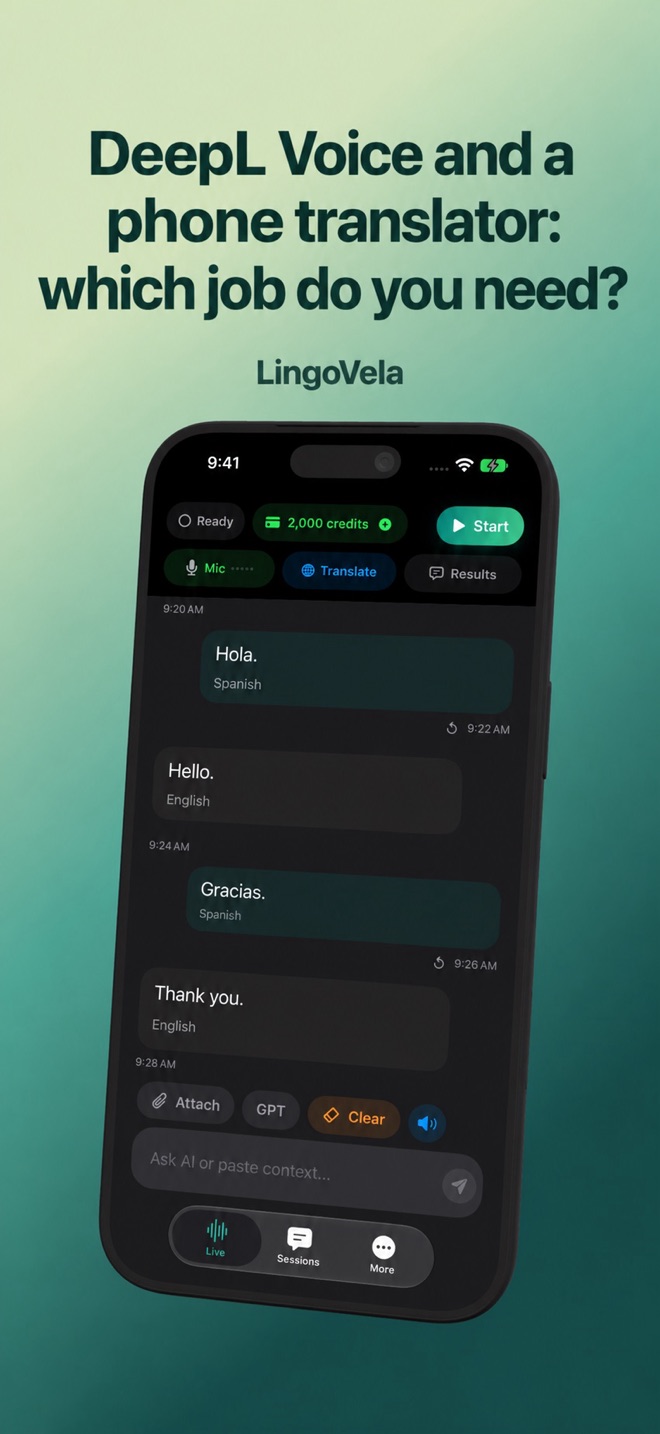 DeepL Voice and a phone translator: which job do you need?Compare DeepL Voice conversations, group sessions and meetings with a phone translator. Check speaker controls, glossary, voice output and transcript sharing.
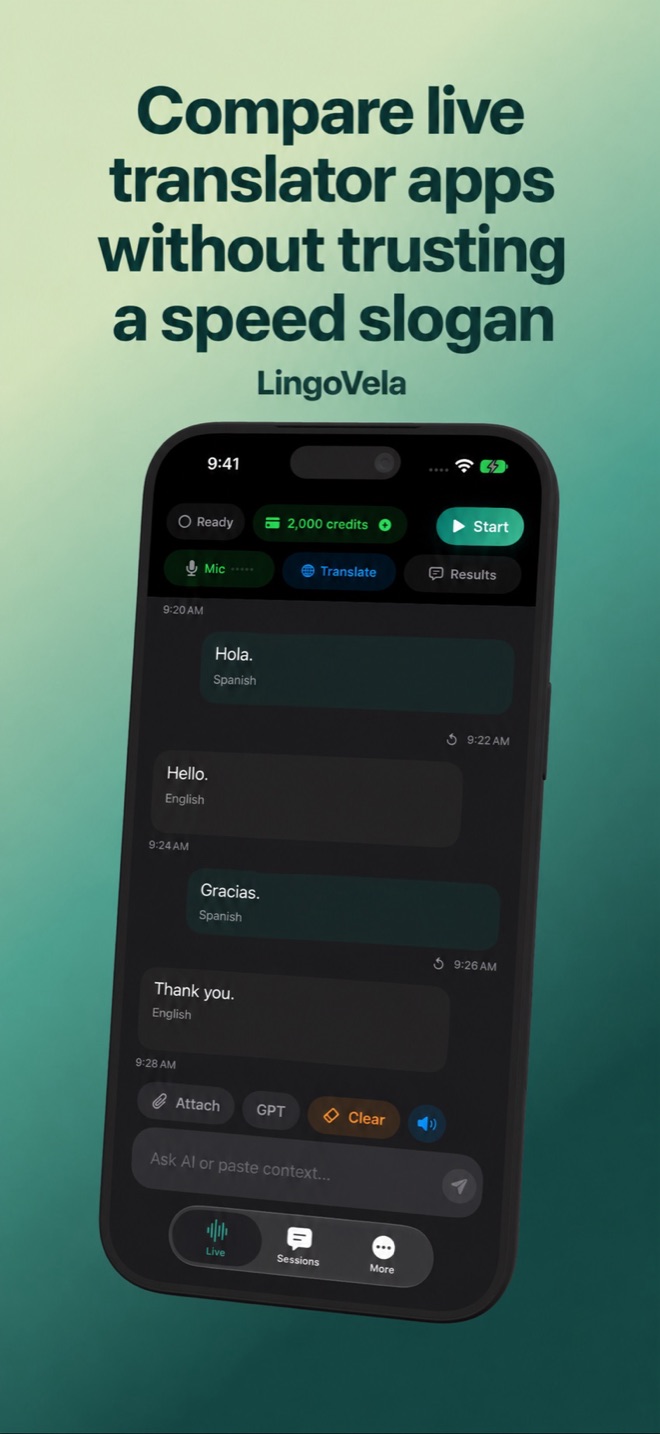 Compare live translator apps without trusting a speed sloganCompare live translation latency fairly: predictive subtitles, stable text and spoken output need different checks. Use a correction and meaning test.
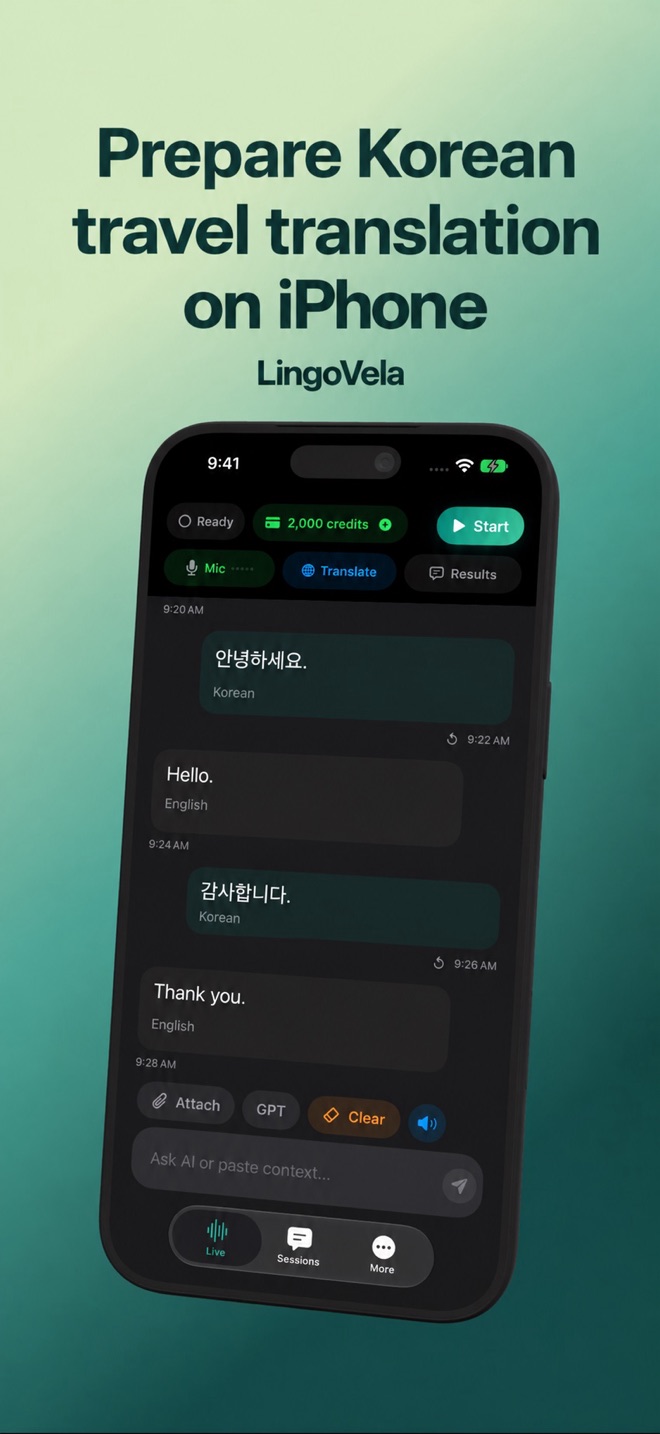 Prepare Korean travel translation on iPhonePrepare English–Korean exchanges before travel: compare offline modes, keep Hangul addresses, confirm menu quantities and make a fallback plan.
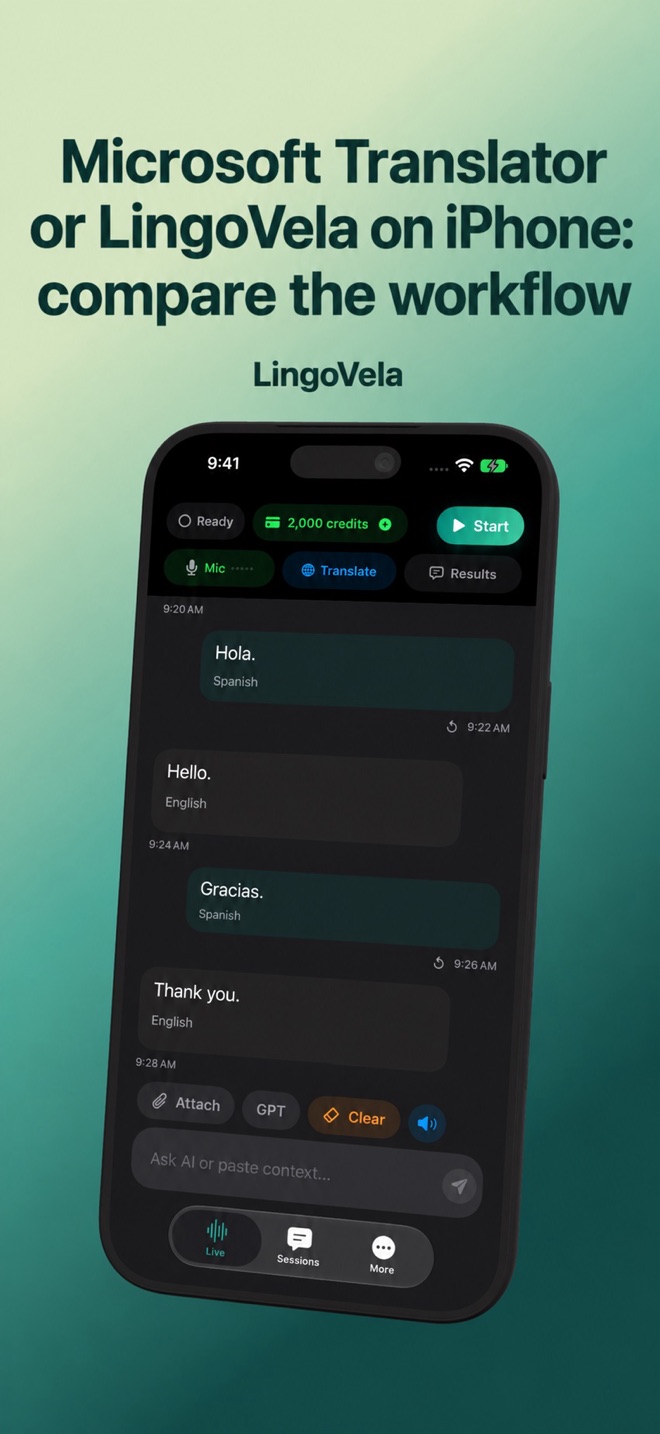 Microsoft Translator or LingoVela on iPhone: compare the workflowCompare Microsoft Translator and LingoVela by speech controls, connectivity and cost. Separate the free consumer app from developer APIs.
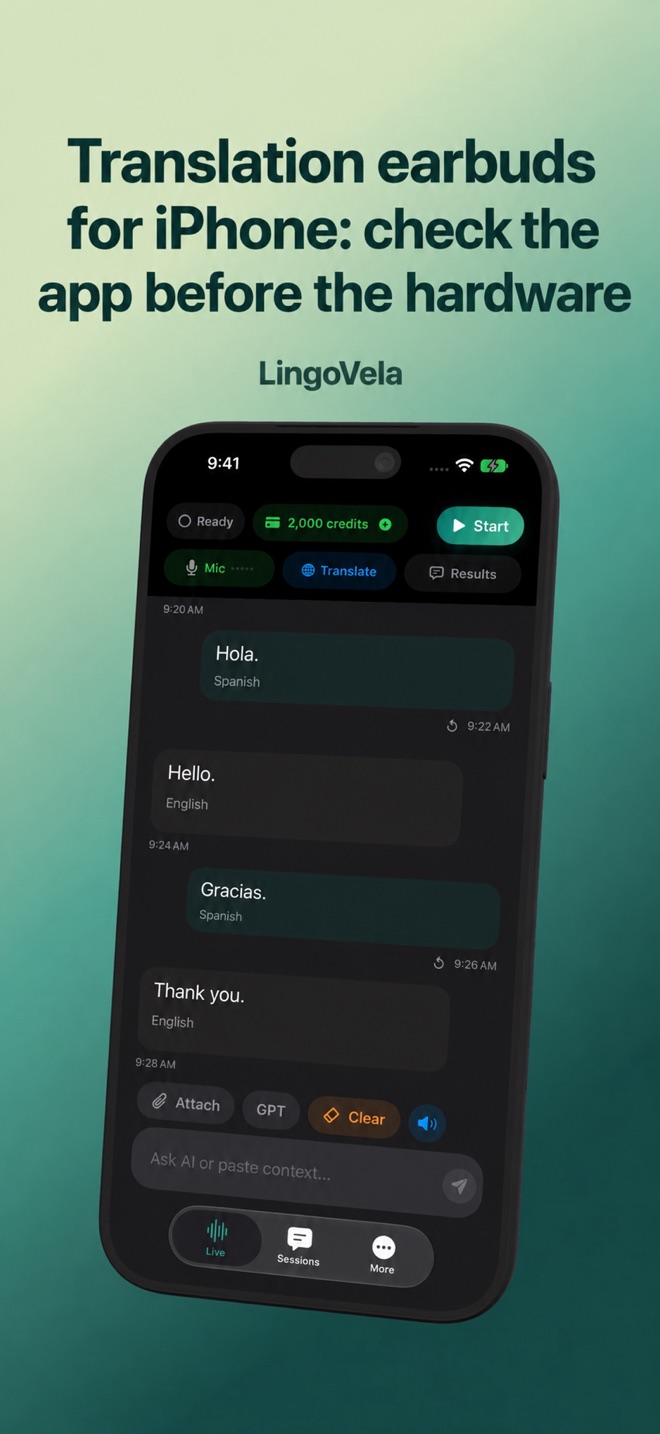 Translation earbuds for iPhone: check the app before the hardwareA practical translation-earbud checklist: iPhone support, microphones, playback, subscriptions and offline tests. No untested product rankings.
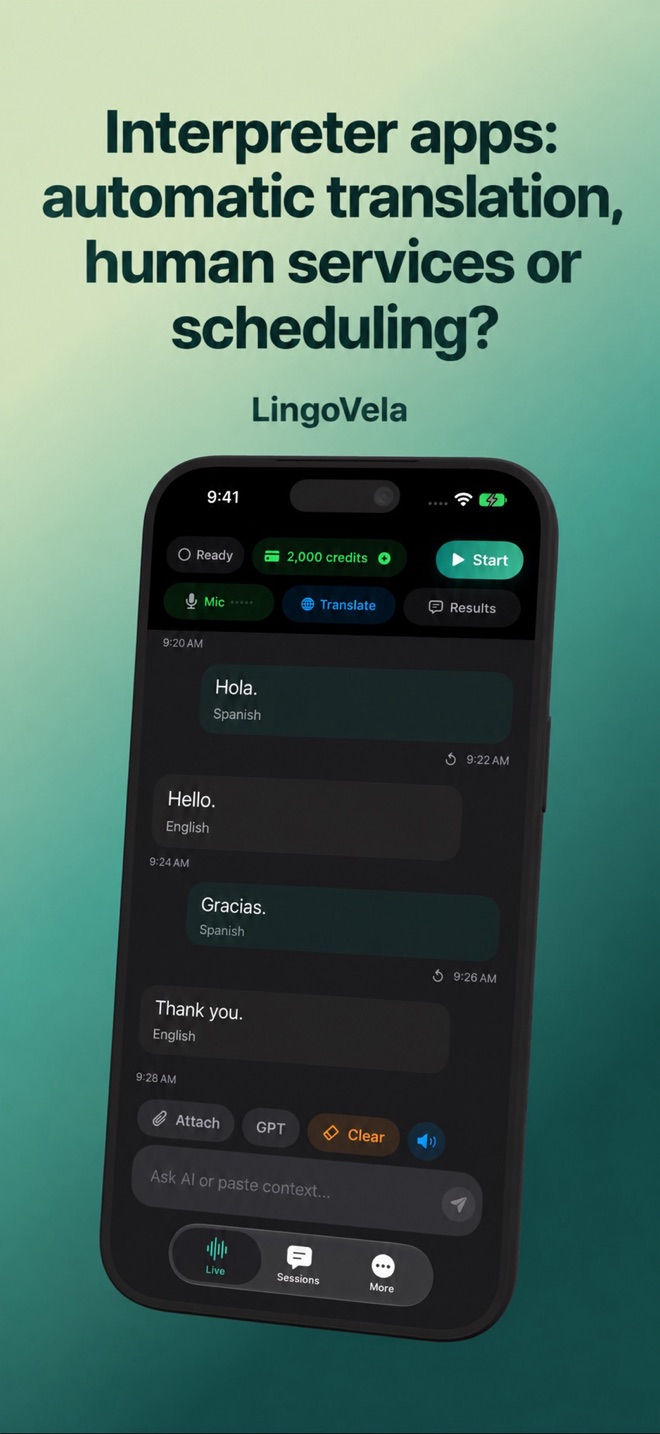 Interpreter apps: automatic translation, human services or scheduling?LanguageLine, CyraCom, Interpreter Intelligence and AI translators solve different jobs. Identify the service you need before choosing an app.
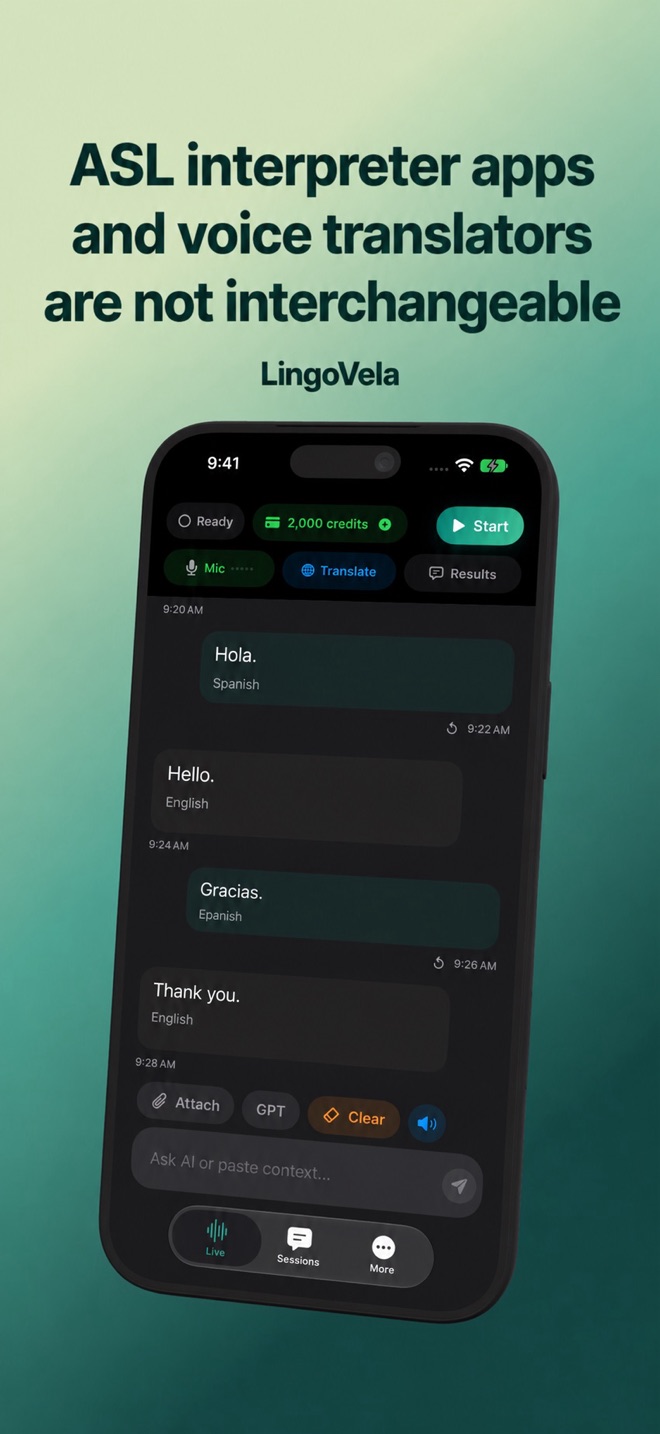 ASL interpreter apps and voice translators are not interchangeableLearn the difference between signed-language interpreting, video access to a human interpreter and automatic spoken-language translation.
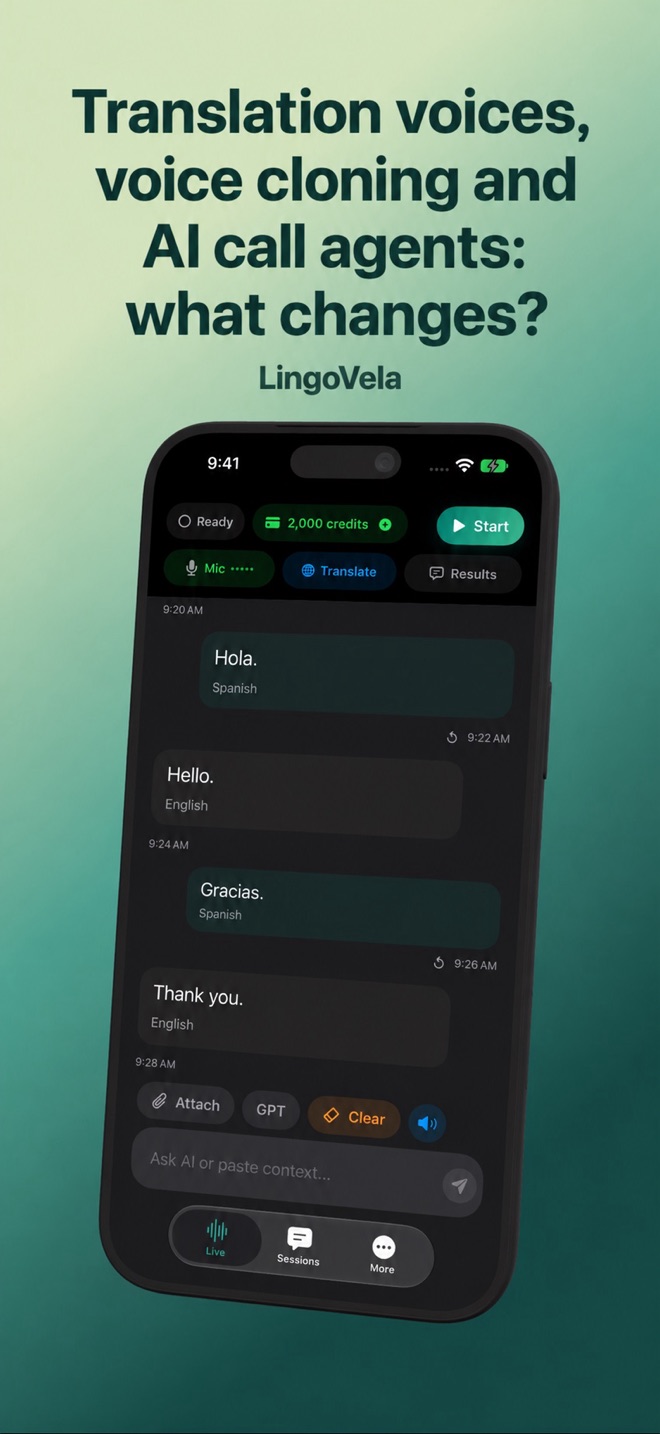 Translation voices, voice cloning and AI call agents: what changes?Distinguish a translated voice, a voice clone and an autonomous call agent. Know who is speaking and how to verify the translated meaning.
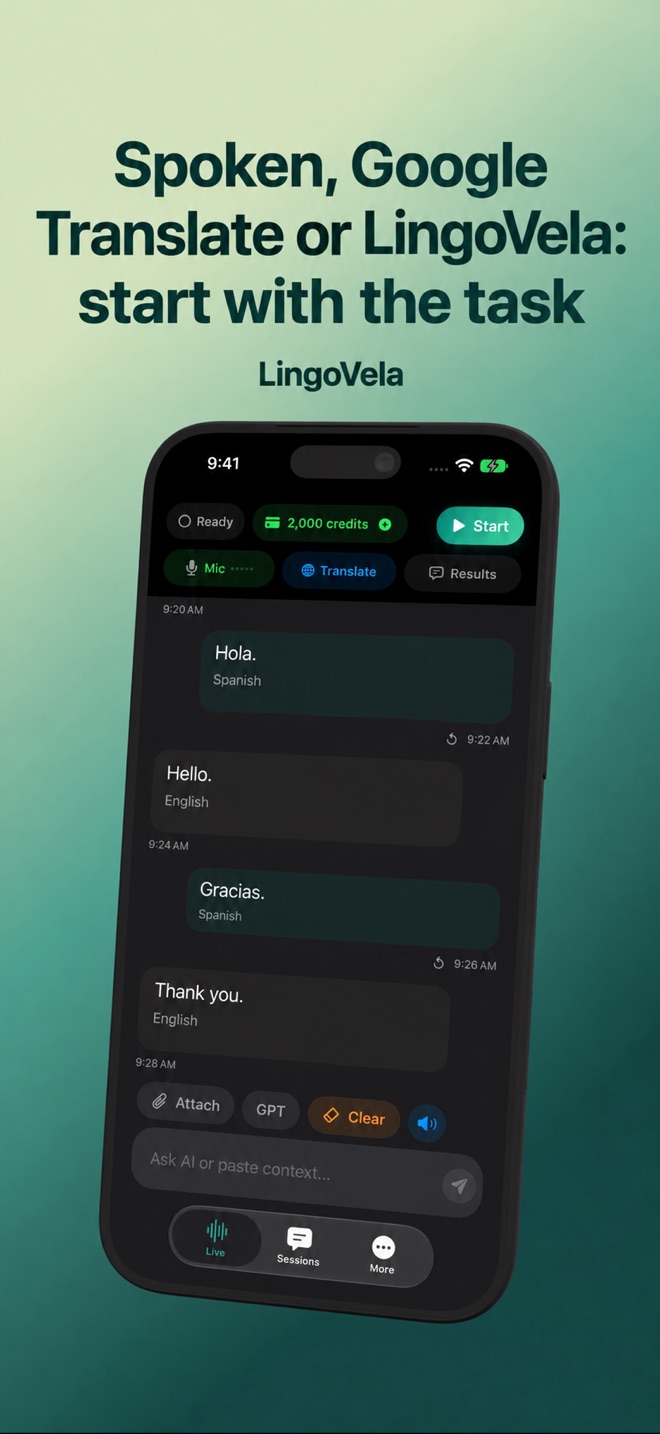 Spoken, Google Translate or LingoVela: start with the taskCompare listening captions, Google’s speech-translation rollout and LingoVela’s conversation modes. Choose by workflow, not an untested ranking.
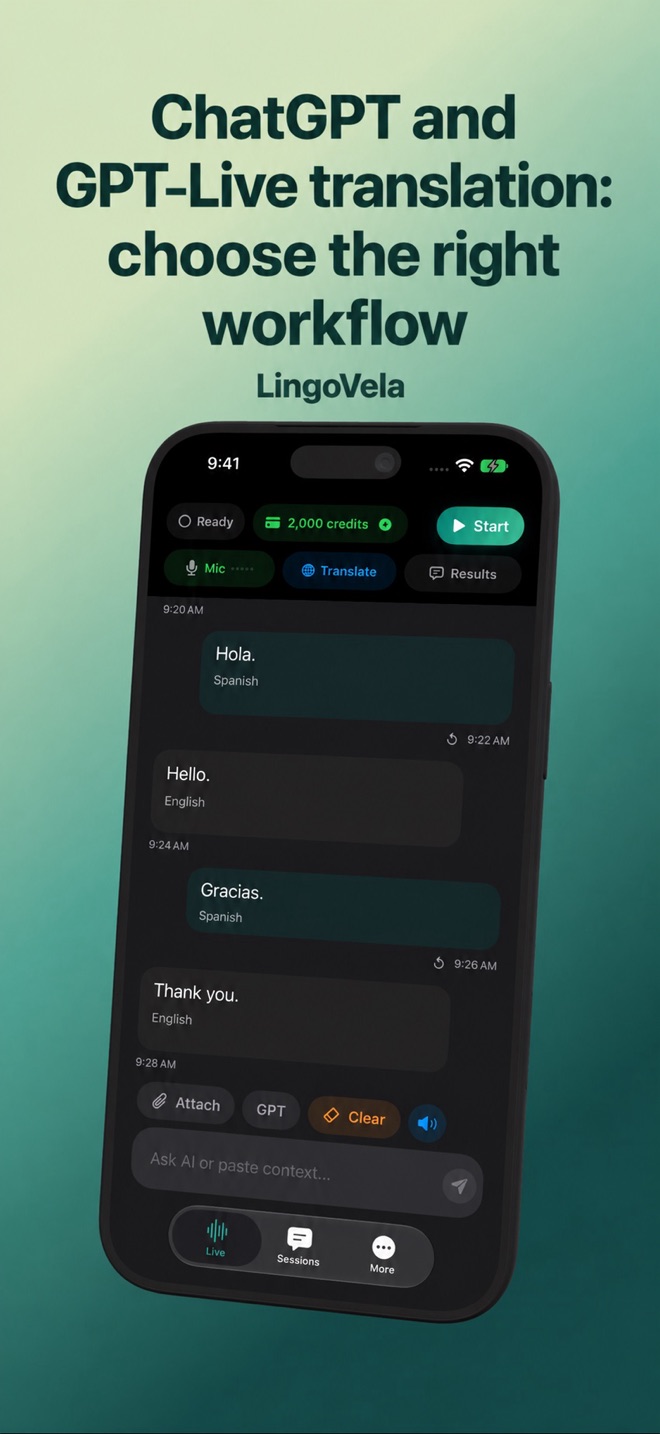 ChatGPT and GPT-Live translation: choose the right workflowCompare ChatGPT Voice, GPT-Live and dedicated translation apps by task. Test questions, repetition and language direction before a real conversation.
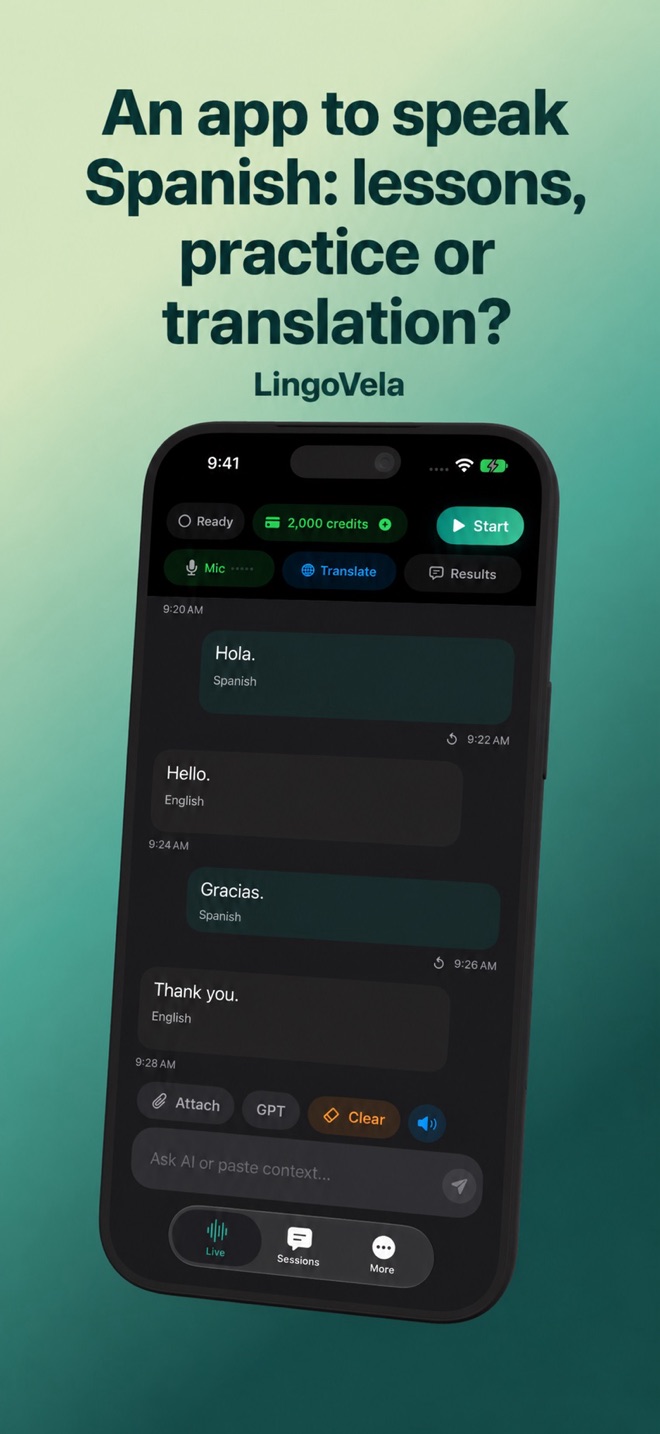 An app to speak Spanish: lessons, practice or translation?Decide whether you need Speak’s Spanish lessons, speaking practice or a translator for a real exchange. Use a repeatable exercise to compare them.
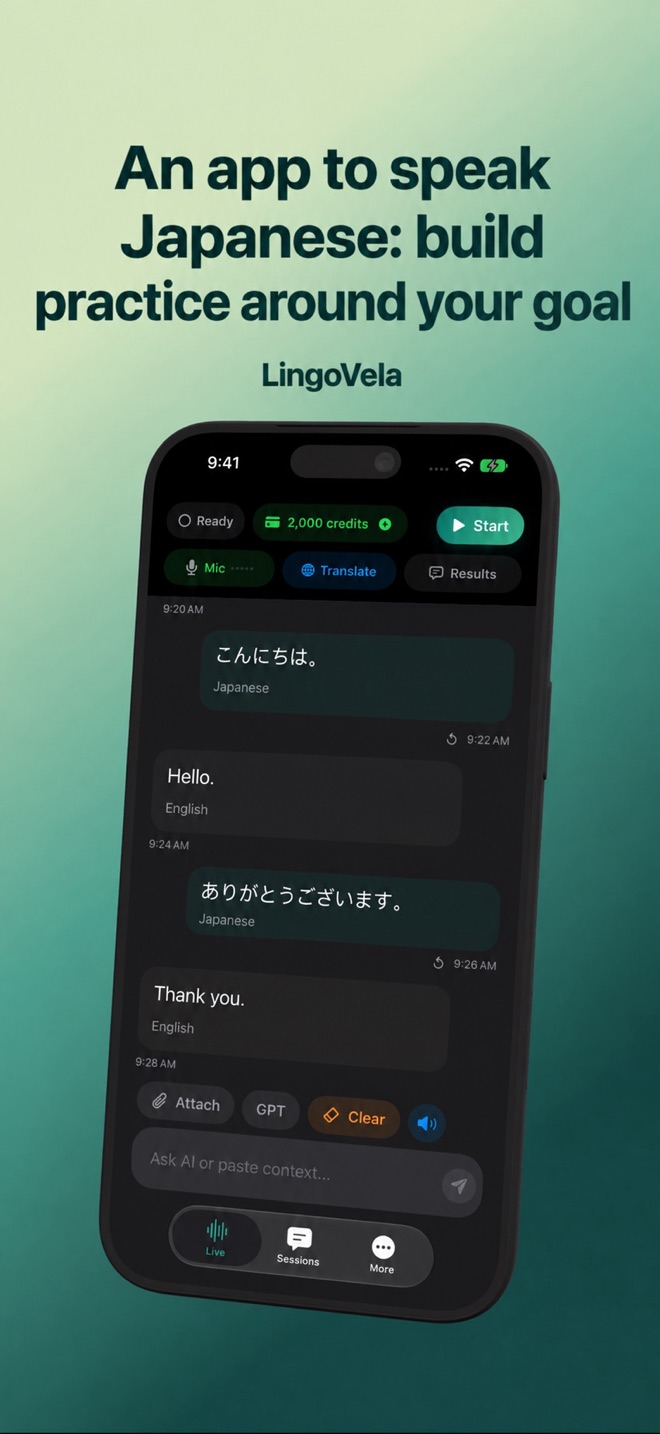 An app to speak Japanese: build practice around your goalSeparate Japanese speaking courses, kana practice and conversation translation. Compare official Japan Foundation resources with a practical study routine.
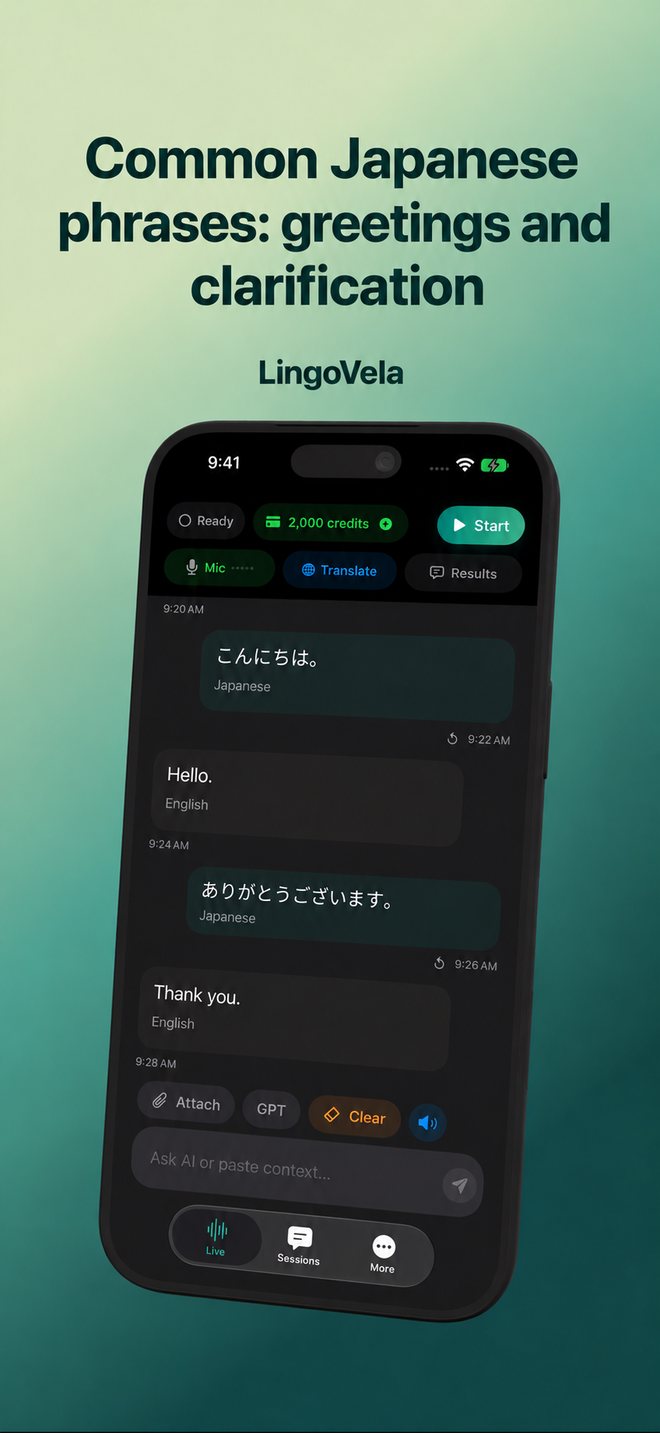 Common Japanese phrases: greetings and clarificationPractise nine Japanese greetings, polite expressions and requests for clarification with reading aids, official lesson audio and a simple follow-up check.
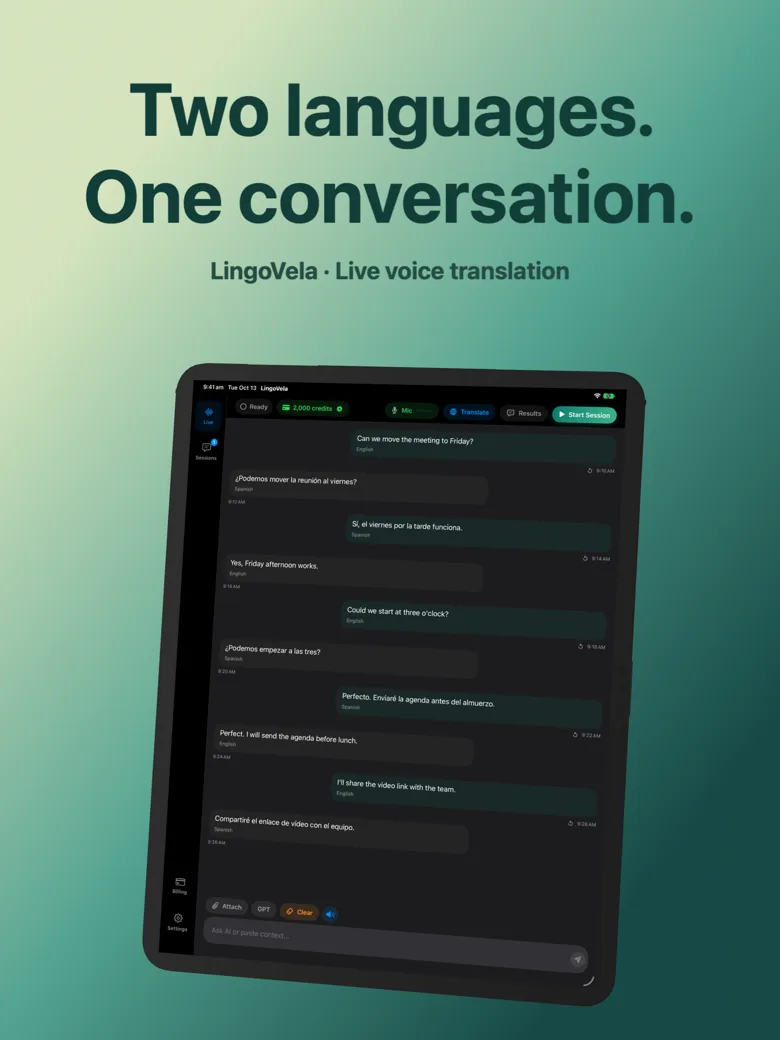 Choose an interpreter app for international business: start with the meetingCompare in-person translation, interpreted calls and multilingual meetings. A practical brief, pilot and recovery plan for choosing business interpretation.
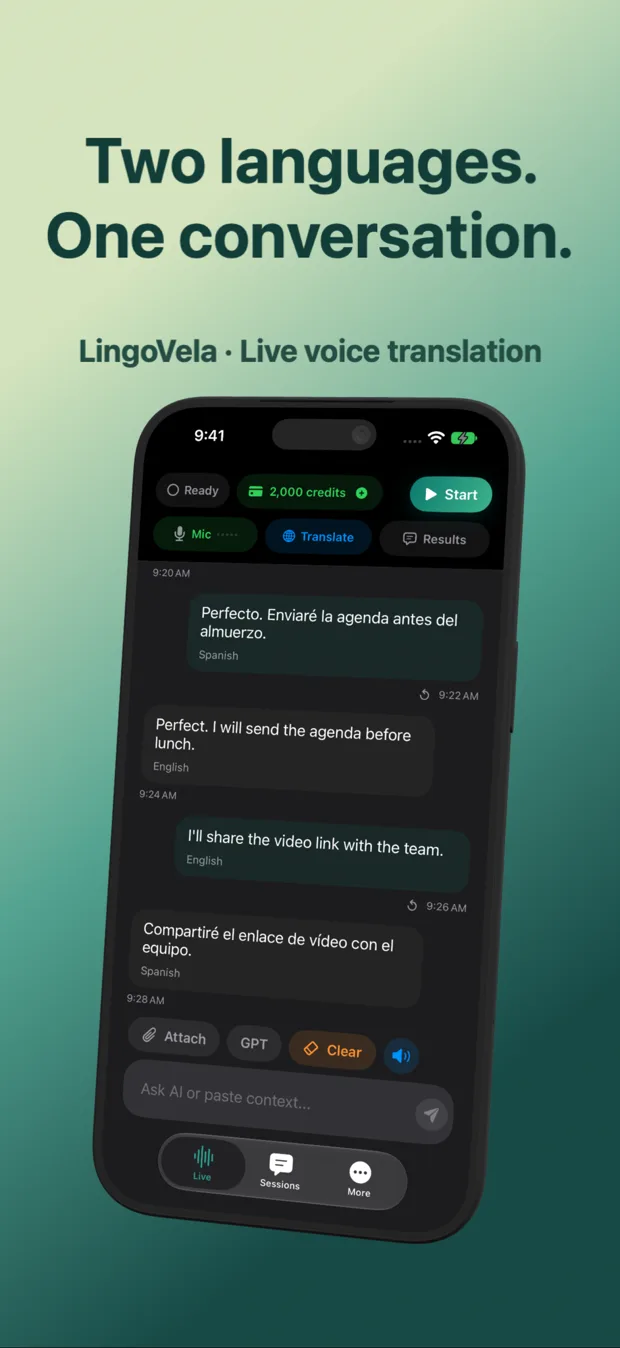 OpenAI live translation: choose an app or build with the APINeed a live translator or building one? Compare the app workflow with OpenAI speech translation, audio routing, transcripts and a practical test plan.
- Translate a livestream on iPhone when subtitles are missingCheck live captions, iPhone transcription and supported audio translation. Test missing subtitles, wrong languages and delay one stage at a time.
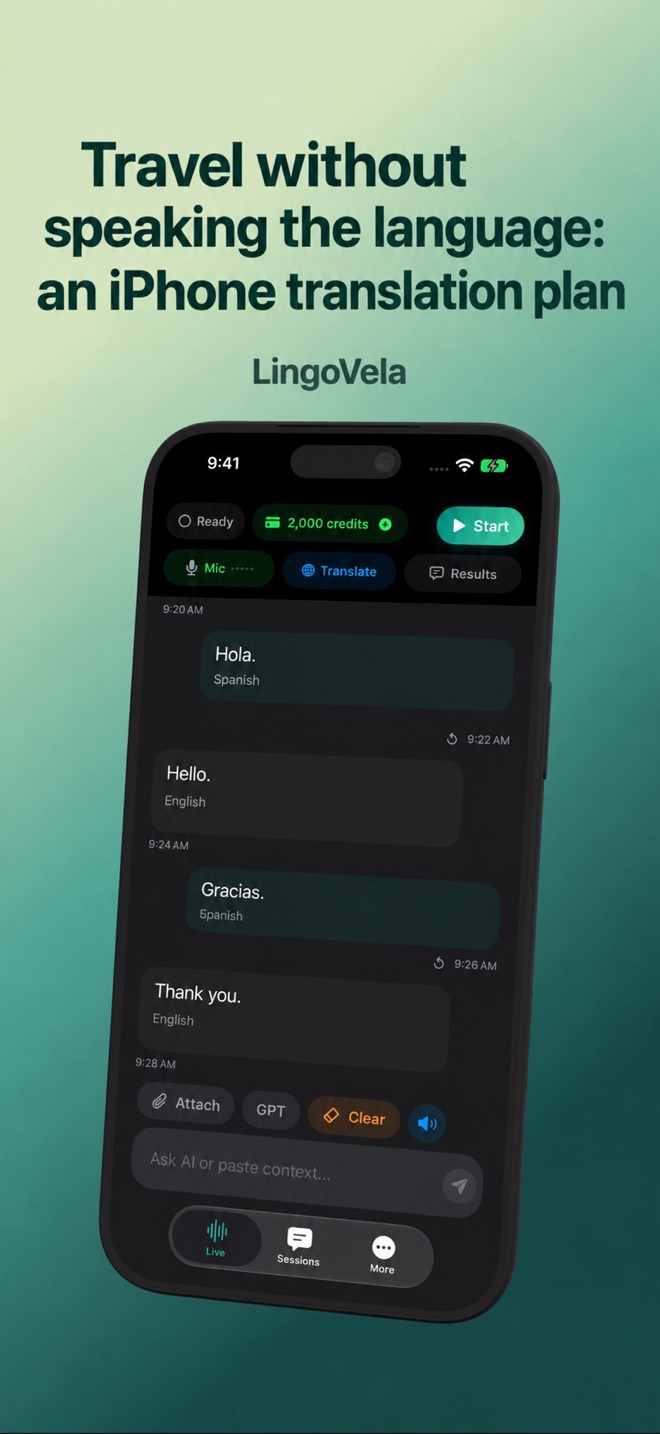 Travel without speaking the language: an iPhone translation planPrepare conversations, downloaded models and written backups before travelling. Plan for no signal, a flat battery or a missing phone.
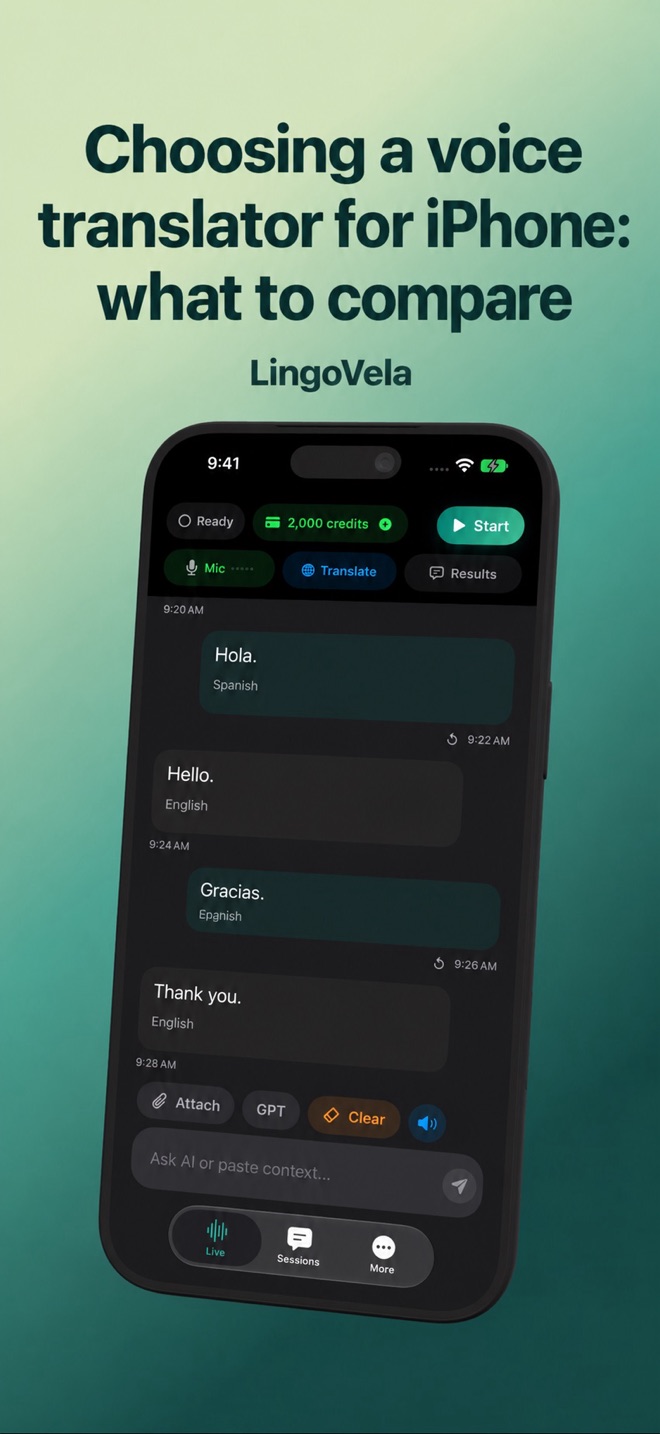 Choosing a voice translator for iPhone: what to compareCompare conversation, offline, camera and meeting translation. A practical iPhone checklist, with LingoVela’s requirements and limits.
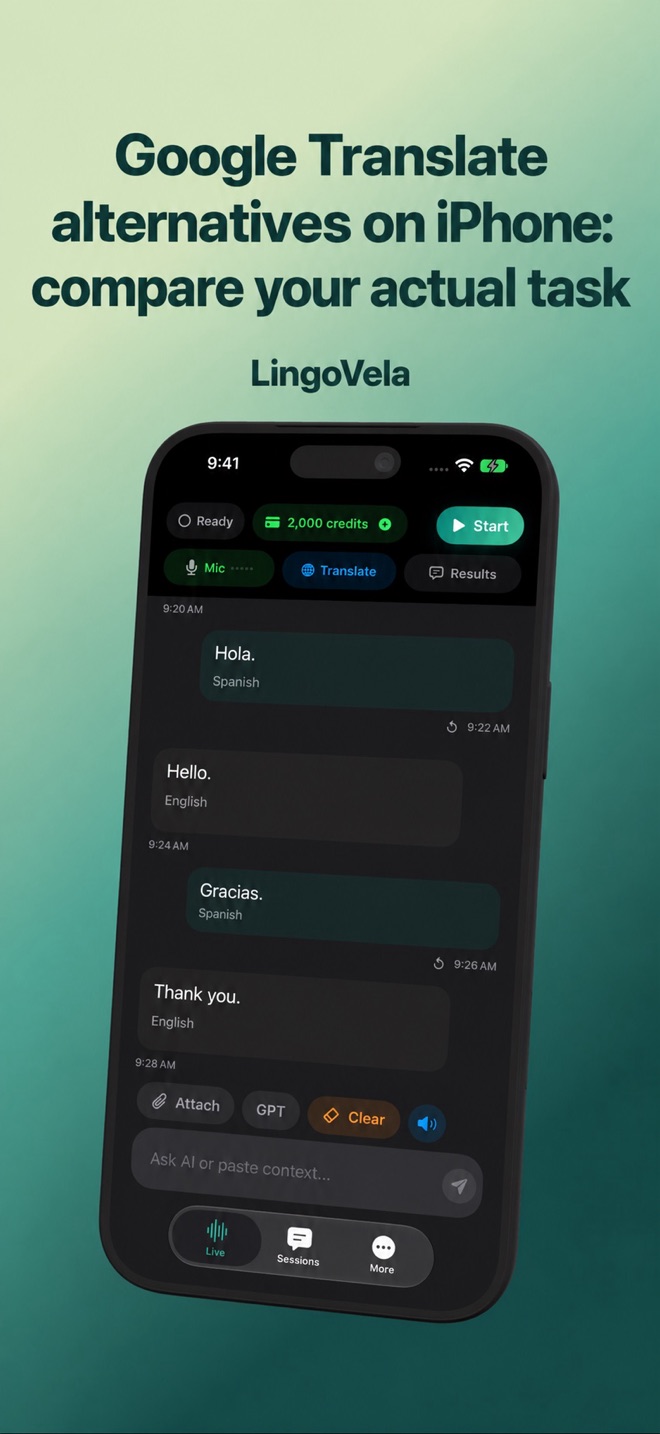 Google Translate alternatives on iPhone: compare your actual taskCompare conversation output, images, documents, offline preparation and provider choice. Decide whether LingoVela solves your specific translation task.
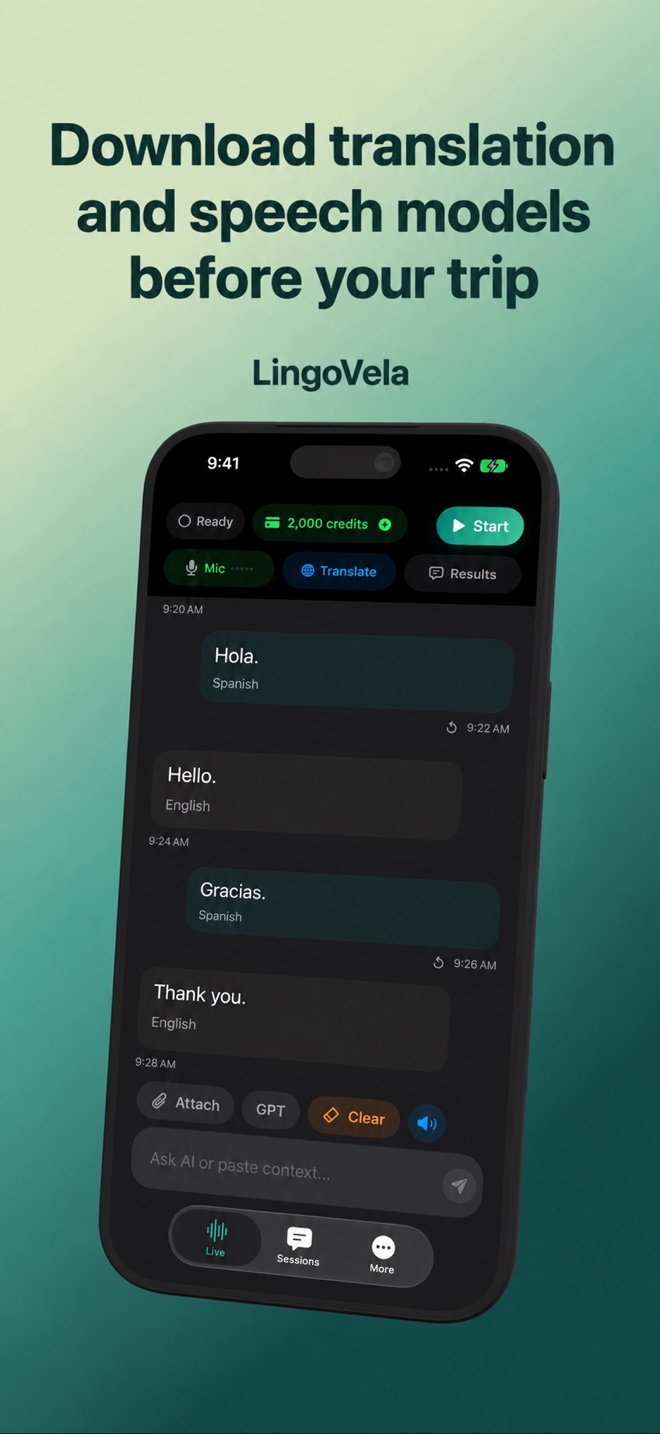 Download translation and speech models before your tripPrepare, check and remove local translation assets in LingoVela. Understand why a speech download can be needed separately.
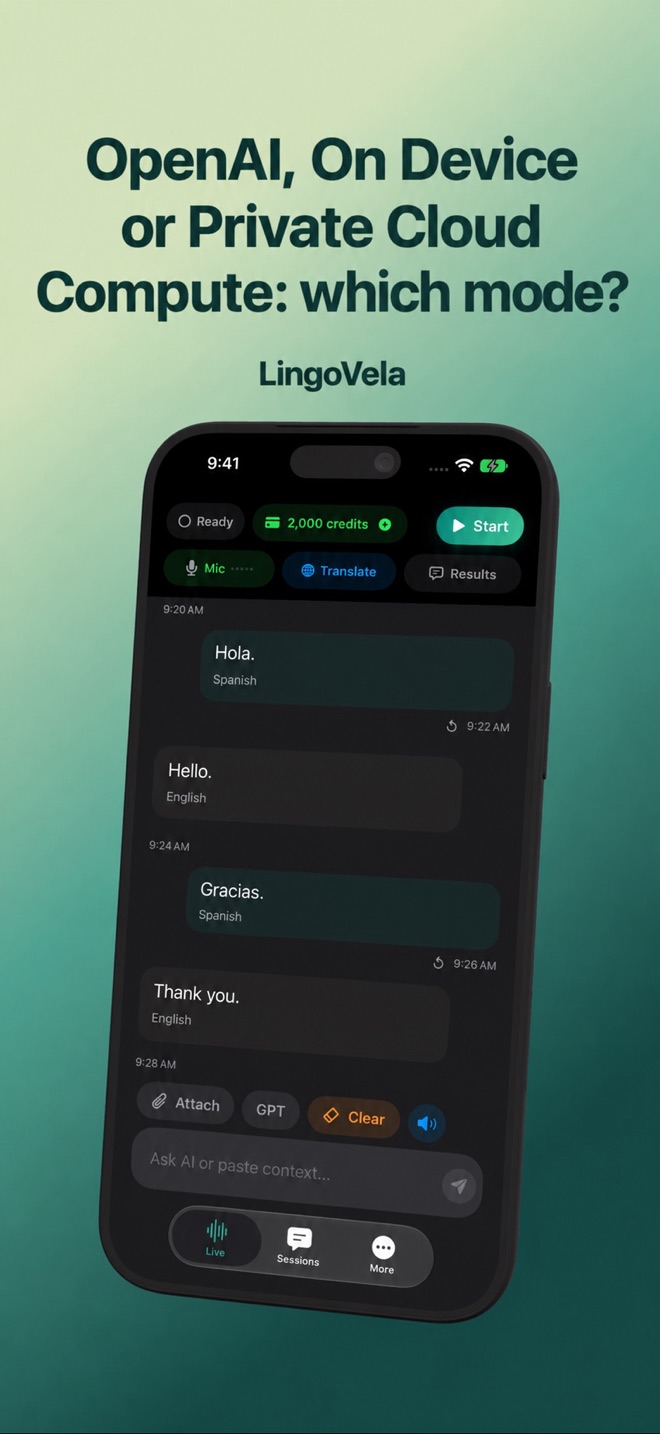 OpenAI, On Device or Private Cloud Compute: which mode?Choose a LingoVela translation mode by connectivity, languages, device support and credits. Understand the difference before starting.
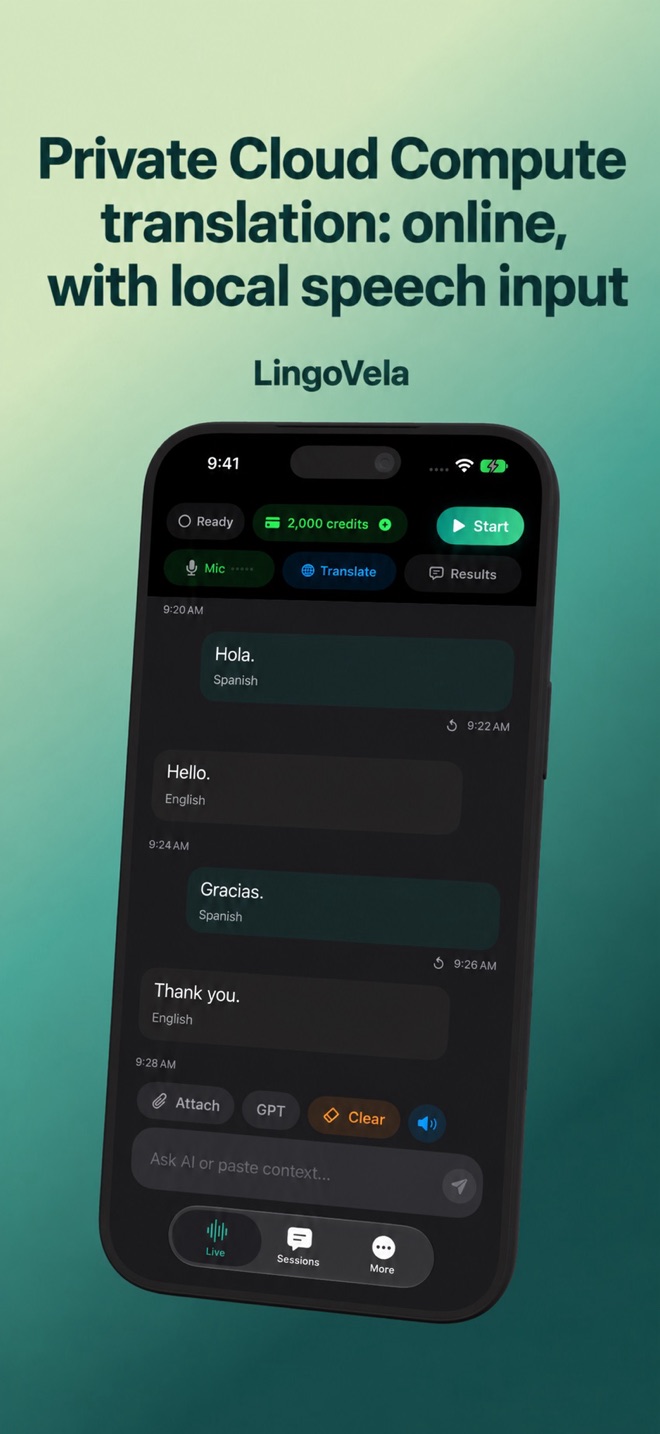 Private Cloud Compute translation: online, with local speech inputHow LingoVela uses Private Cloud Compute, why speech assets may download, and how supported devices, consent and credits affect access.
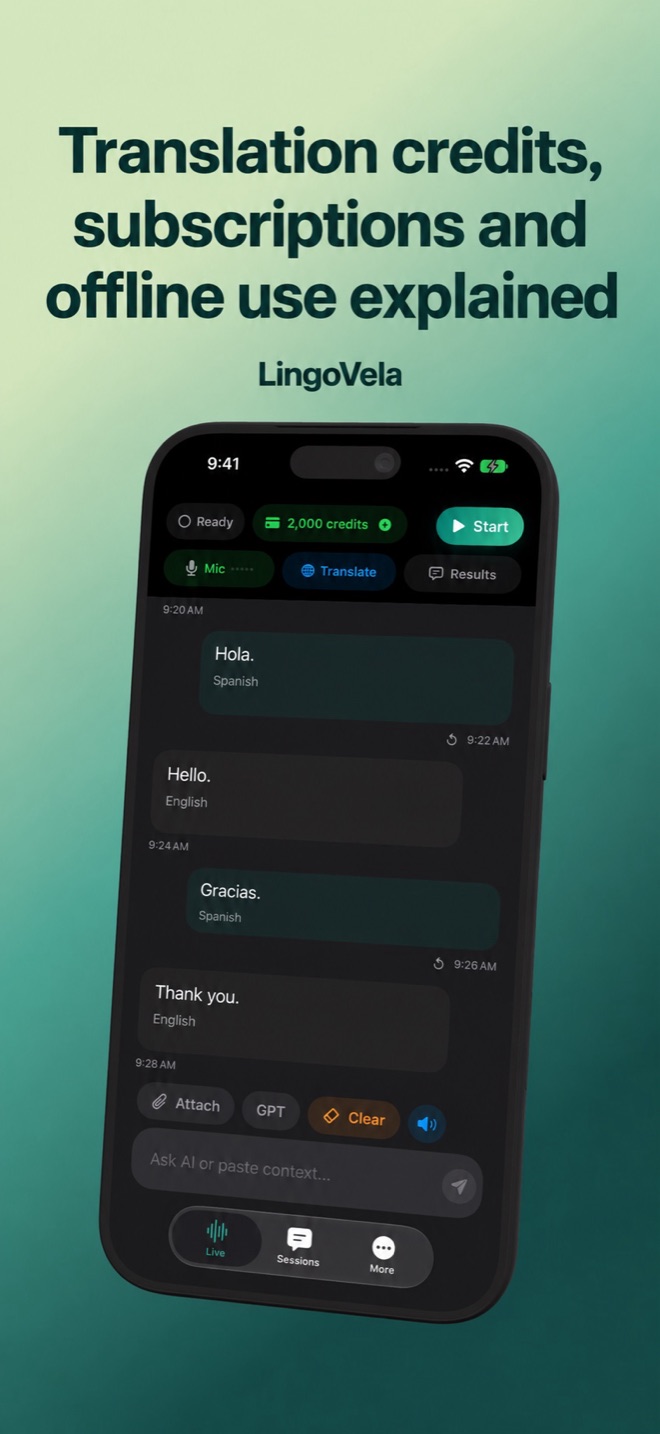 Translation credits, subscriptions and offline use explainedUnderstand LingoVela’s monthly access, 2,000 included credits, optional packs and the difference between online and local translation.
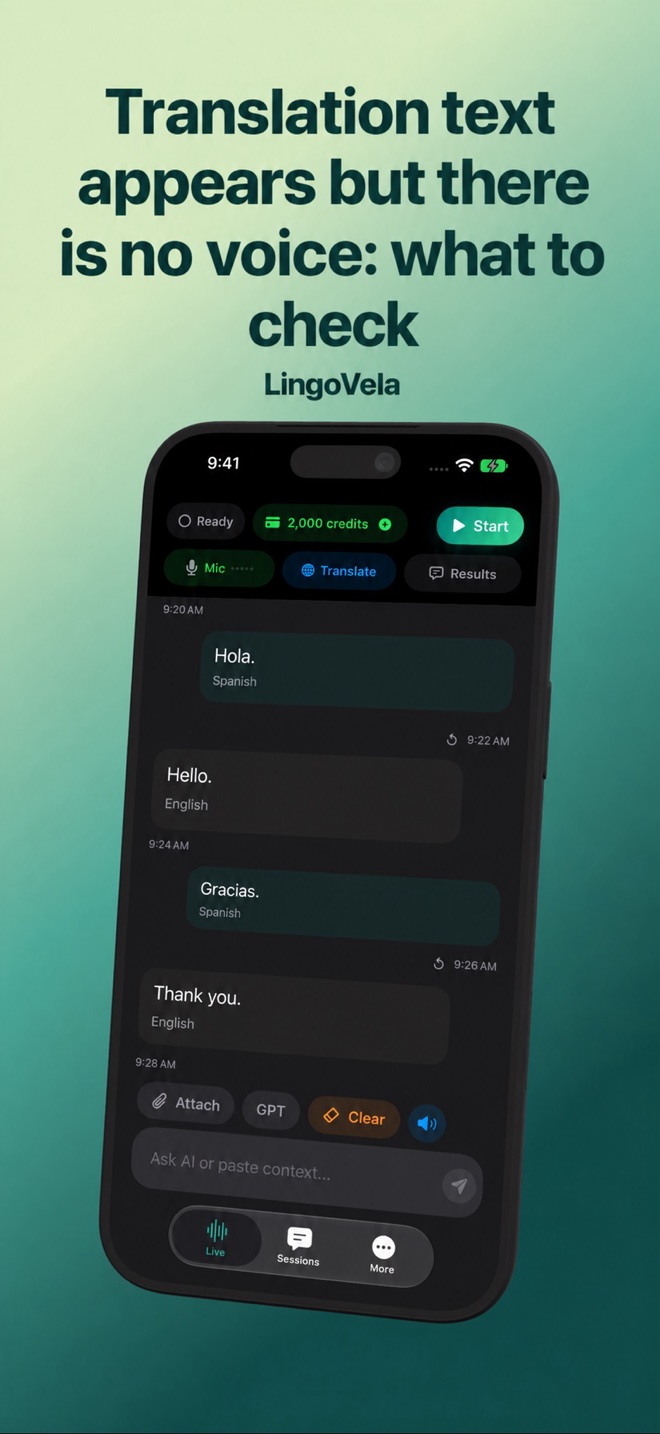 Translation text appears but there is no voice: what to checkCheck spoken-reply settings, volume and audio routes when a translator displays text but stays silent. Separate playback from missing translation.
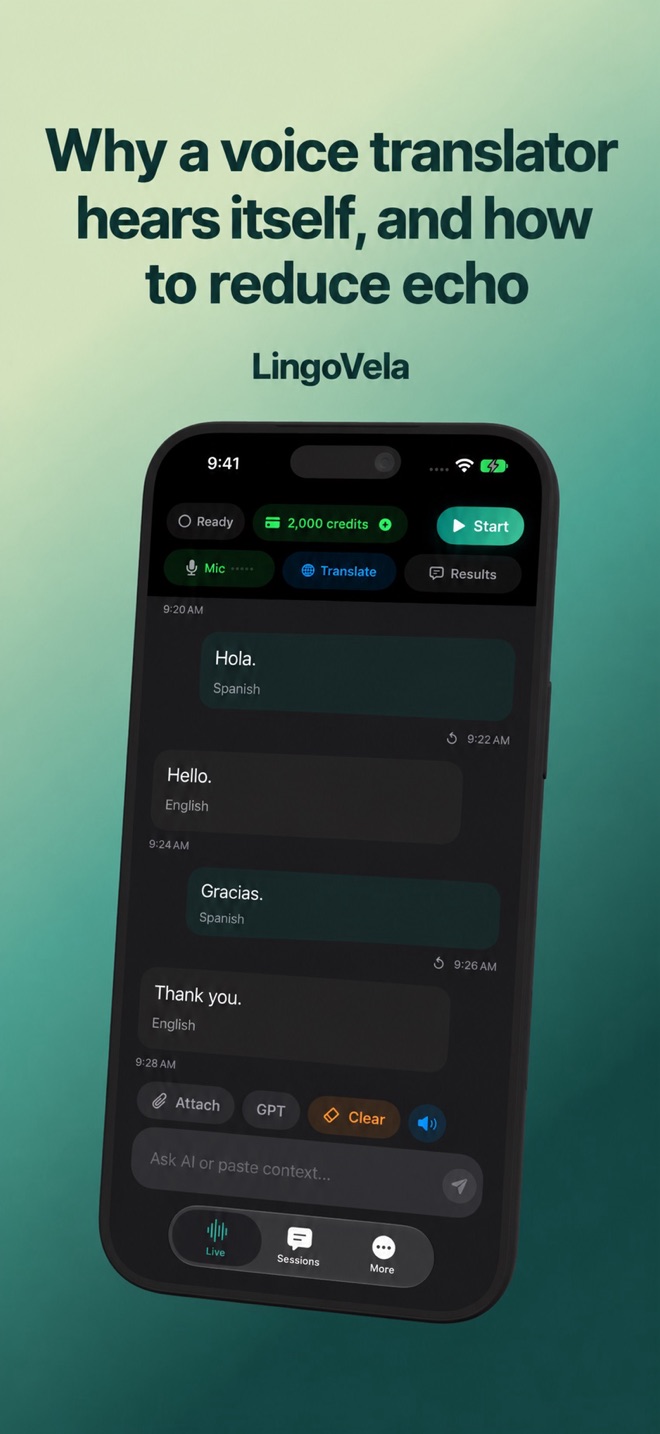 Why a voice translator hears itself, and how to reduce echoDiagnose repeated translations and audio feedback. Compare speaker, headset and quiet-room behaviour without confusing echo with a bad translation.
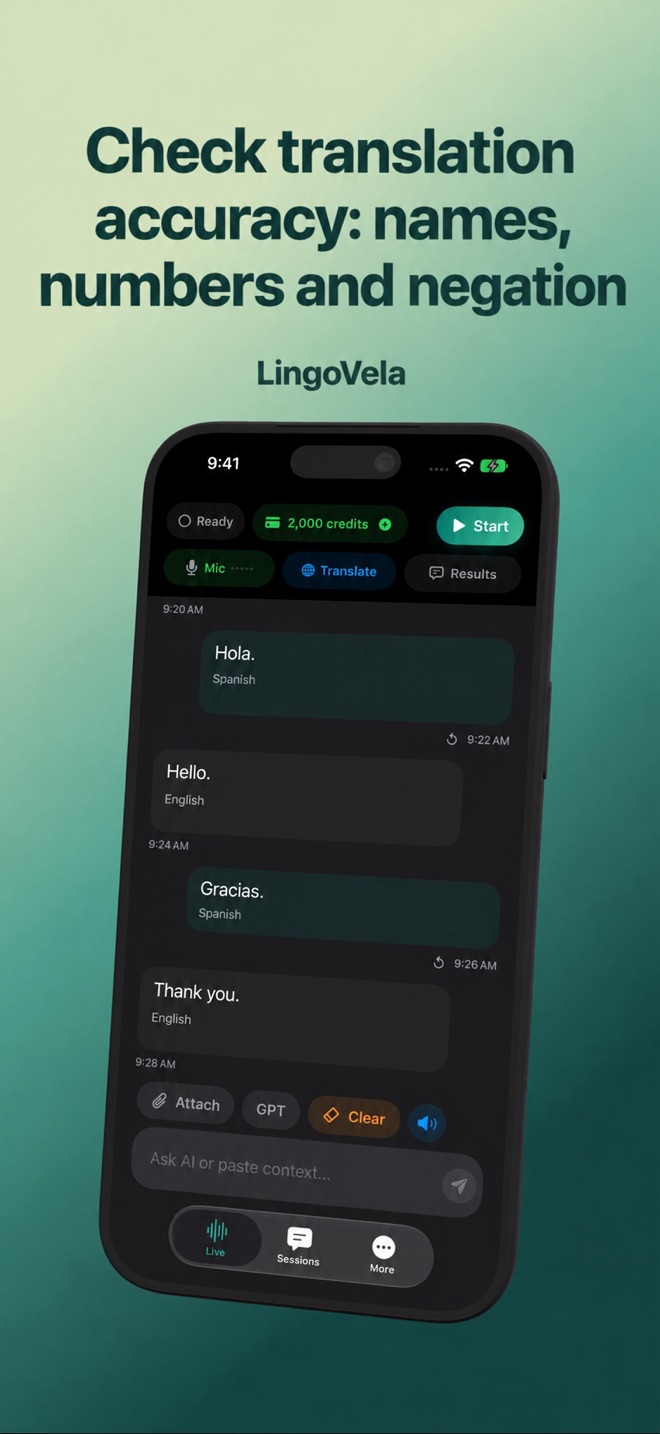 Check translation accuracy: names, numbers and negationA practical accuracy checklist for voice translation. Catch speech-recognition errors and verify meaning before relying on a fluent AI answer.
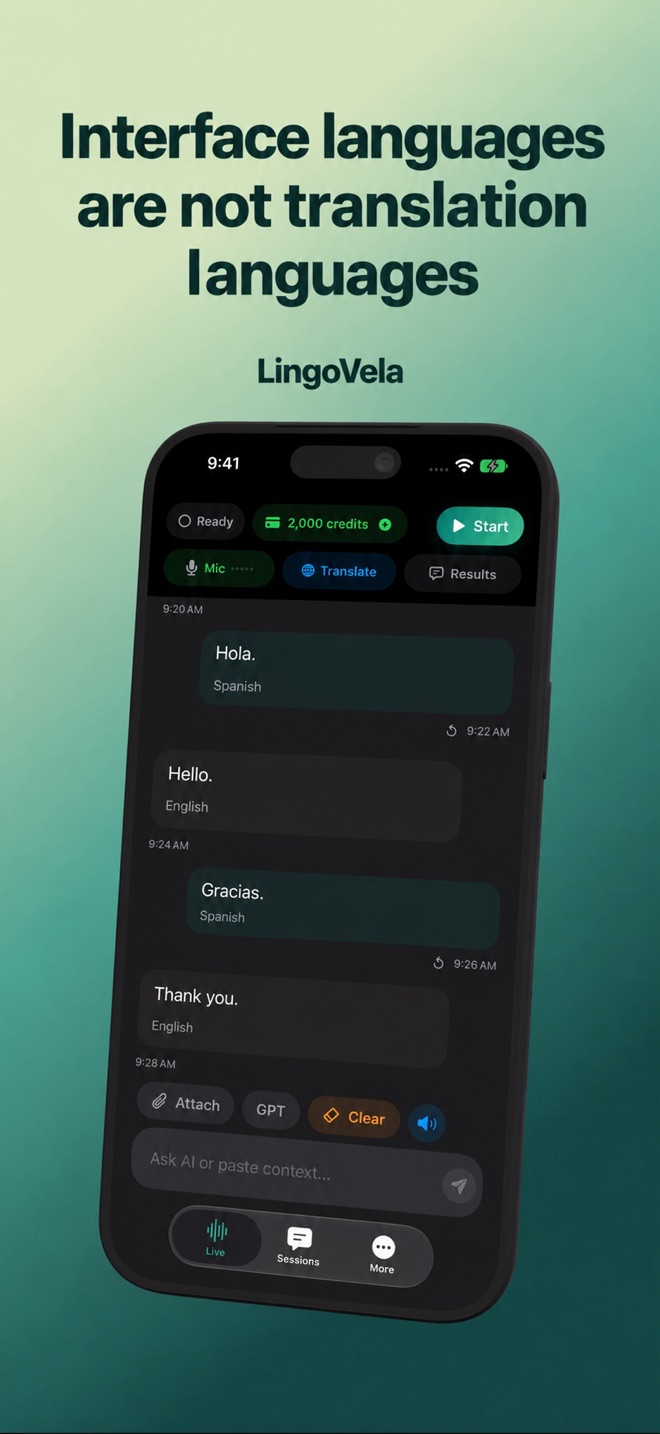 Interface languages are not translation languagesUnderstand LingoVela language support by mode: app interface, microphone recognition, translation pairs, speech output and downloaded models.
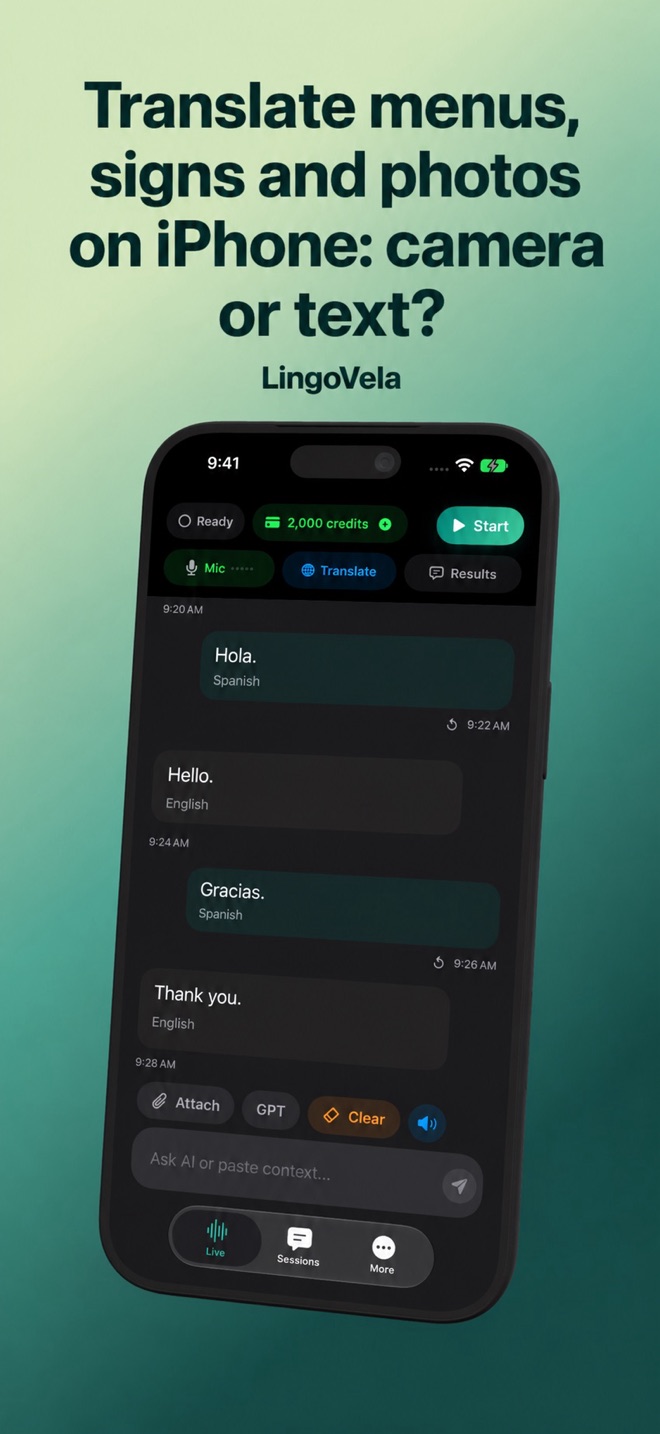 Translate menus, signs and photos on iPhone: camera or text?Choose live camera or saved-photo translation, check columns and prices, and prepare the exact offline mode. Learn LingoVela’s image-to-text workflow.
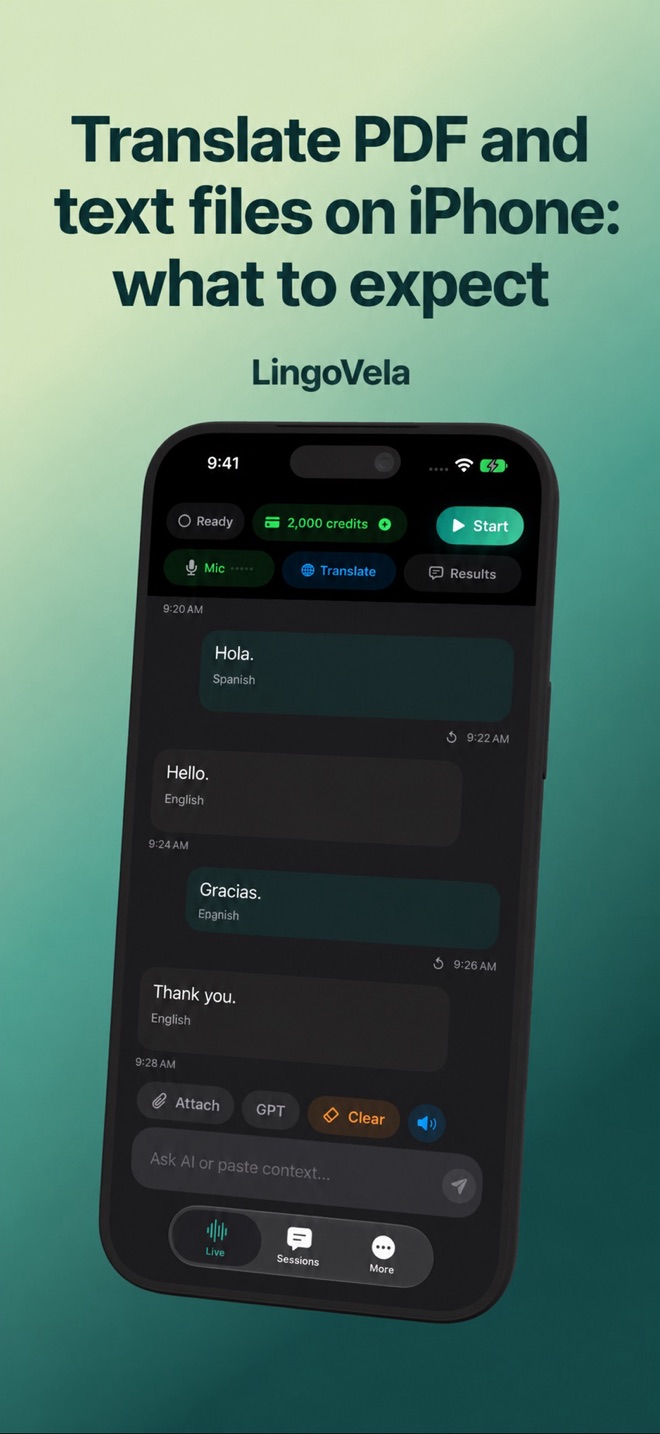 Translate PDF and text files on iPhone: what to expectUse readable PDF or text input for translation. Learn how scans, document layout and sensitive information change the workflow.
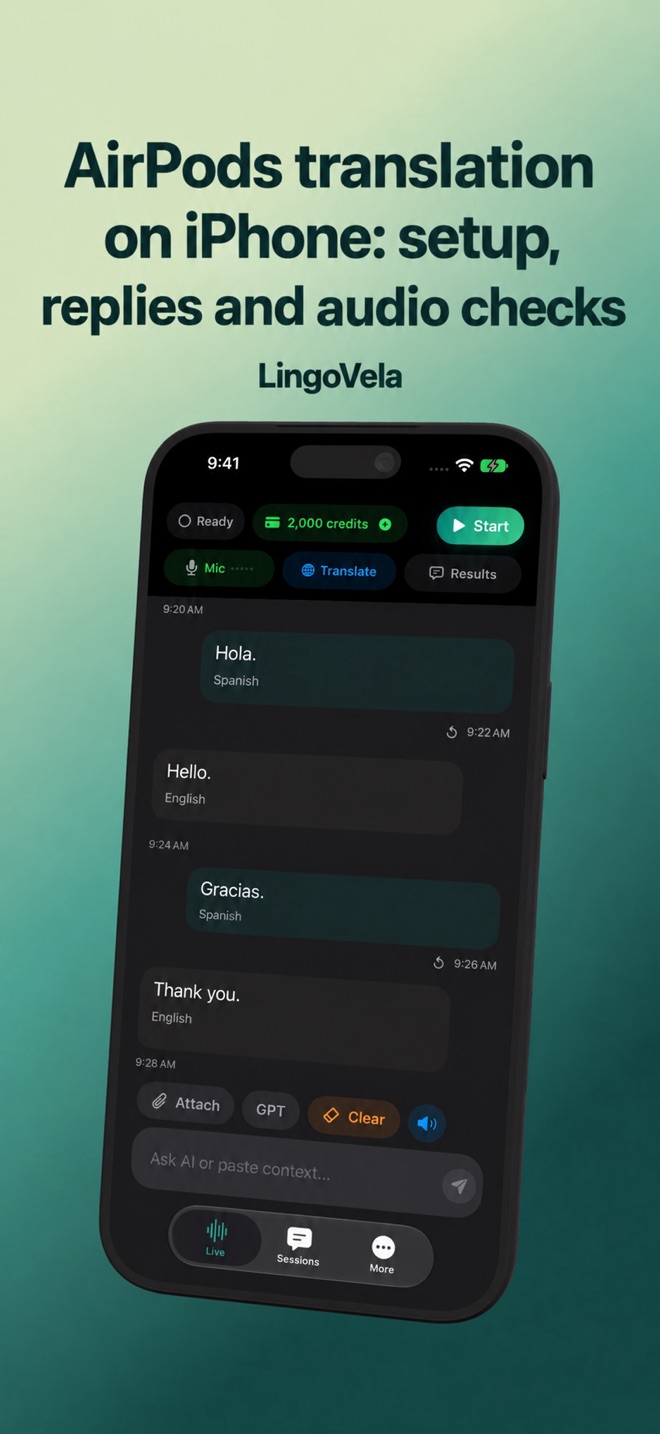 AirPods translation on iPhone: setup, replies and audio checksSeparate Apple Live Translation from headphone playback in an app. Check replies, microphone input, silent output and offline use with Bluetooth.
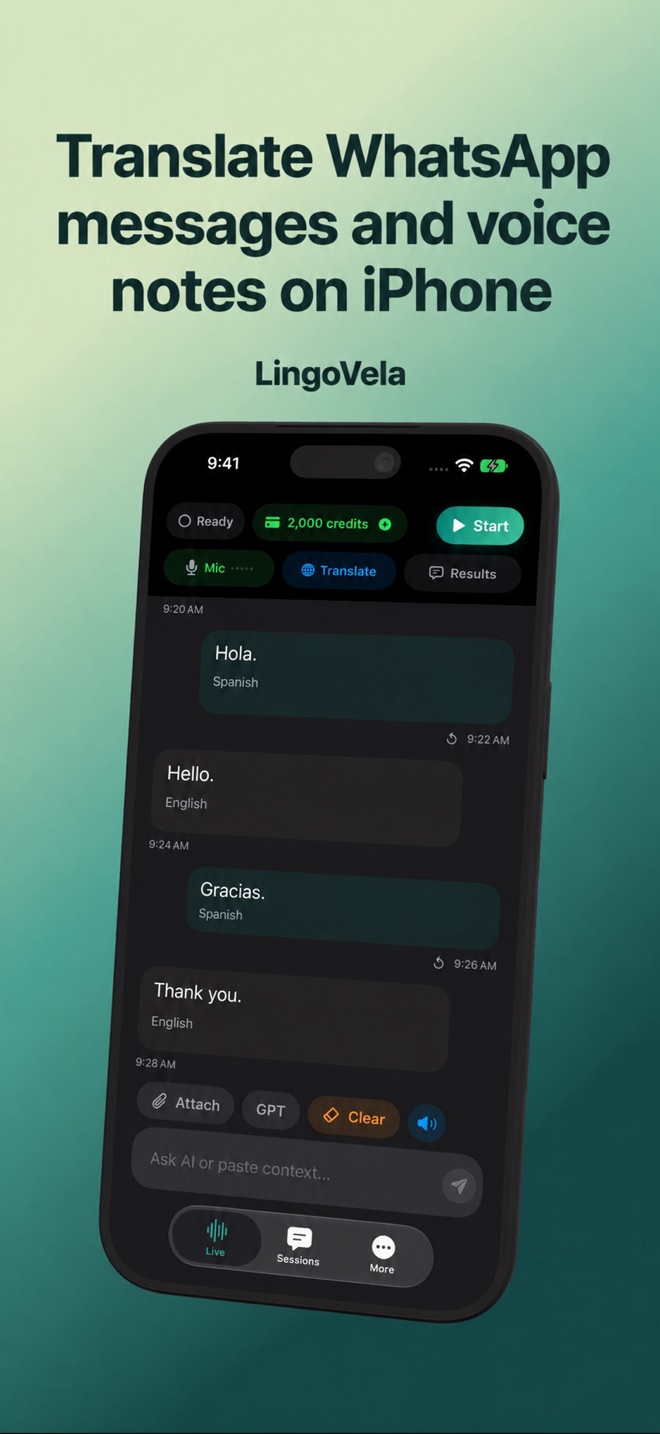 Translate WhatsApp messages and voice notes on iPhoneCheck WhatsApp’s text and transcript options, translate a permitted passage or supported audio file, then review your reply before sending.
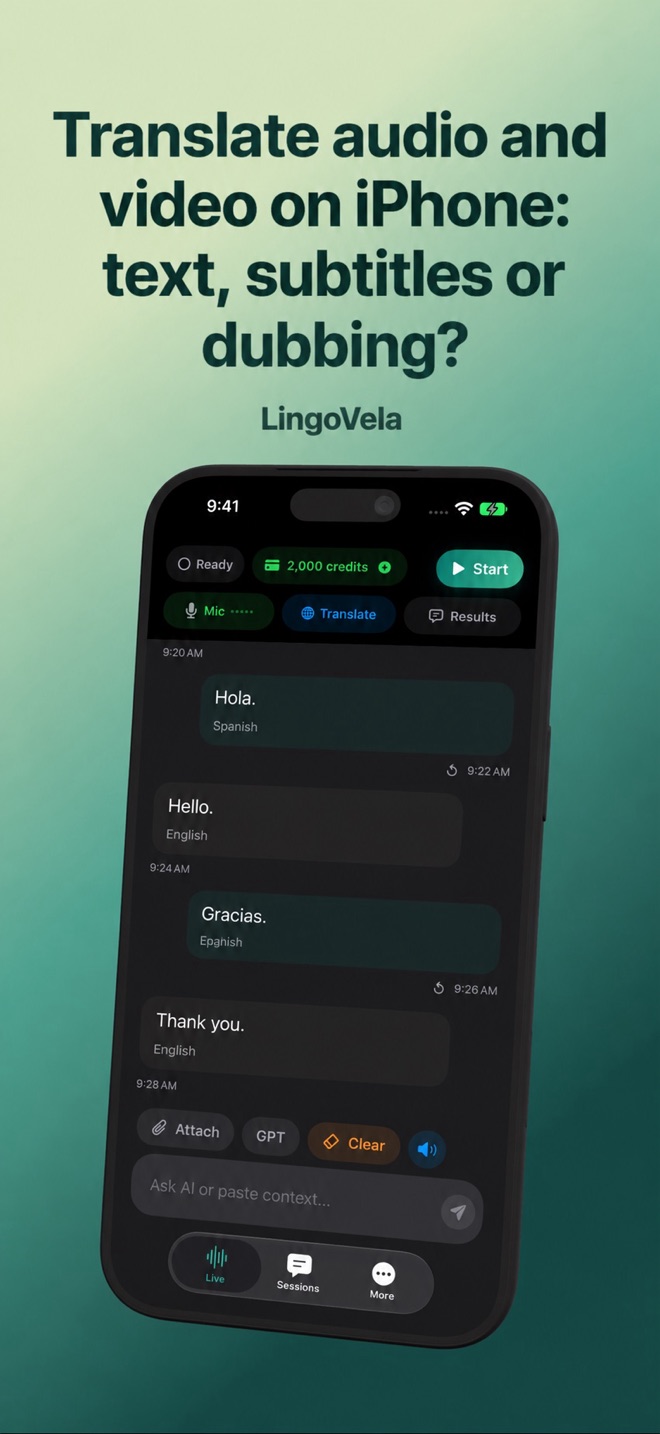 Translate audio and video on iPhone: text, subtitles or dubbing?Choose captions, a supported audio file or a readable video frame. Check the transcript, timing and final output before sharing a translation.
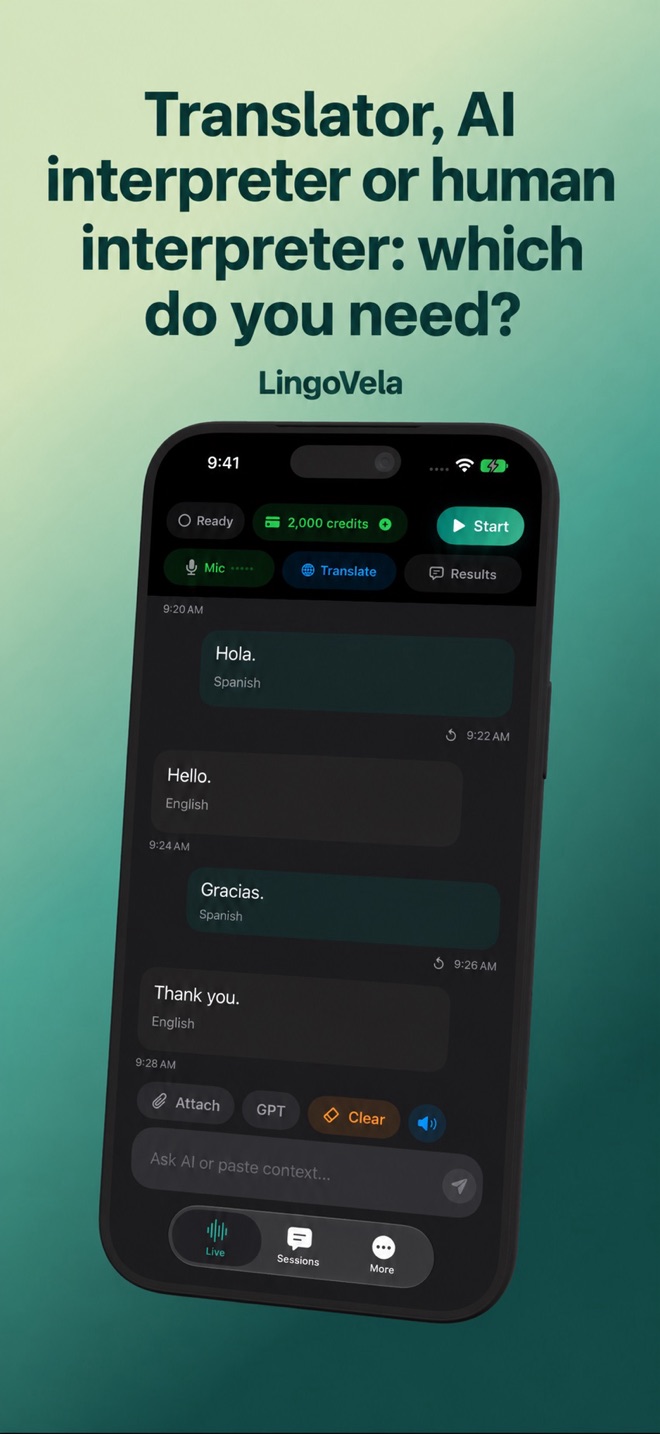 Translator, AI interpreter or human interpreter: which do you need?Choose written translation, live speech translation or a qualified interpreter. Compare outputs, test meaning and prepare a useful professional handoff.
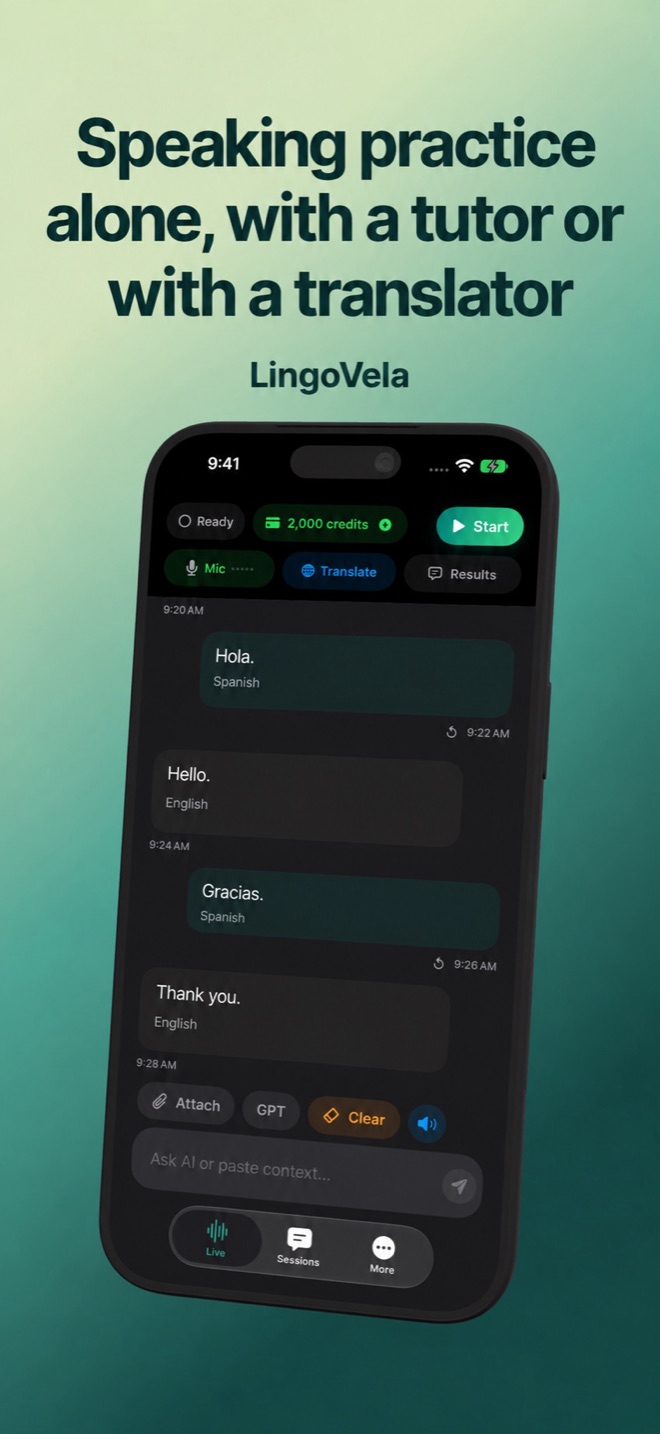 Speaking practice alone, with a tutor or with a translatorPlan speaking practice by task: a solo recording exercise, course conversation features, language exchange or live translation. Know what each can check.
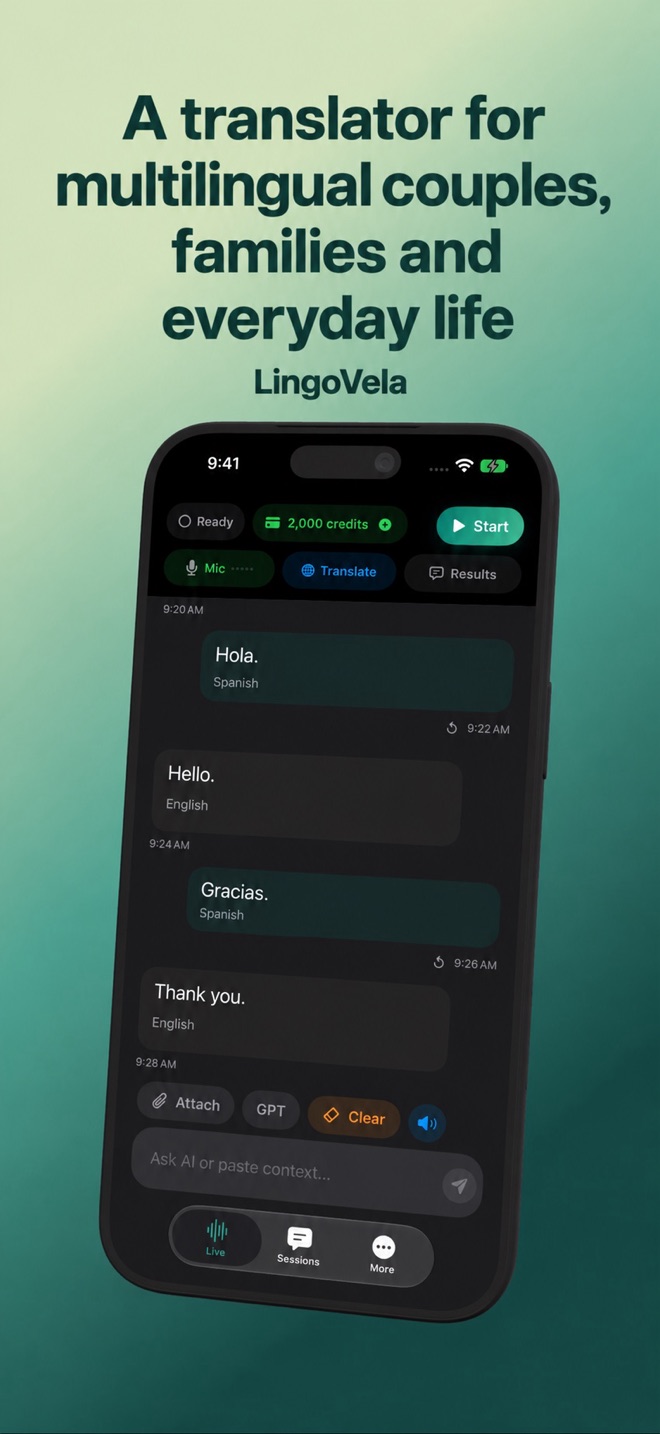 A translator for multilingual couples, families and everyday lifeMake room for both speakers in an everyday conversation. Practical turn-taking, privacy and confirmation tips for families and expats.
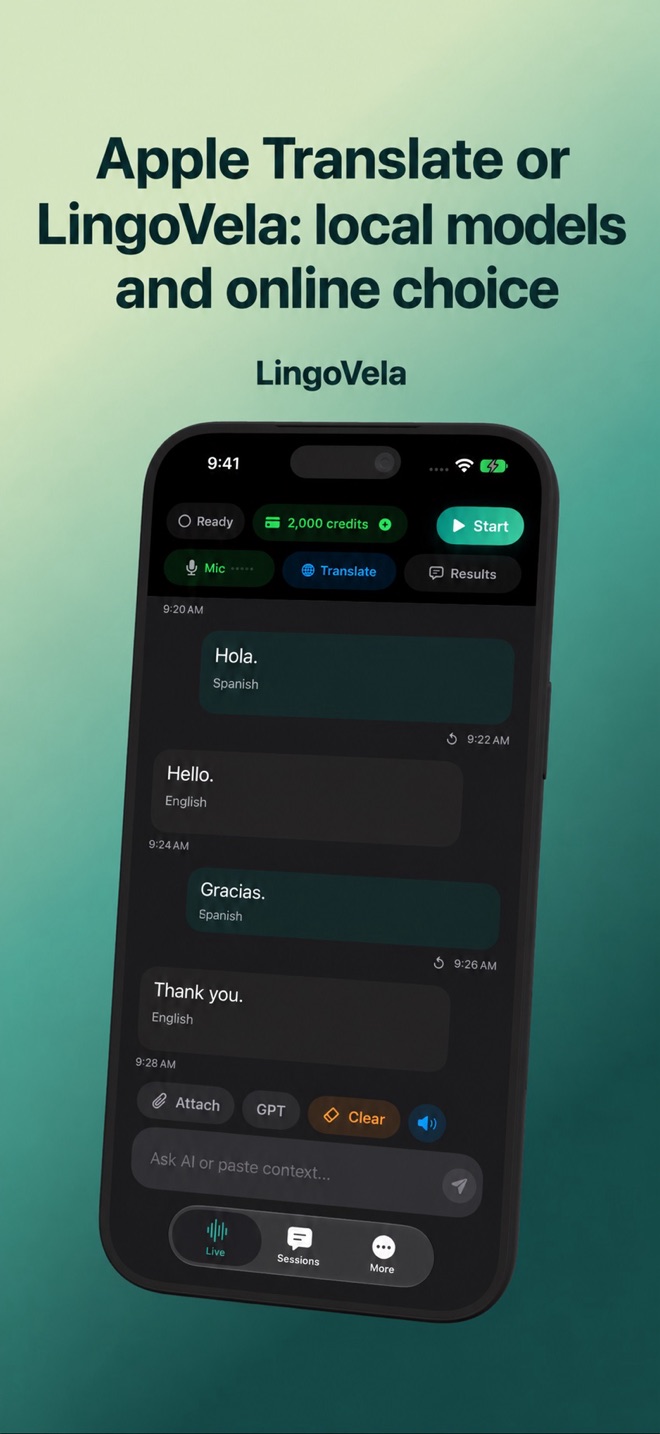 Apple Translate or LingoVela: local models and online choiceCompare the built-in Translate workflow with LingoVela’s provider choices, credit model and device requirements. Check your exact pair first.
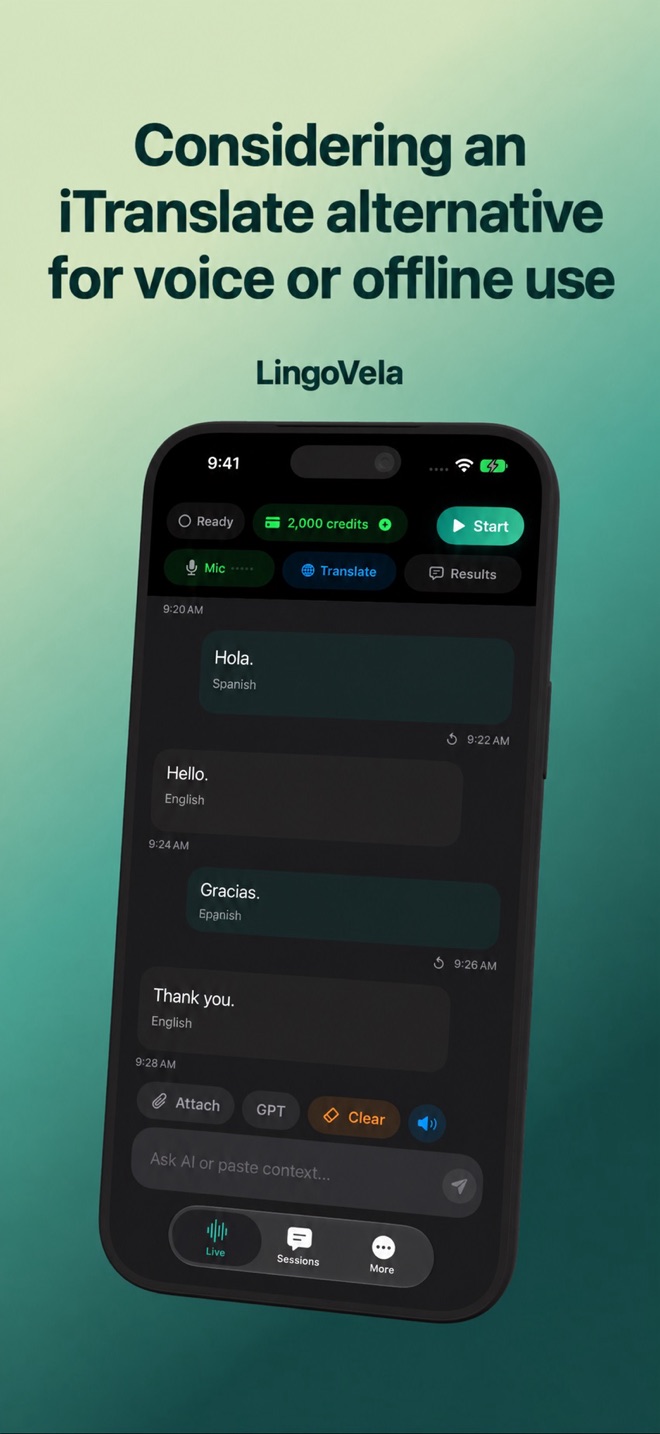 Considering an iTranslate alternative for voice or offline useCheck speech support separately from text packs when comparing iTranslate and LingoVela. Plan, language pair and device all matter.
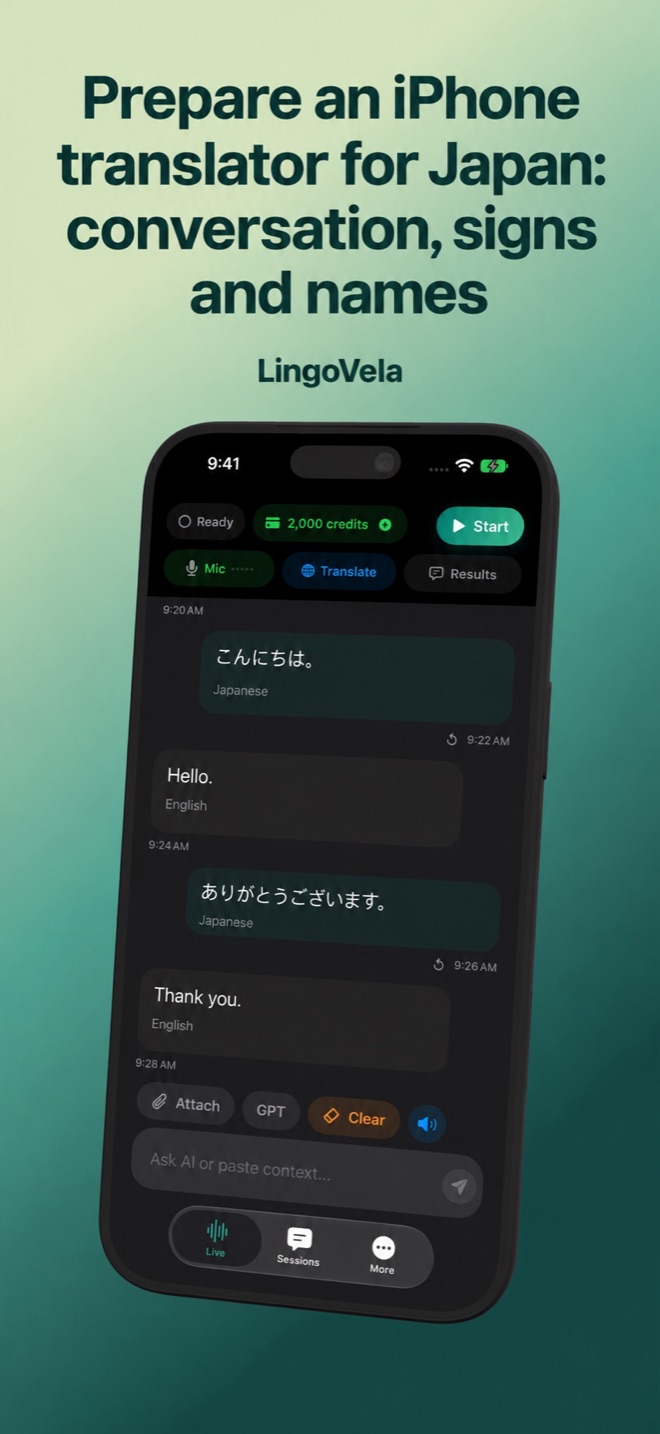 Prepare an iPhone translator for Japan: conversation, signs and namesPrepare Japanese travel translation with offline checks, readable addresses and careful menu translation. Test your device before departure.
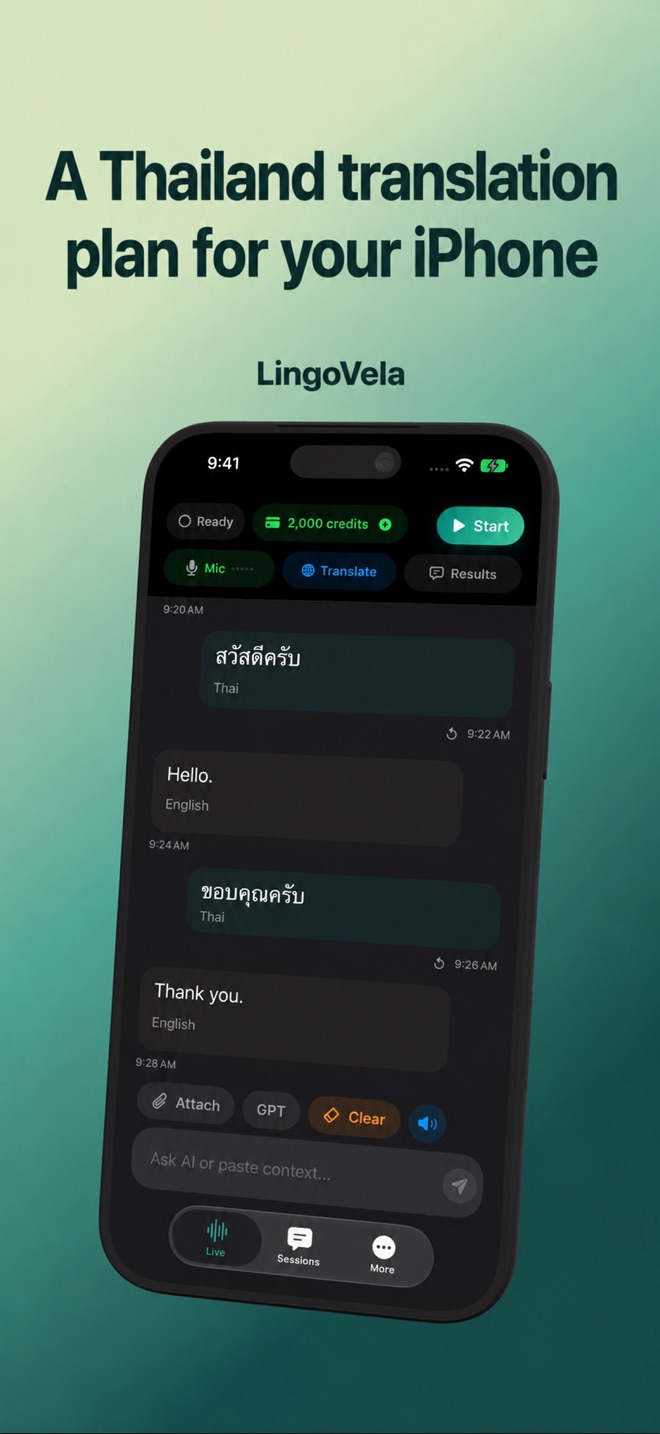 A Thailand translation plan for your iPhonePrepare Thai conversations, written destinations and offline checks. Avoid assuming that a text language pack includes local voice recognition.
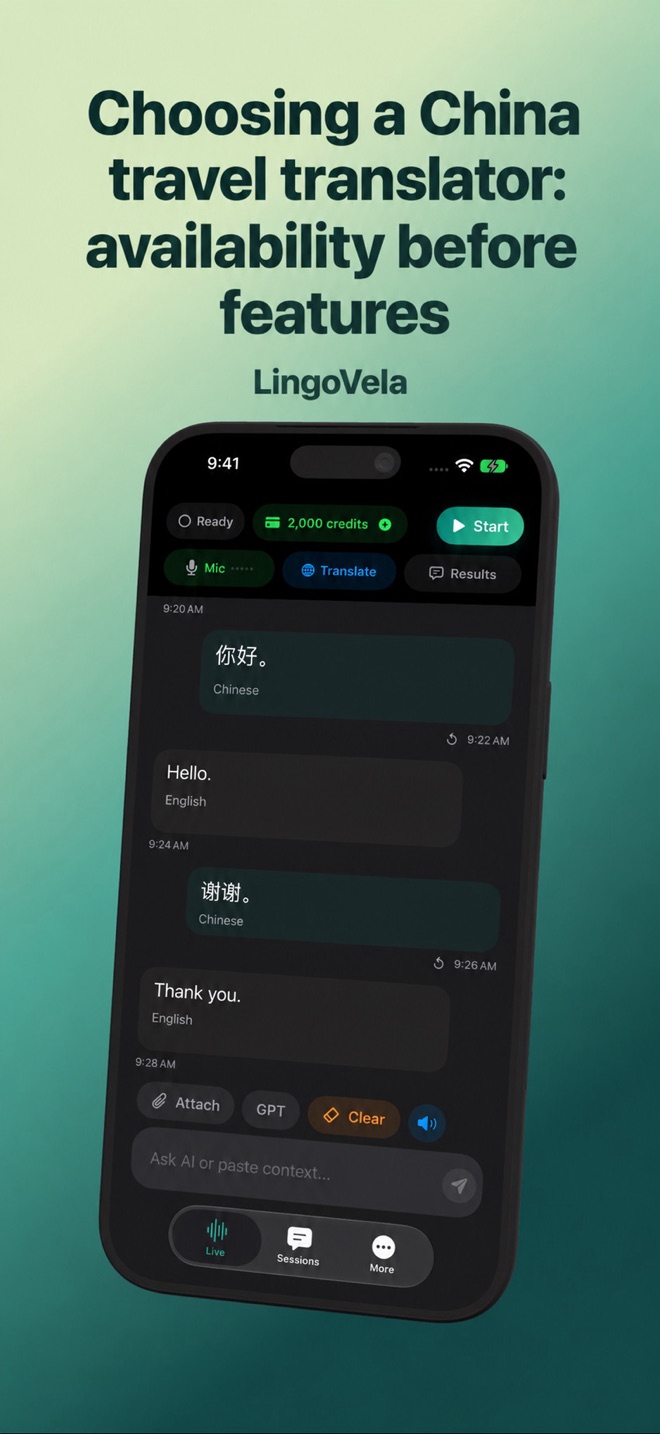 Choosing a China travel translator: availability before featuresCheck service and App Store availability before relying on cloud translation in mainland China, Hong Kong or Macau. LingoVela is not offered there.
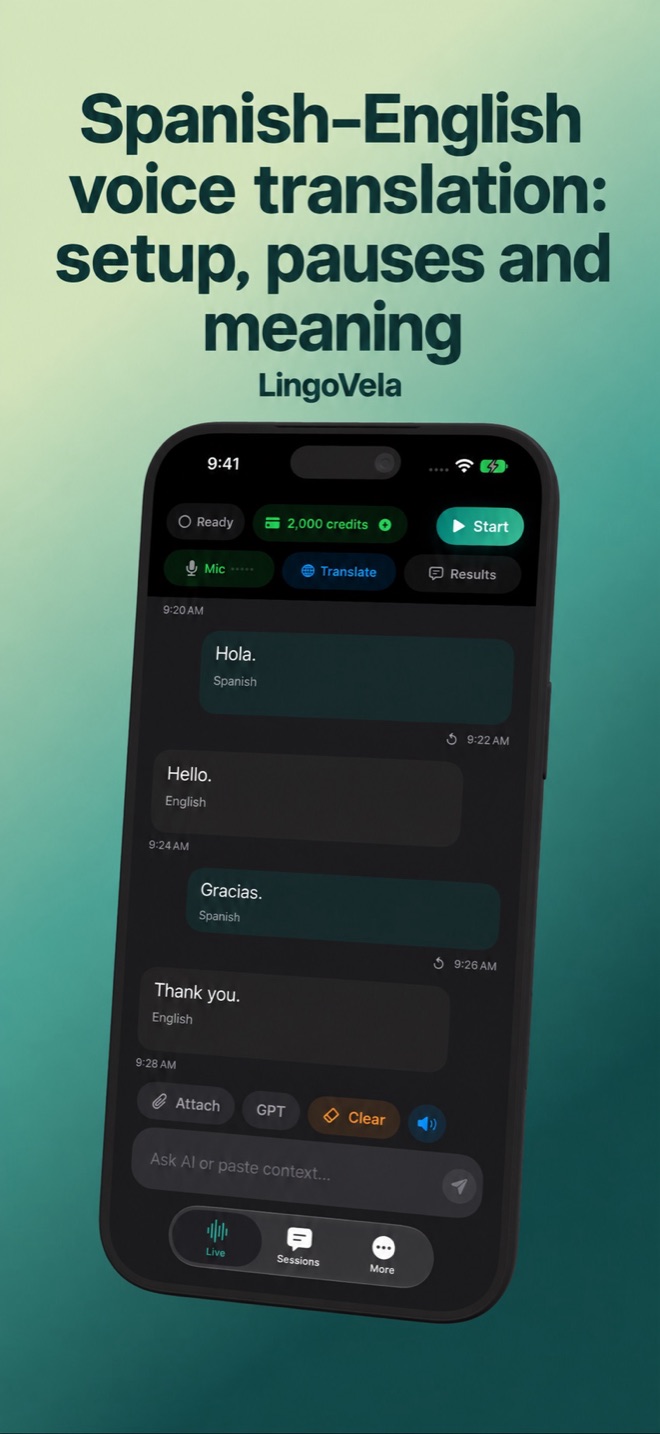 Spanish–English voice translation: setup, pauses and meaningTest a Spanish–English conversation from microphone to spoken reply. Check dates, context, language switches and offline preparation on iPhone.
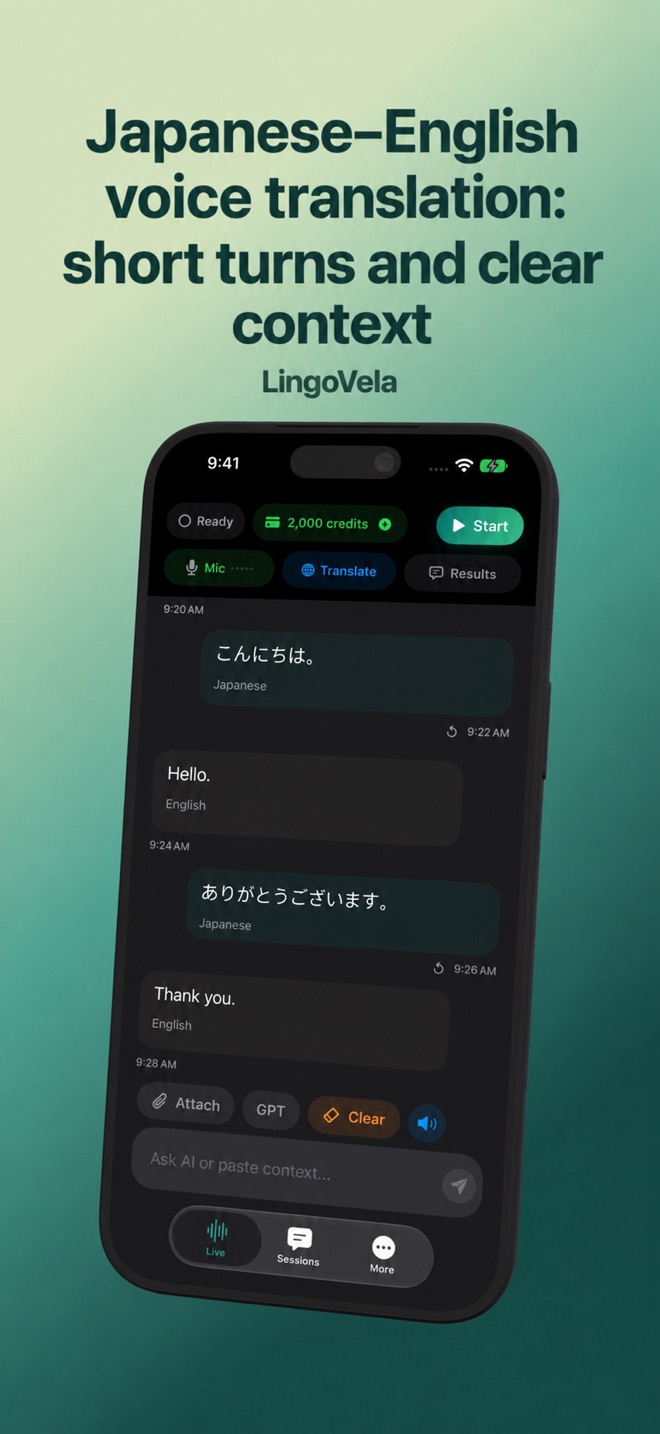 Japanese–English voice translation: short turns and clear contextPrepare a Japanese and English conversation with clear subjects, written names and verified speech support on your iPhone or iPad.
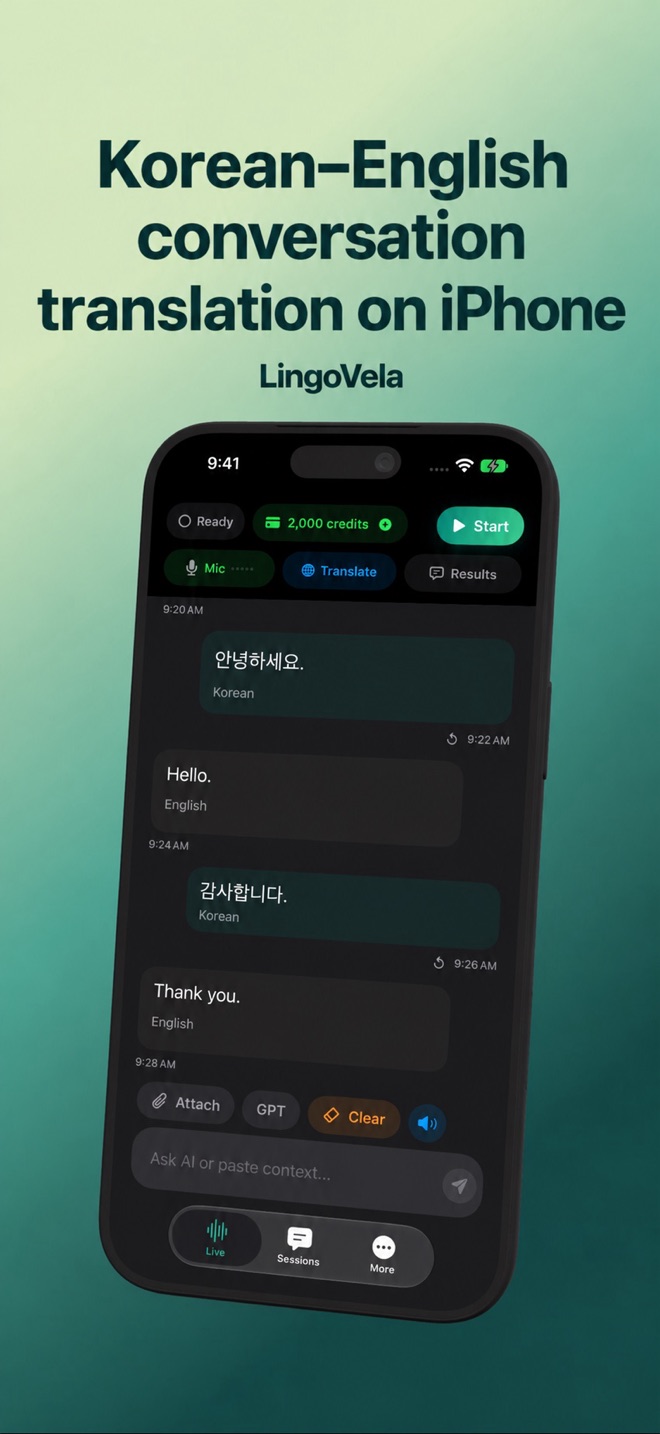 Korean–English conversation translation on iPhoneChoose a mode and check Korean–English speech, names and meaning. Use the written original and prepare local assets when available.
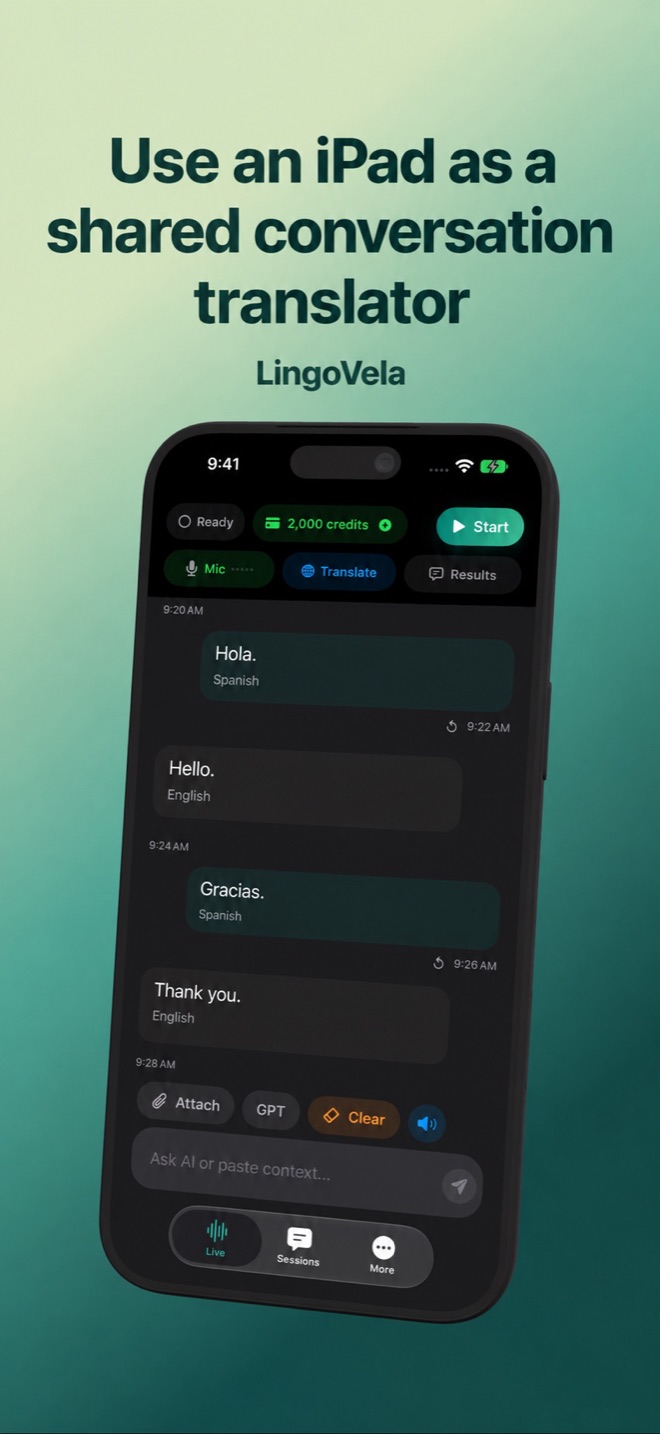 Use an iPad as a shared conversation translatorSet up a readable two-person translation session on iPad. Check microphone placement, local assets and privacy on a shared device.
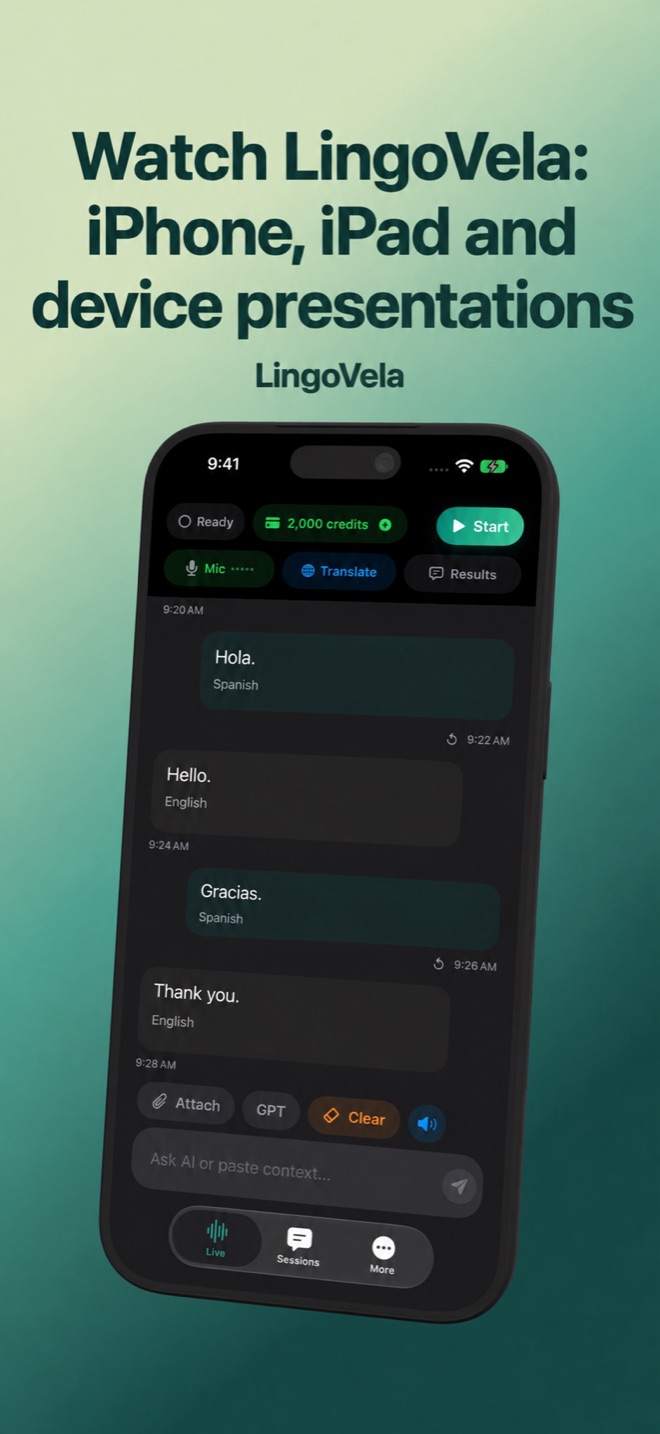 Watch LingoVela: iPhone, iPad and device presentationsWatch the existing LingoVela product presentation and see its conversation interface on several devices. Learn what the film does and does not show.
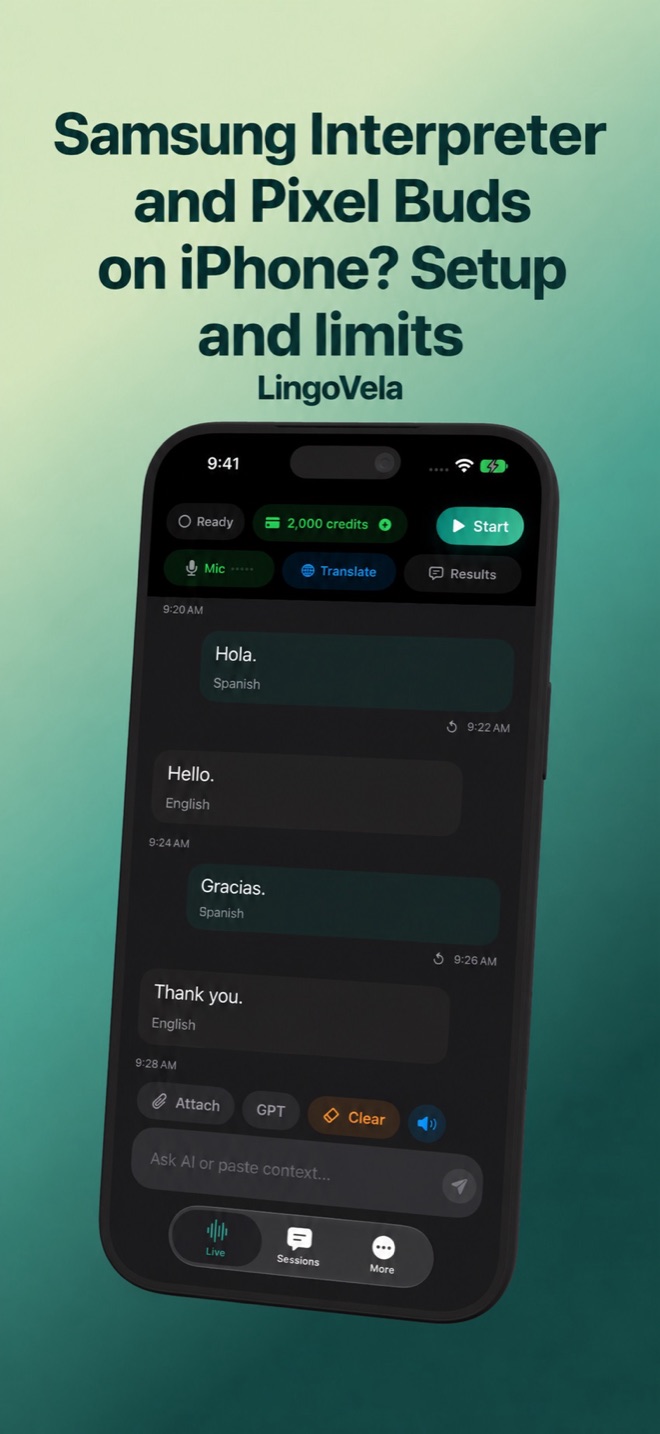 Samsung Interpreter and Pixel Buds on iPhone? Setup and limitsFind the actual Samsung or Pixel Buds translation feature. Check phone setup, offline requirements, audio routing and the limits of an iPhone alternative.
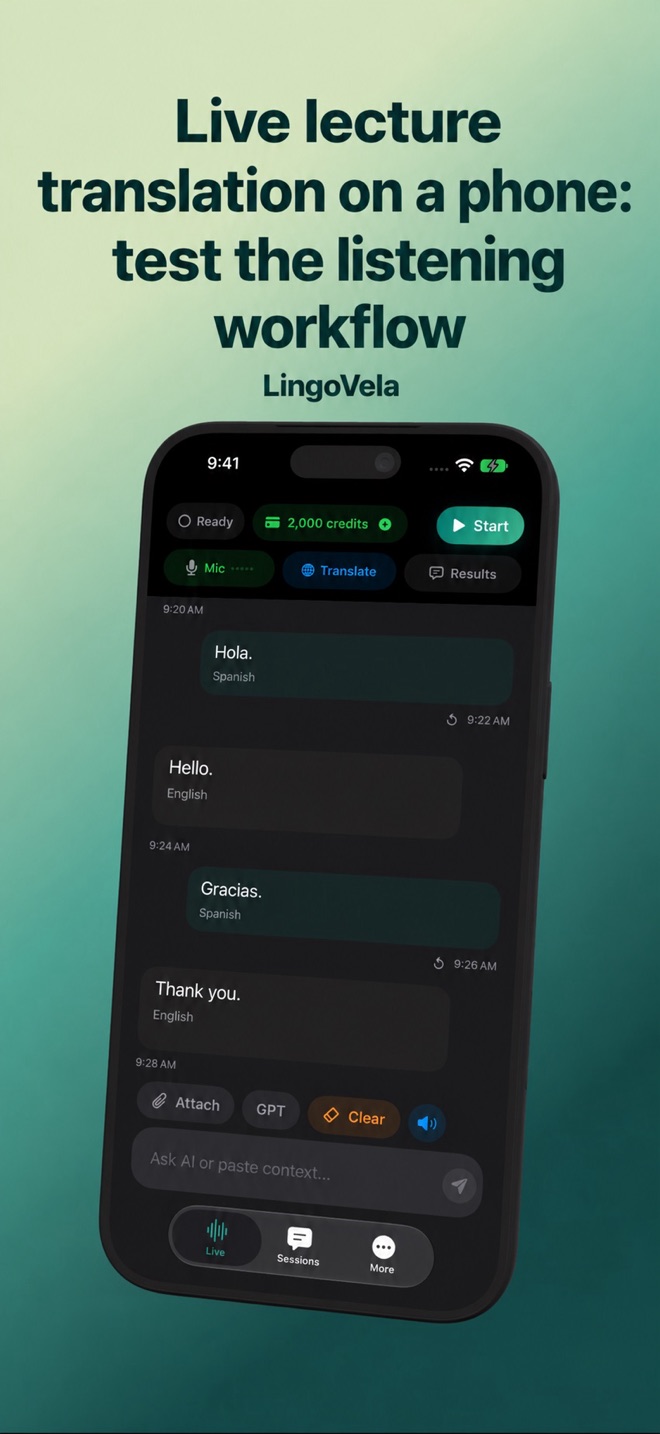 Live lecture translation on a phone: test the listening workflowPrepare audio pickup, translated text, terminology and a backup for a lecture. Understand the limits of a turn-based conversation translator.
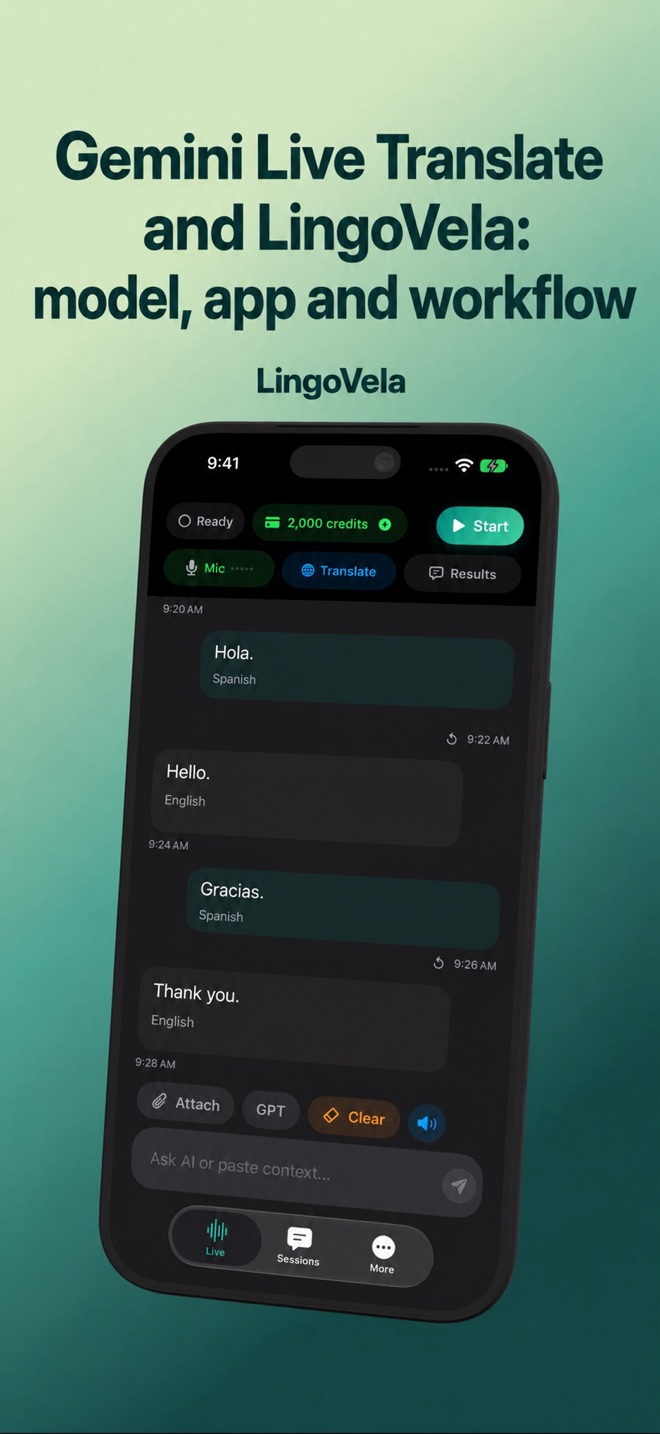 Gemini Live Translate and LingoVela: model, app and workflowCompare Google’s Gemini Live Translate rollout with LingoVela’s conversation modes. A model announcement is not an integration in every app.
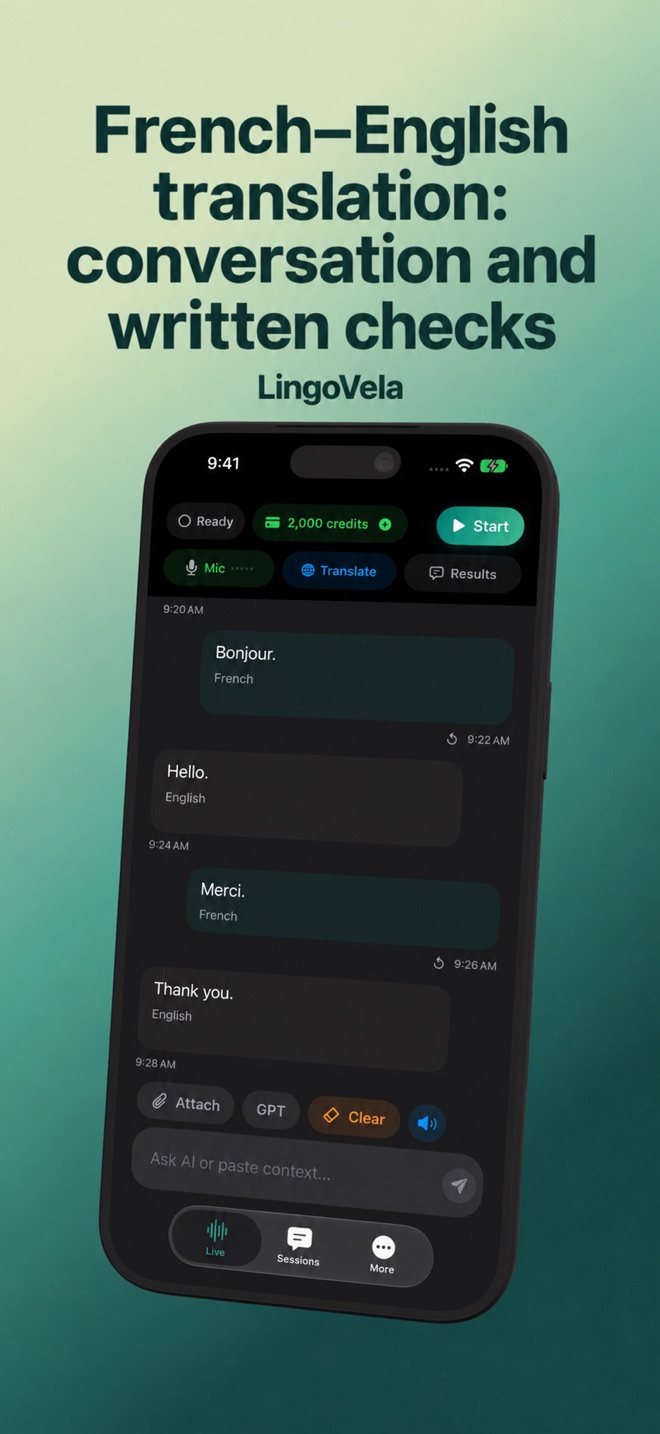 French–English translation: conversation and written checksTest French–English voice and text translation with names, reservations and replies. Check recognition, written meaning and offline readiness separately.
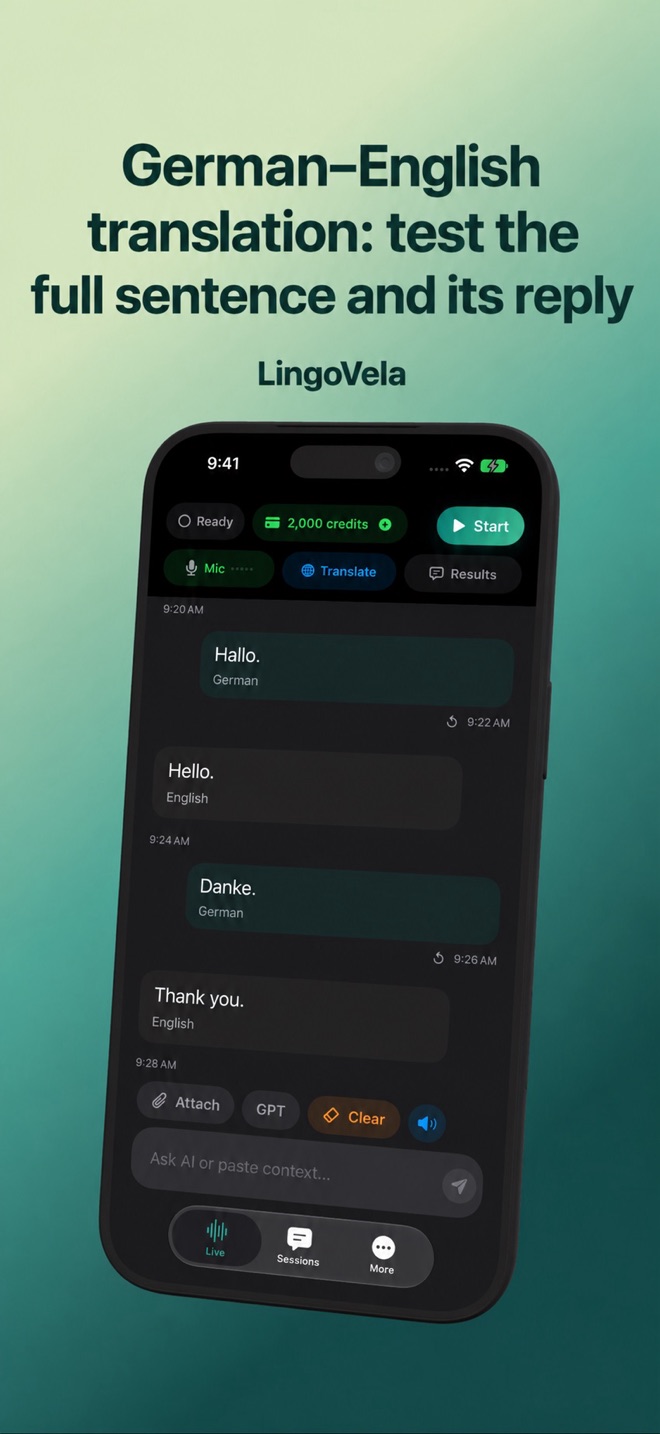 German–English translation: test the full sentence and its replyA German–English conversation checklist for appointments, prices and corrections. Verify meaning and audio support without untested tool rankings.
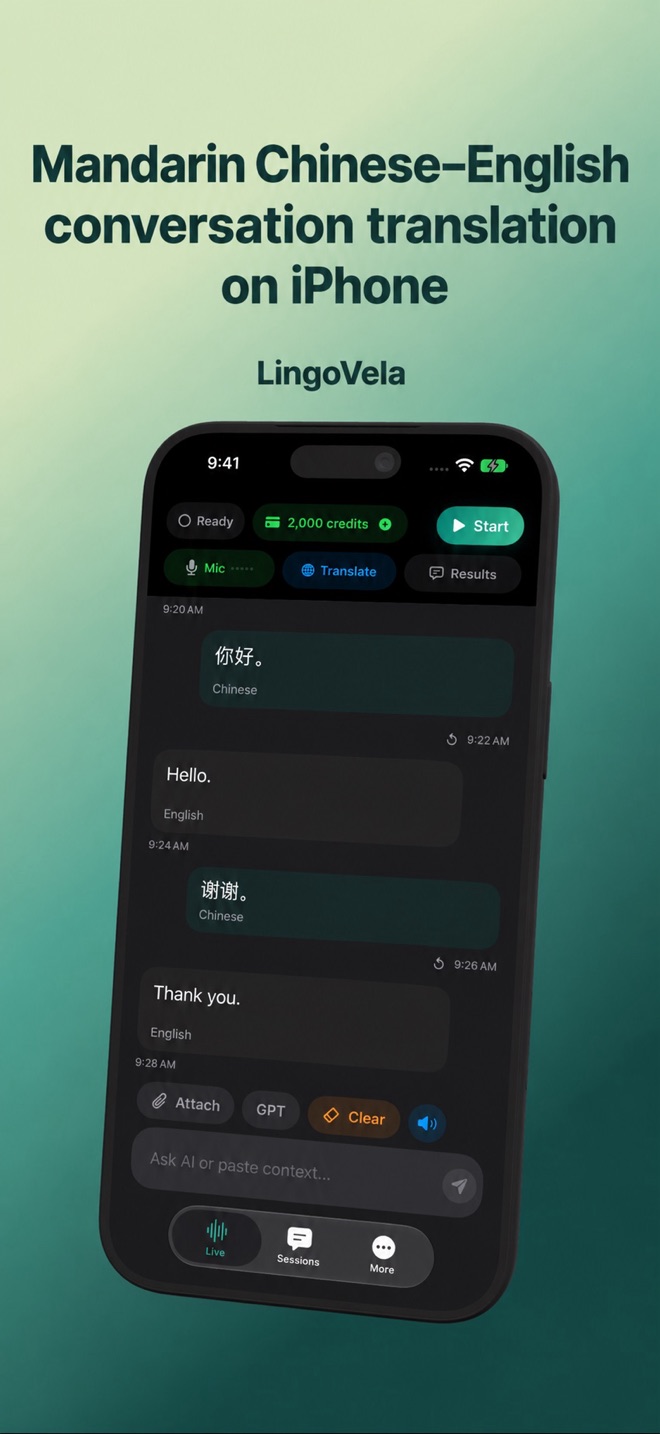 Mandarin Chinese–English conversation translation on iPhonePrepare Mandarin–English conversation translation with the right spoken variety, written form and name checks. Avoid assuming all Chinese speech is identical.
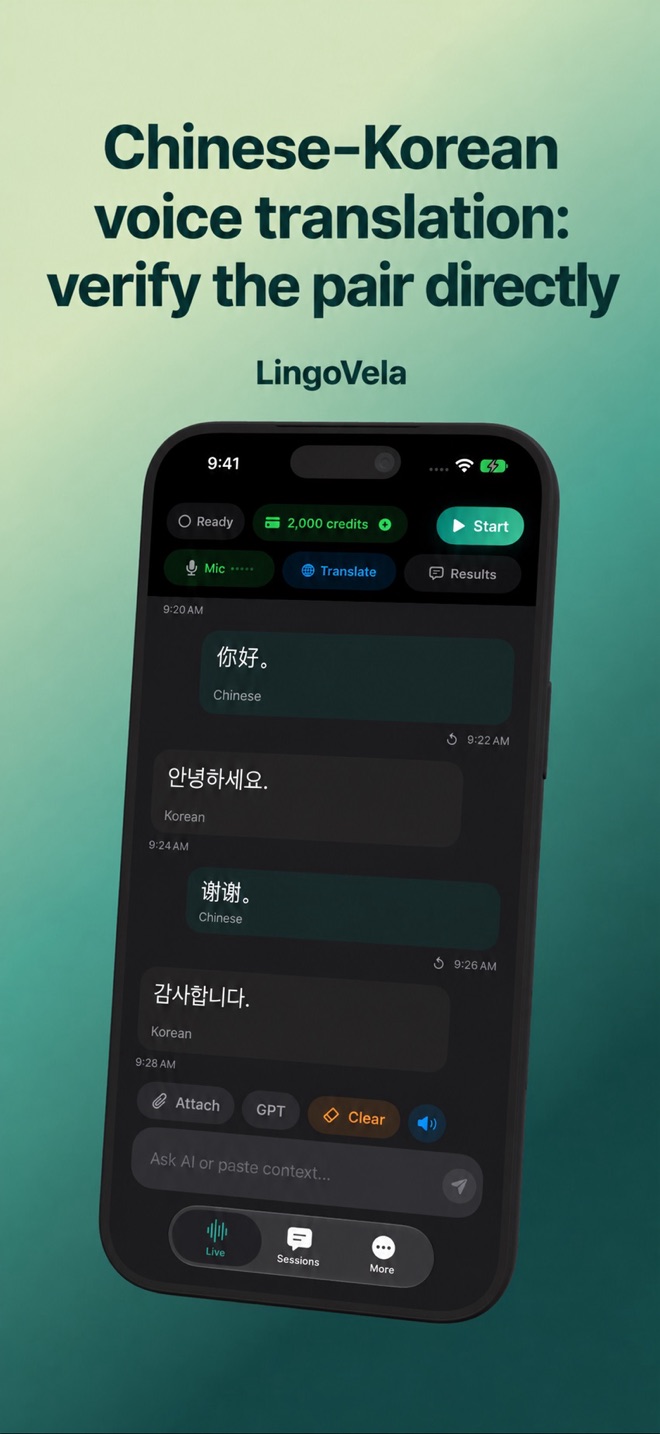 Chinese–Korean voice translation: verify the pair directlyCheck Chinese–Korean speech input, written names and both reply directions. A strong English demo does not establish this pair’s voice or offline support.
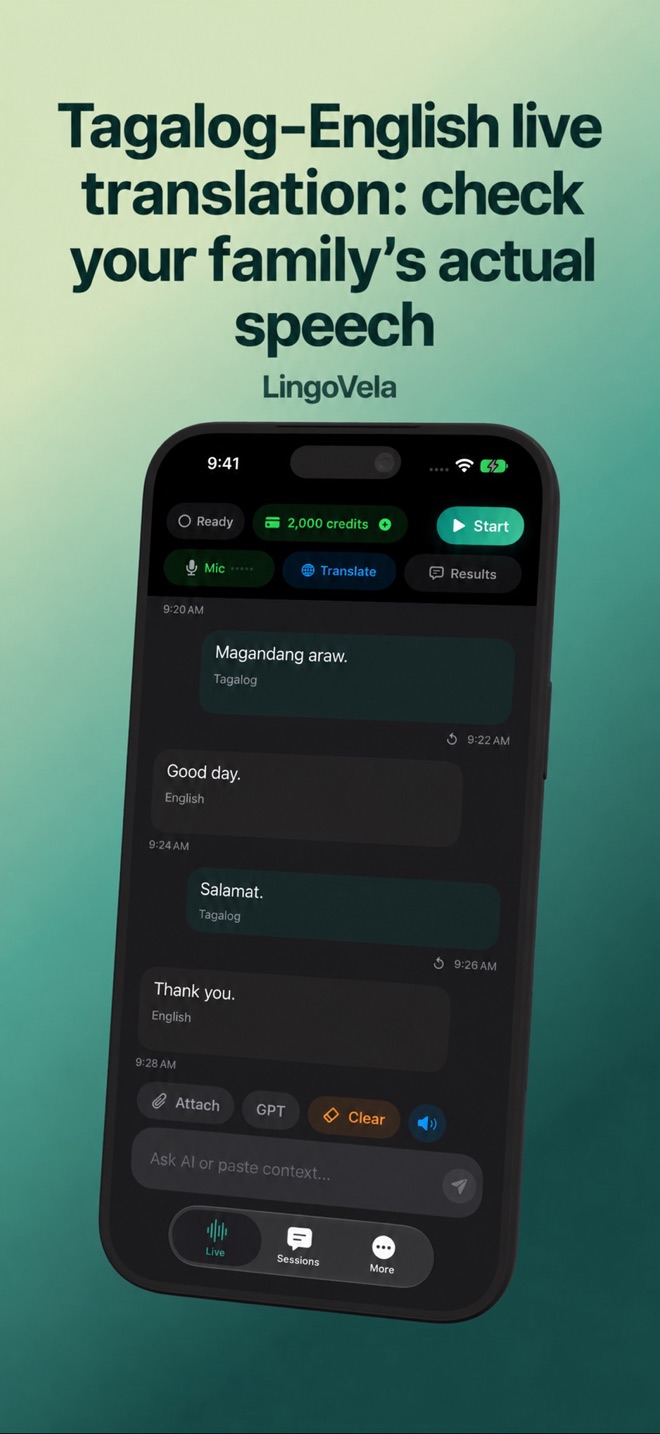 Tagalog–English live translation: check your family’s actual speechPrepare a Tagalog–English voice-translation test, including mixed-language speech, names and replies. Verify the actual app and mode before relying on it.
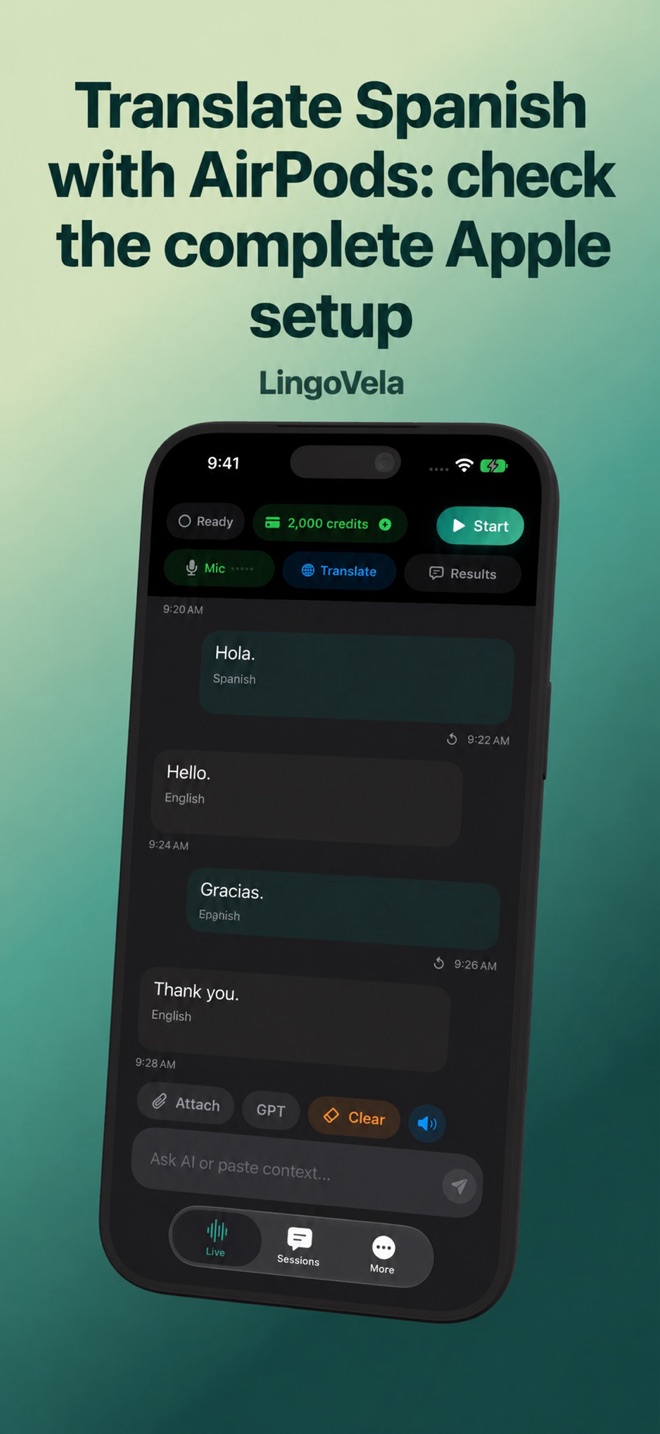 Translate Spanish with AirPods: check the complete Apple setupApple’s Spanish–English AirPods workflow needs compatible hardware and downloaded languages. Understand how it differs from a third-party translator.
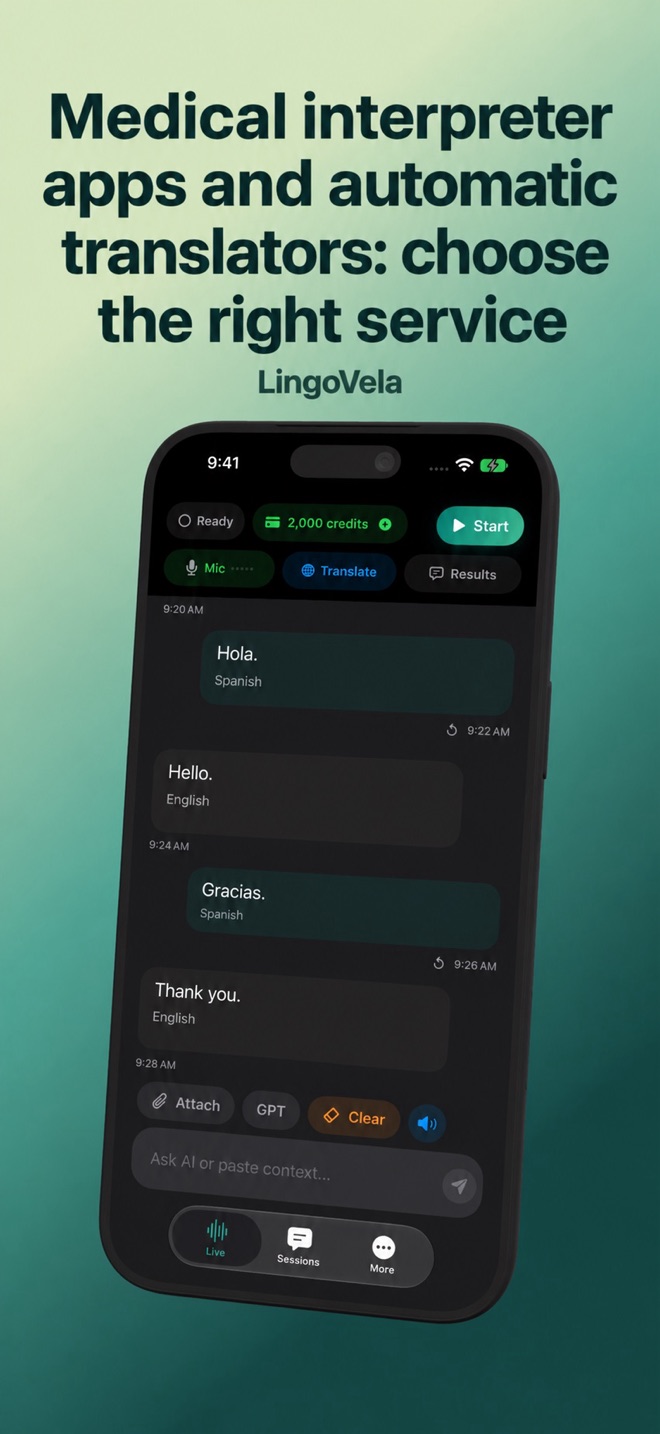 Medical interpreter apps and automatic translators: choose the right serviceAn app connecting you to a medical interpreter is different from an AI voice translator. Prepare the communication service with the care provider.
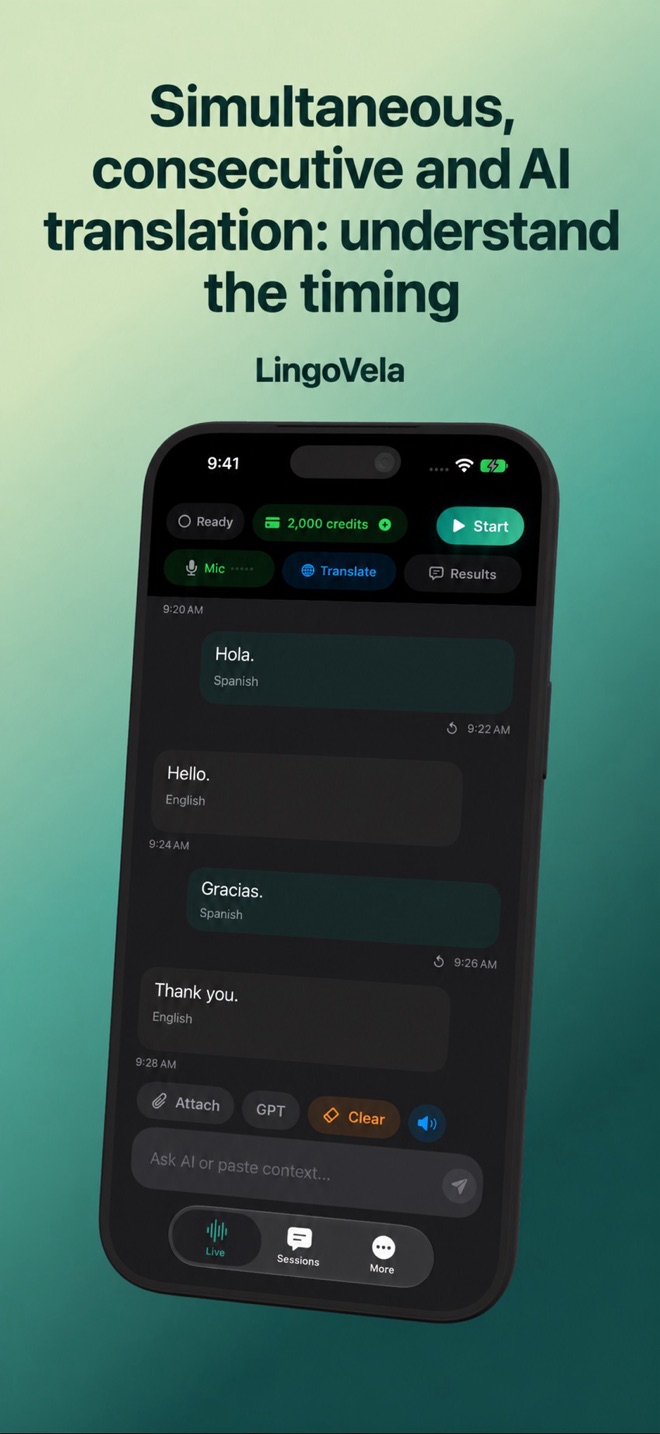 Simultaneous, consecutive and AI translation: understand the timingLearn how interpreting timing differs from a live AI app. Check turn-taking, delay and audio delivery without assuming conference-service features.
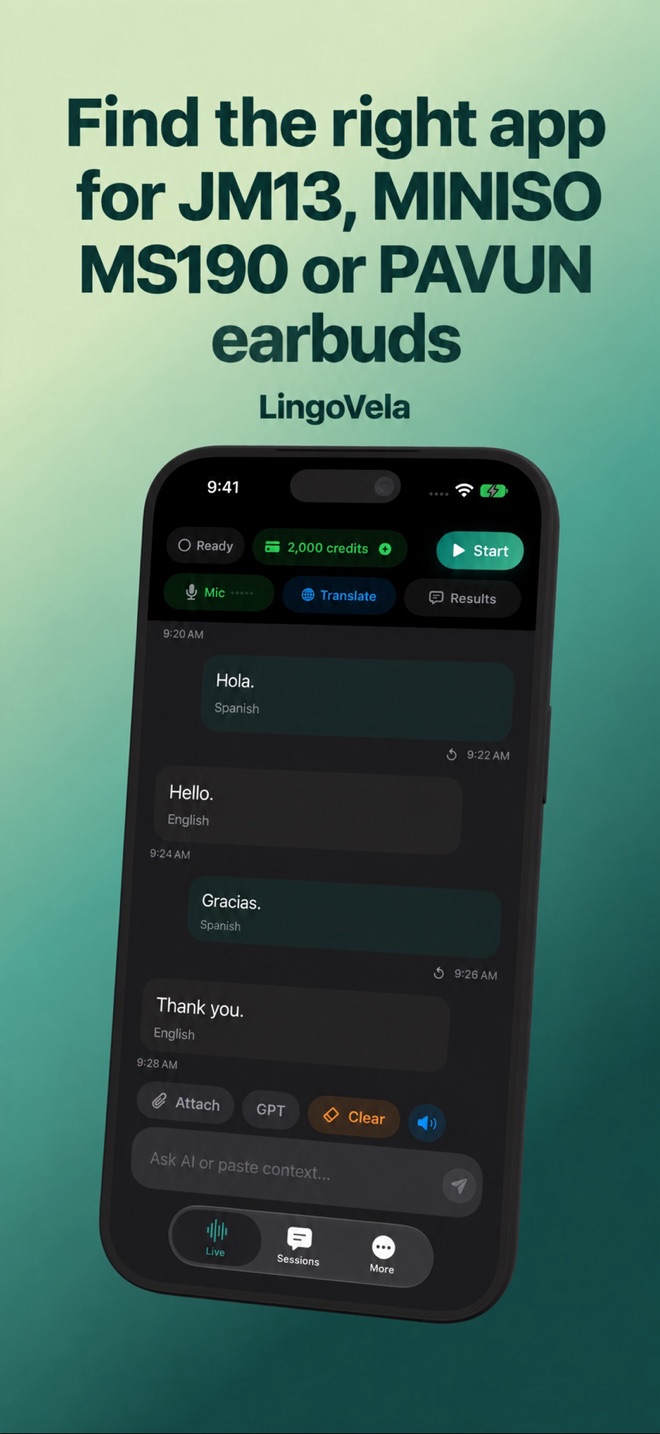 Find the right app for JM13, MINISO MS190 or PAVUN earbudsIdentify a translation earbud’s companion app from its exact model, manual and store developer. LingoVela is a separate translator, not an activation app.
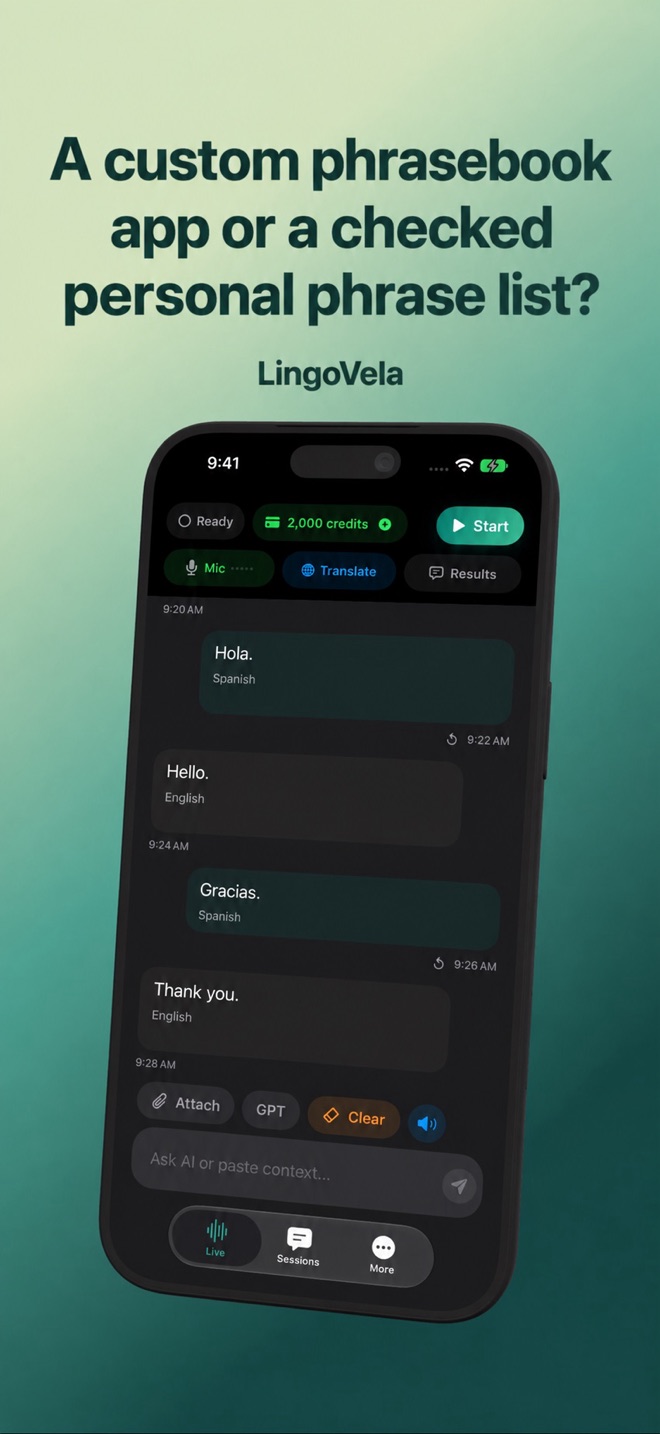 A custom phrasebook app or a checked personal phrase list?Build a useful personal phrasebook with context, checked translations and a way to practise. Distinguish saved phrases from live conversation translation.
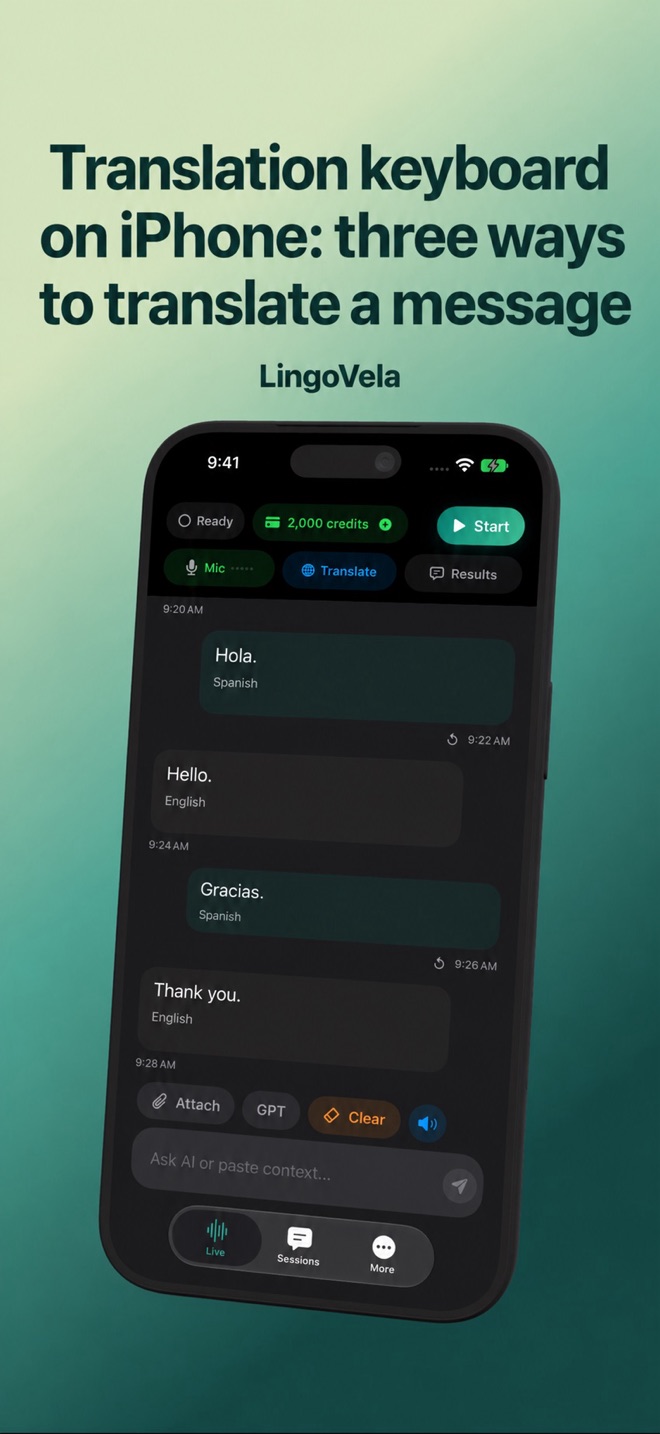 Translation keyboard on iPhone: three ways to translate a messageCompare selected-text translation, a third-party keyboard and copying text into LingoVela. Check language support and review the result before sending.
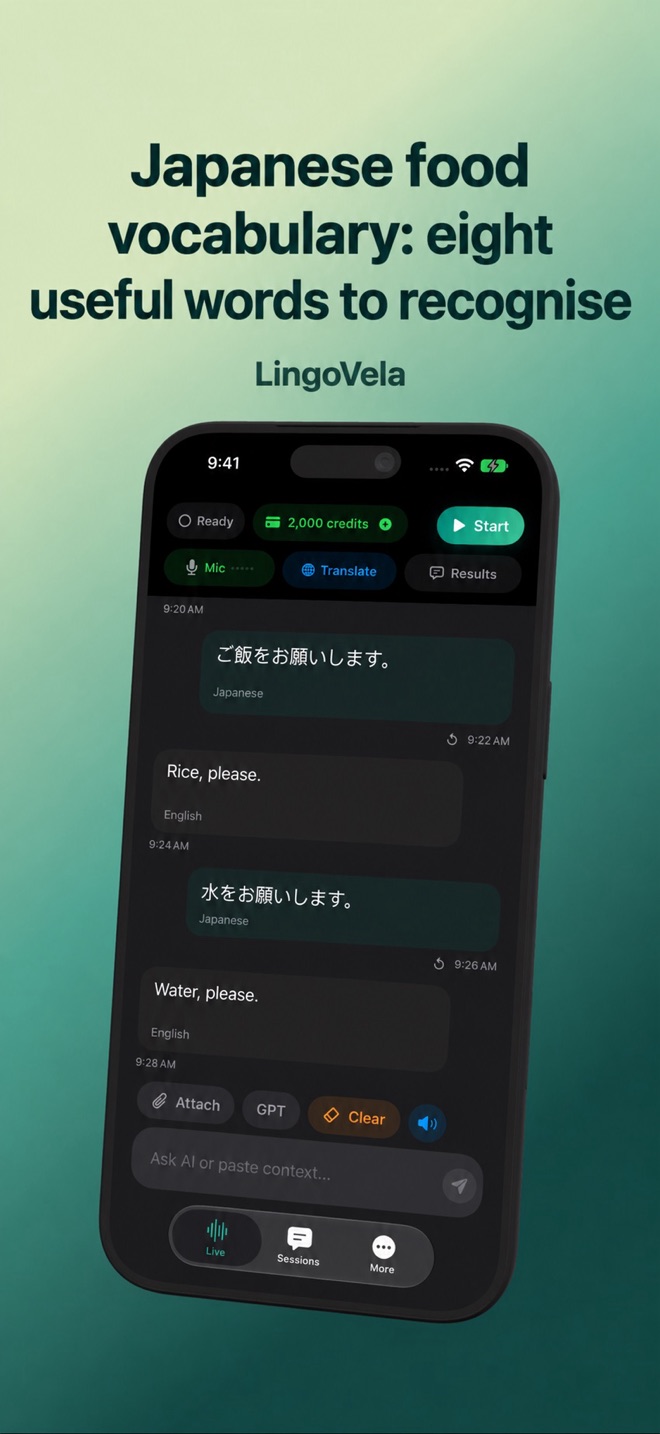 Japanese food vocabulary: eight useful words to recogniseLearn eight Japanese food words with kana, reading aids and a primary learning reference. Use them to start reading a menu and ask about the actual dish.
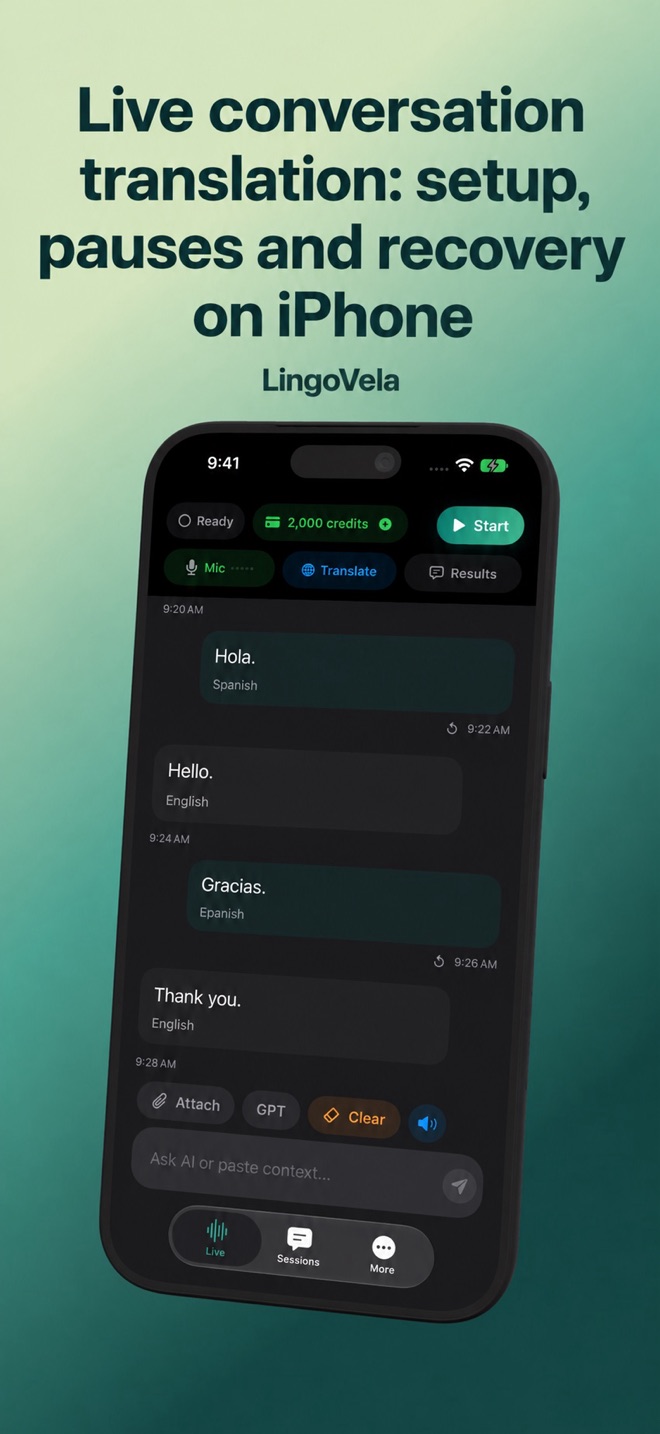 Live conversation translation: setup, pauses and recovery on iPhoneSet up two-way voice translation, check changing text and spoken replies, and recover when listening stops. LingoVela modes and requirements.
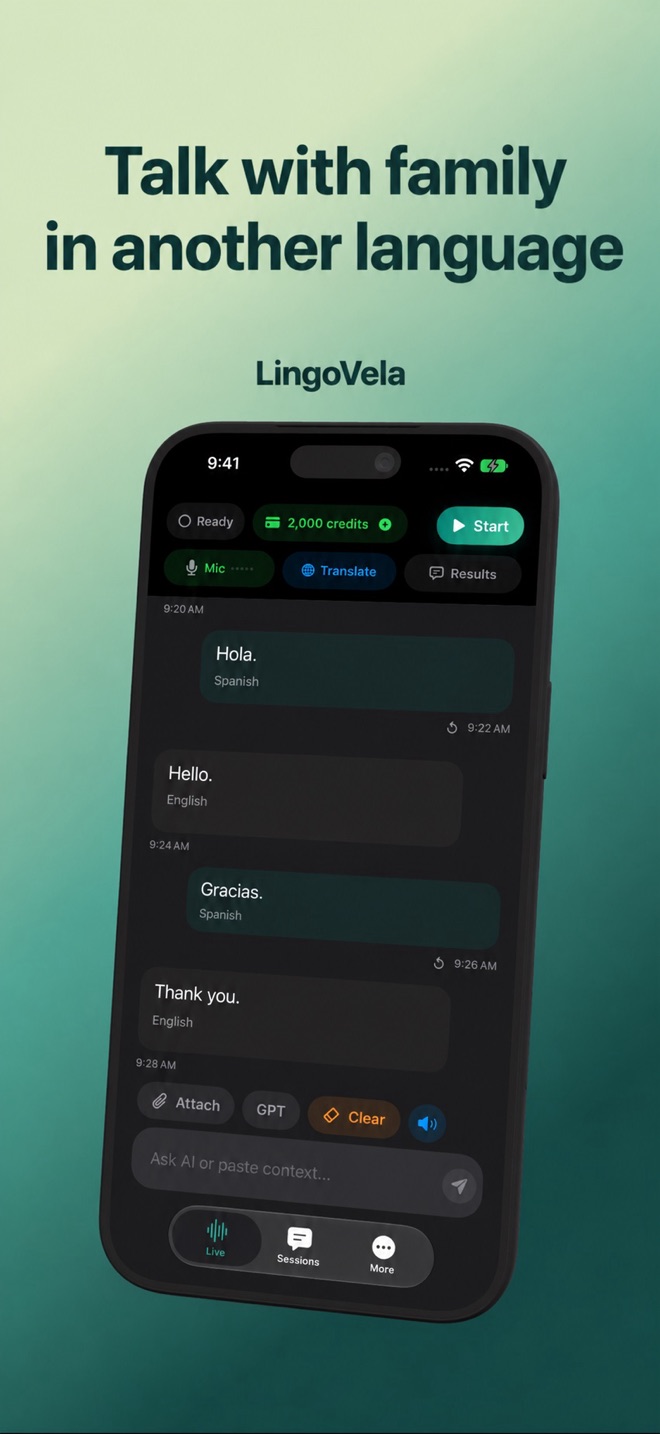 Talk with family in another languageMake a multilingual family conversation easier with short turns, spoken translations and the words on screen.
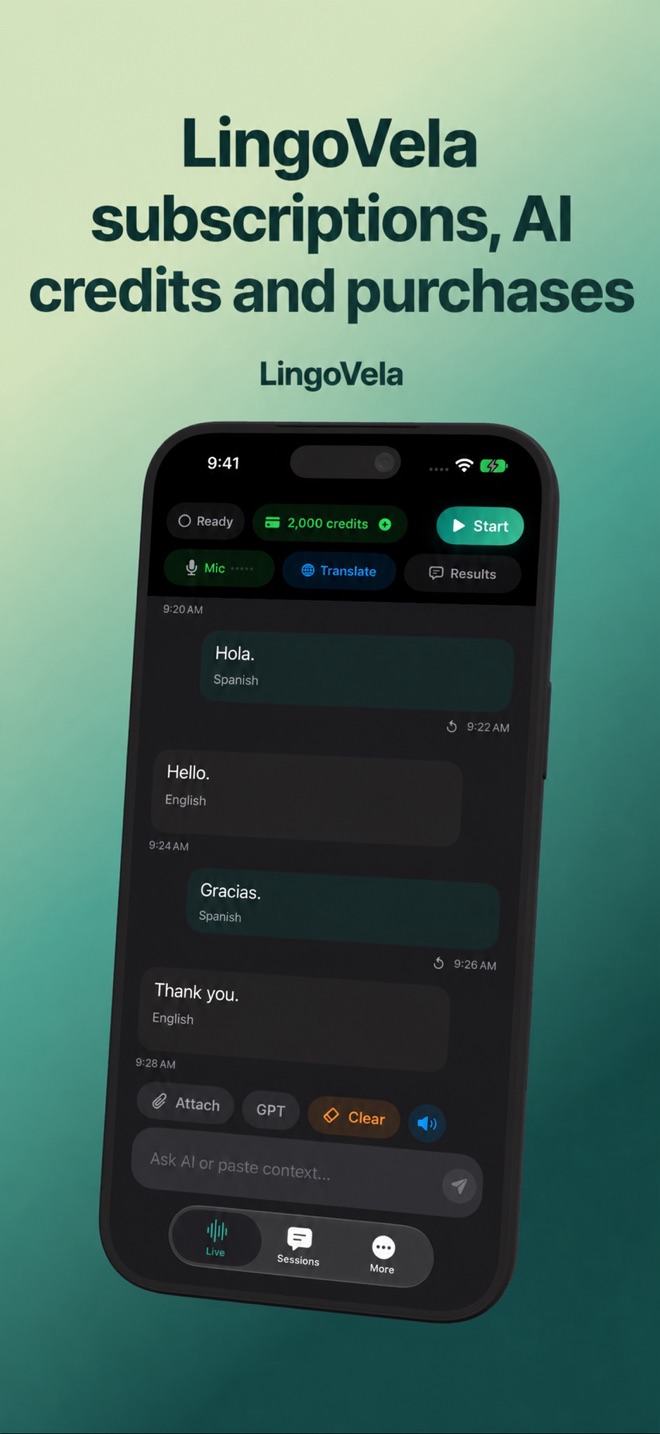 LingoVela subscriptions, AI credits and purchasesUnderstand the monthly subscription, included AI credits, optional top-ups, restore purchases and device-linked credits.