Translate PDF and text files on iPhone: what to expect
Translating the words in a PDF is different from delivering a translated PDF with the same design.
Check the input
A PDF can contain selectable text, scanned pictures, multiple columns or a mixture. Test a short non-sensitive page first. If the extracted text is empty or out of order, the translated result cannot reliably reconstruct the document’s meaning.
Use LingoVela’s supported attachment mode
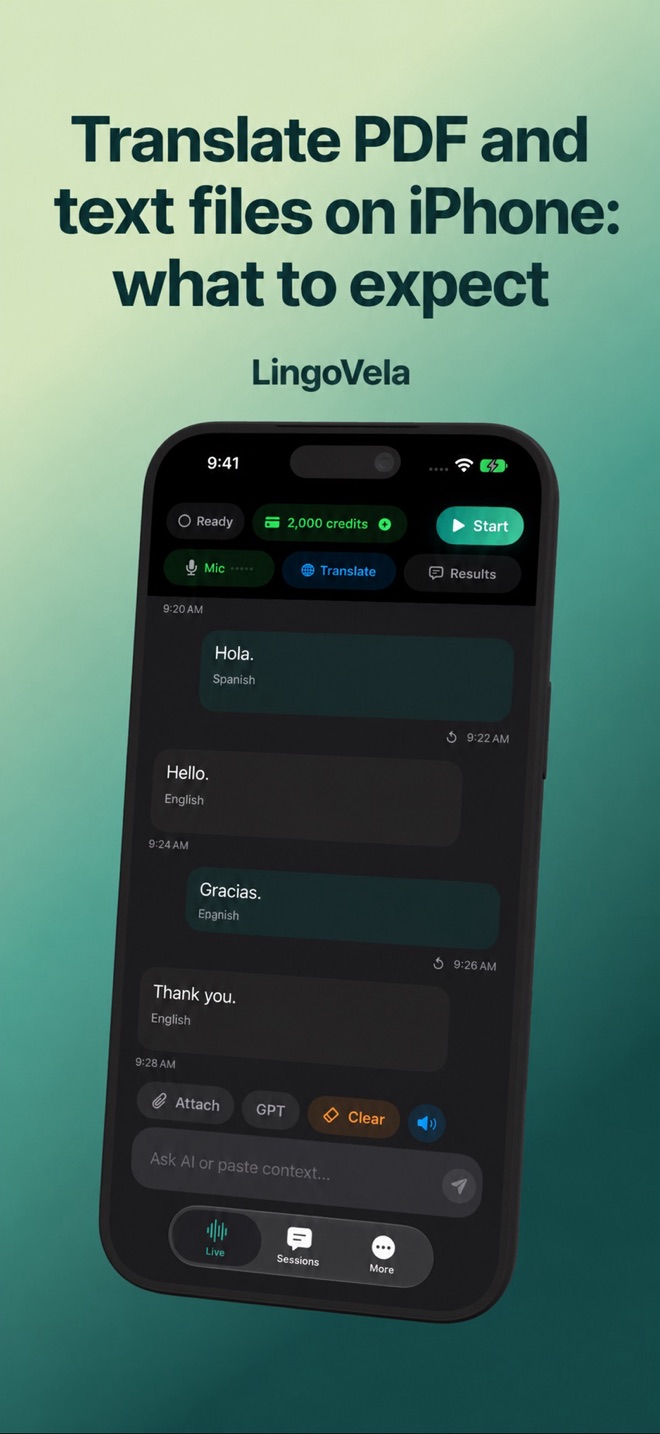
On Device and Private Cloud Compute support extracting text from compatible files for translation. Use the file attachment control in the selected mode. A supported extension is not a guarantee that every encrypted, damaged, oversized or scan-only document can be read.
Keep structure and context
For tables and forms, process a small logical section with its heading and units. Preserve the original alongside the translation. Do not present translated text as an official certified translation or promise that the app will export a redesigned PDF.
Protect the contents
Choose a mode deliberately. On Device uses local translation for supported input; PCC and OpenAI are online providers with separate consent. For contracts, identity documents or confidential business files, check the applicable policy before uploading.