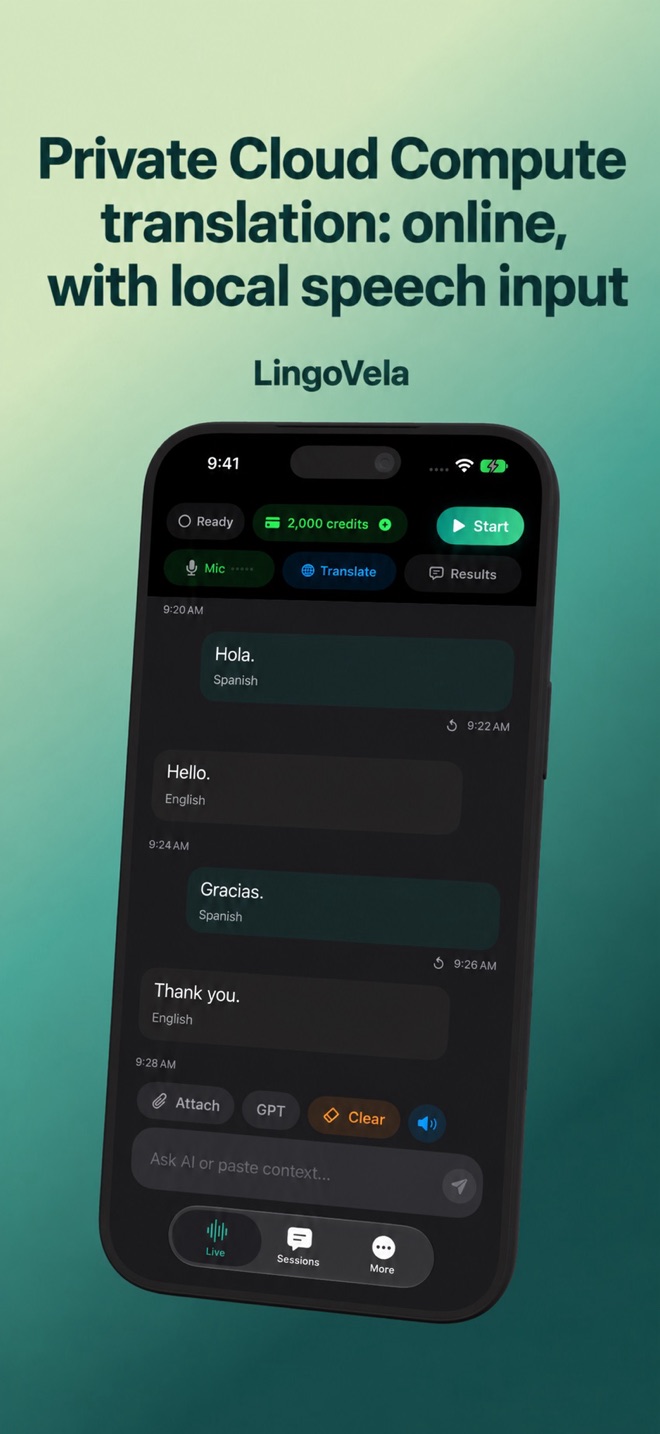
Private Cloud Compute translation: online, with local speech input
Private Cloud Compute can translate without downloading a translation model to the app. That does not mean the entire microphone workflow has no local assets or needs no internet.
Separate speech from translation
A spoken sentence is first recognised as text, then translated, then played or displayed. In LingoVela’s PCC path the translation uses Apple’s cloud model; speech recognition can require a system speech asset for the chosen language.
Seeing a speech download is therefore compatible with using cloud translation. It does not mean the selected translation mode has silently become On Device.
Check compatibility, not just the iPhone name
PCC in LingoVela needs iOS 27 or later, a compatible Apple Intelligence device and an available cloud model for the selected languages. Availability and usage quotas are system-controlled. Check the actual readiness shown by the app; an older device running a recent OS is not automatically eligible.
Understand payment and consent
LingoVela requires an active subscription and available AI credits. PCC is billed by the app at half the equivalent GPT Realtime text-token tariff. The app records token usage for credit accounting; Apple does not sell an app-specific unit called a LingoVela credit. Consent is required before content is sent to the provider and can be managed in the app.
Use the right fallback
If PCC is unavailable, select another mode explicitly. On Device needs compatible prepared assets. OpenAI · Online needs its own consent, connectivity and credits. An unsupported PCC language is not evidence that either other mode can handle it without checking.