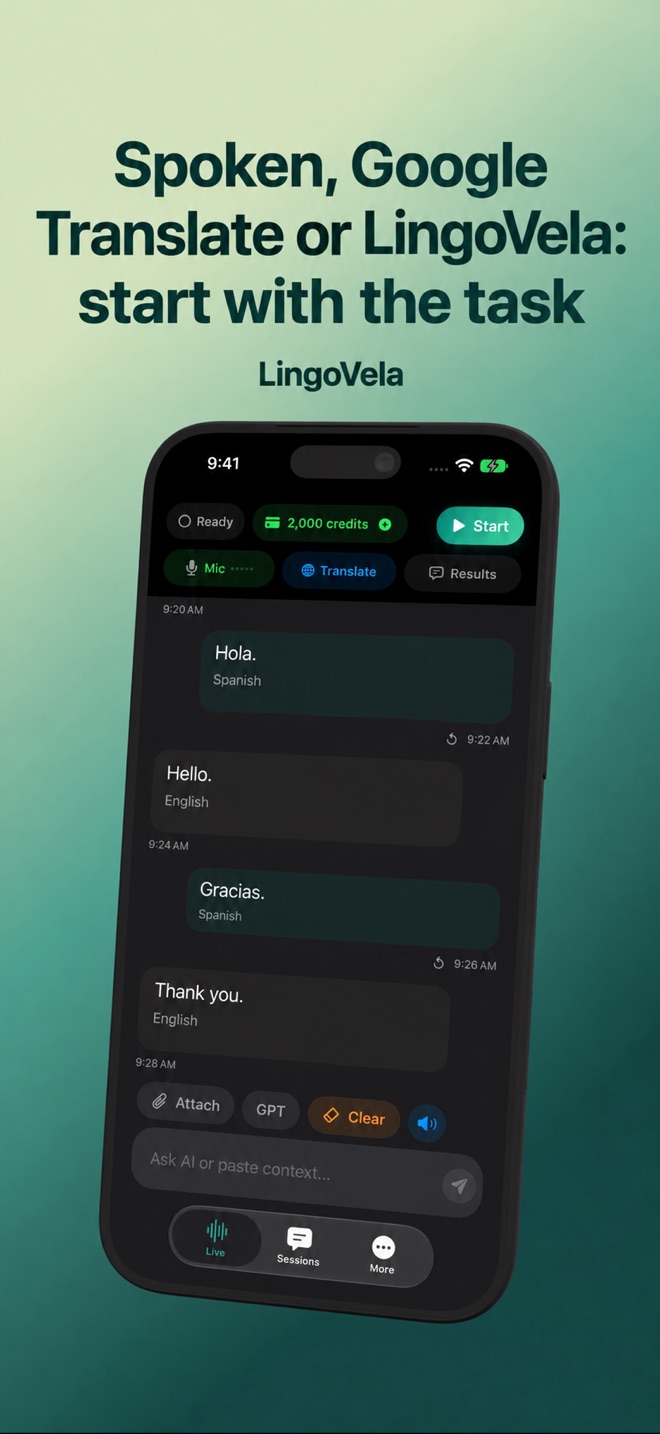
Spoken, Google Translate or LingoVela: start with the task
A lecture, a shared-table conversation and a typed message need different controls. Compare the feature you will use rather than treating every translation app as the same product.
If your priority is listening and captions
Spoken’s lecture guide describes separate Listen and Captions workflows. Its saved-caption workflow can request AI enhancement for notes, with paid-plan and connectivity conditions. Those are documented product features, not measurements we have independently reproduced.
If captions or study notes matter, ask whether the original transcript is saved, how translations are displayed and when a summary is generated. A summary is not a substitute for checking a missed quotation or technical term.
Distinguish the original transcript from translated minutes
Spoken’s meeting-notes guide documents a saved transcript followed by requested AI enhancement and a separate translation of the minutes. Its comparison page presents notes as a different output from live translation. These are the maker’s documented workflows, not features independently reproduced here or a promise that LingoVela provides the same workflow.
Before choosing a tool for follow-up work, decide whether you need the exact words, a translated passage or a condensed record of decisions. Preserve the original where your agreed data policy allows it, and check a proposed action against what the participants actually said. A plausible summary can omit a condition or assign an action incorrectly.
- Use an ordinary test discussion with one decision, a quantity and a later correction. Keep sensitive work material out of the trial.
- Check the saved source transcript separately from any translated text or summary. Note an uncertain word instead of silently resolving it.
- Ask the participants to confirm the final decision, owner and timing. Keep a suggestion separate from an agreed commitment.
- Verify the export, access, retention and deletion controls you need in the selected product and plan before using it for a real meeting.
If you are already using Google Translate
Google’s June 2026 announcement describes Gemini 3.5 Live Translate rolling out through Google Translate on Android and iOS. Availability of a particular interface should be checked in the current product and region.
Start with the tool already available to you and test the complete exchange. Do not purchase an additional app just because a comparison calls it premium. A provider’s language total does not establish speech input and output support for every pair on every device.
If you want LingoVela’s conversation modes
LingoVela presents original and translated conversation text with OpenAI · Online, On Device and Private Cloud Compute choices on supported configurations. All require an active subscription. Local translation needs prepared compatible assets and uses no AI credits; online translation uses credits.
LingoVela is not a meeting-plugin or dedicated lecture-captioning service. We do not claim the same notes workflow as Spoken, and we have not run a current independent benchmark establishing a winner among these apps. This guide is published by Arte Soft, LingoVela’s developer.
Compare the output you actually need
Prepare one short conversation and one short listening sample you are allowed to use. In each app, check the source words, translated meaning, readable output, spoken reply, recovery controls and data route. Record the app version, phone, languages and network.
For a continuous class or meeting, separately verify duration limits, captions and any export you need. For offline travel, repeat the full voice workflow with the network disabled after preparing the required assets. Choose the product that completes your task with acceptable errors and effort.
Are translated meeting notes the same as a translated transcript?
No. A transcript aims to preserve the spoken content; notes condense selected points. Check which layer is translated, whether the original remains available and how decisions and corrections are verified.
Does this comparison show that LingoVela offers Spoken’s notes workflow?
No. It separates documented product workflows so you can choose by task. LingoVela is described here as an iPhone and iPad conversation translator, without a claimed meeting-notes, speaker-labeling or remote-meeting integration.