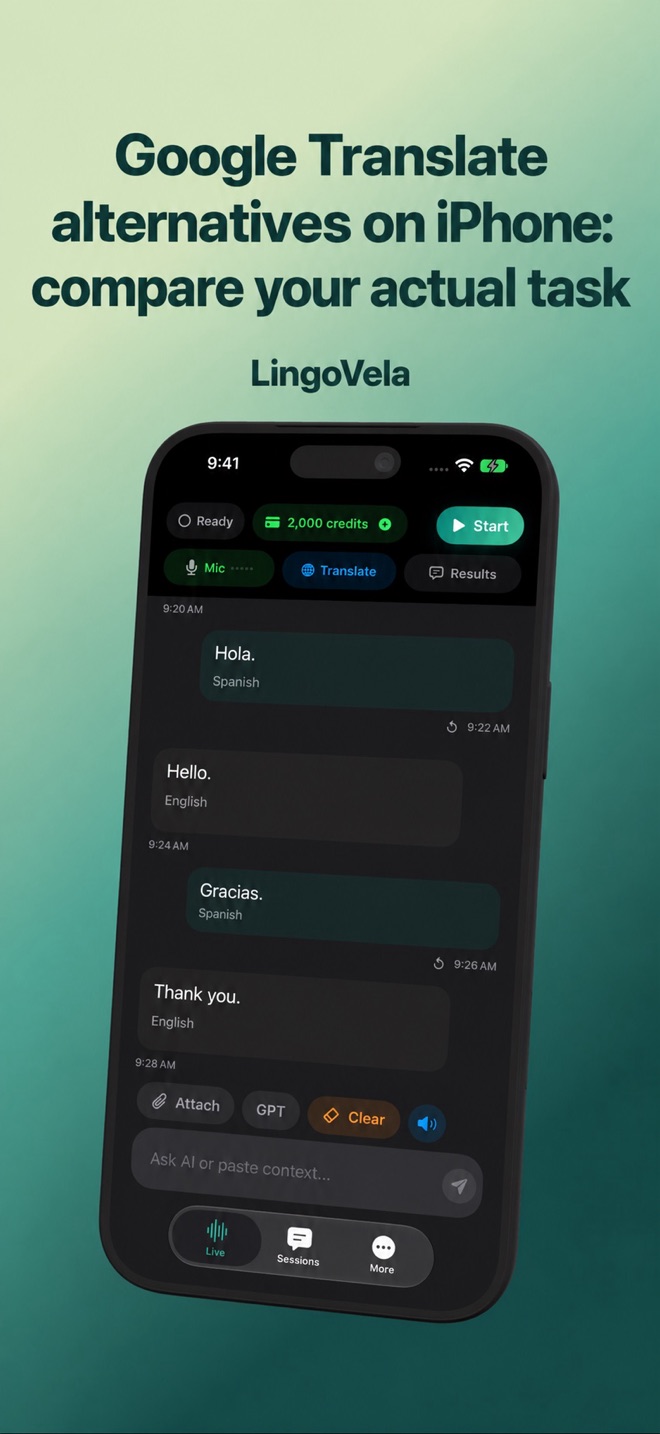
Google Translate alternatives on iPhone: compare your actual task
Start with the problem your current workflow leaves unsolved. This guide is published by LingoVela’s developer; it is not an independent accuracy ranking.
Compare the same input and required output
Choose one real task before comparing apps. Write down the source language, target language, device, input and who must receive the result. A successful typed sentence does not establish a working spoken conversation.
- For a two-person exchange, check both directions and whether each person hears or reads the reply.
- For a sign or menu, check recognised original, item grouping and whether you need text or a translated image.
- For a file, check the actual format, device and output. A text reply is not a layout-preserving document export.
- For a telephone call or platform meeting, check that specific supported route. An in-person microphone feature is not a call bridge.
Check Google’s current iPhone modes before replacing them
Google’s iOS help lists Listening, Conversation, Text only and custom output, plus face-to-face display and automatic detection of language changes. It is not accurate to describe every current Google workflow as a manual tap for each turn.
Check the installed version and the controls actually available with your audio accessories. Choose the mode for the task and test the recipient’s experience. The documented headphone and output settings are not proof that another app offers the same routing.
A practical conversation comparison you can repeat
Use the same ordinary example and language pair, with someone who can check both languages. This is a proposed test, not a result measured by us.
- Ask a short question and let the other person answer. Verify the recognised original and intended meaning in both directions.
- Include a correction, number, date, unit and negation. Confirm who is doing what instead of judging only how natural the voice sounds.
- Try a longer reply with a natural pause. Note whether either app stops listening, requires a control or omits a turn.
- Distinguish text that is still changing from a completed result. Record the point you could safely act on, rather than comparing unrelated first-text and final-result times.
- If speech or output is missing, check input, language selection and the intended speaker/headphone route separately. Repeat the exact failed turn after one change.
Photos and documents are different comparison tasks
Google documents camera and saved-image translation, including text selection. Its iOS document help points to pasted text or browser document translation on medium-to-large screens such as iPad; do not infer the same document-upload workflow on every iPhone.
LingoVela’s compatible local/PCC image path recognises text on the device before translating it. It does not promise replacement images with the original layout. For a supported file, check extraction and the actual reply; do not infer a finished translated PDF.
Compare the item you need, including prices, headings or a complete document passage. Use the linked photo and file guides for capture and review instead of treating a generic language list as feature proof.
Test the exact offline workflow before travel
Google’s image help documents language preparation for offline camera use. That is evidence for the documented feature, not a promise about every speech or file task. Prepare the actual mode you intend to use.
For LingoVela On Device, prepare compatible recognition, translation and any needed voice resources. Then, when safe, repeat your complete sample without network access. Check original, translation and required spoken output separately. Restore connectivity after testing.
A downloaded language label or translated interface does not prove the full path. If it fails, identify the unavailable stage and prepare a checked text or other supported fallback. PCC is an internet mode, not a local offline substitute.
What choosing a LingoVela mode changes
LingoVela offers OpenAI · Online, On Device and Private Cloud Compute. Every mode requires an active subscription. On Device uses no AI credits; compatible prepared resources and language-pair availability still matter.
OpenAI · Online and PCC require internet, credits and the relevant provider consent. Hardware and language availability depend on the selected mode. Compare the mode you will actually run, not a feature from a different provider or device.
Check the content you share and the selected provider’s data path. Local recognition alone does not establish local subsequent translation. For work material, use the approved process. No blanket privacy or quality superiority follows from the word local, cloud or AI.
Compare access and total cost without assuming paid is better
Review the current offer for each exact product and feature: subscription, renewal, cancellation, usage allowance or credits, preparation and any needed hardware. Do not use a developer API price as a consumer-app price.
In LingoVela, installation is not evidence that translation access is included without a subscription, and the local mode still requires one. If your existing tool already handles the task, this guide gives no reason to buy another solely because it is paid.
Keep benchmarks and product claims in their proper scope
A configured cloud speech/translation API test does not establish the performance of a consumer app. Check the actual product version, language pair, input, output and scoring conditions before applying a reported result to your own exchange.
We do not present independent provider rankings here. Use your checked result, missing-turn behaviour, mode requirements and actual cost to choose. LingoVela does not promise direct phone-call capture, automatic professional interpreting or a meeting-platform integration; follow the appropriate guide when the task needs something else.
Is LingoVela more accurate than Google Translate?
This guide does not establish that. Compare the actual pair and task with a bilingual check; a fluent voice or an API benchmark is not proof of consumer-app accuracy.
Does Google Translate always require a tap for every turn?
Google’s current iOS documentation includes multiple live modes and automatic language-change detection. Check the available mode and installed version rather than assuming an older workflow.
Is LingoVela’s offline mode free to use?
All LingoVela modes require an active subscription. On Device consumes no AI credits but needs compatible prepared resources.
Does a supported language mean speech, camera and documents all work?
No. Interface language, recognition, translation, output and document workflow can have different requirements. Test the exact route and device.