ASL interpreter apps and voice translators are not interchangeable
A voice translator is not an ASL interpreter. Reading text on a phone, translating spoken words and interpreting a signed language are distinct communication options.
Ask which language and communication method are needed
ASL is a signed language; an app that recognises English speech has not thereby recognised ASL. A list of spoken input languages is not evidence of sign-language recognition. Ask the person which communication method works for them.
The National Association of the Deaf describes qualified interpreting as a skill involving accurate, effective and impartial communication, including specialised vocabulary. A polished automatic output is not evidence that those skills have been supplied.
Check the direction: captions, an avatar or recognition of signing
A captioning tool turns speech into written text. An avatar may render typed or spoken words as signs. A sign-recognition tool attempts to read a person signing. Write down the direction you need before comparing apps: seeing an animated signer does not establish that the camera understands a signed reply.
Hand Talk’s current developer listing describes typed or spoken input rendered by its characters, with dictionary and learning functions. Its support FAQ describes its image option as reading a short written phrase from a picture. That camera workflow is not evidence that it recognises someone signing.
- Identify the specific signed language and supported input direction.
- Separate dictionary or course practice from an interpreting service.
- Check how the other person can reply, rather than testing only the app’s output.
Check which offline feature is actually described
Hand Talk’s App Store description mentions offline dictionaries and educational videos. Its support FAQ separately says automatic translation needs internet and describes fingerspelling when disconnected. These are feature-specific statements: offline reference material does not establish a complete offline conversation.
Ask the provider about the exact language, input and output path you need. Prepare the resources it supports and check the chosen workflow with the person who will use it. Do not extrapolate one app’s offline capability to another app or to qualified interpreting.
Video may connect you to a person
Some interpreting apps use the camera to connect participants with a qualified human interpreter. That is different from using a camera to extract printed text, and different again from automatic recognition of signing.
LanguageLine describes ASL access through its professional video-interpreting service. Verify the service’s account arrangement and supported signed language. Do not assume every service covers every sign language or that a translated text bubble meets someone’s access needs.
What LingoVela does and does not do
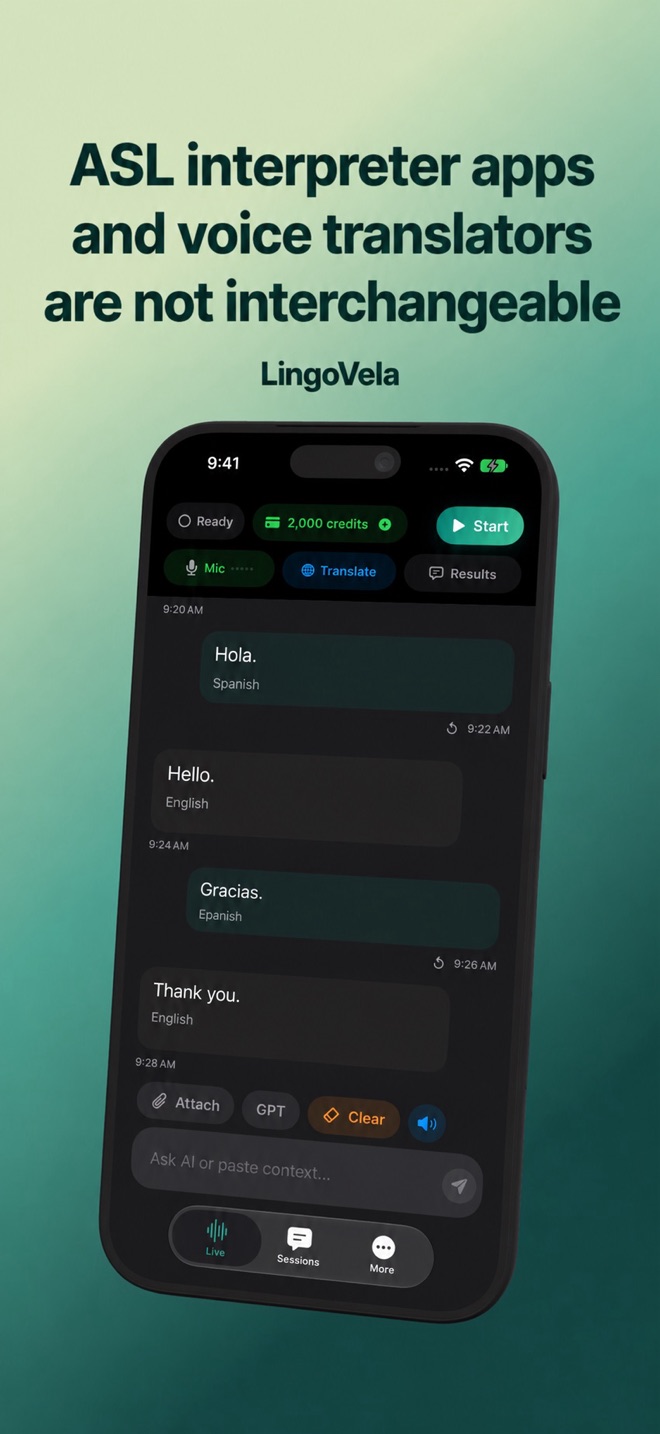
LingoVela translates spoken or typed language through its supported workflows. It does not recognise signing, provide an ASL avatar, or connect you to a human interpreter. Its camera/text features do not change that boundary.
Do not purchase LingoVela expecting sign-language interpreting. A shared text exchange may be useful only when the participants themselves choose it as an appropriate way to communicate.
Prepare the right conversation setup
Clarify access before the appointment or meeting, rather than trying to solve it with an unrelated app at the door.
- Ask the person about their preferred language and communication method.
- Ask the organising service what interpreting or other communication support it can arrange.
- If using video interpreting, check camera framing, lighting, screen size and a reliable connection in advance.
- Keep a way to pause and clarify if the chosen method is not working.
Agree on a stopping point if the method fails
Before a meeting, agree how either participant can stop the exchange if a message is unclear or the display, camera or connection is unsuitable. Do not treat a successful greeting as evidence that a longer conversation is accessible.
For a voluntary practice session, try a fictional time, a correction and a question back. Ask both participants whether they could express and understand the correction through their chosen method. If they could not, arrange a more suitable service or setup before continuing. This exercise is not a certification of an app or a substitute for the person’s communication preferences.
Does a camera button prove that an app recognises signed language?
No. It may extract written text from an image. Check the documented input direction and supported signed language.
Is an animated signer the same as a qualified human interpreter?
No. Animation, sign recognition and access to a human interpreter are distinct functions. Match the service to the person’s communication needs.
Does an offline dictionary mean automatic sign translation works offline?
Not necessarily. Check the particular feature; a reference dictionary and automatic translation can have different connection requirements.
Does LingoVela provide ASL interpreting?
No. It does not recognise signing, generate an ASL avatar or connect you to a human interpreter. Do not buy it for those functions.