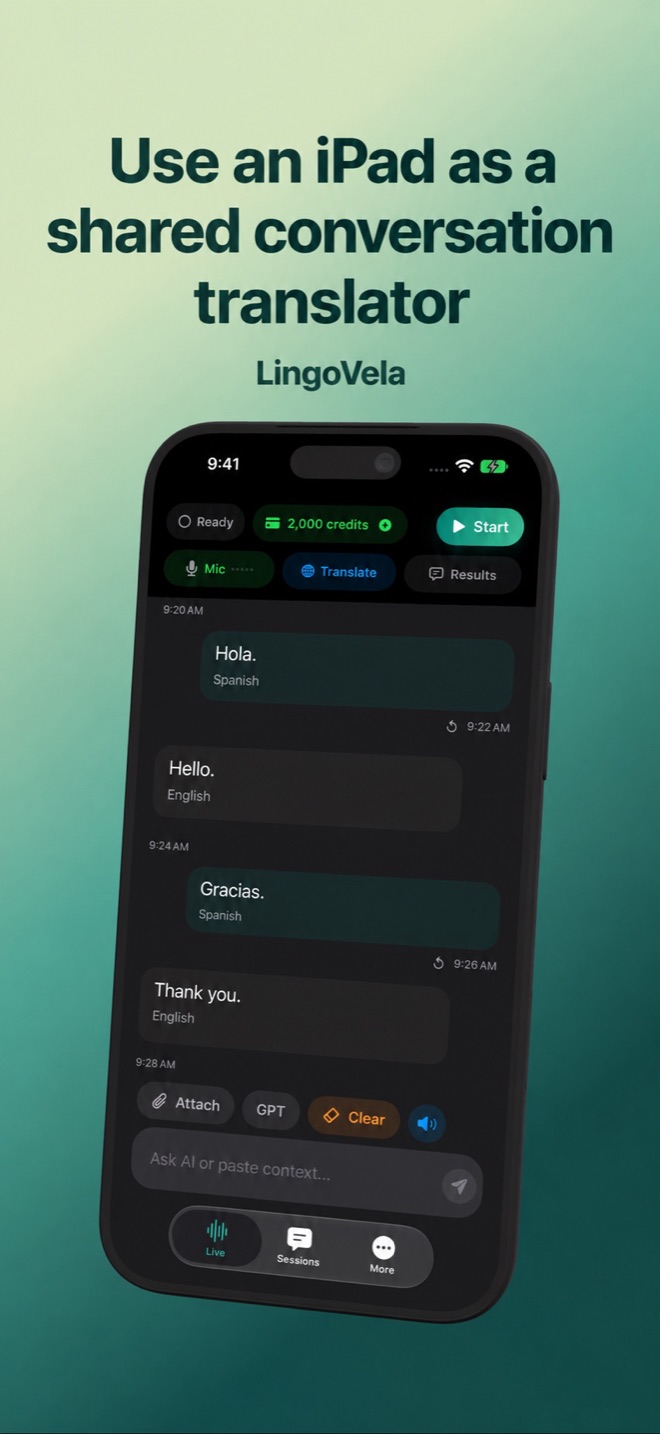
Use an iPad as a shared conversation translator
A larger screen can make both languages easier to read, but it does not remove the need for clear audio and a supported language pair.
Set up the table
Place the iPad where both speakers can see the text and the microphone is unobstructed. Avoid covering it with a folio or putting it beside a loudspeaker. Let one person speak at a time.
Prepare this device
Choose a LingoVela mode and pair, and test speech in both directions. Local models downloaded on an iPhone do not establish readiness on an iPad. PCC also has its own compatible hardware and system requirements.
Treat a shared tablet as shared storage
Before keeping a translated conversation, consider who can access the tablet and its local history. End the session when finished. The anonymous service account is device-linked; it is not a sign-in system for sharing one credit balance between all devices.
Check the actual task
LingoVela supports a translation workflow on iPhone and iPad, not a promise of group meeting interpretation or hearing every participant across a room. For a larger conversation, choose a suitable microphone setup and a service designed for that situation.