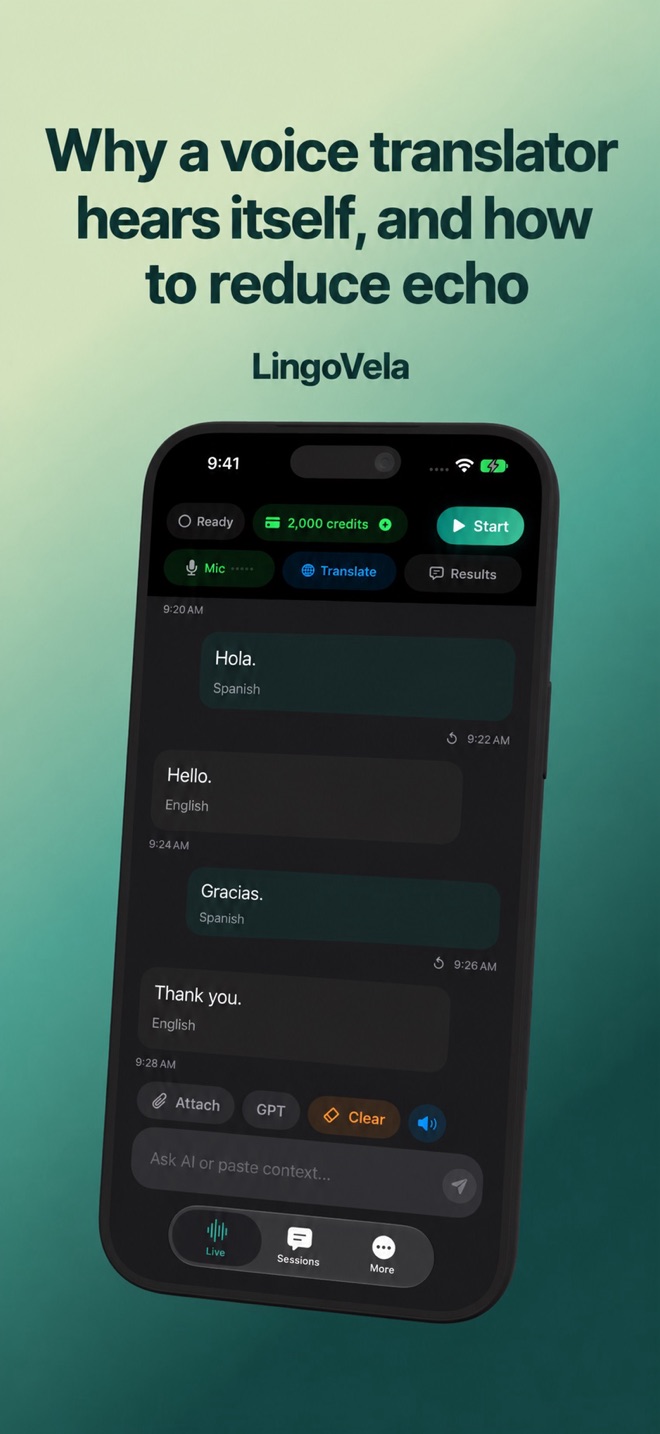
Why a voice translator hears itself, and how to reduce echo
A translator can hear its own loudspeaker output and treat it as a new speaker. That creates repeated phrases, wrong language directions or a conversation that appears to continue on its own.
Recognise the pattern
If text arrives immediately after the translated voice and resembles that output, suspect acoustic feedback. If the first recognised sentence already differs from what you said, investigate recognition and background noise too. A screenshot alone cannot prove which stage failed.
Run a controlled comparison
Keep the app version, mode and pair unchanged while comparing routes.
- Move to a quiet room and end other audio sessions.
- Speak one short sentence, then remain quiet while playback finishes.
- Lower speaker volume and repeat.
- Try headphones with their microphone, then compare with the phone speaker.
- Note whether the repeated text disappears on the headphone route.
Avoid making the test worse
Do not put a second phone playing a translation beside the microphone. Keep the microphone unobstructed and let one person finish at a time. Loud background audio and reflective spaces can defeat otherwise useful echo reduction.
Report a reproducible case
A useful report says which route repeats, whether input activity moves during playback, and whether typing produces the same problem. Do not label an unrelated generated sentence as a good translation simply because the audio is fluent.