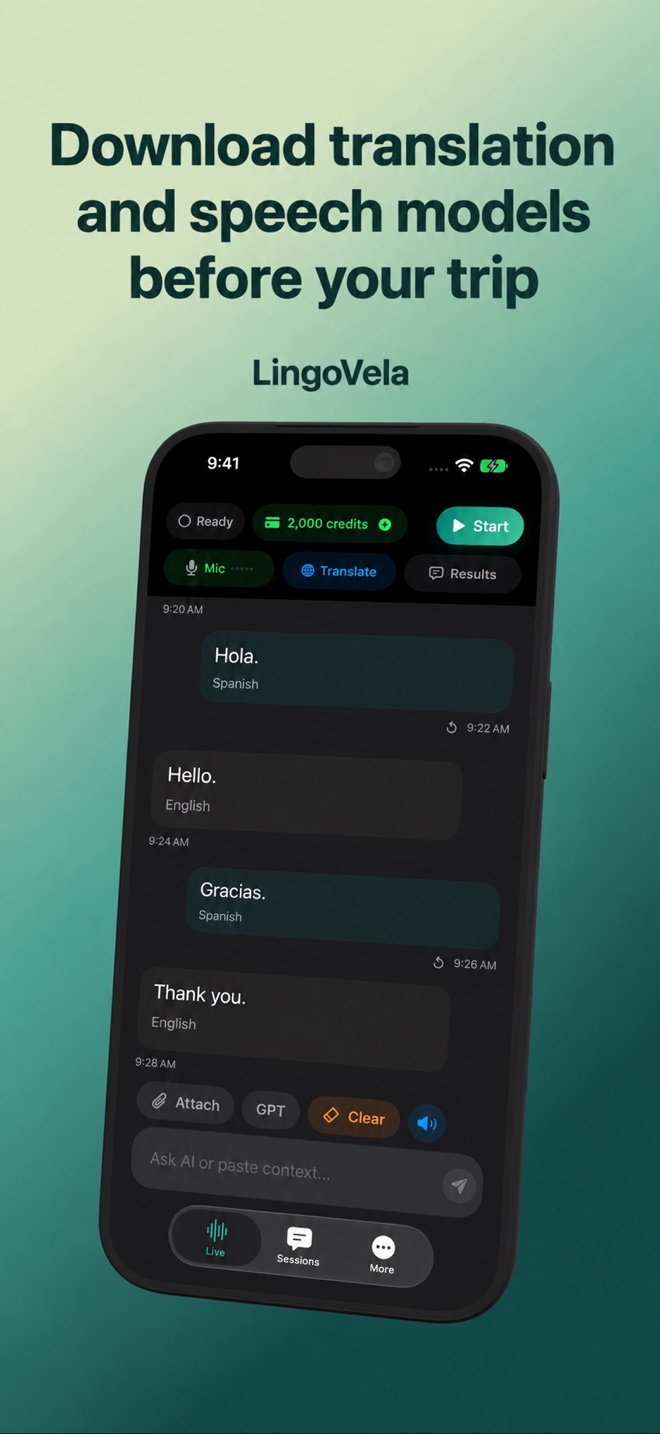
Download translation and speech models before your trip
Prepare both directions of the conversation on the device you will take with you. Downloads on a different phone do not establish readiness on this one.
Choose the mode first
Open the translation Mode controls and select On Device. Select the languages you need; the app checks supported language combinations rather than offering every interface language as an offline translation model.
Finish preparation on a stable connection
Keep the app open while preparing assets and review any system download prompt. A model may be shared with the system, and availability can change with device and OS.
- Connect to a reliable network and make room on the device.
- Use the app’s language preparation controls.
- Wait for completion and inspect the readiness state.
- Check a typed sentence and a microphone sentence in both directions.
Distinguish two downloads
Speech recognition can require a separate language asset even when typed translation is ready. This is especially important when changing between On Device and Private Cloud Compute: PCC’s translation happens online, but its speech-input preparation can still be local.
Remove deliberately
Use the model removal control only when you no longer need that offline pair. Removal can require another download later. Before a trip, do not clear system language data or reinstall the app as a storage shortcut; verify the prepared conversation again after any cleanup.