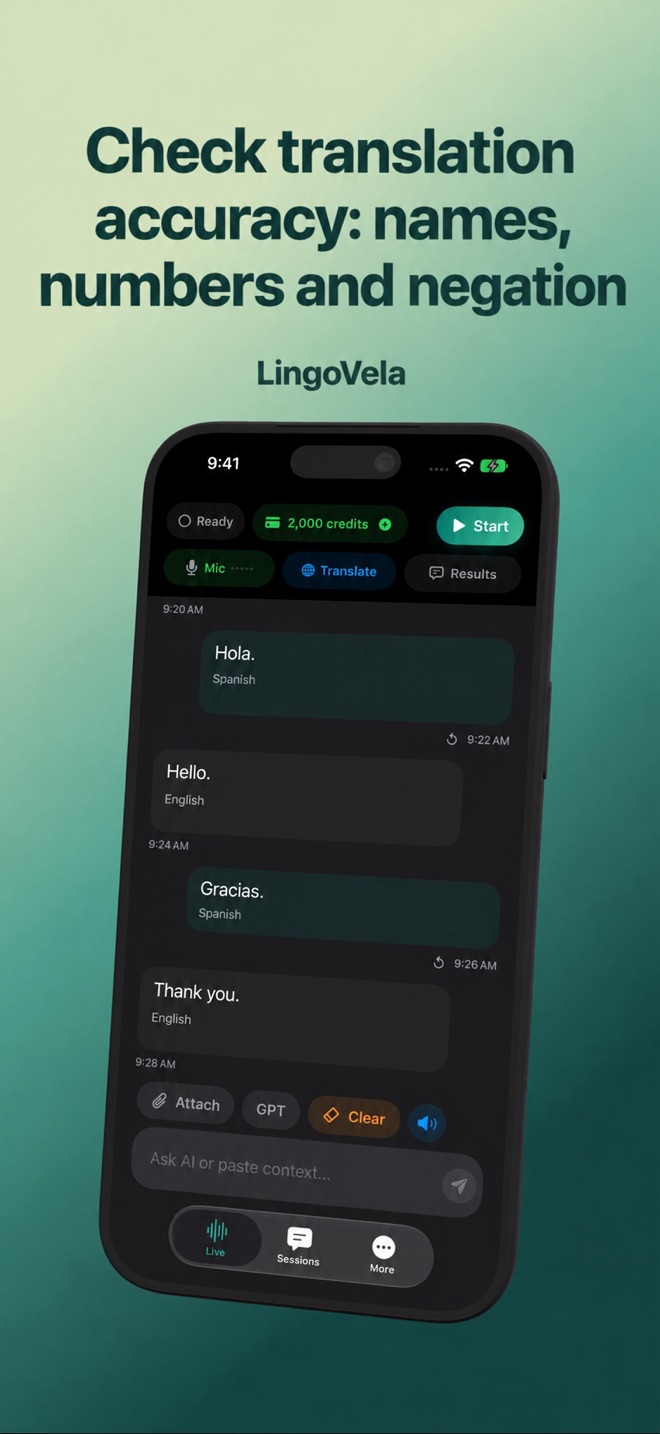
Check translation accuracy: names, numbers and negation
Fluent output can still be wrong. Check what was recognised before judging the translation, especially when names, numbers or a negative change the meaning.
Find the first incorrect stage
Compare the recognised input with what the speaker actually said. If the input is wrong, try a shorter sentence, a quieter space or typed text. If the input is correct but the translation is wrong, changing microphone volume will not fix that translation.
Use a small test set
Make the examples specific to your trip or conversation, not a contest designed to favour one app.
- Include a positive and a negative: “I want this” and “I do not want this.”
- Include dates, quantities, room numbers and a price with its currency.
- Keep a person or place name visible in its original spelling.
- Ask the other speaker to confirm the intended meaning in simple words.
Reverse translation is a clue, not proof
Translating an answer back can expose an obvious error, but two model passes can also repeat or conceal the same mistake. Agreement between two generated outputs is not independent validation. For important details, use the original document or a person who understands both languages.
Match the tool to the consequence
For an ordinary cafe question, a corrected short sentence may be enough. For diagnosis, legal consent, binding negotiations or safety instructions, arrange qualified interpretation. LingoVela is not a certified interpreting service and provides no universal accuracy guarantee.