Microsoft Translator or LingoVela on iPhone: compare the workflow
A free translator is worth testing before choosing a subscription. Compare the actual iPhone apps on your own language pair, rather than treating a cloud API benchmark as a result for every phone.
What Microsoft documents for its iOS app
Microsoft’s current iOS FAQ says its consumer Translator app is free, requires no account, and uses an internet connection for speech translation. Its microphone controls vary by language support. It also documents copying text from another app for translation.
Those facts describe the consumer application. Azure developer services are a separate purchasing and integration decision. A latency result obtained with an API is not automatically a measured result for the current iPhone interface.
Free speech does not mean every feature works offline
Microsoft’s iOS troubleshooting guidance says speech translation requires an online connection. A downloaded language resource or working typed translation does not prove that an offline spoken conversation is supported. Check speech input and spoken output for the exact pair separately.
The same distinction matters when comparing any free and paid apps. Write down the task you need: a short exchange across a table, a shared multi-device conversation, a translated document or audio from another application. A price label is not a feature checklist. Verify the supported path before arranging the conversation.
A useful side-by-side trial
This comparison is published by Arte Soft, LingoVela’s developer. We have not run an independent current-device speed or accuracy benchmark against Microsoft. A practical trial should include the parts of a conversation you actually need.
- Choose the same source and target languages in each app.
- Ask one short question, wait for the translation, and have the other person reply.
- Check a negative statement, a number and a proper name in both the transcript and translation.
- Check how to stop listening, change spoken output and recover after an interruption.
- If offline use matters, repeat with Wi-Fi off rather than assuming a text pack covers speech.
Record the limit that would actually interrupt your conversation
For any app offering a trial or free allowance, check whether the limit applies to time, characters, voice output, saved conversations or a specific feature. Do not treat a free installation as permanent free access. Check the current plan on the device and store you will use.
Use a fictional exercise: ask whether an appointment is at nine, correct it to ten, and let the other person ask a follow-up. Repeat after ending and starting the session. Record whether an allowance warning appears and whether both people receive the reply. This is a proposed comparison exercise, not a test result for the listed apps.
- Check whether a payment screen appears before the required speech feature starts.
- Note what remains available if an allowance runs out during a session.
- Check whether the chosen setup also needs mobile data, another person’s device or an accessory.
- Only pay for a capability you have verified and need; a subscription does not itself establish accuracy.
Where LingoVela differs
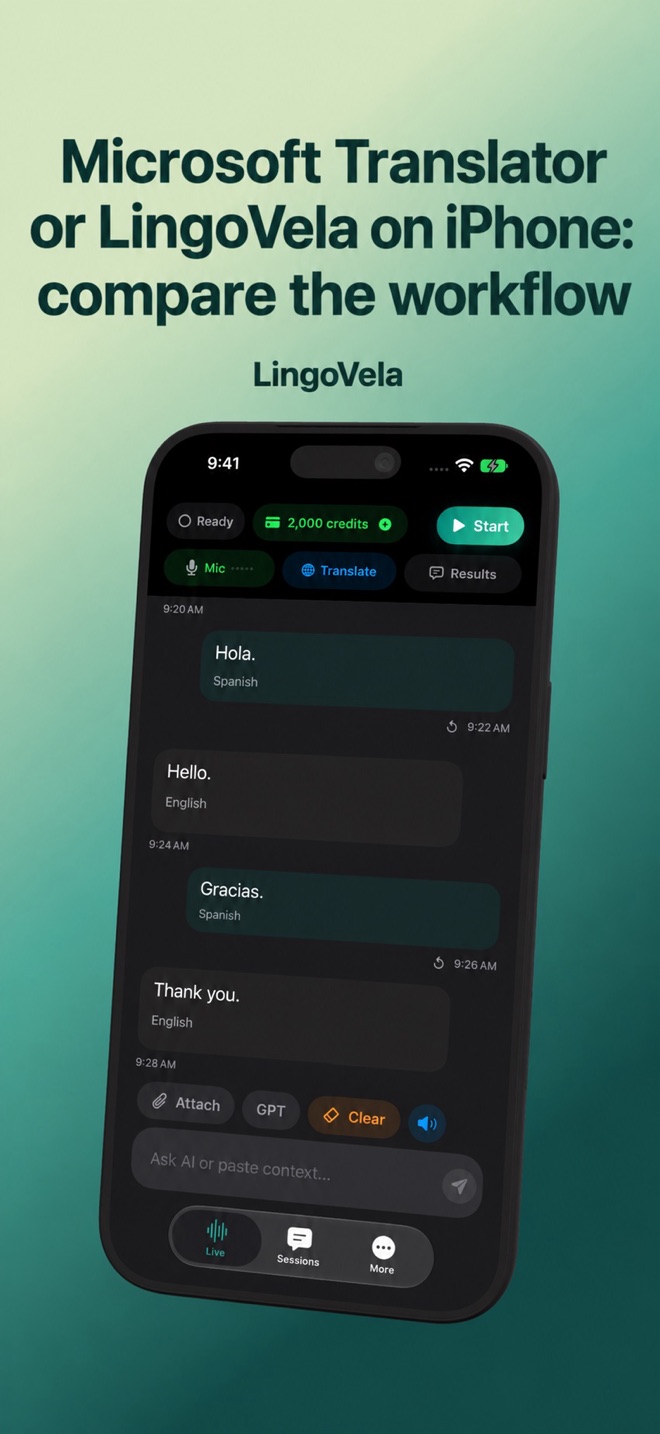
LingoVela offers OpenAI · Online, On Device and Private Cloud Compute modes on supported iPhone/iPad configurations. Its On Device workflow needs compatible prepared recognition, translation and voice assets; its online modes need connectivity.
All LingoVela modes require an active subscription. On Device uses no AI credits; online modes use credits. Microsoft’s free consumer app may be sufficient if it covers your needs. Paying does not itself prove better translation quality.
Choose by the failed step
If speech recognition is the problem, compare the captured original text before judging the translation. If spoken output is missing, test whether the target voice is supported. If you need a meeting integration or a telephone service, check that exact product feature separately.
Keep a small test record with app version, phone, language pair, microphone route and network. That is more useful for your next decision than a universal winner label.
Is Microsoft Translator’s consumer app the same purchase as its API?
No. Microsoft describes the consumer app as free and points API customers to its separate business service.
Does a downloaded text pack establish offline speech support?
No. Verify recognition, translation and spoken output separately for the exact app and language pair.
Is LingoVela a free alternative?
Translation in LingoVela requires an active subscription. On Device uses no AI credits; the online modes use credits. Check the current requirements before choosing it.
Should I upgrade just because a free app makes a mistake?
First identify whether the error comes from captured speech, translated meaning or playback. Compare the same checkable exchange before assuming that paying fixes it.