OpenAI live translation: choose an app or build with the API
Start with one decision: do you want to translate a conversation now, or build a translation product? OpenAI provides developer tools, while a finished app must also decide who is listening, which language they hear and what happens when audio stops.
Write down the exchange before choosing the technology
A useful brief names the source speaker, their language, the listener and the output they need. For example: one person speaks English into a phone, another reads Spanish and hears the translated voice. Then decide how the reply comes back. A lecture with many listeners and an alternating conversation need different controls.
If you want a ready-made app, check those controls on the actual phone. If you are building a product, treat the same brief as an audio-routing specification. A demonstration of a translation model does not establish that a particular app supports your meeting platform, telephone call or language direction.
An assistant and a dedicated interpreter have different jobs
OpenAI documents gpt-realtime-translate for translating human speech, with translated audio and transcript updates during the incoming stream. Its standard Realtime sessions instead support an assistant that can answer questions and use tools. ChatGPT is a separate application; its available voice controls depend on the product, account and rollout.
The distinction matters when someone says “Can you hear me?” An interpreter should convey that question to the other person. An assistant might answer it. When evaluating an app, include a spoken question and check the result rather than assuming that an OpenAI label means translation-only behavior.
Transcribing speech, translating the resulting text and optionally reading it aloud is another architecture. It gives the application separate stages to inspect, but also requires it to coordinate partial recognition, translation and playback. Neither architecture removes the need to check meaning with a proficient speaker.
For developers: use the correct session lifecycle
The dedicated translation API uses /v1/realtime/translations. It consumes a continuing audio stream, including the pauses between phrases. Unlike the general voice-agent flow, it does not use response.create to ask for an assistant turn. Selecting a target language and handling output events are part of the integration.
OpenAI documents WebRTC for browser capture and playback, and WebSockets for systems that handle raw audio. Its WebSocket translation example sends 24 kHz PCM16 audio. This is an API transport requirement, not a requirement to record a consumer video or choose a phone-screen resolution.
The end of a session needs attention too. OpenAI instructs WebSocket clients to send session.close and keep reading until session.closed so final translated output can drain. A UI that disconnects immediately may lose the final words. Test the stop control as well as the start control.
A return conversation needs a return audio path
For conversational calls, OpenAI recommends keeping participant tracks separate and creating a translation session for each direction. A lecture sent into two output languages instead needs a translation session for each target language. These are different designs even if both are called live translation.
Write an explicit route for each person: microphone or remote track, translation target, playback device and mute control. Then test whether translated playback is being captured again. A model cannot by itself decide how your application separates a remote participant from its own loudspeaker.
A developer example using a telephone service or browser tab capture does not grant every app access to other apps’ call audio. Check the platform permissions and implemented capture path before promising call translation.
Check voice behaviour and speech already in the target language
OpenAI’s Realtime Translation cookbook describes dynamic voice adaptation: translated speech follows characteristics of the incoming speaker, rather than a fixed selectable voice. It also says the model does not currently expose custom prompting or voice-selection parameters. That is a constraint of this dedicated API, not a statement about every ChatGPT or LingoVela voice setting.
The cookbook’s telephone demo warns that speech already in the listener’s target language may not be translated. Because that demo does not forward original audio, the listener can hear silence. A production bridge needs to handle that path explicitly. Do not confuse this model behaviour with a microphone permission failure.
- For a developer prototype, send a harmless phrase in the configured output language as well as a phrase that needs translation.
- Check what the listener actually hears and which transcript is shown.
- If your product forwards original audio, verify that the route does not also play an unwanted duplicate or feed its own output back into input.
- Document the behaviour for the selected model and integration; do not advertise a fallback you have not implemented.
Judge audible meaning and visible text separately
A subtitle arriving early does not prove the listener has heard the corresponding translation. Measure the first audible output and the completion of a whole sentence separately. A longer uninterrupted passage can reveal a growing delay that a short greeting misses.
For your own test, keep a small reference sheet with the intended meaning and the important names, dates, quantities and units. Ask a bilingual reviewer to compare the spoken output with it. Inspect the displayed source and target text too, but do not treat a plausible transcript as proof that the voice was correct.
Use a short test with clear failure checks
Use fictional details and the same material for every candidate app or prototype. Record which device, language direction, audio route and app version you tested. This is a practical acceptance check, not an independent accuracy benchmark.
- Translate a question and an instruction. Confirm that the system conveys them instead of answering or obeying them.
- Say a made-up reference such as order R-24, six items and Friday at 14:30. Check every field with a proficient speaker.
- Pause, repeat a phrase intentionally, then switch languages briefly. Check for missing content, unwanted repetition or silence.
- Let the translated voice play at normal volume, then speak again. Check that playback has not become new source speech.
- Try a longer passage, interrupt connectivity, reconnect and stop after a final sentence. Check the last words and whether any old output replays.
Check the data path and the bill before a real session
For a browser integration, OpenAI instructs developers to create short-lived client secrets on their server and keep the standard API key out of the browser. Plan consent, logging and access controls around the actual audio and text you transmit; a model name is not a privacy policy.
For costs, keep the units separate: an app subscription, its internal credits and direct API usage are different arrangements. Check the current model rate and what your integration sends. Additional translation directions and target-language streams can create additional usage. This guide does not quote a per-minute price or convert credits into guaranteed conversation minutes.
Where LingoVela fits
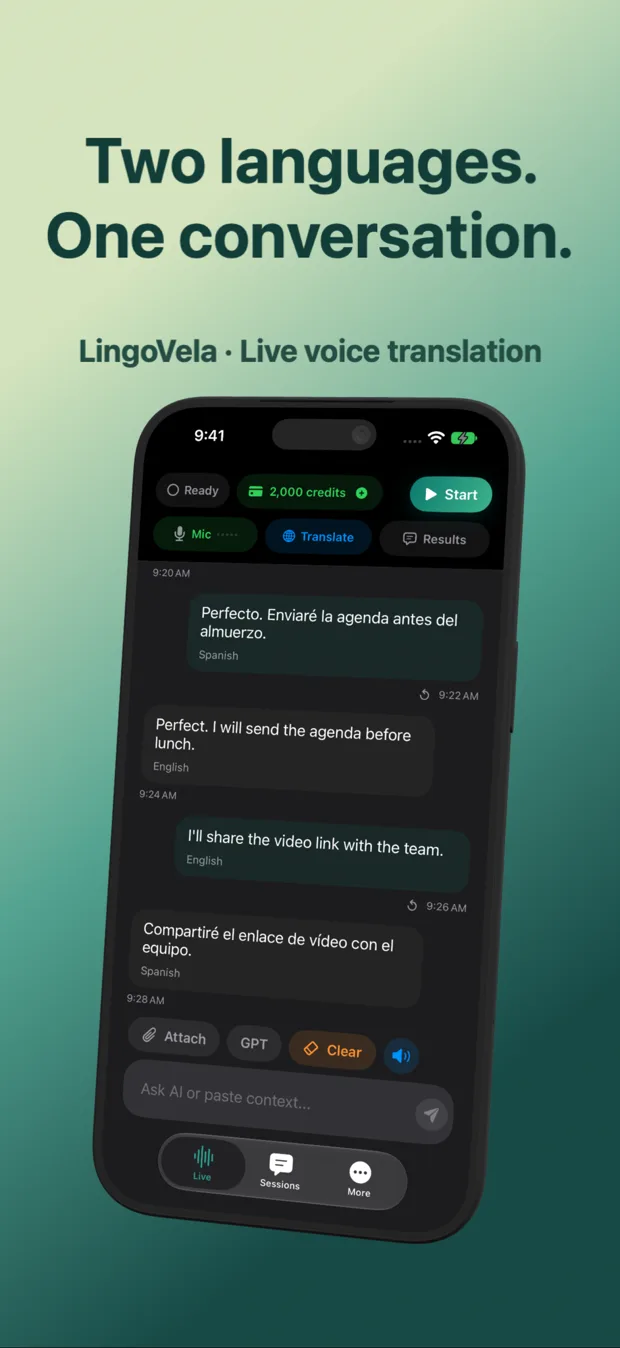
We are LingoVela’s developer and have a commercial interest in the app. This guide explains choices and checks; we have not established that LingoVela is faster or more accurate than another product. It is a ready-made translator with OpenAI · Online, On Device and Private Cloud Compute modes, rather than an API development kit.
All three modes require an active subscription. On Device uses no AI credits and needs compatible prepared assets. OpenAI · Online and Private Cloud Compute require internet and credits; Private Cloud Compute also has device requirements, and speech recognition can still need a download. Check the actual language pair and mode before relying on either online or offline translation.
LingoVela does not provide a telephone bridge or capture another app’s internal call audio. A capability demonstrated in an OpenAI developer example is not automatically a LingoVela feature. Use the linked mode guide and support information to check the current requirements and availability.
Is OpenAI live translation a ready-made app?
The phrase can refer to different products. OpenAI documents a developer translation API, while ChatGPT is a separate application and LingoVela is another app with its own controls and requirements. Decide whether you need an app to use or building blocks to integrate.
Can one translation stream handle a two-person call?
A single one-way stream is not the complete return path. OpenAI’s conversational architecture keeps participant tracks separate and uses one translation session per direction. The application must route the translated audio to the intended listener.
Does the Realtime Translation API work offline?
It connects to an online service. LingoVela’s separate On Device mode is the offline option for compatible prepared assets and supported language pairs, with an active subscription. It is not an offline version of the OpenAI API.
Does a benchmark for an API prove a finished app is faster?
No. Capture, transport, playback, interface behavior and the chosen language pair affect what users experience. Compare the actual app and device with the same material, and separate first output, completed speech and meaning checks.