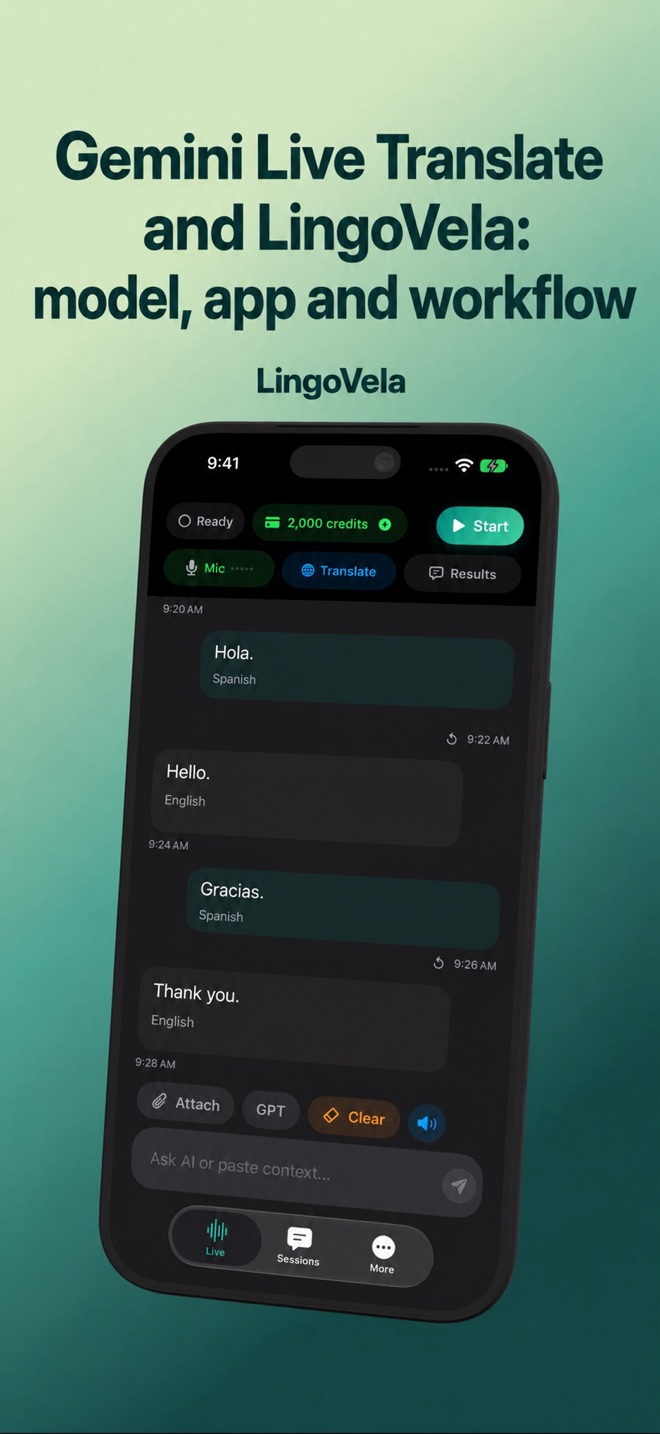
Gemini Live Translate and LingoVela: model, app and workflow
Gemini Live Translate is a model and a set of product integrations. To compare it with an iPhone app, first identify which Google product and feature you can actually use.
What Google has announced
Google’s June 2026 announcement describes Gemini 3.5 Live Translate for speech-to-speech translation, with rollout through Google Translate and separate developer and Meet access paths. It describes preserving aspects of a speaker’s delivery.
A rollout announcement is not proof that every account, language, region or device has the same control today. Check the current application and its feature requirements. A developer API preview is not the same thing as a consumer app subscription.
Gemini 3.8 Live is a different model family
Google’s September 2026 announcement describes Gemini 3.8 Live and Live Extended Thinking as dialogue and voice-agent models. That is a different announcement from the dedicated 3.5 Live Translate model described above. A higher version number does not prove that the same translation workflow or product access has been replaced.
For any application, inspect the provider and feature actually selected. LingoVela has not added a Gemini provider merely because Google has published another model.
If Gemini Live receives audio but does not answer
For a developer using the Live API, a connected socket and outgoing audio bytes do not prove that a completed speech turn reached the model. Google’s capabilities guide specifies raw PCM audio and documents different completion signals for automatic and manual activity detection. Check the exact model, SDK, audio format, declared sample rate and turn configuration against the current guide.
With automatic detection disabled, the documented workflow uses activityStart and activityEnd. Do not mix that sequence with the automatic-detection audioStreamEnd workflow. Also inspect all response parts before concluding the server returned nothing. We have not independently reproduced a Gemini 3.8-specific defect, so this is a configuration diagnostic, not a claim that a particular workaround fixes every session.
This API troubleshooting applies to developers. LingoVela users cannot enable Gemini by changing microphone settings; use the app’s own mode and microphone diagnostics instead.
What this means for LingoVela
LingoVela offers OpenAI · Online, On Device and Private Cloud Compute. It does not currently present Gemini as a selectable provider. Reading about a new Google model does not change the model running in LingoVela.
Choose On Device when the prepared supported language workflow and device fit an offline task. Online modes have their own connection, account/subscription and credit requirements. Do not equate a similar feature name with a shared backend or shared privacy policy.
Compare completed turns, not announcement adjectives
This guide is published by LingoVela’s developer. We have not measured an accuracy or latency ranking against Gemini. Test the task on both actual products before deciding which works better for you.
- Use the same language pair and a short non-sensitive exchange.
- Check recognition separately from the translated meaning.
- Include a negation, a time and a name.
- Listen to both directions and check what happens when speakers interrupt.
- Inspect connectivity, subscription, data processing and playback controls for each product.
Voice resemblance does not prove a translation is right
A familiar-sounding voice can still speak the wrong number or reverse a negation. Evaluate meaning and the ability to clarify errors, not only naturalness.
For an ordinary conversation, tell the other person you are using automatic translation and allow time to correct misunderstandings. For an appointment that needs professional interpreting, choose appropriate support rather than treating a new model name as a qualification.