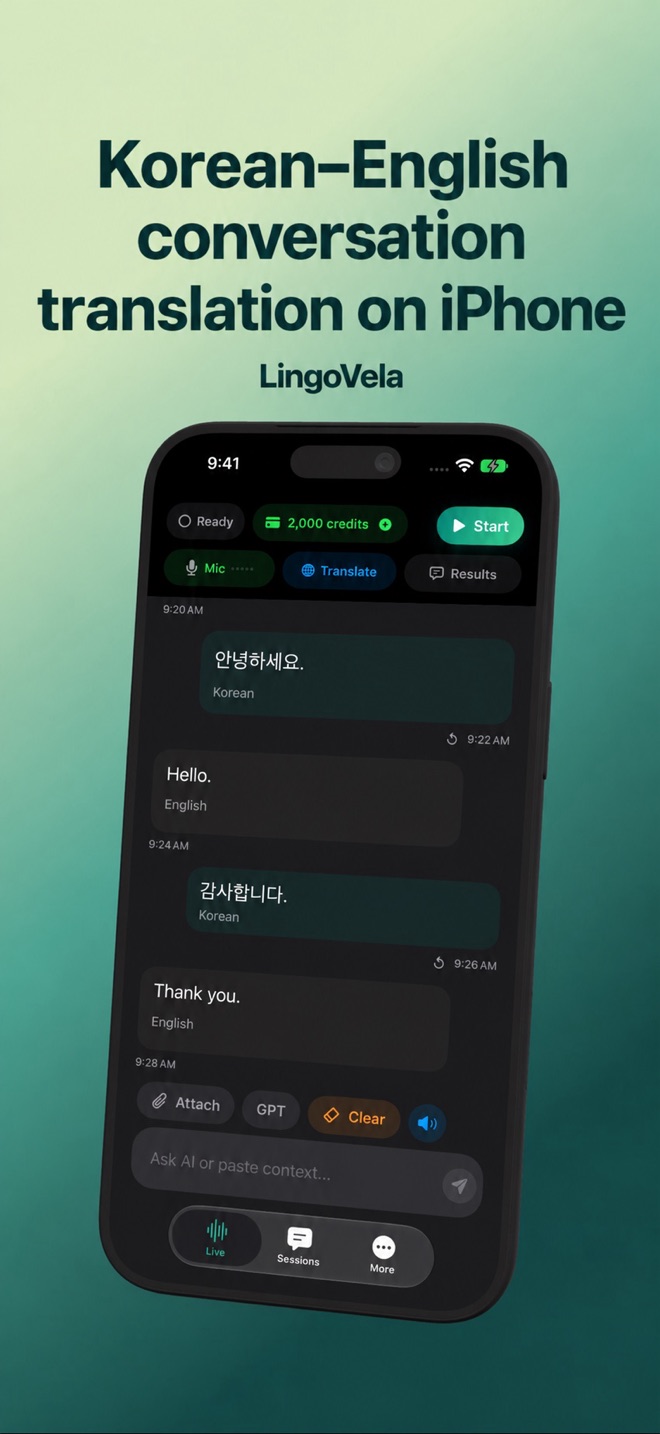
Korean–English conversation translation on iPhone
Use the original words and the translated words together. That gives both people a way to notice and correct a recognition or context error.
Prepare one exchange
Select Korean and English in LingoVela and test a question followed by its answer. Confirm that recognition, translation and playback all work in the chosen direction; then test the reverse.
Keep names and numbers visible
Retain Hangul place names and written reservation details. Say quantities slowly and show a number when confirming money or time. A transliterated name may not match the name another person expects to see.
Watch context and politeness
Relationship and situation affect how a sentence is expressed. If the output sounds abrupt or inappropriate, explain the intended situation and simplify the sentence. For consequential wording, ask a proficient speaker or qualified interpreter.
Verify offline readiness
For On Device, use the app’s preparation controls and test microphone input without connectivity. Successful online text alone does not establish local speech support. All LingoVela modes require an active subscription.