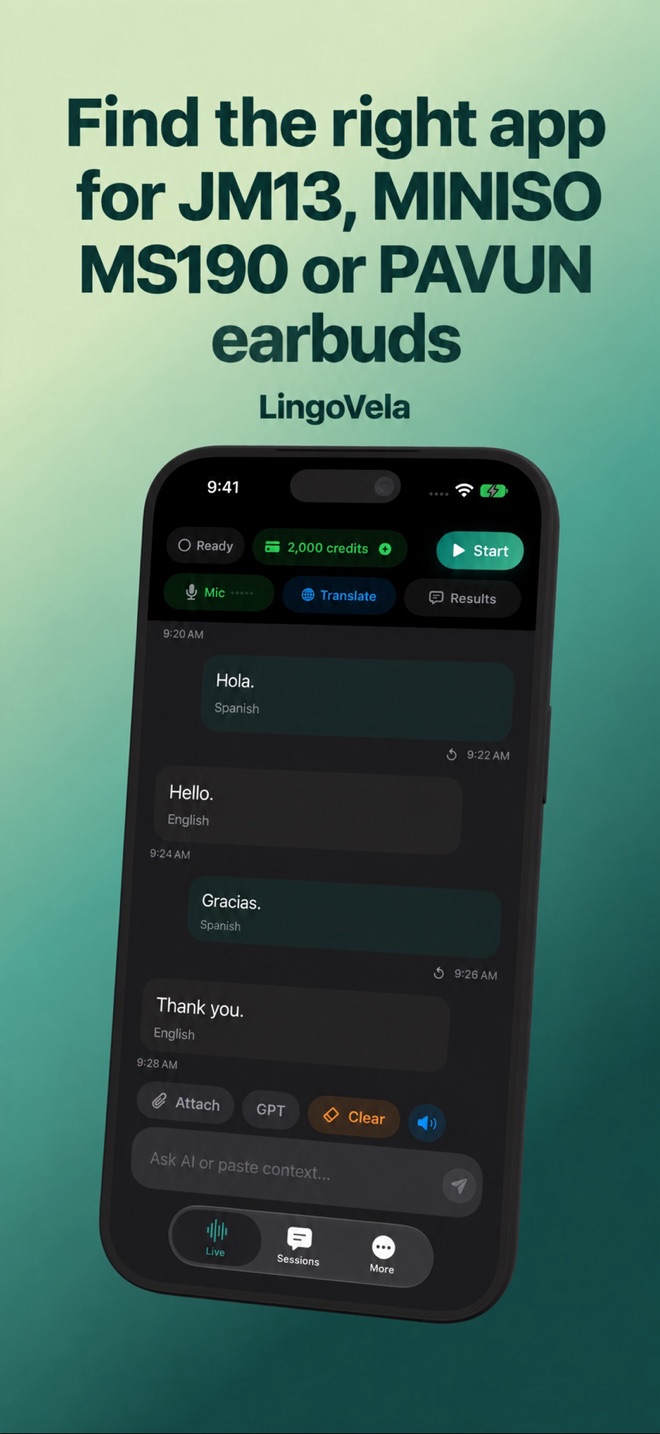
Find the right app for JM13, MINISO MS190 or PAVUN earbuds
If you searched for an app using an earbud model name, start with the exact unit and its supplied instructions. A similarly named search result is not enough to establish the correct companion software.
What we have and have not verified
JM13, MINISO MS190 and PAVUN appear in translation-earbud searches and third-party guides. We have not established one manufacturer-verified app link covering the exact units a reader may own. This guide therefore does not invent a download button, app name or supported offline language list for those products.
Use the model identifier on the packaging or device and the instructions supplied with that unit. If the seller supplied different software instructions for a hardware revision, ask it to confirm the correct current store listing.
Match the manual to the store listing
Apple’s App Store guide explains how to inspect developer information, compatibility and privacy details. Use that information to check the listing identified by the manufacturer or supplied manual.
- Record the exact model and any hardware-revision details.
- Find the companion-app instructions in the supplied manual or manufacturer support material.
- Open the specified store listing and compare its name and developer with those instructions.
- Check the required iOS version, purchase conditions and any activation process.
- If the details do not match, ask the manufacturer or seller for a confirmed link rather than selecting a similarly named translator.
Separate pairing from translation activation
Bluetooth audio pairing may let you play music while a translation feature still needs app setup, an account or an included entitlement. Check the product’s actual instructions before deciding which stage has failed.
Once the correct software is identified, test a short conversation in both directions. Confirm where the microphone listens, where the translated reply plays, and whether the other person needs a separate device. Do not assume a claimed language count also describes offline speech.
LingoVela is a separate product
LingoVela is not the manufacturer activation or companion app for these earbuds. Its subscription does not unlock a third-party device’s bundled translation service, and we do not promise its special controls or split-earbud modes.
If you want to use LingoVela as an independent iPhone/iPad translator, first check its supported audio route and selected language mode. Treat that as a separate app decision, not a repair for an unidentified vendor entitlement.