An app to speak Spanish: lessons, practice or translation?
“Speak Spanish app” can mean the product called Speak, a speaking course or a tool to talk with a Spanish speaker today. These needs deserve different tests.
If you mean the app called Speak
Speak’s official Spanish page presents a learning workflow with short instructional videos, spoken practice and conversations with its tutor. Its help centre describes custom lessons and questions about grammar, vocabulary and pronunciation. That is a teaching product, rather than simply a way to relay two people’s sentences.
Check the current Spanish course, plan, renewal terms and availability in your store. This guide does not independently verify Speak’s learning results, ratings or marketing numbers, and does not rank it above other courses.
Choose by the result you want
Write down what success would look like after the session. This prevents a fluent-sounding translated voice from being mistaken for progress in your own speaking.
- For a structured learning habit, look for a sequence of lessons, a clear level and opportunities to review earlier material.
- For speaking practice, look for prompts that make you form your own answer, then feedback you can understand and try again.
- For a real conversation now, check Spanish recognition, the other language, readable translation and spoken playback.
- For an important assessment of your pronunciation or grammar, use a qualified teacher rather than treating any transcript as a score.
Test the feedback before choosing a paid plan
Choose an ordinary scene you need, such as asking about a room, and try it in the course or tutor feature you are evaluating. Speak’s help describes topic-specific lessons and revisiting previous lessons; that gives you a concrete feature to inspect rather than relying on a testimonial or a lesson counter.
Check whether you understand the correction and can use it in a fresh answer. Keep the learning task separate from the purchase decision: inspect the current plan, trial conversion, billing interval and included features before paying. This guide does not reproduce a fixed price or promise the same lesson access on every plan.
- Make your own spoken attempt before revealing the model answer.
- Inspect what the app recognised and the particular correction it offers. Ask for an explanation when the difference is unclear.
- Change the situation: a different date, quantity or reason. Try a fresh answer without copying the previous one.
- Check whether the lesson or correction can be revisited in the selected feature. Keep only the study notes you actually need.
Find out what a pronunciation result measures
A speech-recognition transcript, a pronunciation exercise and a teacher’s explanation are different kinds of feedback. If an app recognises your intended sentence, that alone does not tell you which sounds, rhythm or word choices need work. Ask what a displayed score measures and what it leaves out.
For a useful comparison, say the same short sentence, inspect the recognised words and identify one suggested change. Then ask a teacher or proficient speaker whether the revised sentence is understandable and suitable for your situation. We have not tested competing products’ ability to diagnose particular Spanish sounds and do not declare a winner from marketing descriptions.
Keep a small progress record instead of a fluency deadline
Write down the task, what you could say without hints, the part you could not understand and one correction to practise. On another occasion, try a different reply to the same situation before looking at those notes. Being able to adapt an answer is a more useful observation than counting how often you repeated a displayed sentence.
Treat this as your own practice record, not a validated proficiency test. A course completion, app streak or self-reported confidence score does not establish a CEFR level. The time needed depends on your starting point, goals and practice; this guide does not promise conversational fluency after a fixed number of days.
A short Spanish speaking exercise you can repeat
Choose one situation you genuinely need, such as asking about a room or arranging a meeting. Use your own details instead of memorising an app’s answer.
- Try one sentence in Spanish before opening the translation.
- Say your intended meaning in the language you know well and compare the translation.
- Check the source transcript first: a recognition mistake is not evidence that your Spanish grammar was wrong.
- Change a time, number or place and make another sentence without looking.
- Ask a tutor or proficient speaker to explain one difference you do not understand. Repeat the exercise later without the app.
Check which Spanish you need
Tell a tutor or conversation partner where you expect to use Spanish and whether the situation is formal or informal. Check place names, forms of address and everyday vocabulary with someone familiar with that context. Do not assume that a generic Spanish label guarantees the regional vocabulary you want.
If your priority is understanding a reply, test a speaker who uses that variety of Spanish. If your priority is learning, judge whether you can produce a new sentence yourself, not just whether the app produced a polished translation.
Where LingoVela belongs
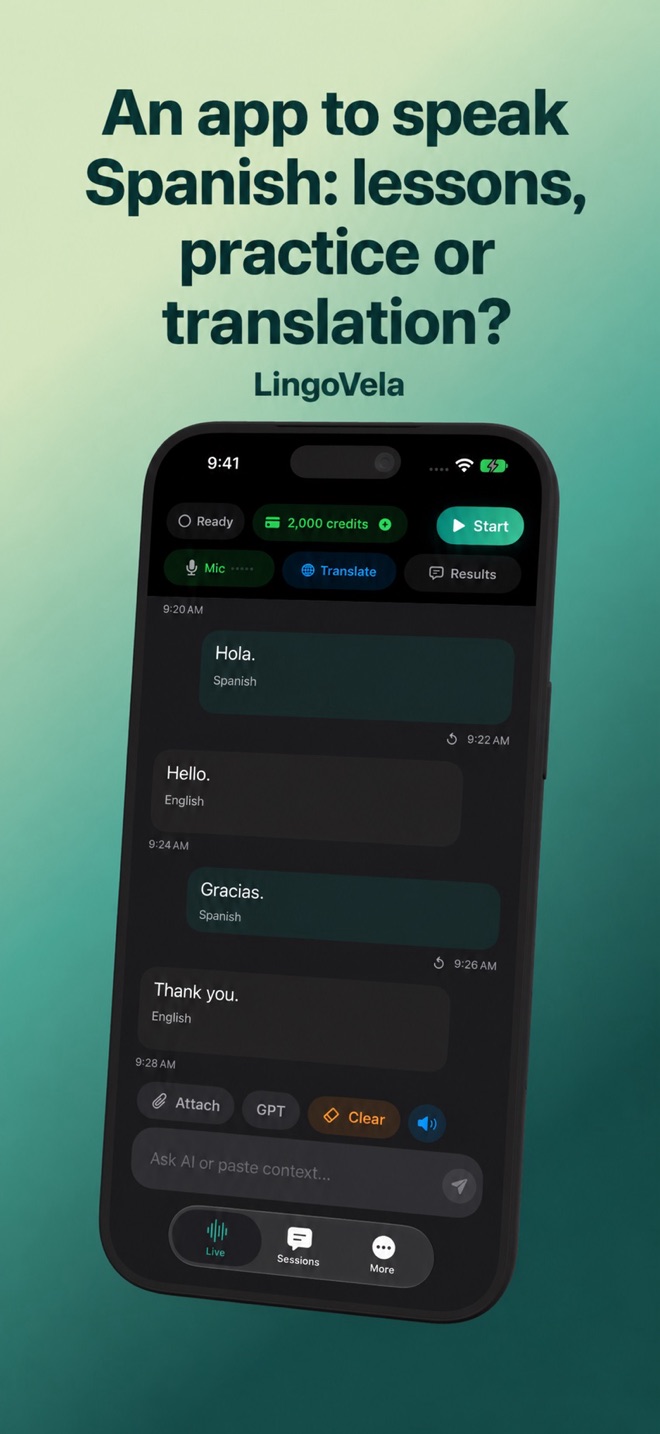
LingoVela can support translation between people and a small practice exercise. It does not offer a Spanish curriculum, graded pronunciation or a promise of fluency. We are its developer; this comparison does not report a hands-on learning study of competing apps.
An active subscription is required. On Device requires compatible prepared language and speech assets and uses no AI credits. OpenAI · Online and Private Cloud Compute require internet and credits, with device requirements differing by mode. Verify the pair you need before choosing LingoVela for travel or practice.
Is LingoVela an alternative to a Spanish course?
It addresses conversation translation, not structured teaching. A course or tutor is a better fit when your aim is to learn and assess your own Spanish.
Does a correct Spanish transcript mean my pronunciation is correct?
Not necessarily. Recognition can recover meaning despite errors. Use teaching feedback to understand the pronunciation you should change.
How many days will an app need to make me conversational in Spanish?
No fixed number is established here. Define a small task, try it without hints and check a fresh reply later. An app streak or a polished translation is not a validated proficiency assessment.
Should I choose a Spanish app from its advertised monthly equivalent?
Check the actual billing interval, trial conversion and included features in the purchase flow. Evaluate whether you can use and understand the feedback before deciding whether that plan fits your needs. No fixed price comparison is claimed here.