A custom phrasebook app or a checked personal phrase list?
A personal phrasebook is useful when the same situation comes up repeatedly. Its value comes from keeping the intended meaning and context beside each phrase, rather than collecting translations you have never checked.
Choose a collection tool for the job
iTranslate documents a Custom Phrasebook feature for organising translated phrases into named collections. Its published workflow starts from a translated phrase and a bookmark action, with a choice of an existing collection or a new phrasebook. Check the current app’s controls and terms before buying it for that feature.
You can also prepare a small list in a note or document you already use. This guide gives a preparation method; it does not claim that LingoVela has iTranslate’s named collections, bookmark controls or phrasebook interface. We publish LingoVela and have a commercial interest in it.
Keep four things beside each phrase
Choose a few recurring tasks, such as checking a booking, explaining a destination or arranging a time. Keep entries short enough to find while another person is waiting.
- The meaning you want to express in the language you know well.
- The checked translation, with the language clearly identified.
- The context: who you are speaking to and what the sentence refers to.
- A note about the details that must change, such as the destination, date or quantity.
An example entry without an invented foreign translation
For an accommodation visit, your source meaning might be: “I have a reservation for tonight under this name.” Keep your booking confirmation beside the entry and point to the actual name, rather than translating or retyping it from memory.
Ask a proficient speaker to check the target sentence for that situation. Keep an important detail visible in the original document as well. A generated translation is a draft until you have checked what matters; saving it does not make it more accurate.
Practise finding and changing the phrase
Test the list in the conditions where you expect to use it. Being able to open a note without internet is different from being able to generate or speak a new translation offline.
- Group phrases by a real situation and give each group a clear name.
- Open the entry without searching through an entire conversation history.
- Read or listen to a checked version, then try saying it yourself.
- Change one detail and check whether the new sentence still means what you intend.
- Test offline access to the saved list separately from offline translation and audio playback.
Use a translator for the reply you did not prepare
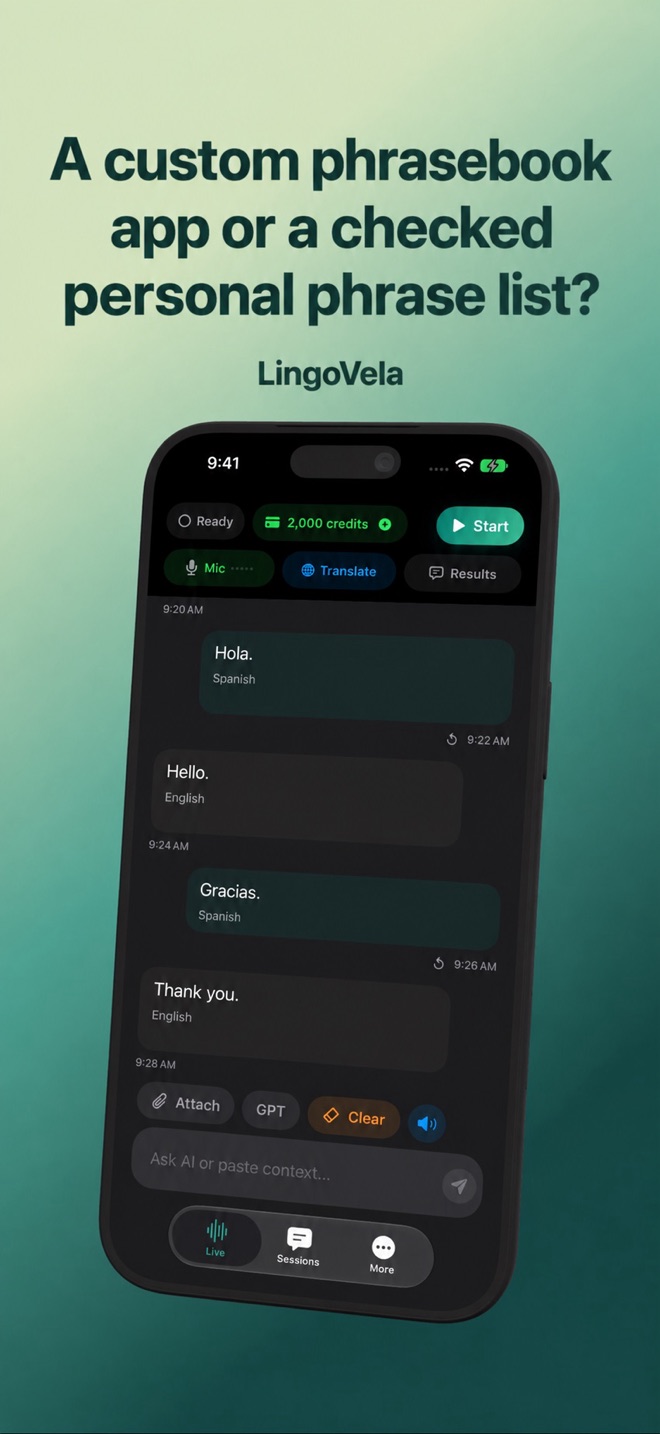
A saved phrase helps you begin; the other person may answer with something you never anticipated. LingoVela is designed for conversation translation. It does not provide a language course or certify the correctness of your saved expressions.
Every LingoVela translation mode requires an active subscription. On Device uses no AI credits but requires compatible prepared assets. Online modes need internet and credits. Keep the original text and a checked phrase list available rather than assuming that any collection app includes the same translation features.
Does LingoVela offer the Custom Phrasebook feature described here?
This guide does not claim that. Custom Phrasebook is an iTranslate feature described by its publisher. LingoVela’s role here is translating a conversation after your prepared opening phrase.
Does a saved phrasebook make a translator work offline?
No. Reading a saved list, generating a new translation and playing translated speech are separate capabilities. Check each one on the device you will use.