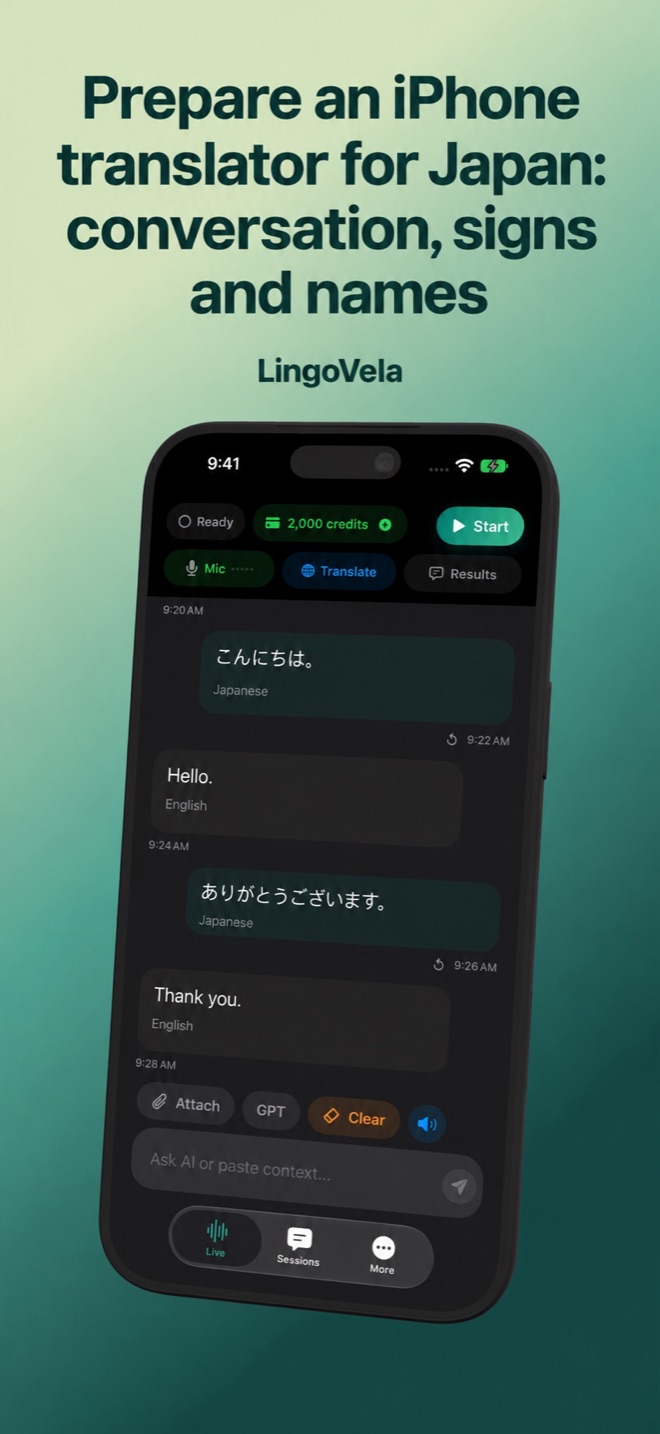
Prepare an iPhone translator for Japan: conversation, signs and names
For a Japan trip, prepare a practical exchange and the original written destination. A phone that translates a greeting may still struggle with a station name, a reservation or a crowded counter.
Keep Japanese names visible
Save the accommodation name and address in their original written form. For a ticket or transfer, keep the station, line and destination visible rather than relying only on a generated pronunciation. Show the written reference when confirming with staff.
Prepare your language pair
In LingoVela, choose your language and Japanese in the intended mode. For On Device, prepare both translation and speech assets and test both directions with connectivity off. Local support is checked on the actual device; do not assume every cloud language works offline.
At a counter or restaurant
Ask one question at a time and pause for the reply. Confirm dates, quantities and prices visually. For a menu, take a clear image with the headings and prices intact, then compare extracted words before relying on a translated dish name.
Check the menu image before the dish name
If a menu is vertical, handwritten or reflective, inspect what text was actually captured. Keep the original alongside the result and check that a price, heading or neighbouring dish has not been merged into the selected item. Ask staff to identify the item when the image remains unclear.
For a saved photo or a camera workflow, evaluate the exact tool rather than assuming every conversation app offers the same image features. Apple documents camera and photo-library translation for supported languages; Google documents selecting part of an image and showing the original text.
Make the speaker and action explicit
Use names or clear roles when a short translation leaves doubt about who is arriving, collecting a ticket or paying. For example, separate “I will collect the tickets” from “My friend will collect the tickets.” Confirm the time and number of people in writing. A plausible sentence is not proof that these details survived.
Choose and test alternatives
Apple Translate, Google Translate and specialist products are worth evaluating for your required task. No independent Japanese accuracy ranking is claimed here. For allergies or other consequential instructions, use appropriate qualified help rather than a generated answer alone.
JNTO lists language-learning resources and points travellers to VoiceTra. NICT describes VoiceTra as a speech translator that requires an internet connection. Treat it as an option to test for connected conversations, not as an offline backup or a measured accuracy winner.
Is a Japanese conversation translator also a menu scanner?
Not necessarily. Check camera or photo input separately, including whether it can show the original text and whether that exact task works without internet.