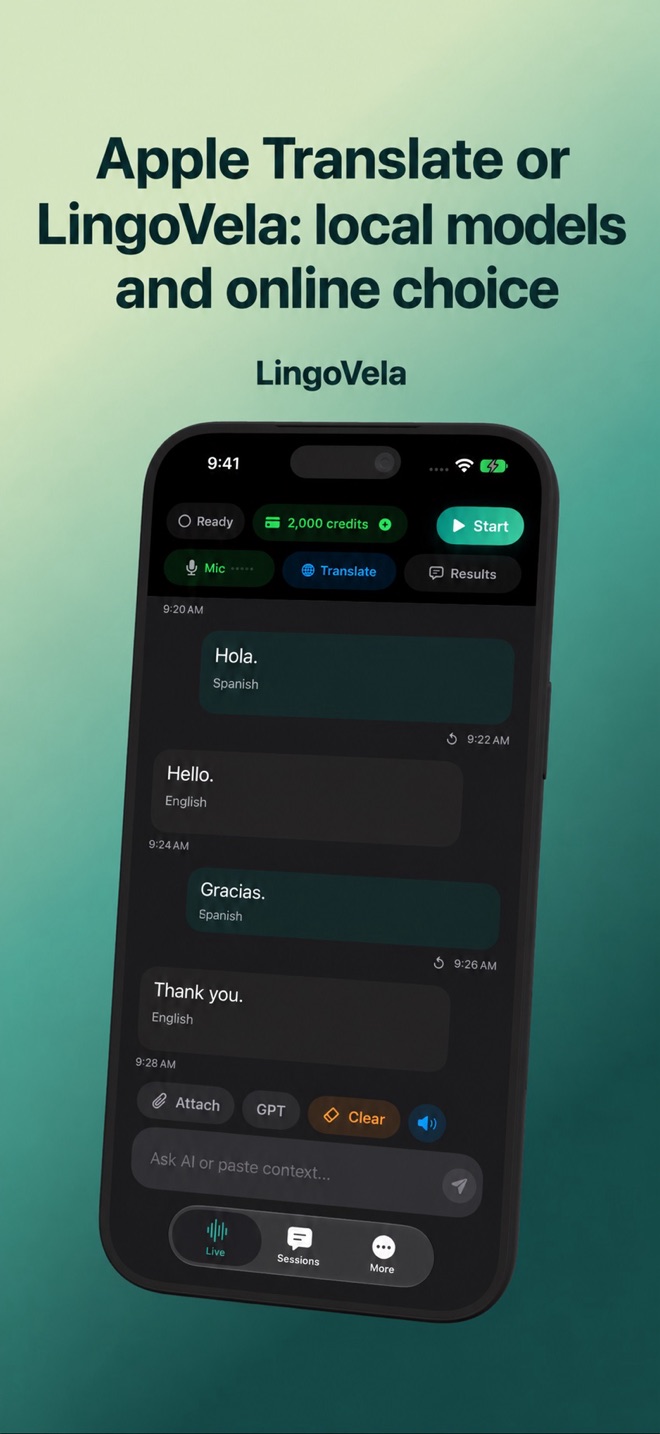
Apple Translate or LingoVela: local models and online choice
Apple Translate is an obvious starting point for an iPhone owner. LingoVela adds a different conversation interface and explicit online-provider choices, with subscription access.
Check the built-in option first
Apple’s Translate documentation describes typed and spoken translation and downloadable languages. Start by checking the language and feature you need on your own device. Do not assume that Apple Intelligence, the Translate app and every Live Translation feature have identical requirements.
Compare providers, not branding
In LingoVela, On Device uses compatible local translation assets. OpenAI · Online and Private Cloud Compute are separate internet modes. PCC needs compatible Apple Intelligence hardware and iOS 27 or later; it is not merely another name for downloading a local language.
Check access and credits
LingoVela requires an active subscription. Its local mode uses no AI credits, while online modes do. Choosing LingoVela is a product decision about its workflow and providers, not a claim that a system model only becomes available after buying our app.
Use a concrete example
Test a back-and-forth exchange with the same language pair. Compare readability for both people, source recognition and how an error is corrected. Keep the app whose supported workflow fits; no universal accuracy winner is established by this guide.