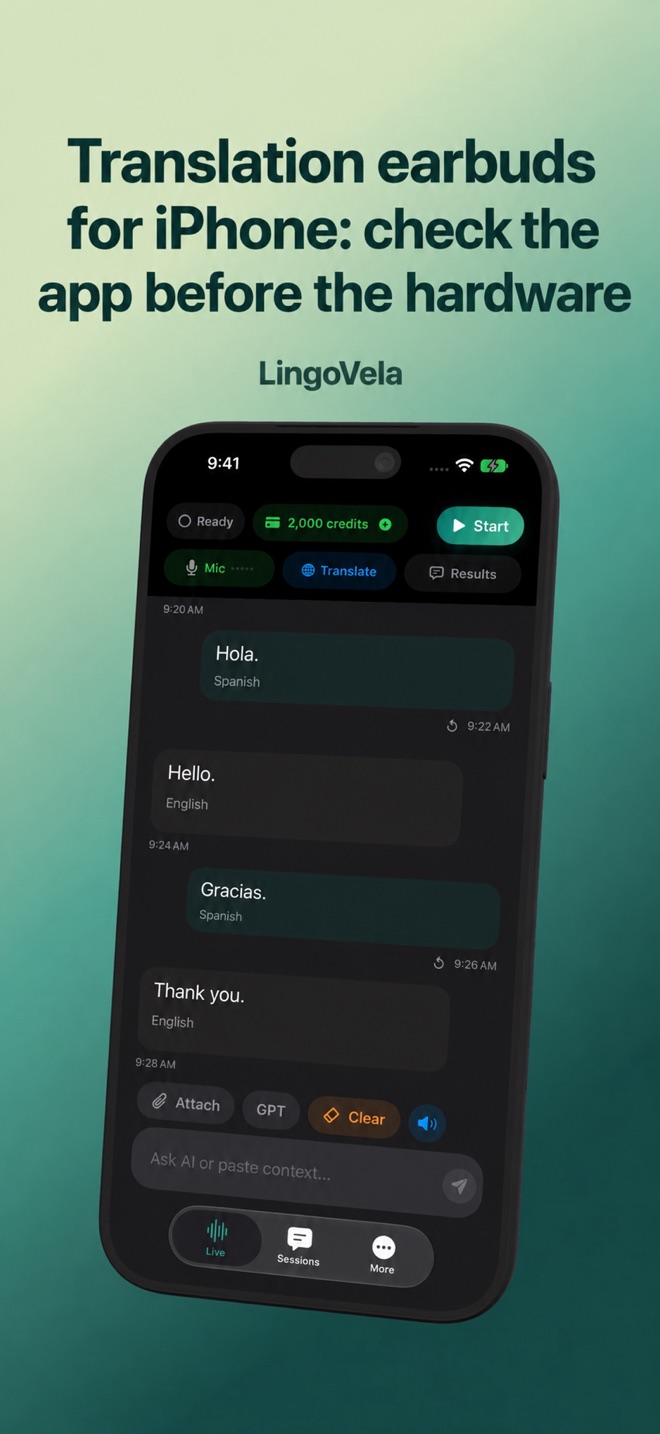
Translation earbuds for iPhone: check the app before the hardware
Translation earbuds are a system: the headphones, their companion app, the phone and the translation service must all support the same job. Bluetooth pairing alone proves very little.
Separate audio hardware from translation
An earbud can play translated speech without doing the translation itself. A phone application may capture sound, call an online service and send the result to the earbud. A dedicated product may add controls or a conversation mode, but those need separate verification.
Google’s Pixel Buds instructions describe a compatible Android-phone workflow. Samsung’s instructions describe Galaxy Buds used with Interpreter on the connected phone. Neither is proof that the same translation integration works on an iPhone.
Try your existing headphones before buying translation hardware
Google’s current iPhone/iPad help documents Live translate with headphones in the updated Google Translate app. Connect the headphones, open Live translate and choose the languages and mode. Listening sends speech to the listener; Conversation supports spoken exchanges; Text only provides a silent written view. Check the available output in Custom settings rather than assuming both participants hear the same thing.
Google’s iOS announcement explicitly describes using existing headphones. The earlier Pixel Buds Android instructions are therefore not the whole picture for an iPhone buyer. Verify the current app and your language pair on your phone before deciding that a new branded earbud is necessary. Neither that announcement nor Bluetooth pairing establishes offline operation or dedicated controls for another vendor’s product.
For an original comparison exercise, start with the headphones you already own. Ask a partner to say a fictional appointment time, correct it, and ask a follow-up question. Check which person hears the correction and whether you can show the written result. Then repeat the same exchange with any dedicated product you are considering. Buy extra hardware for a demonstrated workflow benefit, not merely because a listing says “AI translator”.
Ask these questions before buying
Use the exact model number, operating system and companion-app listing. Similar-looking earbuds can have different software bundles. Check the manufacturer’s own support information and the app developer shown in the store.
- Does the translation app explicitly support your iPhone and iOS version?
- Whose microphone hears the other person: the phone, your earbud or a second earbud?
- Does the other person hear a phone speaker, need another earbud, or need their own app?
- Are translation minutes, AI credits or a subscription included? When do they expire?
- Which speech pairs work offline, after which downloads, on which device?
Check the microphone and each listener separately
Google’s Pixel Buds help describes its Android conversation workflow with translated output split between the phone and the wearer’s earbud. Samsung’s Buds3-series guide also describes hearing translated speech in the buds and using the phone speaker for a reply. These are documented product workflows, not proof that another phone or app routes sound the same way.
For the app you intend to use, establish who is speaking into which microphone and who receives each translated reply. Test from both people’s actual positions. Hearing music through the earbuds verifies playback, not capture of the other person or a complete two-way conversation.
- No recognised words: start with microphone permission and the input route.
- Recognised words but no translation: check the selected pair, mode and service requirements.
- Translated text but no audible reply: inspect playback, mute controls and the destination device.
- Only one participant hears the result: check the reverse direction and the other participant’s output route.
Buying translation earbuds on Amazon: identify the exact offer
Before ordering, record the model name, selected version, seller, fulfilment arrangement and companion app. Keep the offer details with your order information. A familiar brand name or similar product photograph does not establish which software access or offline package the selected offer includes.
Ask the seller about any unclear bundle contents before paying: language downloads, activation codes, translation allowances and regional app access. Check that the app developer and product support route match the manufacturer. Treat an unanswered compatibility question as unresolved rather than assuming that all versions work alike.
Three manufacturer examples: compare the actual setup
These examples illustrate different requirements, not a tested ranking. They are based on the manufacturers’ linked information checked on 27 October 2026. Confirm the current model, app, language pair and bundle before ordering.
- Timekettle W4 Pro: its FAQ requires the Timekettle smartphone app. It distinguishes One-on-One and Listen & Play, which support online and offline translation, from Media Translation, which requires internet. Check the prepared pair and mode instead of treating “offline” as a promise about every feature.
- ANFIER M3: the product page describes app-supported translation and separate With Offline Package and Without Offline Package options. Its no-recurring-subscription wording is scoped to the supported offline package. Check the selected offer and compatible app; do not extend that wording to every feature or ANFIER model.
- Vasco E1: the product FAQ describes pairing with Vasco Connect on a smartphone or a compatible Vasco handheld translator. It does not have its own built-in internet connection. Vasco’s business comparison marks E1 offline translation as unavailable; included internet through a paired handheld is a different arrangement from offline processing.
For a group, count the participants and the required earpieces
Vasco’s E1 product page distinguishes up to ten connected earpieces through the smartphone app from up to six through a compatible handheld translator. That is a product-specific capacity statement, not evidence that an arbitrary earbud pair or translation app can include the same group.
Before buying extra units, describe the intended group to the manufacturer: how many people speak, how many only listen, which languages they use and whether anyone joins remotely. Confirm the supported host and mode. A feature called “meeting” does not establish that it joins a video-conferencing call or routes every remote participant.
- Arrange a supported practice session with fictional content and the intended number of participants.
- Check that a second and then an additional speaker can be recognised and that each listener receives the required language.
- Practise a correction and a participant leaving or returning. Record where the supported workflow stops rather than assuming the product manages every group automatically.
Offline on the phone is different from translation inside the earbuds
Timekettle’s WT2 Edge product FAQ says it works with the Timekettle phone app and describes downloading offline language packs to the smartphone. This is a useful example of why “offline earbuds” does not by itself mean that the headphones translate without a phone.
For the exact version being sold, confirm which language directions are included, which require a separate purchase or activation, and where the downloads are stored. Prepare the supported pair before disconnecting. Keep Bluetooth available for the earbuds, disable the phone’s internet connections, and test both directions with new sentences you have not already translated.
If that check fails, distinguish a missing pack or entitlement from a disconnected audio route. Follow the manufacturer’s current instructions for the selected product. Do not extrapolate one model’s offline or payment arrangement to the rest of the market.
Check return eligibility before opening or activating the bundle
Amazon’s US return help directs shoppers to the product detail page for an item’s return eligibility and to order information after purchase. Check the applicable marketplace, offer and condition requirements before opening packaging or redeeming a code. Do not assume every translation-earbud order has the same trial window.
Manufacturer-direct and retailer returns can follow different routes. Timekettle’s return policy directs purchases made outside its own online stores to the retailer for refunds and requires prior authorisation for returns handled by Timekettle. Check the policy applicable to your purchase rather than applying the manufacturer’s direct-store process to an Amazon order.
A return option and a manufacturer warranty answer different questions. Confirm whom to contact, what condition and accessories are required, and whether activation affects an included digital service. Keep the response with the order details; this guide does not promise that an opened or activated bundle will be accepted.
Read an earbud review as evidence, not just a score
Look for the exact model, phone, app version, language direction and conversation setup used in the review. A percentage without the sentences, scoring rule and a way to check the intended meaning cannot tell you how your own exchange will work. Manufacturer specifications and a reviewer’s measurements should be identified separately.
For an original comparison exercise, use the same fictional meeting time, corrected name and short follow-up question on each setup. Note whether the source words were captured correctly, whether the translated meaning survived and whether the other person could answer. Separate a microphone failure from a translation error or audio that played to the wrong listener.
Keep unresolved examples rather than turning a handful of sentences into a universal accuracy percentage. Record the delay you actually experience, interruptions and recovery after reconnecting. We have not performed a hands-on ranking of these earbud products; this is a practical method for evaluating evidence and your own supported setup.
Run a return-window test
Try the complete conversation before relying on the product for travel. Use harmless sentences you can check, rather than a conversation where nobody can identify a mistranslation.
- Pair the earbuds and confirm ordinary playback first.
- Start the translator and check the original words captured from each speaker.
- Speak from the other person’s actual position, not only into your own headset.
- Change audio route and reconnect once to check recovery.
- Test the reverse language direction and any promised offline workflow.
Where LingoVela belongs in the comparison
LingoVela is an iPhone/iPad translation app, not a universal companion app for third-party translation earbuds. A working Bluetooth audio connection does not establish special gesture, dual-earbud or vendor-mode integration. Test the actual audio route before depending on it.
For a shared-table conversation, the phone’s screen and speaker may be enough. If private listening is important, verify that it does not prevent the other person being heard. We have not tested or ranked the earbud products sold on marketplace listings.
Does “offline translation earbuds” mean I can leave my phone behind?
Not necessarily. For example, the WT2 Edge product FAQ describes a phone app and language packs downloaded to the smartphone. Check the exact product architecture and selected version before buying.
Can I assume every Amazon translation-earbud order has a 30-day trial?
No. Check the item’s return eligibility and applicable conditions before ordering, opening packaging or activating bundled services. The relevant marketplace and order information matter.
Does Bluetooth pairing prove two-way translation works?
No. Pairing establishes an audio connection. Test the microphone, app, language direction and translated output for both people in the actual conversation layout.
Does a high accuracy percentage prove which earbuds are best for me?
No. You need to know what was tested, how meaning was checked and whether the phone, language pair and setting match your use. Keep manufacturer claims separate from reproducible measurements.
Do all modes on an offline-capable earbud product work without internet?
No. For example, Timekettle’s W4 Pro FAQ distinguishes offline-capable One-on-One and Listen & Play from internet-dependent Media Translation. Check your selected mode and prepared language pair.
Is included internet through a handheld translator the same as offline translation?
No. An internet service still uses a network. Vasco’s E1 FAQ describes internet access through a paired handheld, while its business comparison lists E1 offline translation as unavailable. Confirm the specific supported pairing.
Do I need Pixel Buds to try Google Translate with headphones on an iPhone?
Google’s current iPhone/iPad instructions cover connected headphones in Google Translate; they are separate from the Pixel Buds Android workflow. Update the app and check Live translate, the language pair and output mode on your device before buying new hardware.