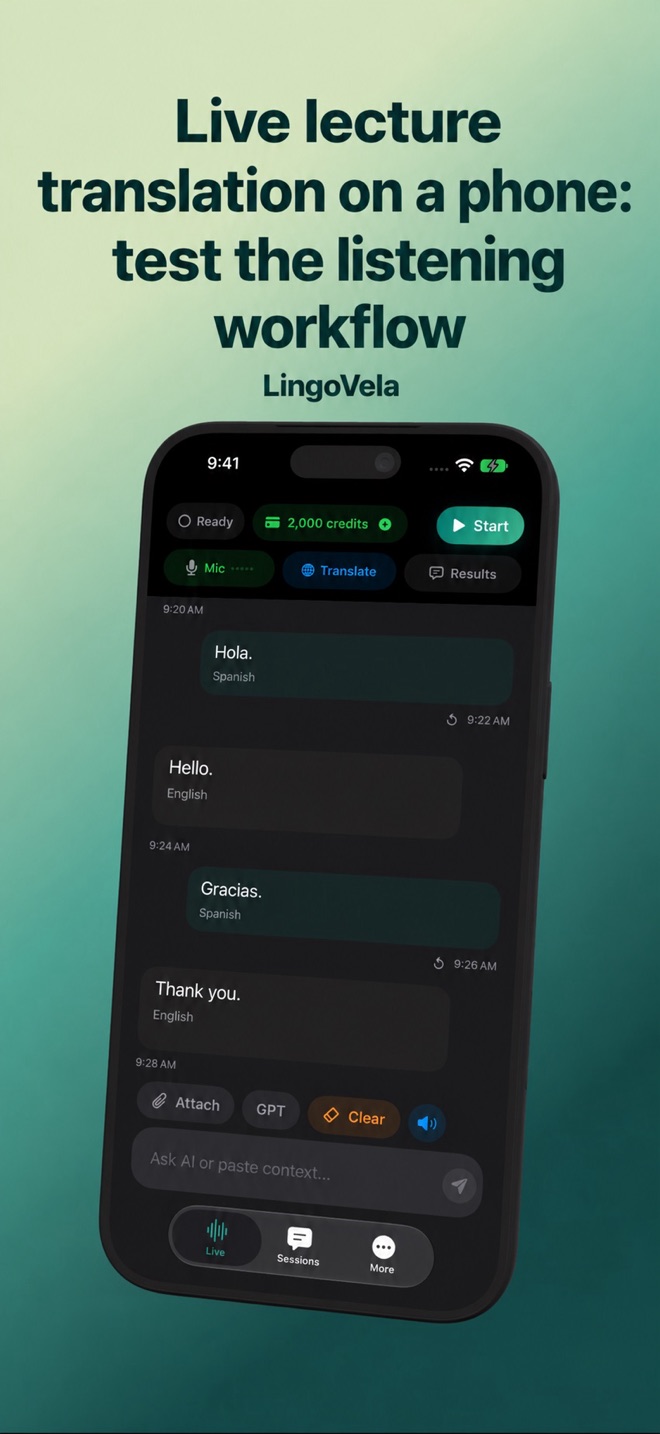
Live lecture translation on a phone: test the listening workflow
A lecture is not just a long two-person conversation. One person may speak continuously, the room may be noisy, and you may need readable text rather than spoken translations.
Decide what you need to read
A transcript records the original language. A translation changes it into another language. A summary is a further interpretation of the content. Decide which output matters, and check the chosen app supports it.
A conversation translator can display translated turns without being a dedicated continuous-caption or lecture-notes application. Do not infer a two-hour session guarantee, automatic summaries or a presentation integration from the words “live translation.”
Audio pickup comes before model choice
Test from the seat you will use. A lecturer near a microphone in a demonstration video is not the same input as a distant speaker across a hall. Nearby conversation or translated playback can overwhelm the speech you meant to capture.
Follow the speaker’s and venue’s recording rules. If you are permitted to use a translator, avoid disturbing others with speaker playback. Check that headphones do not switch the input to a microphone that only hears you.
A preparation checklist
Test with a short permitted sample that contains a sentence, a number and a subject-specific term. Review the captured original text before blaming the translation.
- Set the actual spoken language and the language you want to read.
- Verify the input microphone and move closer when practical and permitted.
- Check battery, connectivity, available credits and any required language downloads.
- Compare proper names and terminology with the slides or the speaker’s spelling.
- Keep access to authorised slides or notes so a missed sentence does not erase the whole argument.
Using LingoVela with realistic expectations
LingoVela is built around conversation turns. Its modes have different device, language and connectivity requirements. We do not advertise it as a certified captioning service, a lecture-platform plugin, or an unlimited continuous lecture recorder.
Try the supported workflow before relying on it in a class. If continuous captions, speaker identification or structured notes are essential, select an app that explicitly documents those capabilities and evaluate it on the real audio. All LingoVela modes require an active subscription; online translation also uses credits.