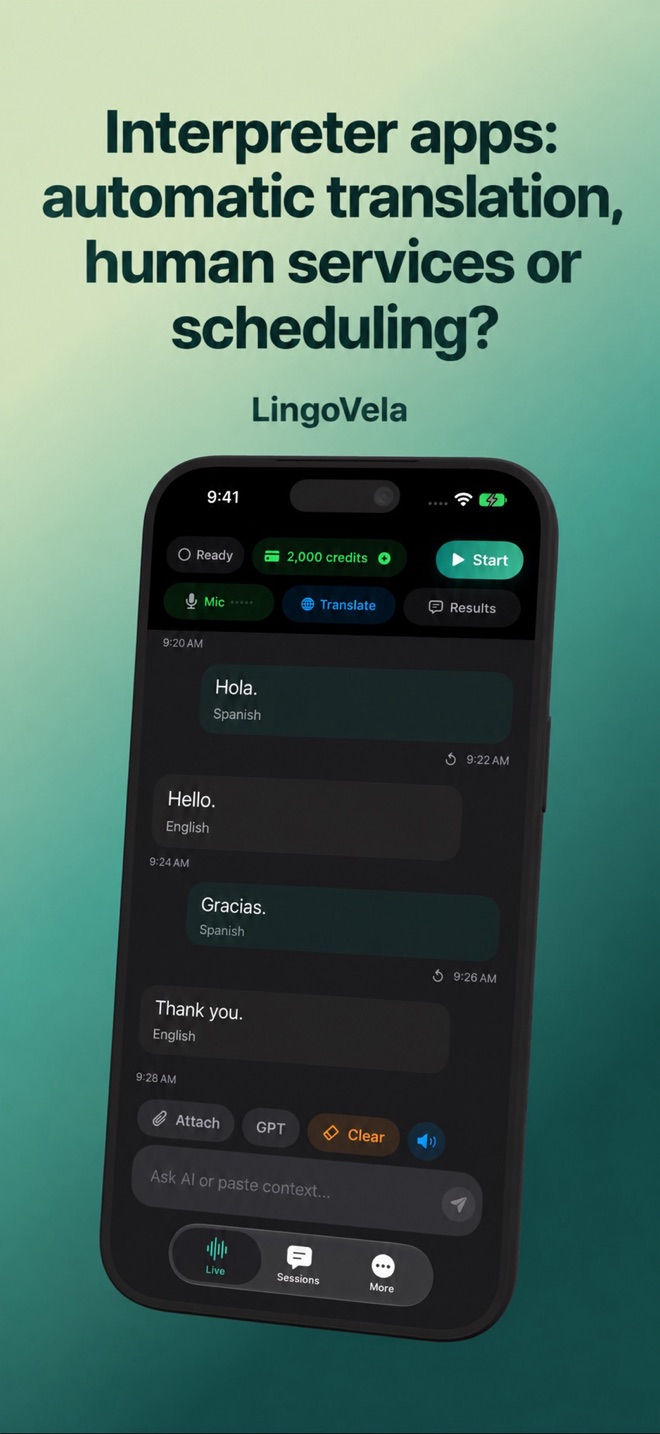
Interpreter apps: automatic translation, human services or scheduling?
The same search can lead to a speech translator, an app that calls a professional interpreter, or a portal used by interpreters to manage assignments. They are different products.
Automatic translation
An AI conversation app turns speech into translated text or audio. It can be useful for a routine exchange where both speakers can pause, clarify and correct mistakes. It does not become a qualified human interpreter because its interface uses the word “interpret.”
LingoVela belongs to this automatic-translation category. It is not a service for booking interpreters, staffing an agency or joining a professional interpreting network.
An app that connects you to a human
LanguageLine describes its interpreting app as a way to access professional interpreters by audio or video. CyraCom’s App Store description similarly describes a live interpreter service and requires client account access.
If your workplace already uses one of those services, ask its administrator how you should connect. A no-charge app download is not a statement that the interpreting service itself is free. Check the service arrangement, language and type of interpreting needed.
CyraCom Interpreter: establish access before your first call
CyraCom’s current developer listing says the app connects users to a human interpreter by phone or video, requires a CyraCom account and directs existing clients to their administrator for access. Installing the app alone does not provision that account.
Before a practice session, ask your organisation to confirm the account you should use and the service enabled for it. Check the current listing for device and network requirements. If access fails, resolve it with the administrator rather than buying an unrelated AI subscription. Historical manuals can describe older interfaces; use the current instructions supplied for your deployment.
LanguageLine InSight: match the language to the call type
LanguageLine’s app page describes selecting a language and an audio or video call. Its client resources note that availability can differ by region and at the time of a request; some languages may need an appointment. Do not assume that a listed spoken language is offered in both formats whenever you call.
Ask your administrator for the approved setup and access method. Confirm the required language or signed language, mode and timing with the provider before the conversation. A general service catalogue is not an individual booking confirmation.
Video remote interpreting needs a usable view for everyone
Video remote interpreting connects participants with a human interpreter over video. LanguageLine distinguishes mobile access, workplace integrations and scheduled virtual meetings. Choose the route that actually includes the people who need to take part; an app beside a meeting does not automatically place the interpreter into that meeting.
For an original practice check, use a fictional reception appointment rather than a real client interaction. Set the device securely, check lighting and framing with the intended participants, and establish that each person can see and hear the exchange. Ask the intended user whether the setup works for their communication needs. A connected call alone does not prove that it is usable.
If video becomes unusable, follow the organisation’s agreed fallback and provider instructions. Audio is not an equivalent replacement when signed-language communication or visual access is required. Do not assume that reconnecting brings back the same interpreter; confirm who has joined and briefly re-establish the context.
Compare an actual service arrangement, not a download price
Prepare a short request for each provider: required language and mode, expected session length, time zone, on-demand or booked access, participant locations and the devices you intend to use. Request the current applicable quote and terms for that arrangement.
Ask how booked time, waiting, minimum charges, cancellation and interruptions are handled, and what support route staff should use. These are questions to resolve with the provider, not claims that every service charges the same way. Compare the resulting terms alongside a practice session; a lower advertised unit price does not establish the cost or suitability of your own workflow.
- Confirm that the intended staff member can access the approved service on the actual device.
- Run a short fictional exchange in the required language and mode, using an agreed training arrangement.
- Check who can hear and see whom, and practise introducing an additional participant if your service supports it.
- Write down what to do if access, language availability or the connection fails; verify the fallback with the organisation.
- Record unresolved questions about access, usability and charges before deciding whether the service fits.
If you searched for an interpreter connect app
Some guides use “interpreter connect app” as a general description of a service that connects people with human interpreters. Identify the actual provider and account arrangement before downloading. The phrase alone does not establish a particular brand or a particular AI feature.
Check whether you are joining a human interpreting service, using an agency portal or translating automatically. LingoVela belongs only to the automatic-translation category.
A portal for interpreter assignments
Interpreter Intelligence’s own help documentation describes a portal and mobile app for interpreters to handle jobs, availability and on-demand assignments. That is workforce software, not merely another automatic translator.
If an agency told you to install it, use that agency’s instructions and account details. An unrelated voice-translation subscription will not give you access to its job list. Do not treat similar search-result wording as product equivalence.
Choose the category before comparing price
Write one sentence describing the task: “I want to understand a short conversation,” “our organisation needs a professional interpreter,” or “I need to manage my assignments.” Compare products only after that distinction is clear.
- For a high-consequence interaction, arrange appropriate qualified support with the organisation involved.
- For signed-language communication, confirm the actual signed language and video-interpreting provision.
- For an agency portal, check the account and organisation you are meant to use.
- For ordinary AI translation, verify the language pair, device, data route and payment model.
Is a free interpreter-app download a free human interpreting service?
No. Check the account and service arrangement. CyraCom’s developer listing requires an account and directs existing clients to their administrator; a download does not grant access to a human interpreter.
Does a language catalogue guarantee an interpreter is available now?
No. LanguageLine’s client resources note regional and time-of-call availability differences, and that some languages may need an appointment. Confirm your language, mode and timing.
Can an audio call replace video if the video fails?
Not when the conversation requires signed-language communication or another visual-access arrangement. Use the fallback agreed with the participants, organisation and provider.
Does LingoVela book a human interpreter or manage their assignments?
No. LingoVela is an automatic translation app. Human interpreting services and interpreter workforce portals are separate products. We publish this comparison as LingoVela’s developer, without claiming independent provider trials.