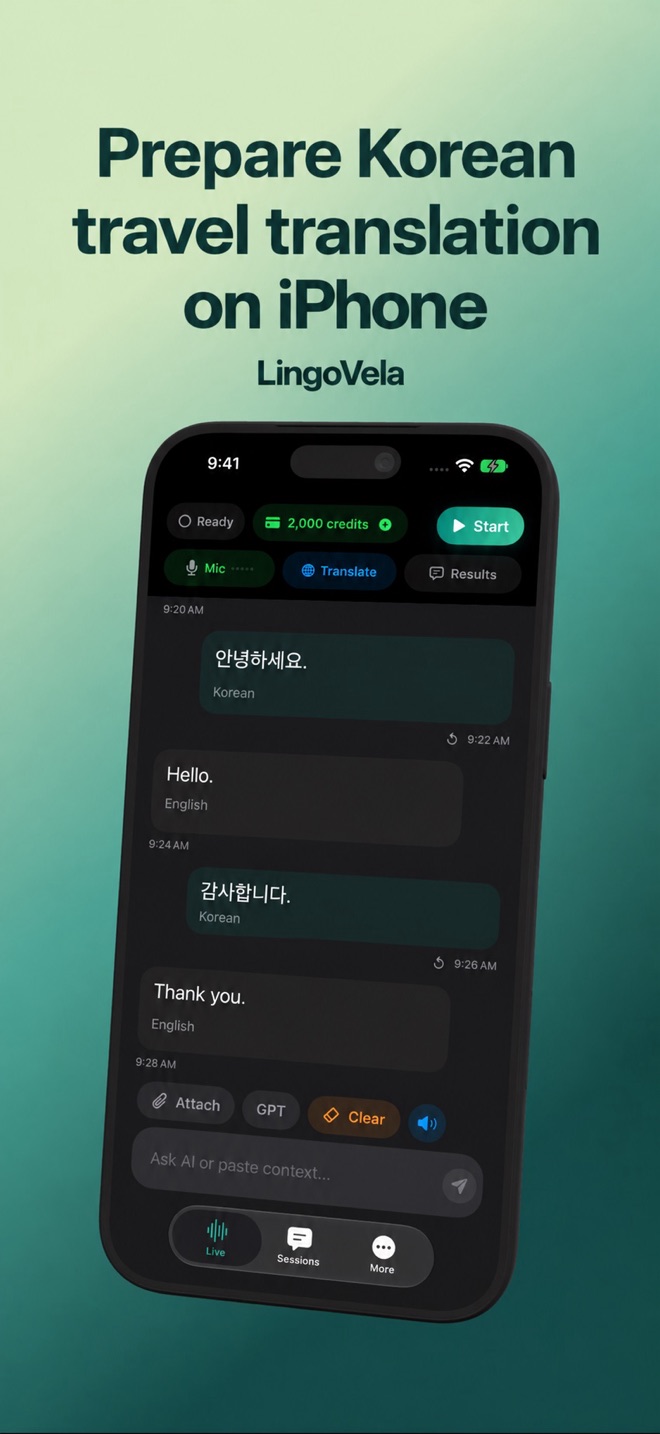
Prepare Korean travel translation on iPhone
A Korean travel translator should help with your actual exchange, while keeping addresses, names and uncertain details visible.
Prepare the destination separately
Save the original Hangul name and address of your destination. A translated place name may not be what appears on a map or sign. Keep a reservation and contact method available without needing to translate them again.
Build a small arrival card with the property’s own Korean name, full address, reservation reference and contact method. Keep it with the booking confirmation in a form you can open without a network. Ask the property to clarify an ambiguous address before departure rather than repeatedly translating a similar-sounding place name.
Test speech as well as text
Select the intended mode and Korean language pair in LingoVela. Test a typed phrase, speech input and spoken output. For offline travel, prepare translation and speech assets and repeat both directions with Wi-Fi and cellular unavailable.
Choose a tool by the Korean task, not a popularity claim
Papago’s current help describes offline text and voice for a defined language set including Korean, with device requirements. It explicitly excludes offline image and conversation translation. The presence of a voice feature therefore does not prove that the whole camera or conversation interface works without data.
Apple and Google also document downloadable languages, with feature-specific controls. Compare the exact phone and language pair you will carry. Flunqero publishes a Korea-focused offline workflow; its travel-tool and quality claims are its own, not an independent result from us. This guide does not rank Korean translation accuracy.
Rehearse the first useful question and its reply
Before departure, try an ordinary accommodation exchange in both directions. Keep each request specific enough that the other person can confirm the detail on screen. A successful greeting is not the same as understanding an unexpected answer.
- Show the original property name and ask whether you are at the correct place. Keep the written address visible alongside the translation.
- Ask when you may collect a stored bag, then have your test partner give a time and a different collection point. Check both details in the reply.
- Correct one detail and ask for confirmation. Keep the final time and place together instead of relying on the earlier spoken answer.
- Repeat with your intended offline setup, if supported. If recognition or playback fails, keep the typed and written fallback ready while you resolve it with connectivity.
Use short turns
Ask about one item, destination or time per sentence. Show quantities and prices on the screen. If a phrase sounds unexpectedly formal, blunt or unrelated, simplify the source and ask the other person to confirm rather than repeating a fluent error.
Read a menu as items, quantities and units
Keep the original Korean item visible when asking about it. Separate the item name, number of portions and displayed price; ask whether the amount is for one serving or the whole order. A translated label alone does not settle a minimum order or an extra charge.
For a camera tool, first check that it actually supports the mode and connectivity you need. Take a clear view of one section rather than a tilted whole wall, and compare the extracted text and numbers with the original. If the result is unclear, ask staff to point to the item and quantity. Do not infer a LingoVela offline menu feature from this general preparation advice.
Compare a specialist if needed
Papago and general translators are common candidates to evaluate, but this guide does not claim a tested quality winner. A translator is not a navigation, transport payment or booking integration. LingoVela needs an active subscription; online modes also use credits.
Keep navigation and language assistance separate
Use a map or transport provider to verify the route, stop and current departure information. A translator can help you ask about a destination, but it does not verify a booking, calculate a route or establish that you are at the correct stop. Keep the original Hangul destination with the route instructions.
If an ordinary travel exchange remains unclear, ask the accommodation or an information desk for help. The Korea Tourism Organization documents its 1330 Travel Helpline as a tourism-information and interpretation resource. Check its current contact and access information before relying on it; a translation app does not replace that service.
Can I assume every Korean translator works fully offline?
No. Check the exact app, device, language pair and input/output mode. Downloaded text support does not establish camera, conversation or spoken reply support. Test new material in both directions before travel.
Should I translate my hotel address into English?
Keep the property’s original Korean name and full address as well as any helpful translation. A translated place name may not match the booking, map or sign; ask the property to clarify ambiguous details before departure.
Does this guide prove Papago or LingoVela is more accurate?
No. It explains documented feature boundaries and a proposed practical test. Accuracy for your exchange needs review by someone who understands the languages; a vendor reputation or fluent voice does not establish a winner.
Does choosing Korean as the interface language prove offline voice support?
No. Interface localization, speech recognition, translation and spoken output are separate. Check the selected mode’s readiness and test the Korean exchange on the device you will use.