Phone-call translation on iPhone: setup, alternatives and checks
Start with the call you need to make. A working microphone translator beside you does not prove that it can access or return audio inside a phone call.
Choose the call route before choosing an app
Decide what must reach the other person: spoken translation, captions, a written follow-up or a qualified interpreter. These are different outcomes.
- A built-in Phone feature works inside its documented call experience. Verify the exact handset, software, region and language pair.
- A service that places a call may need a separate number, app, account or connection. Ask whether it handles outgoing and incoming calls, landlines, switchboards and the destination you actually need.
- A microphone conversation app is a separate workflow. Speakerphone beside a second device can introduce echo or missed speech; it is not proof of a supported call integration.
Start with the supported iPhone feature
Apple documents Phone → More → Live Translation during a call, with language preparation and a notice to both callers. FaceTime provides translated captions. Check Apple’s current availability page for your configuration.
Try a harmless call before relying on it. Confirm what each person hears or reads instead of inferring the other person’s experience from your screen. A missing control is a requirements question, not evidence that another microphone app can replace it.
Calling someone who uses Pixel or Galaxy
Google lists call translation on Pixel 10 and later, with model/language exceptions and preparation. Samsung documents Call assist and selected external apps; check the available list on the actual device.
Do not assume every Android phone or every app named Translate has the same call feature. Agree which person starts translation and test one setup at a time. Samsung specifically advises against both callers activating its translation simultaneously.
Separate a translated call from an assistant calling for you
A translated call carries messages between people. A delegated calling task can let an assistant decide what to ask next within the instructions you gave it. Google’s Call for me help documents task review and a human takeover control for its own supported workflow; that does not make every live voice translator a calling agent.
Before choosing a service, decide whether you need to be present and speak, whether it may select alternatives for you, and how you will correct or stop the exchange. Test the documented call route and handover separately from translation quality. LingoVela does not place calls or act on your behalf.
Run a complete practice call
Use a consenting partner and ordinary test details. Do this before a customer, hotel or family call where a failed exchange would matter.
- Confirm the phone/service route and both languages. Prepare required resources while connected and inspect any account or plan requirement.
- Say a short question. Check the received translation with someone who understands both languages; fluent speech alone is not verification.
- Have the other person answer, then correct a date or negate a statement. Test that the reverse direction and intended person are clear.
- Include a longer reply with a natural pause. Check whether listening resumes, whether either side needs a control and what happens after an interruption.
- Agree how to repeat a missing turn or move to an appropriate written or human-assisted channel. Confirm important details through the agreed process.
Judge the actual exchange, not a headline accuracy percentage
A score is meaningful only with its language pairs, material, scoring method and test conditions. A publisher evaluating its own service is not an independent comparison. A simulated clean clip does not establish performance on your live connection.
Separate what failed: missing original speech, wrong recognised words, wrong meaning or missing output. Repeat one point at a time and check names, amounts, units, dates and negation. If the original is correct but the translation is unclear, clarify the meaning rather than merely raising volume.
When sound drops or translation stops, pause and ask where the last confirmed turn ended. Reconnect or change a supported audio route only when practical, then explicitly repeat the missing part. Do not treat a post-call summary as recovery of words nobody checked.
For business calls, approve the whole data path
Use the organisation’s approved process for call audio, transcripts and any saved follow-up. A personal phone or browser still sends the content somewhere; lack of an installation on a work computer is not approval.
Ask who can access audio and text, where processing and retention are described, and whether the tested plan permits the intended use. Check recipient arrangements and any required notice with the responsible organisation. A security badge alone does not answer all of those questions.
For a consequential or sensitive discussion, agree appropriate language assistance and a clarification route beforehand. LingoVela does not book professional interpreters or provide an enterprise phone-system integration.
Compare total charges and prepare the fallback
For the exact destination and call route, check subscription or minutes, rounding, connection charges, carrier/roaming costs, limits, renewal and cancellation. Ask what happens if the call fails before buying a long session. No fixed savings or break-even number applies to everyone.
Downloaded translation resources do not establish an offline telephone connection. Check the calling service and the translation component separately. Do not disconnect the network during an important call just to test a claim. If the required path is unavailable, arrange another supported channel.
Where LingoVela fits
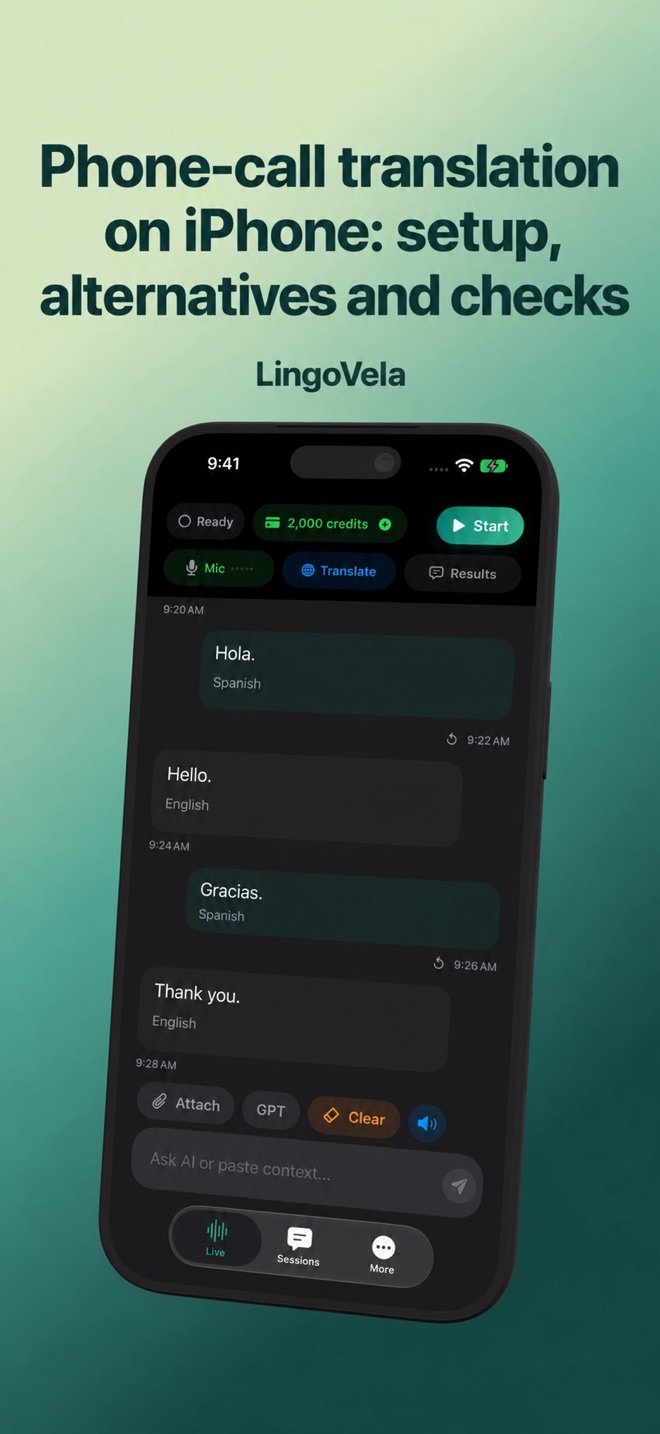
LingoVela supports documented in-person conversation and supported text or attachments on iPhone and iPad. It does not promise direct translation of cellular, FaceTime, WhatsApp or other app call audio. Use the call provider’s documented function for that requirement.
All LingoVela modes require an active subscription. On Device needs compatible prepared recognition, translation and voice resources and uses no AI credits. OpenAI · Online and Private Cloud Compute require internet, credits and the relevant provider consent; availability depends on the mode and device. An offline LingoVela test proves only that tested local workflow.
Can Google Translate or a microphone app translate my iPhone call directly?
A face-to-face microphone mode does not prove access to internal call audio. Use an explicitly supported system or calling-service path and test both directions.
Does the other person need the same phone or app?
Check the selected call feature or service. Do not assume identical phones are always necessary, or that no installation is ever required. Verify what the recipient must do for the exact route.
Can I use it for WhatsApp, a landline or an incoming call?
Support for one route does not establish another. Confirm the actual app, number type and incoming/outgoing direction before choosing a plan.
Does downloading languages make phone calls work offline?
No. Language resources and the call connection are separate requirements. Check both and prepare a supported fallback.
Is LingoVela a phone-call translator?
It is not a telephone bridge and does not promise internal call capture. Its local and online modes are for its documented supported workflows.