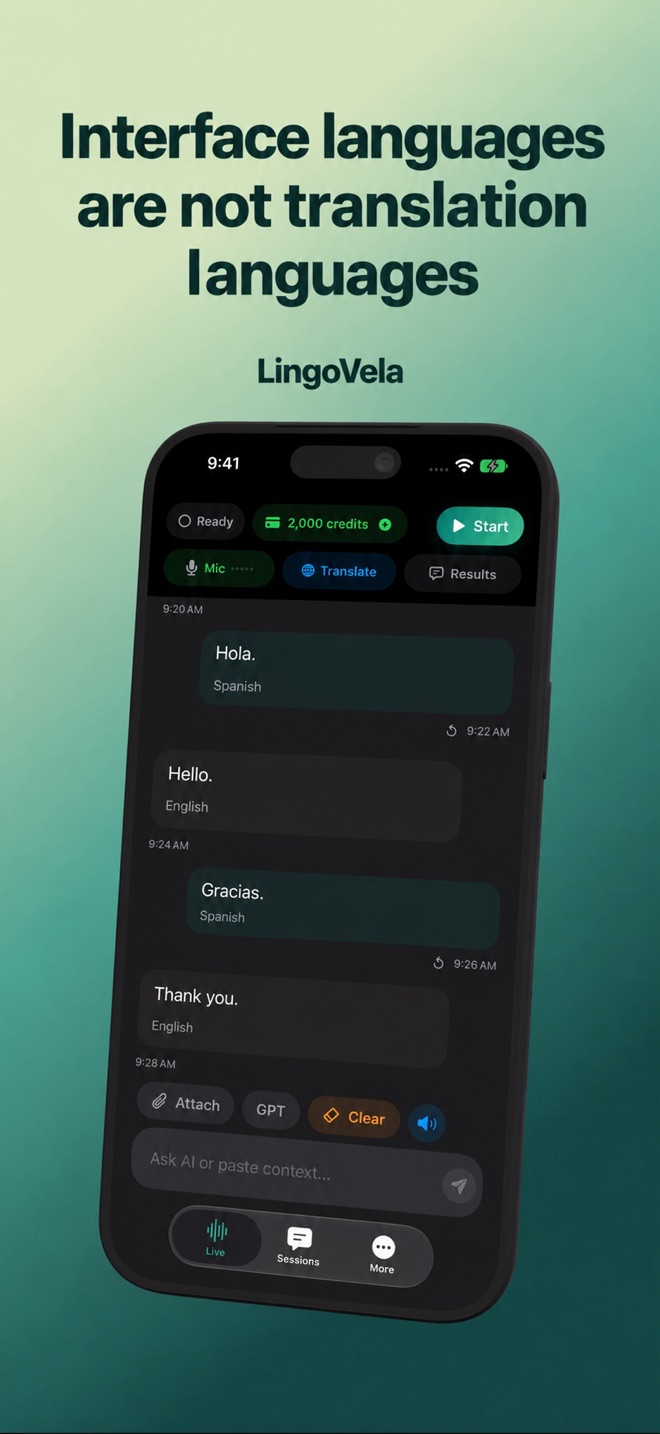
Interface languages are not translation languages
A translated App Store page or menu does not prove that a language works in every translation mode.
There are several language lists
The interface language changes the buttons. The input language controls speech recognition. The pair controls translation. A voice controls playback. These capabilities can differ even on the same phone and in the same app version.
Check the exact pair
Select the mode first, then the two languages. For local translation, the app checks system support and assets. A model appearing in a language list does not establish that every possible pairing, reverse direction or speech voice works.
Test the job you need
Use a typed sentence, a microphone sentence and playback in each direction. If you need a regional dialect, test real examples rather than assuming support from the broader language label. Do not substitute Mandarin support for Cantonese support.
Before a trip
Record the mode and pair that worked, prepare downloads on the actual travel device, and carry essential addresses in their original written form. For offline use, repeat the test with Wi-Fi and mobile data unavailable.