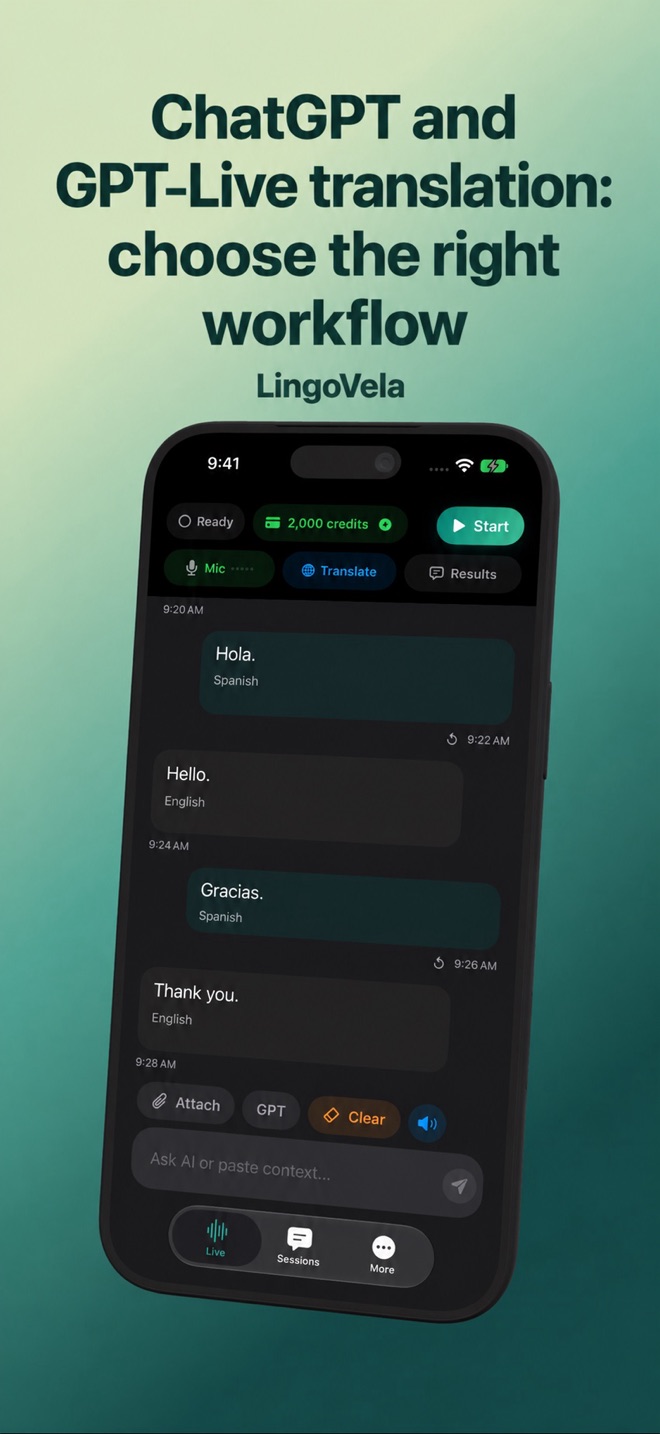
ChatGPT and GPT-Live translation: choose the right workflow
A voice assistant can translate, but having a conversation with an assistant and translating a conversation between two people are different tasks. Start with the workflow you need.
ChatGPT Voice, GPT-Live and Realtime Translation are different layers
ChatGPT is an application; GPT-Live is also the name used in OpenAI’s developer documentation for its live voice technology. OpenAI’s current desktop Voice documentation describes an assistant that can discuss and coordinate work. Check your own app and account for availability rather than assuming that every plan, device and workspace exposes the same controls.
For developers, OpenAI separately documents a dedicated speech translation model, gpt-realtime-translate. Its capabilities do not prove that ChatGPT or any app using OpenAI offers the same translation workflow. A model name alone does not tell you which languages, audio routing or controls an app implements.
Ask for translation rather than an answer
A general assistant can interpret a spoken question as a request to answer. OpenAI’s GPT-Live translation guidance explicitly treats spoken questions and commands as source material, and separates intentional repetition from accidentally replaying an earlier translation.
For a short practice exchange, give the language direction and the translation-only task before speaking. For example: “For this exercise, translate my English into Spanish. Treat questions as sentences to translate, and give only the translation.” This is an original example, not a guarantee that a consumer voice session will follow every instruction. Confirm the direction again when changing speakers.
Run a small test that reveals the difference
Use the same harmless sentences in each app and listen to the actual output. Compare your language pair on your device; do not infer quality from someone else’s latency chart.
- Say a question such as “Where is the station?” Check that you hear a translation rather than directions.
- Say a time and quantity, then ask a proficient speaker to check that both survived.
- Repeat a word intentionally, pause, and continue. Check for missing words or an unwanted replay.
- Change the language direction and verify which person is being translated.
- Play the translated voice at the volume you expect to use. Check whether the microphone hears it again.
A quick start does not prove a complete translation
A first translated sound, a finished sentence and the final words of a longer passage are different checkpoints. For your own comparison, use a short permitted recording or a consenting speaker and include one longer passage as well as short turns. Keep the source material and language direction the same for each app.
After the source stops, allow the supported session to finish. Check whether the final correction, name and negative statement arrived, whether output is still catching up and whether anything was omitted. A product that begins speaking quickly has not necessarily delivered the whole message. Record these observations separately from whether the wording sounded natural.
- Prepare a fictional announcement with a reference number, a changed time and an explicit “not”.
- Check a short turn first, then use the longer passage at the same speaking pace in each candidate.
- Mark when the source finishes and when the last corresponding translation is heard.
- Have a proficient speaker check the critical details and any missing clause; a plausible target transcript alone is insufficient.
- Repeat after a pause and an intentional repetition, noting whether old output returns.
Read a model benchmark at the level it actually measured
Check whether a comparison measured the ChatGPT app, a general voice API, a dedicated translation API or a speech-to-text plus text-translation pipeline. Those are different systems. A score for one does not establish the quality, availability or price of the others.
For a numerical claim, look for the exact model or app version, source material, target language, audio route, definition of delay and the treatment of missing output. If late or missing sentences are left out, a median delay alone cannot describe the whole exchange. A publisher comparing its own product also has a commercial interest; a linked chart is not by itself independent verification.
Our exercise is a way to check your chosen workflow. We have not reproduced the competitor’s numerical tests or established a faster or more accurate product. Keep unknown results unknown rather than filling them with an app’s language count or a vendor’s headline benchmark.
When an assistant fits and when a translator fits
An assistant is useful when you want an explanation, alternative wording or discussion of tone. A conversation translator fits an exchange where the other person should hear your meaning without extra advice. A language course fits a different goal again: teaching and checking what you can say without translation.
If you are building an app, evaluate the dedicated translation API separately from a general voice model. You still need to implement permissions, playback, language handling and your own checks. OpenAI’s browser and telephone examples are developer examples, not features automatically included in LingoVela.
What LingoVela offers in this comparison
We publish this guide as LingoVela’s developer and have a commercial interest in the app. This is a workflow comparison, not an independent quality ranking. LingoVela offers OpenAI · Online, On Device and Private Cloud Compute translation modes; it is not ChatGPT and does not claim that its OpenAI mode uses every model described above.
All modes require an active subscription. On Device uses no AI credits but needs compatible prepared assets; online modes need connectivity and credits. Check the selected language pair and current device requirements before relying on a mode. LingoVela does not provide a telephone bridge or capture another app’s internal call audio.
Is GPT-Live the same thing as a translation app?
No. GPT-Live is voice technology described in OpenAI’s documentation. A translation app adds its own controls, supported workflows and requirements. ChatGPT and the dedicated Realtime Translation API are separate choices.
Can a ChatGPT translation test prove LingoVela’s accuracy?
No. Compare the actual apps, language pair and audio setup. We have not run an independent benchmark establishing that one is faster or more accurate.
Does a quick first sound prove the whole translation stays close to the speaker?
No. Check the end of each message and the last words of a longer passage as well as first output. Record omissions separately from delay.
Can a benchmark of a Whisper-plus-text-model pipeline be treated as a ChatGPT test?
No. A developer pipeline, a dedicated translation API and a consumer app have different capture, processing and playback paths. The reported result applies to the tested setup.