Choosing a voice translator for iPhone: what to compare
The right voice translator is the one that completes your actual conversation. A large language count alone does not tell you whether it can hear both people, work without signal or speak the result.
Start with the job, not a ranking
For a conversation across a table, test two-way speech and a screen both people can read. For a menu, test image text and prices. For a work meeting, look for an integration with that meeting platform. A product can be good at one and unsuitable for another.
This guide is published by Arte Soft, the developer of LingoVela. It is a selection framework, not an independent benchmark or a claim that our app is fastest or most accurate.
Build a shortlist for the task
Start with one ordinary exchange rather than installing every app in a top-ten list. These are documented options to investigate, not measured winners. Check the current language pair and feature requirements on the linked provider pages.
- Across a table: Apple Translate documents conversation bubbles and a face-to-face view; Google Translate documents a Conversation mode with spoken output. Test the reply as well as the first question.
- Listening through headphones: Google distinguishes Listening, Conversation and Text only. Text only is deliberately silent. A listening feature alone does not prove a two-way exchange will work as you expect.
- Menus and signs: both Apple and Google document camera and photo translation. Inspect the original text and numbers; a voice-language list does not establish image-reading quality.
- Work meetings: DeepL separates Voice for Online Meetings from Voice for In-Person Conversations. Verify the meeting platform and plan rather than assuming an ordinary mobile translator can join it.
Treat documents as a separate test
Google’s iPhone/iPad document help distinguishes pasting text from using browser document translation; the latter requires a medium or large screen, such as an iPad. Do not infer full-file import on an iPhone from a desktop screenshot.
If you need a PDF or office file, try a harmless sample in the actual app and device before choosing it. Check whether it handles scanned text, keeps the layout you need and lets you export the result. These are selection questions, not features promised for every app.
Compare a complete exchange, including pauses
Use the same harmless material in each candidate. Note the app version, phone, language pair, mode, network, microphone route and whether the feature requires payment. A first word appearing quickly is not enough if the rest of the message is lost.
- Translate a short question and its reply, including a negation. Check that each person can read or hear the intended answer.
- Say a time, a price and a place name. Inspect the recognized source text where available before assessing the translation.
- Give a longer reply with a natural pause, then finish the thought. Check whether listening continues, requires another tap, duplicates words or loses the second part.
- Try a correction: change the time or destination and verify the final instruction. Repeat in the reverse language direction.
- If offline use matters, prepare the exact language pair and repeat with airplane mode on and Wi-Fi off. Keep Bluetooth connected if it is part of the test.
Record failure types instead of awarding a winner
Keep separate notes for missing or wrong source words, changed meaning, text that never becomes audible, and an input session that stops too early. Moving the phone closer can address a capture problem; it cannot prove a translation engine is better.
If you do not understand the target language, use someone who does to assess meaning. A fluent-sounding voice or a translation back into the source language is not independent proof of accuracy. Repeat with your actual material before relying on a result from one short clip.
Check what the price actually unlocks
A free download, a trial and unlimited access to the feature you need are different offers. Before paying, check whether conversation, offline models, camera input or document export belong to the selected plan.
Read the local purchase screen for the billing period, renewal, trial end and cancellation terms. Check usage limits such as minutes or credits separately from the subscription. Avoid estimating a month of use from a single translation or copying a price from an old comparison.
Check the data terms for the mode you tested
Before using real material, identify the provider, whether content leaves the device, what is saved, who can access it and the stated retention, deletion and training terms. Look at the actual feature and plan, not a general slogan about free or paid apps.
Keep purchase terms and data handling separate: paying does not by itself establish the protections you need. If the task requires professional language assistance, compare that service separately using the linked professional-choice guide. LingoVela’s own policy explains its data flows; it is not evidence about another provider.
Do you need extra hardware for this exchange?
Before buying earbuds or a dedicated translator, test the phone workflow you already have. Identify what is missing: private listening, a readable reply for the other person, a supported input route or practical use over the expected session. A product category alone does not prove that problem is solved.
- List the exact phone, companion app, language pair and mode the proposed hardware requires. Verify the feature with the manufacturer, not just Bluetooth pairing.
- Test both people’s input and output, with and without the extra device where supported. Note whether a third person or language changes the setup.
- Check preparation, connectivity, charging and any ongoing plan for the actual configuration. Do not assume every dedicated device works offline or lasts longer than every phone.
- Review the total purchase and return terms, then decide whether the tested improvement is worth the extra item. Use the earbud guide for that workflow and the conversation guide for groups or language switching.
Test the whole session and who can follow
A short successful greeting does not establish a meeting-length workflow. Agree the expected duration and participant arrangement, then try an ordinary session before important use. This is a practical test to perform, not a measured endurance claim.
- Check a question and reply near the beginning, middle and end. Note dropped, repeated or unfinished turns and whether listening resumes after the pauses you need.
- If switching apps, reconnecting an accessory or a screen interruption is part of the task, test that exact action safely with non-sensitive material. Do not assume background or locked-screen operation.
- Identify who can read or hear the result. One listener’s headphones do not establish access for the other person or a whole group.
- For multiple language groups, check each participant’s required input and output and the platform’s supported language arrangement. A two-language screen is not proof of group distribution or speaker separation.
- Agree who starts, pauses and ends the session and how a missed passage is repeated. Check any participant link, account or plan requirement in the actual tool rather than assuming a shared screen creates remote access.
Prepare important terms and usable controls
Make a small list of the names, quantities, units and task-specific terms the exchange will need. Test them in a sentence and in the reply, with someone who can check the meaning. A glossary or context field is useful only where the selected product actually supports it; it does not guarantee correct output.
Try the controls in the way each participant needs to use them: readable text at the intended distance, text input instead of speech, accessible navigation or suitable playback controls. Verify the installed app rather than assuming a published feature list proves an accessibility audit.
Check what the active microphone hears separately from what headphones play. Noise cancellation that improves a listener’s experience does not itself prove clean source capture. If the required input or display remains unusable, choose a supported alternative instead of assigning a better accuracy score.
Where LingoVela fits
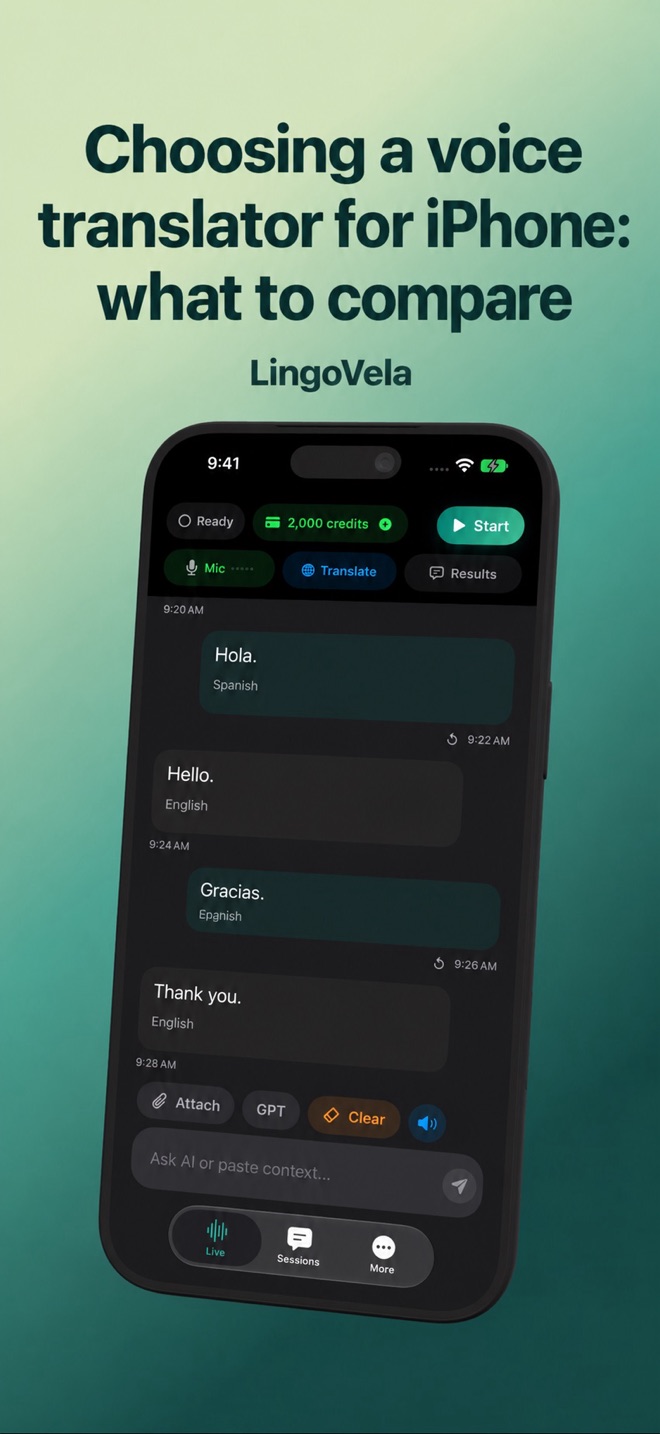
LingoVela is a subscription app for iPhone and iPad with original and translated conversation text. OpenAI · Online uses internet and credits. On Device uses compatible downloaded assets and no AI credits. Private Cloud Compute uses internet, compatible Apple Intelligence hardware and credits.
All three require an active subscription. Language coverage differs between recognition, translation and speech output. Do not interpret the interface language list as proof of offline speech support.
Choose the next step from your result
If a candidate completes the exchange with your languages and device, keep it on the shortlist. If the source words are wrong, retest capture; if a required feature is unavailable, choose a tool that documents it rather than buying an unrelated upgrade.
For telephone calls, browser captions, group meetings or a certified interpreter, verify that exact workflow separately. LingoVela is not presented here as a phone bridge, meeting integration or certified interpretation service.
Does a free download mean free conversation translation?
No. Inspect the actual feature and purchase screen: a trial, subscription, feature unlock and usage allowance can be separate. This guide does not assign a universal price to any provider.
How can I compare apps without speaking the target language?
You can check whether the source text, controls and playback work, but meaning needs review by someone who understands the target language. Smooth speech and back-translation alone are not proof.
Does downloading a language guarantee offline speech translation?
No. Test recognition, translation and spoken output for the exact pair and mode after preparation. A downloaded text resource or translated interface does not establish the whole speech workflow.
Does a paid plan automatically make my content suitable to upload?
No. Check the actual mode’s provider and data terms and whether your task permits that handling. A price or marketing label does not answer retention, access, deletion or training questions.
Does a successful short demo prove it will work through a long meeting?
No. Test the expected session, pauses and practical interruptions. Check complete exchanges throughout; a short clip does not establish endurance or recovery.
Can everyone join because one person has a translation app?
Not automatically. Verify actual participant access, languages, input/output routes and plan requirements. A two-language phone screen does not establish remote distribution or a meeting integration.