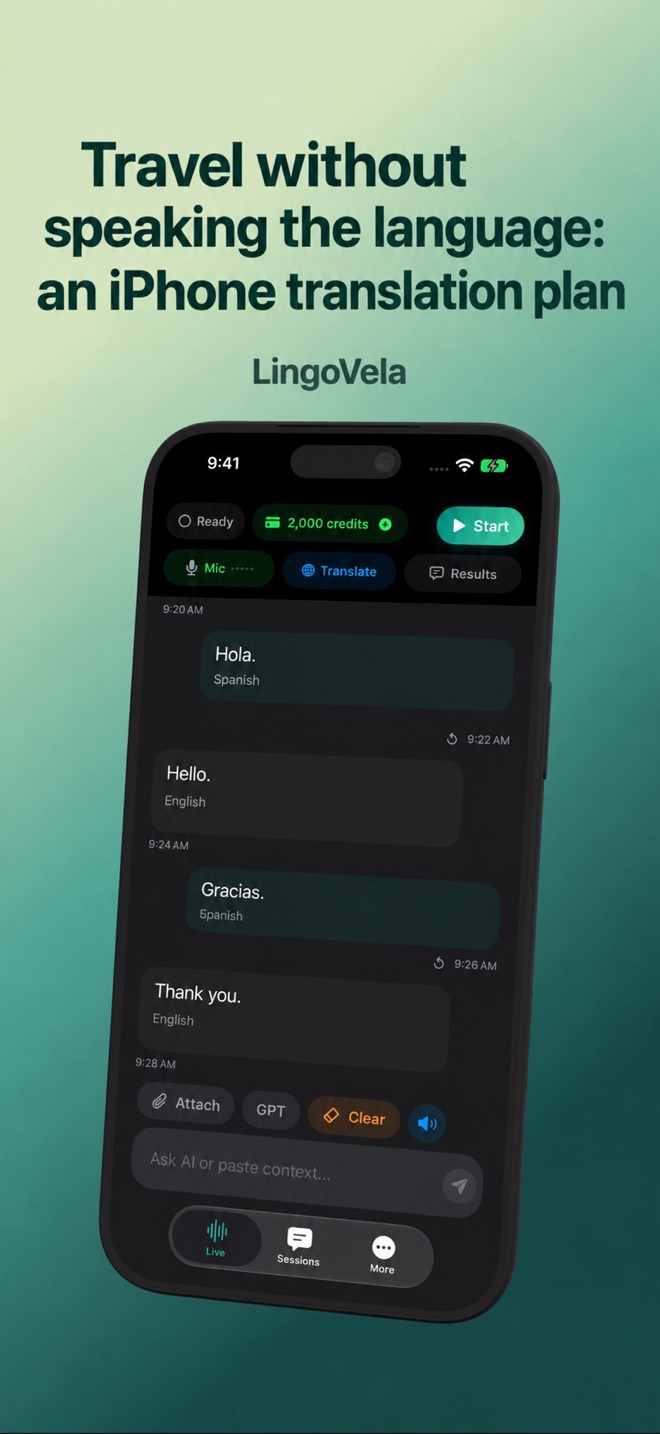
Travel without speaking the language: an iPhone translation plan
Prepare for three different problems: no shared language, no internet and no working phone. An offline model helps with the second; it cannot solve the third.
Prepare the actual conversation before departure
In LingoVela, choose the intended mode and both spoken languages on your travel device. All modes require an active subscription. OpenAI · Online and Private Cloud Compute also need internet, AI credits and the required provider consent.
For supported On Device translation, prepare translation and speech assets while connected. Test recognition, translation and spoken output in each direction with airplane mode enabled and Wi-Fi explicitly off. A listed language or a downloaded text model alone does not prove that the whole conversation will work offline.
Rehearse with the actual earbuds and travel device
If you plan to use translation earbuds, check the exact phone, app, purchased bundle and mode before leaving. A downloaded package for one mode or product does not establish offline support for the whole system. Use the linked buying guide for manufacturer examples and the microphone guide when input is missing.
- With your intended accessory connected, make one short exchange in each language direction and check who hears or sees each reply.
- Repeat with internet disconnected and Bluetooth available, using the supported prepared offline mode. Try a new fictional meeting time and a correction rather than only replaying a cached phrase.
- End and reopen the session in that supported setup. Note any missing asset, access or audio issue before the trip, and keep a separate written fallback.
Plan a stop-and-check point instead of relying on an announcement
Before a busy transfer or arrival, keep the operator’s destination and booking reference available separately. If an announcement is missed or unclear, ask staff to confirm the specific detail and show the original reference. Do not reconstruct a departure time from a fragment of generated text.
Check the phone and accessory batteries and how you will charge them during the day. A case or power bank is useful only if the required equipment is present and usable. If translation cannot continue, pause the exchange and use the independent references or available assistance; an offline model does not solve a missing or unpowered device.
Make a small set of independent references
Keep your accommodation name, address and essential booking details in the form supplied by the operator. Save a copy that opens without a cloud login, and keep the key destination on paper separately from the phone. Do not make one device the only place where you can find your way back.
Prepare a few requests for your actual trip and have important wording checked. A photo of the place or item can also help identify what you mean. This is personal preparation, not a claim that LingoVela includes downloadable maps or a printable phrasebook.
Use different tools for reading and conversation
For a sign or menu, compare the source text with the translated result and keep the relevant heading, item and price together. Check image input separately from speech input in the tool you choose.
For a spoken exchange, explain whether the selected mode sends speech or text to an online provider and ask the other person if they agree. Ask one short question, wait for the translation and let them reply. If recognition struggles in announcements or traffic, move somewhere quieter or write the question.
Confirm the details that change the outcome
A fluent translation is not proof that a date, destination or negative survived. Show numbers and names so both people can point to the same reference.
- For transport, confirm the destination and departure date or time.
- For a purchase or fare, confirm the currency, quantity and total rather than an isolated number.
- For a booking, keep the original reference available and clarify whose booking it is.
Separate a connection problem from a phone problem
If the phone works but connectivity is unavailable, use only a previously tested supported offline workflow or saved references. Do not expect an online mode to become offline because a conversation started earlier.
If the battery is empty or the phone is missing, neither local AI nor saved screenshots are accessible on it. Use the separate written destination and ask staff or the operator for assistance. Before a long outing, check the battery and your charging plan rather than assuming the app can replace that preparation.
Use qualified help when a mistake would matter
For urgent or consequential instructions, seek qualified local assistance or an interpreter. A generated translation, a reverse translation or a phrase remembered from a guide does not validate medical, legal or safety information. For an emergency, contact the local emergency service.
Do I need a paid translation app for every trip?
No. Choose a tool after checking your destination, languages and actual input needs. LingoVela requires an active subscription; it is not necessary for every traveller or task.
Does offline translation work if my phone runs out of battery?
No. Offline means supported processing can run without internet on a working device. Keep essential destination details separately on paper.
Does a screenshot replace a written backup?
It helps when data is unavailable, but it still needs an accessible working device. Keep a separate reference for a flat battery or missing phone.
Does pairing my earbuds prove the travel conversation will work offline?
No. Test the exact prepared mode, pair and device with internet disconnected, Bluetooth available and both people participating. Pairing alone proves neither translation access nor the other person’s audio route.
What should I do if a translated announcement is incomplete?
Keep the detail unresolved and confirm it with staff or the operator using the original booking or destination reference. Do not infer the missing time or instruction from a partial generated message.