Best AirPods & Bluetooth Headphone Translator Apps for iPhone (2026)
Your AirPods Pro already have beamforming microphones and active noise cancellation that outperform most $250 'AI translator earbuds'. The secret to effortless AirPods translation on iPhone is understanding how iOS routes microphone input vs speaker output during a two-person exchange.
Why one AirPod + visible iPhone screen beats sharing earbuds
Marketing videos love showing two strangers each wearing one earbud. In real travel—at customs, pharmacies, bakeries, or taxi windows—nobody wants to insert a stranger's in-ear tip. Keeping one AirPod in your own ear while holding or placing the iPhone screen toward your conversation partner is faster, cleaner, and lets them read numbers visually.
- Check iOS Control Center audio route so translated replies meant for the other person aren't trapped silently inside your AirPods.
- Avoid ultra-cheap Bluetooth HFP earbuds that drop audio sample rates to 8 kHz narrowband and hurt speech recognition.
- Test your exact AirPods mic delay in Safari first with /tools/pronunciation-microphone-loopback-tester/.
AirPods vs dedicated translation earbuds cost breakdown
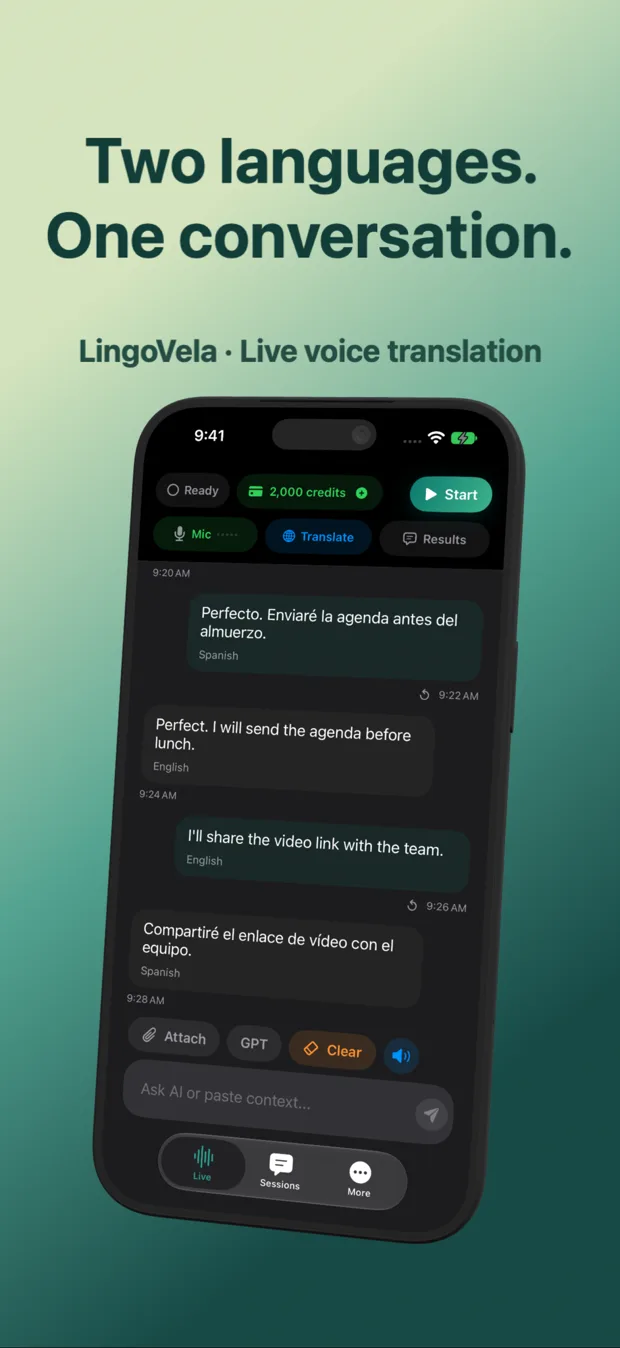
If you already carry AirPods, adding LingoVela ($9.99/mo for a travel month or $119.99/yr) saves $250–$600 compared to single-purpose earbud hardware—with zero extra charging cases in your carry-on.
Why can't the other person hear the translation when my AirPods are connected?
When AirPods are active, iOS routes playback to your ears by default. Either show the large translated text on screen or switch output to iPhone Speaker in Control Center for shared counter exchanges.