Best Offline Translator Apps for Travel Without Roaming Data (2026)
Many apps claim 'offline translation' when they only cache a tiny phrasebook or text dictionary—leaving speech recognition and spoken audio completely broken in Airplane Mode. Here is how to verify true end-to-end offline voice translation on iPhone before you board.
Three separate pieces must exist locally for offline voice
True offline conversation translation requires three downloaded components on your iPhone for BOTH languages: (1) on-device speech-to-text (ASR), (2) the neural machine translation model for that exact pair, and (3) high-quality iOS text-to-speech (TTS) voices.
If even one of those three components wasn't downloaded over hotel Wi-Fi beforehand, an app will either spin indefinitely or display silent text.
- Download both languages' speech and translation packs while on fast Wi-Fi at least 24 hours before departure.
- Turn on Airplane Mode AND manually toggle Wi-Fi off in Control Center.
- Speak one sentence in Language A, confirm audible playback in Language B, then test the reverse direction.
Carrier International Day Pass math vs offline + eSIM
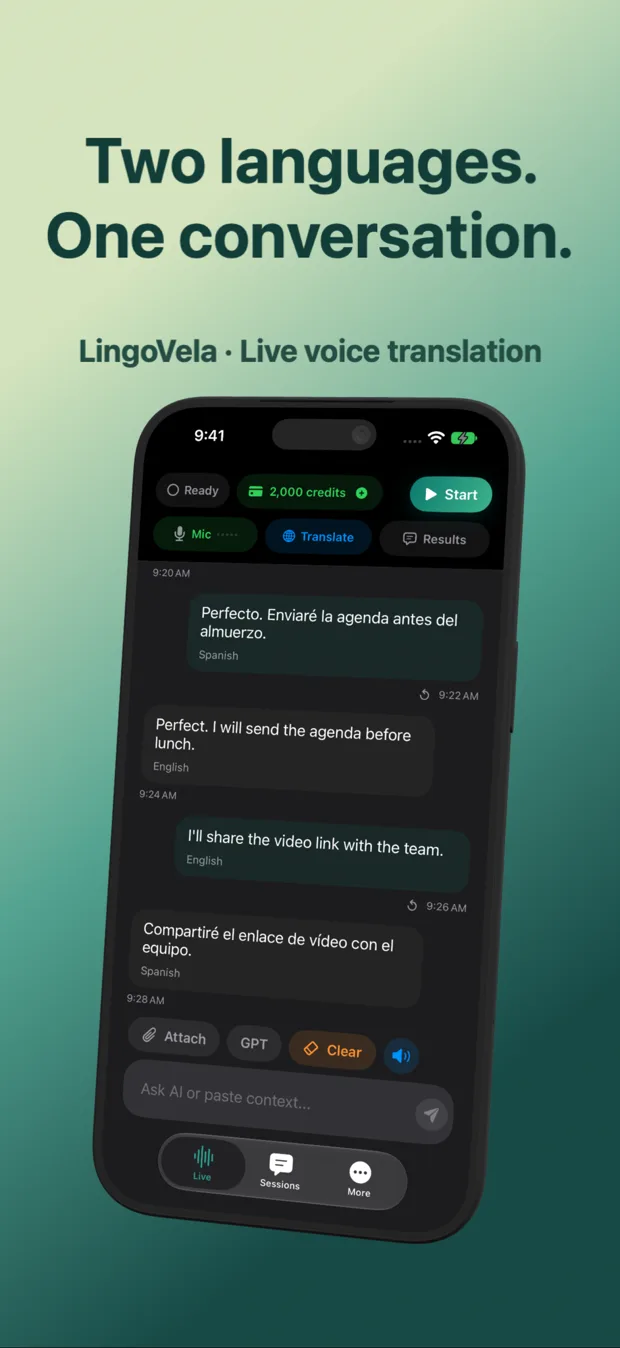
AT&T and Verizon international day passes charge $10–$12 per day per line ($280–$336 for a two-week couple's trip). Combining a $12 regional travel eSIM with LingoVela's zero-credit On-Device mode keeps translation instant underground while slashing trip connectivity costs by 80%.
Does LingoVela's On-Device mode use AI credits?
No. With an active subscription, On-Device mode processes compatible downloaded language pairs locally on your iPhone or iPad using zero AI credits.
Does Bluetooth still work in Airplane Mode for AirPods?
Yes—modern iOS keeps Bluetooth active (or lets you tap it back on) while cellular and Wi-Fi radios stay completely off.