Parent–Teacher Conferences & School Pickup Bilingual Translation Guide
Real multilingual parent–school communication conversations rarely fail on basic nouns—they fail on quick hallway pickup notes vs formal individualized education / grading conferences and making sure both parent and teacher can read dates, permission-slip deadlines, and supply lists on screen. Preparing your iPhone or iPad with the right translation mode, visual transcript habits, and offline backup turns stressful exchanges into calm, verifiable dialogues.
The two biggest pitfalls in multilingual parent–school communication
First, watch out for quick hallway pickup notes vs formal Individualized Education / grading conferences. Generic phrasebooks gloss over this, leaving you confused as soon as the other person responds at natural speed.
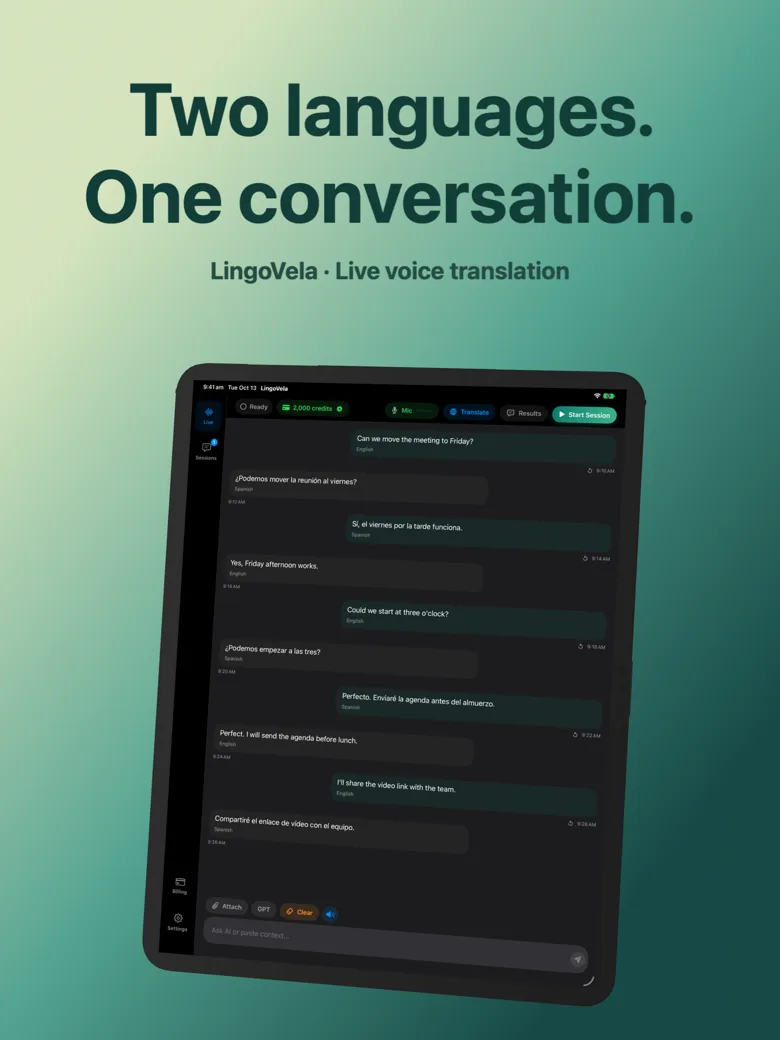
Second, pay close attention to making sure both parent and teacher can read dates, permission-slip deadlines, and supply lists on screen. Because LingoVela displays the recognized source words alongside the settled translation, both speakers can verify critical details before acting on them.
Step-by-step iPhone & iPad workflow that prevents misunderstandings
Keep sentences concise—one clear idea per turn—and always confirm names, times, and amounts visually on screen.
- Select both spoken languages and confirm whether you are using On-Device (offline, 0 credits), Apple Private Cloud Compute, or OpenAI · Online.
- Run a quick pre-check phrase such as: 'Our son has a dentist appointment on Wednesday at 14:00—who should we notify at the front office?'
- Wait half a beat after the speaker finishes so final punctuation and clause-end negations settle cleanly.
- Point to numbers, dates, or addresses on the dual-language transcript so the other person gives an explicit nod.
Offline readiness & free zero-upload preparation tool
Before heading into buildings with thick stone walls, subways, or roaming dead zones, test your downloaded language pair in Airplane Mode—and bookmark our free browser Split-Screen Table Conversation Display (/tools/split-screen-table-conversation-display/) for zero-upload practice or quick visual cards.
When should a school provide an official district interpreter instead of an app?
Formal evaluations, disciplinary hearings, special-education plans, and official academic records should use school-approved human interpreters.
Should I use On-Device or OpenAI mode for this scenario?
Use On-Device when offline, conserving AI credits, or keeping speech strictly local on supported pairs; switch to OpenAI · Online or Private Cloud Compute when you have solid signal and want wider idiomatic coverage.