Microsoft Translator Join Codes vs Shared iPhone Table Translation (2026)
Microsoft Translator's signature feature lets multiple participants scan a QR code or type a 5-letter session code on their own phones. That works nicely in a 20-person seminar, yet fails immediately at a bakery counter, clinic desk, or taxi drop-off where nobody is going to install an app just to answer a 20-second question.
Zero-friction counter turns vs multi-device onboarding
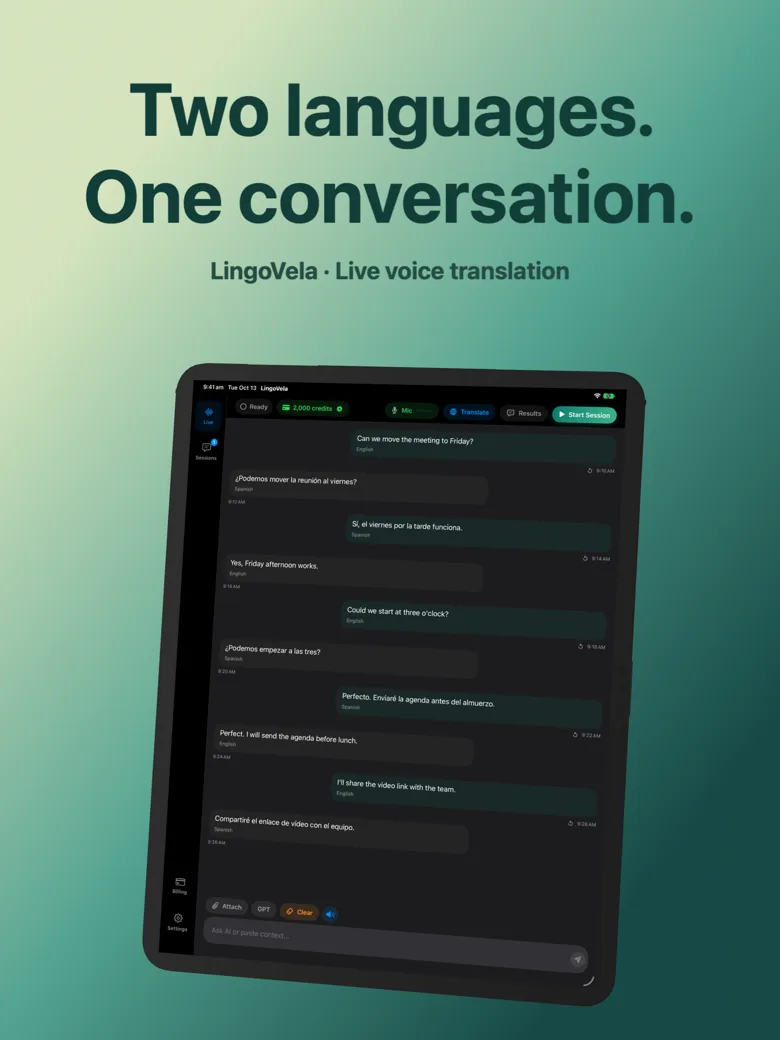
Count the seconds before the first translated sentence plays: if the other person has to scan a QR code, join Wi-Fi, grant mic permissions, and pick their language, the moment has passed. A shared single-device screen—or our free browser Flip-Top Table Display (/tools/split-screen-table-conversation-display/)—starts immediately.
Offline reliability comparison
Multi-device room codes require cloud servers to relay messages between phones. Single-device On-Device mode in LingoVela works in basements, ferries, and rural clinics with zero internet.
When SHOULD I use a multi-device QR join code?
Use group join codes for scheduled multilingual trainings where 5+ attendees speak 3+ different languages simultaneously for an hour.