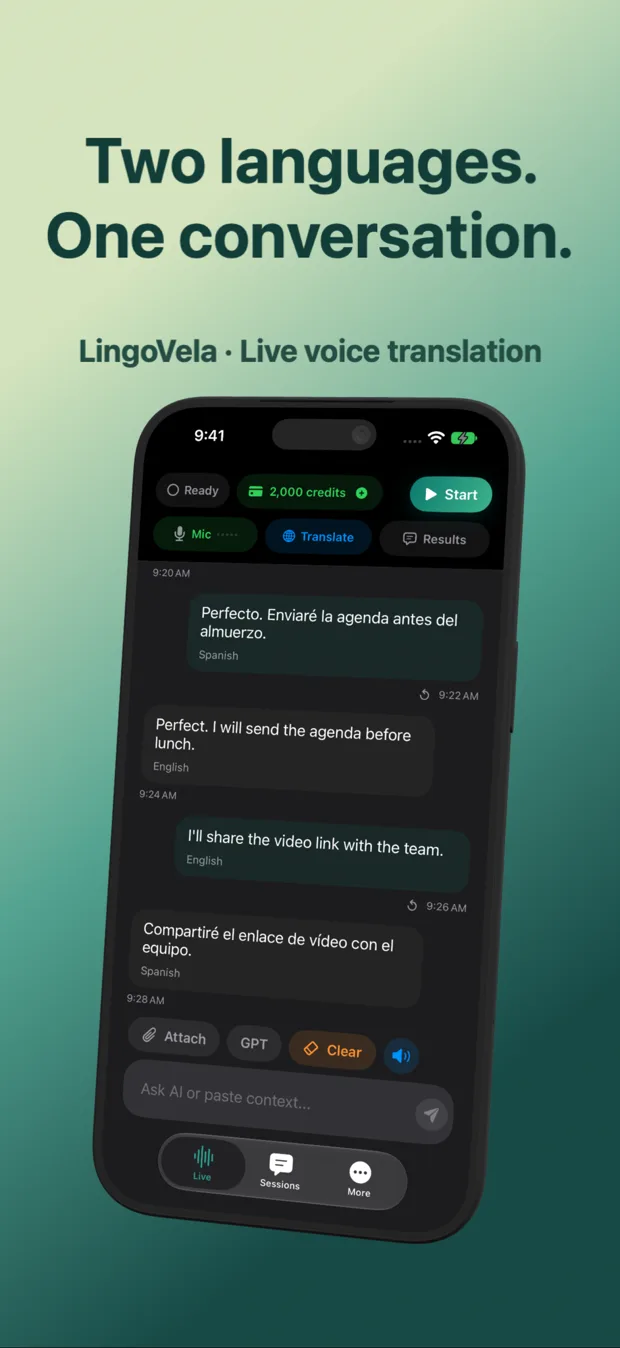
Why Native Speakers Sound So Fast: Training Connected Speech on iPhone
Mastering connected speech & fast listening comprehension comes down to two practical habits: spoken words blending across boundaries ('je ne sais pas' -> 'chais pas', 'going to' -> 'gonna', 'para el' -> 'pal') and comparing written transcripts against real spoken cadence at 0.85x and 1.0x speed. Using live speech recognition, dual-language verification, and zero-upload browser drills on iPhone and iPad gives you immediate, objective feedback.
Why connected speech & fast listening comprehension trips up smart learners and travelers
Reading silently in a textbook builds passive recognition, yet real spoken turns demand spoken words blending across boundaries ('je ne sais pas' -> 'chais pas', 'going to' -> 'gonna', 'para el' -> 'pal'). Without visual confirmation of what a speech recognizer actually heard from your mouth, subtle vowel, stress, or register errors go unnoticed for months.
Equally important is comparing written transcripts against real spoken cadence at 0.85x and 1.0x speed. Seeing both the captured source transcript and the target translation side by side lets you catch misunderstandings in half a second rather than three minutes later.
5-minute repeatable iPhone & browser routine
Run this short, low-pressure routine before your trip, exam, or meeting.
- Open Dual-Language SRT/VTT Subtitle Merger (/tools/srt-vtt-bilingual-subtitle-merger/) in Safari or launch a live LingoVela session in your target language pair.
- Speak a concrete test sentence aloud: 'What time are they closing the ticket counter this evening?'
- Check the recognized transcript word for word—if a word changed, slow down slightly on that syllable rather than speaking louder.
- Play the spoken translation and shadow its rhythm once out loud to lock in natural cadence.
Combining solo speaking practice with a live conversation safety net
The fastest way to gain real confidence abroad is starting every cafe, hotel, or family interaction in the local language yourself—while keeping LingoVela open on your iPhone so you can immediately understand fast, idiomatic replies without panic.
How do bilingual subtitles accelerate listening comprehension?
Merging target-language and native-language subtitles (/tools/srt-vtt-bilingual-subtitle-merger/) lets your brain map blended audio directly onto exact written words.
Can I practice this offline on a flight?
Yes—once you download supported language and speech packs over Wi-Fi, LingoVela's On-Device mode runs in Airplane Mode using zero AI credits.