Offline On-Device vs Apple Private Cloud Compute vs OpenAI Online in LingoVela
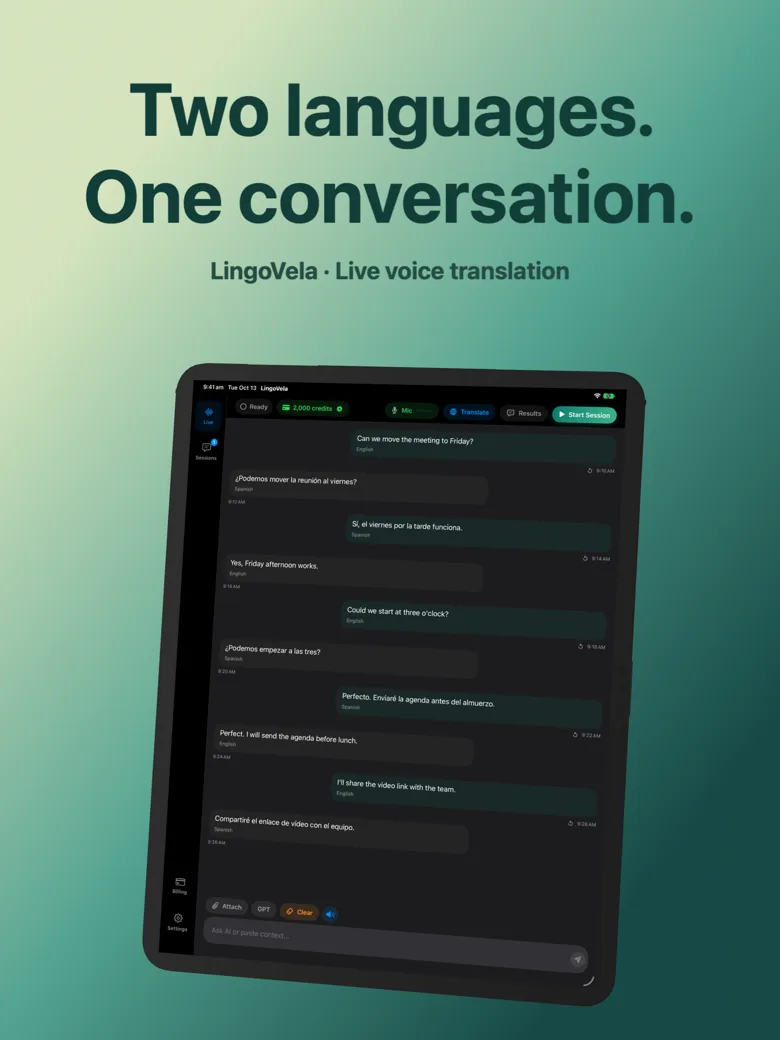
Most translation apps hide how your voice is processed behind a single microphone button. LingoVela exposes all three architectures explicitly—OpenAI Online, Apple Private Cloud Compute and On-Device—so you can trade off maximum conversational fluency, cloud text privacy and zero-internet offline operation on a session-by-session basis.
1. Technical architecture of all three LingoVela modes
All three translation modes in LingoVela require an active LingoVela Plus subscription ($9.99/month in the US) and microphone permission. Beyond that baseline, each mode routes speech recognition and translation differently.
Understanding the exact pipeline avoids unpleasant surprises—such as expecting an online session to switch seamlessly to offline mid-sentence when Wi-Fi drops, or assuming Private Cloud Compute runs on older hardware without Apple Intelligence.
| Requirement / Behavior | On-Device Mode | Private Cloud Compute (PCC) | OpenAI Online Mode |
|---|---|---|---|
| Internet required during conversation | No (after initial model download & sub activation) | Yes | Yes |
| Minimum OS & hardware | iOS / iPadOS 26+ with compatible offline speech & models | iOS / iPadOS 27+ & Apple Intelligence device + Apple quota | iOS / iPadOS 26+ |
| Speech recognition location | On your iPhone / iPad (supported offline speech required) | Locally transcribed on your iPhone / iPad | Sent to OpenAI online service |
| Translation model location | Downloaded local models on device | Apple Private Cloud Compute (text request) | OpenAI cloud models |
| AI credits consumed | 0 AI credits | Uses AI credits | Uses AI credits |
2. Privacy, consent and data retention compared
Regardless of which mode you pick, LingoVela requires no user sign-in, asks for no name or email, and keeps saved conversation transcripts locally on your device. Where the three modes differ is what leaves your phone during live translation.
| Privacy & billing question | On-Device Mode | Private Cloud Compute (PCC) | OpenAI Online Mode |
|---|---|---|---|
| Does raw voice audio leave the device? | No | No — raw audio and images are not uploaded to Apple in PCC mode | Yes — voice & translation requests go to OpenAI |
| Does text leave the device? | No | Yes — locally transcribed text goes to Apple PCC after separate consent | Yes — processed by OpenAI |
| Separate provider consent prompt | Not needed for external cloud | Separate consent required before PCC requests | Provider consent for OpenAI Online |
| Credit reservation & refund | No credits reserved or spent | Reserves credits at start; refunds unused reservation at end | Reserves credits at start; refunds unused reservation at end |
3. Which mode to pick for each real-world conversation
You are not locked into one mode for the whole month. Many subscribers use OpenAI Online for complex nuances, Private Cloud Compute when keeping raw voice local on compatible hardware, and On-Device mode on flights, trains or long casual chats to preserve monthly AI credits.
| Situation | Recommended LingoVela mode | Why |
|---|---|---|
| Airplane, subway, cruise ship or rural dead zone | On-Device | Works without internet once language & speech packs are prepared; spends 0 credits |
| Idiomatic, fast-paced family or business supplier conversation | OpenAI Online | Full cloud audio + LLM context for natural phrasing across supported pairs |
| Privacy-conscious talk on Apple Intelligence iPhone (iOS 27+) | Private Cloud Compute | Keeps raw audio on device and sends only transcribed text to Apple PCC |
| Stretching your 2,000 monthly credits across a month-long trip | Mix On-Device + OpenAI Online | Use 0-credit On-Device for routine errands and save credits for nuanced talks |
If my internet drops during an OpenAI Online session, does it automatically switch to On-Device?
No. An online session does not silently become offline mid-session; end or switch modes explicitly and confirm your On-Device pair was downloaded ahead of time.
How much model usage do 2,000 monthly AI credits represent?
1,000 AI credits represent $1 of model usage at the rates used in the app, so LingoVela Plus ($9.99/month) includes $2 of metered cloud model usage plus unlimited 0-credit On-Device use.
Where can I check my remaining AI credits?
Your live AI credit balance is always visible inside LingoVela, and you can add 1,000 ($4.99) or 5,000 ($19.99) credit packs anytime with an active subscription.