Why Cheap Bluetooth Earbuds Ruin Voice Translation Accuracy on iPhone
Mastering Bluetooth HFP bandwidth vs iPhone built-in mics comes down to two practical habits: standard bluetooth hfp dropping high-frequency consonants above 4–7 khz, making 'fifty' vs 'sixty' or 's' vs 'f' blur together and switching input to iphone's 48 khz studio-grade built-in microphones whenever cheap wireless earbuds mishear words. Using live speech recognition, dual-language verification, and zero-upload browser drills on iPhone and iPad gives you immediate, objective feedback.
Why Bluetooth HFP bandwidth vs iPhone built-in mics trips up smart learners and travelers
Reading silently in a textbook builds passive recognition, yet real spoken turns demand standard Bluetooth HFP dropping high-frequency consonants above 4–7 kHz, making 'fifty' vs 'sixty' or 's' vs 'f' blur together. Without visual confirmation of what a speech recognizer actually heard from your mouth, subtle vowel, stress, or register errors go unnoticed for months.
Equally important is switching input to iPhone's 48 kHz studio-grade built-in microphones whenever cheap wireless earbuds mishear words. Seeing both the captured source transcript and the target translation side by side lets you catch misunderstandings in half a second rather than three minutes later.
5-minute repeatable iPhone & browser routine
Run this short, low-pressure routine before your trip, exam, or meeting.
- Open Mic Quality & Loopback Waveform Tester (/tools/pronunciation-microphone-loopback-tester/) in Safari or launch a live LingoVela session in your target language pair.
- Speak a concrete test sentence aloud: 'Sixteen seat reservations for Friday the fifteenth at 18:45.'
- Check the recognized transcript word for word—if a word changed, slow down slightly on that syllable rather than speaking louder.
- Play the spoken translation and shadow its rhythm once out loud to lock in natural cadence.
Combining solo speaking practice with a live conversation safety net
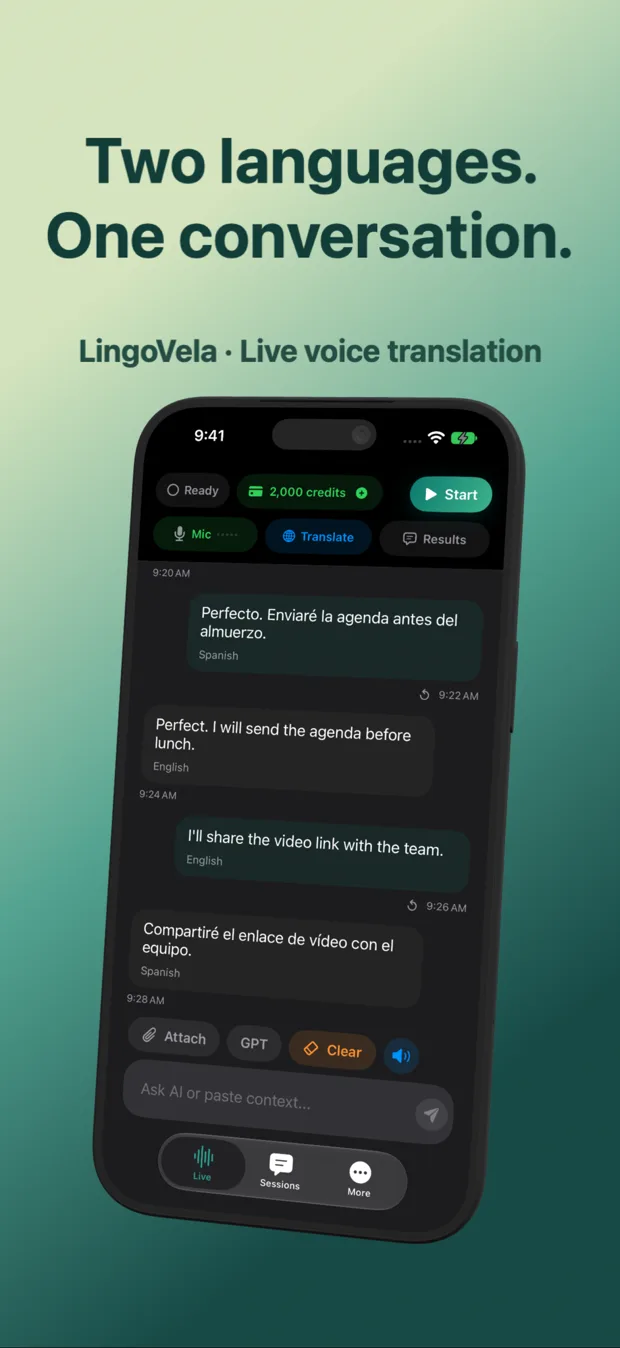
The fastest way to gain real confidence abroad is starting every cafe, hotel, or family interaction in the local language yourself—while keeping LingoVela open on your iPhone so you can immediately understand fast, idiomatic replies without panic.
Do genuine AirPods Pro perform better than generic $20 Bluetooth earbuds?
Yes—Apple's H2 AAC-ELD wideband speech codec preserves far cleaner consonant detail than generic narrowband HFP headsets, though iPhone's built-in mics remain the crispest reference.
Can I practice this offline on a flight?
Yes—once you download supported language and speech packs over Wi-Fi, LingoVela's On-Device mode runs in Airplane Mode using zero AI credits.