Best iPad Interpreter Apps for Reception Desks, Hotels & Clinics (2026)
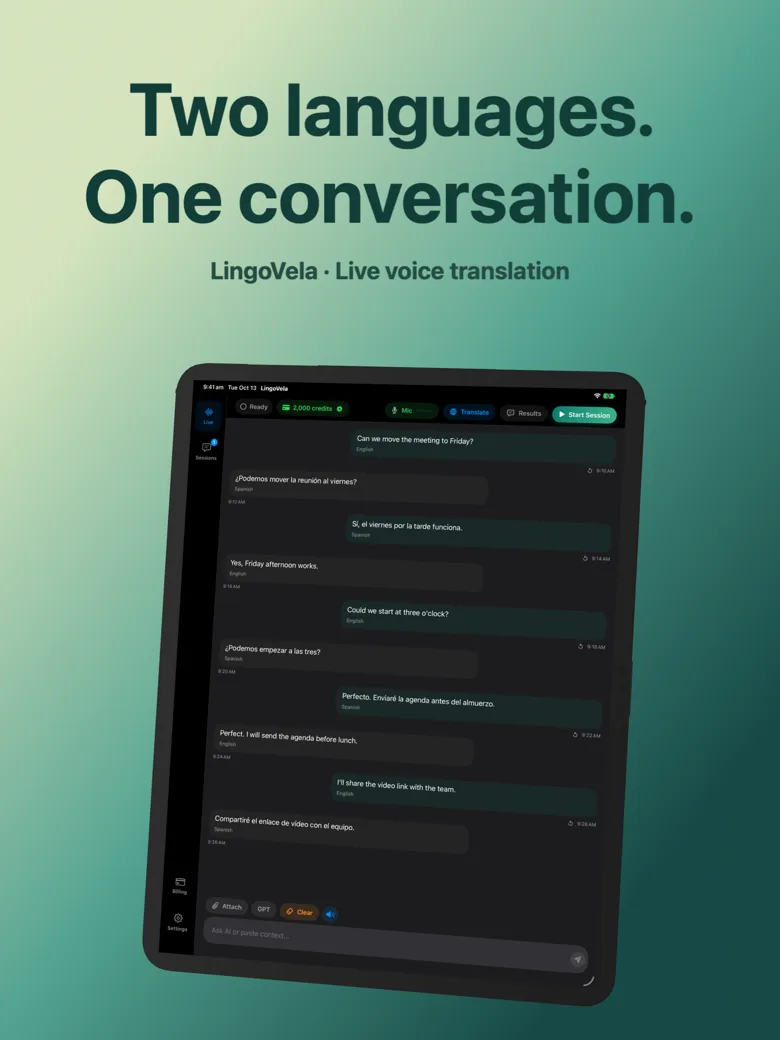
Handing a personal iPhone back and forth across a hotel check-in desk, school office, or retail counter feels awkward and cramped. Mounting an iPad in landscape or tabletop orientation gives both speakers generous typography, clear turn status, and hands-free readability.
Why iPad screens reduce miscommunication at service desks
On an 11-inch or 13-inch iPad, both the recognized source words and the translated reply remain readable from arm's length—critical for older guests, noisy lobbies, and checking room numbers, dates, or check-out fees together.
- Use Guided Access in iOS/iPadOS Settings if the iPad sits on a shared reception stand.
- Keep On-Device mode prepared for top visitor languages so reception never stalls during Wi-Fi hiccups.
- For regulated clinical diagnoses or legal consent, escalate immediately to a certified human VRI service.
Privacy reset between walk-up visitors
Always end the active conversation session between guests so the next visitor starts with a clean screen and zero leftover transcript lines.
Does one LingoVela App Store subscription cover both my iPhone and iPad?
Yes—LingoVela supports both iPhone and iPad on the same Apple Account via Restore Purchases.