Samsung Interpreter or Pixel Live Translate not working? Fixes and alternatives
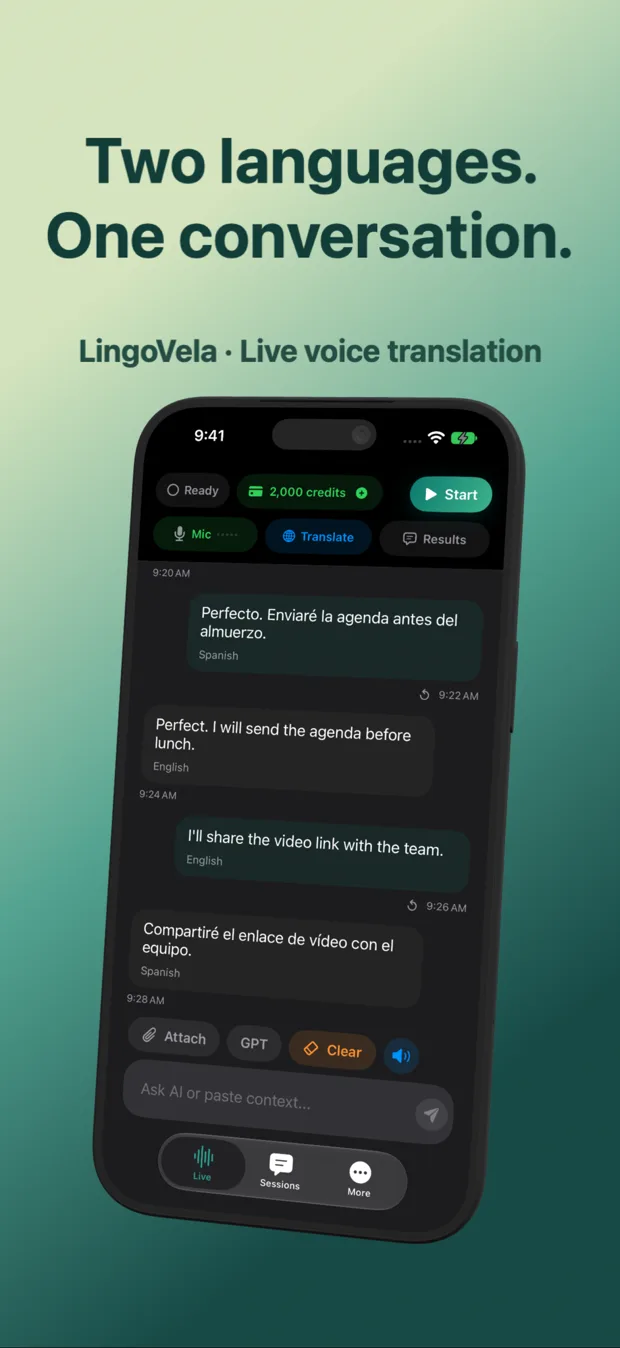
When Samsung Interpreter or Pixel Live Translate stops working, the cause is usually one of four things: the language model is not downloaded or was removed by an update, the feature has not rolled out in your region or model, the language pair is not supported, or a setting (Samsung account, Private Compute Services, microphone permission) is off. Work through the checks below. If your phone or pair is simply not supported, a conversation app that runs on any Android phone, such as Google Translate (free) or LingoVela (subscription), fills the gap.
What the threads report
On r/GooglePixel, posts such as "Live translate not working again after update", "Voice Translate not available on Pixel 10 Pro XL" and "Interpreter Mode no more?" appear every few weeks. On r/samsung and r/galaxybuds, people ask why Interpreter shows no translation, whether it works offline, and why older models lose AI features.
Checks for Samsung Interpreter
- Settings → General management → Language packs (or Interpreter settings → Language packs): download both languages again after a One UI update.
- Make sure you are signed in to a Samsung account; Samsung lists this as a requirement for Interpreter.
- Confirm the phone is a Galaxy AI model on One UI 6.1 or later and that the language is among the Galaxy AI languages.
- Grant the microphone permission and turn off battery optimisation for Interpreter if it stops mid-conversation.
Checks for Pixel Live Translate and Voice Translate
- Open Settings → System → Live Translate and re-download the languages; updates sometimes reset models.
- Check the language list for your model: Google lists ten languages paired with English for Voice Translate on Pixel 10 calls, with fewer on Pixel 10a.
- Check availability in your country; Voice Translate has rolled out region by region.
- Update Private Compute Services, Android System Intelligence and the Phone app from Google Play.
Alternatives by situation
| Situation | Use | Why |
|---|---|---|
| Face-to-face, any Android phone, free | Google Translate conversation mode | Free, broad language list |
| Face-to-face, long or frequent conversations | LingoVela | Detects which of the two languages each person spoke (online), speaks every translation, saves both languages on the device; subscription |
| Group in a room, each on their own phone | Microsoft Translator conversations | Join by code, each reads their own language |
| Phone call | Pixel Voice Translate or Samsung Call Assist | Phone apps like LingoVela cannot translate inside a call for the other party |
Why did Pixel Live Translate stop working after an update?
Updates sometimes remove or invalidate downloaded language models. Re-download the languages in Live Translate settings and update the system intelligence components from Google Play.
Does Samsung Interpreter need internet?
It uses downloadable language packs, but Samsung's own pages say some features may require an internet connection and a Samsung account. Test it in airplane mode before you rely on it offline.
What can I use on an older Galaxy or a non-Pixel phone?
Google Translate is free on any Android phone. LingoVela runs on Android 8.0 and later and does not depend on Galaxy AI or Pixel hardware.