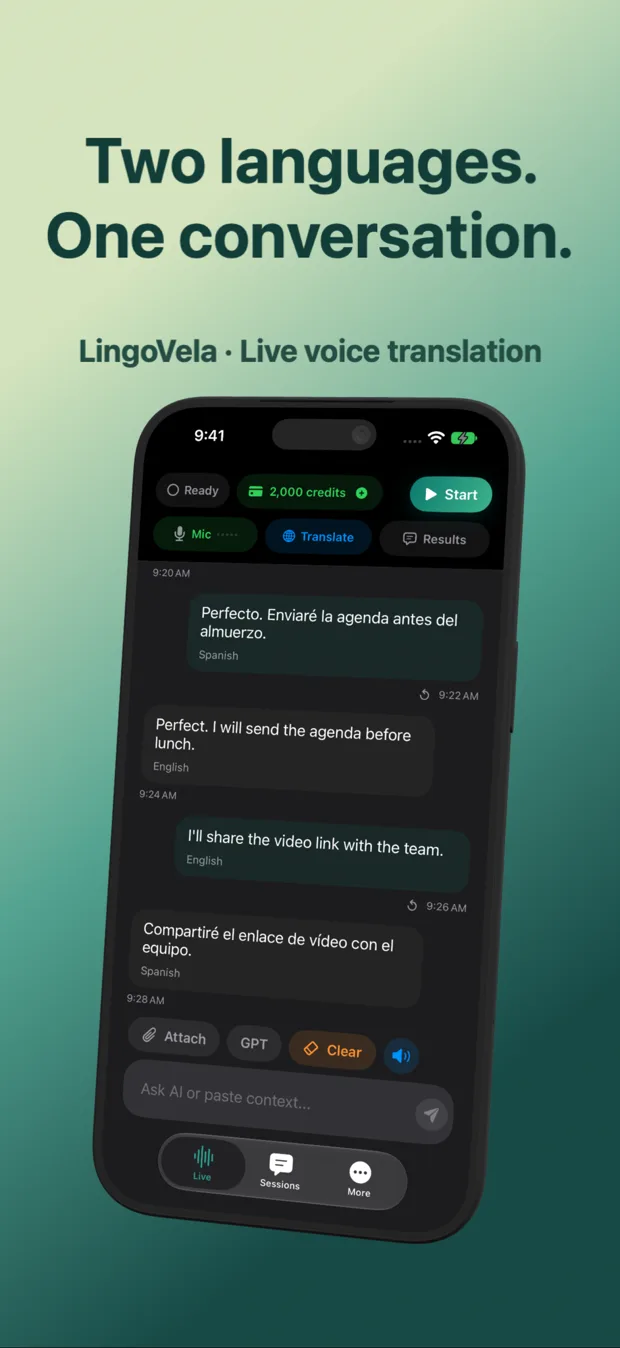
How to Save Key Translated Addresses & Instructions Without Hoarding Audio
Mastering saving actionable details with minimal data retention comes down to two practical habits: copying only the verified final address, time, or instruction into apple notes rather than retaining raw audio of strangers and double-checking copied numbers against the source-language transcript before closing the session. Using live speech recognition, dual-language verification, and zero-upload browser drills on iPhone and iPad gives you immediate, objective feedback.
Why saving actionable details with minimal data retention trips up smart learners and travelers
Reading silently in a textbook builds passive recognition, yet real spoken turns demand copying only the verified final address, time, or instruction into Apple Notes rather than retaining raw audio of strangers. Without visual confirmation of what a speech recognizer actually heard from your mouth, subtle vowel, stress, or register errors go unnoticed for months.
Equally important is double-checking copied numbers against the source-language transcript before closing the session. Seeing both the captured source transcript and the target translation side by side lets you catch misunderstandings in half a second rather than three minutes later.
5-minute repeatable iPhone & browser routine
Run this short, low-pressure routine before your trip, exam, or meeting.
- Open Bilingual Text & Script Helper (/tools/ipa-phonetic-and-romanization-helper/) in Safari or launch a live LingoVela session in your target language pair.
- Speak a concrete test sentence aloud: 'Pickup code 4829, Gate C, Thursday 14 November at 10:30.'
- Check the recognized transcript word for word—if a word changed, slow down slightly on that syllable rather than speaking louder.
- Play the spoken translation and shadow its rhythm once out loud to lock in natural cadence.
Combining solo speaking practice with a live conversation safety net
The fastest way to gain real confidence abroad is starting every cafe, hotel, or family interaction in the local language yourself—while keeping LingoVela open on your iPhone so you can immediately understand fast, idiomatic replies without panic.
Why is copying one verified text note safer than recording full audio of strangers?
Recording bystanders without consent raises legal wiretap/GDPR issues in many countries, whereas jotting down your own confirmed pickup time or address is clean and respectful.
Can I practice this offline on a flight?
Yes—once you download supported language and speech packs over Wi-Fi, LingoVela's On-Device mode runs in Airplane Mode using zero AI credits.