Voice Translator Privacy (2026): Free Cloud Apps vs On-Device & Apple PCC
When you speak passport numbers, rental addresses, symptoms, or supplier margins into a free translator app, where does that audio go? In 2026, privacy differences between ad-supported cloud translators, enterprise APIs, Apple Private Cloud Compute, and strictly On-Device models are wider than ever.
Four questions to check before speaking sensitive details
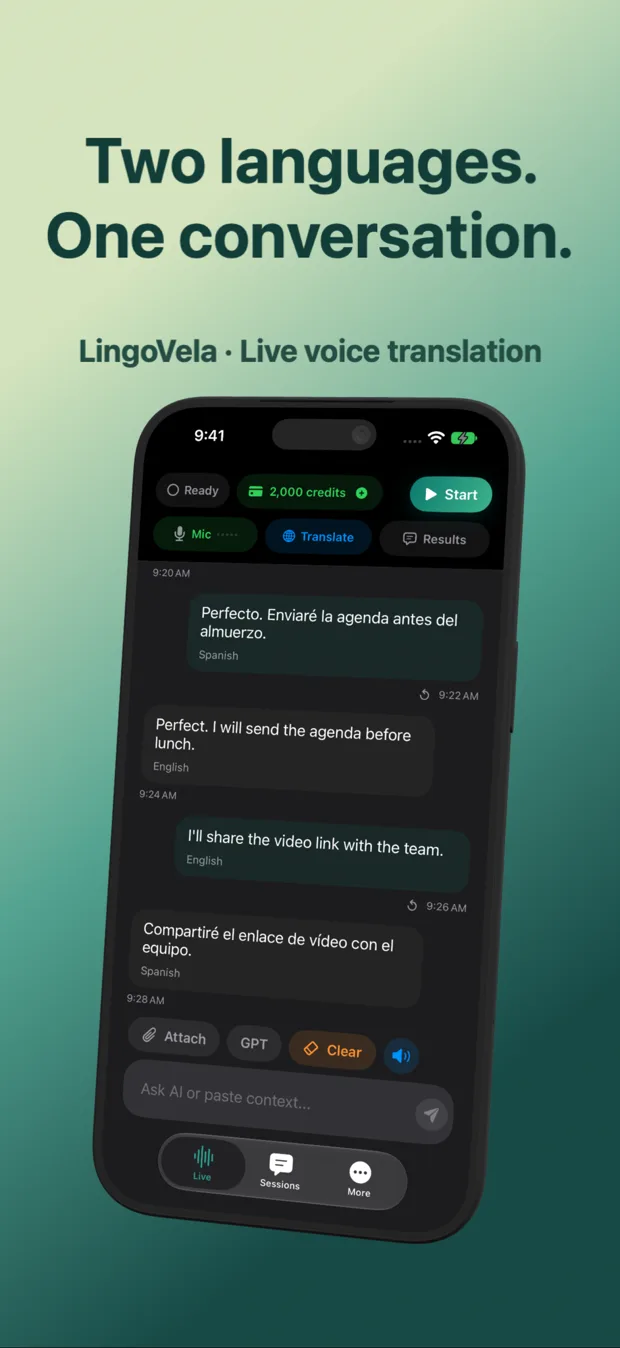
Privacy labels on the App Store reveal whether speech audio is linked to your identity, retained for model training, or processed ephemerally. LingoVela uses an anonymous device identifier (no email, phone number, or social login) and asks explicit provider consent before sending speech to online AI modes.
- On-Device Mode: Speech recognition, translation, and synthesis stay locally on your iPhone/iPad.
- Apple Private Cloud Compute: Local speech transcription + stateless Apple Silicon cloud inference with cryptographic non-retention guarantees.
- OpenAI · Online Mode: Broad multilingual cloud intelligence with explicit in-app consent control.
Always ask speaker consent across the table
Good privacy isn't only technical—tell your conversation partner which mode is active before placing a microphone between you, and switch to On-Device mode whenever offline local processing covers your language pair.
Does LingoVela sell voice transcripts or link them to my name?
Never. LingoVela does not collect your name or email address and never sells user data.