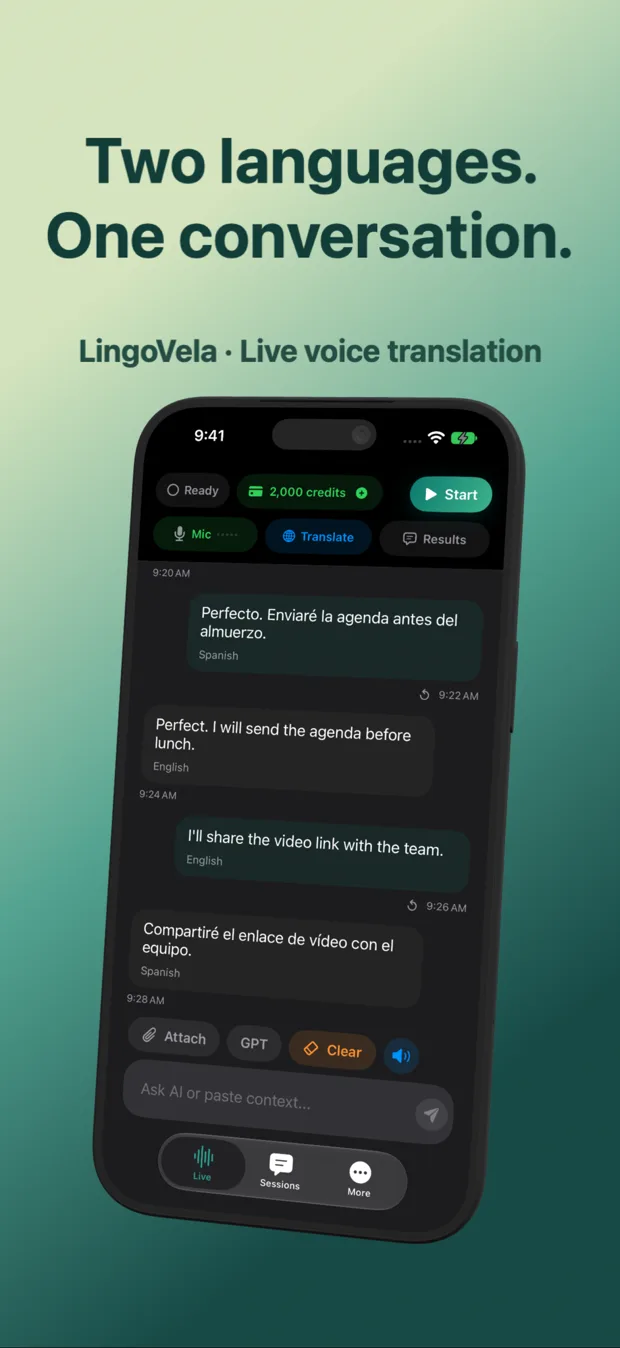
Mandarin Chinese–English voice translators on iPhone compared
Tonal homophones in spoken Mandarin mean a single syllable shift changes meaning completely unless the translator uses full sentence context—and if you are traveling in Mainland China, network filtering rules out many cloud-only Western apps on hotel Wi-Fi. Comparing Mandarin–English iPhone tools across context, script clarity and true Airplane-Mode fallback keeps conversations moving anywhere.
1. Tones, homophones and Simplified vs Traditional characters
Modern neural and LLM speech recognition resolves Mandarin tones from surrounding phrase context far better than word-by-word lookup—provided the speaker finishes a complete clause. Showing Chinese characters on screen alongside spoken audio lets your conversation partner verify exact meaning instantly.
| App | Full-sentence spoken Mandarin | Offline Airplane-Mode voice | Mainland Wi-Fi resilience | Character dictionary |
|---|---|---|---|---|
| LingoVela: Live Translate | Context-rich in OpenAI Online + dual-language screen | Yes — On-Device mode (0 credits, active sub) | On-Device works 100% offline; online depends on roaming/network | No (conversation focus) |
| Apple Translate | Solid everyday phrases + face-to-face cards | Yes — downloadable Mandarin offline pack | On-Device Mode works without network | System dictionary tap |
| Microsoft Translator | Good cloud speech & group rooms | No offline voice rooms | Check regional Microsoft endpoint reachability | Phrasebook only |
| Pleco | Not a conversation translator | N/A (offline dictionary) | Works 100% offline anywhere | Best-in-class radical/OCR/pinyin |
2. Taiwan, Hong Kong & Singapore vs Mainland China preparation
In Taipei, Singapore or international business hubs outside Mainland firewalls, LingoVela’s OpenAI Online mode runs at full speed over any Wi-Fi or local SIM. For Mainland cities, pair a roaming international eSIM with pre-tested On-Device offline models.
| Destination | Recommended LingoVela mode | Companion tool on same iPhone |
|---|---|---|
| Taiwan (Traditional Chinese) & Singapore | OpenAI Online + On-Device backup | Papago / Apple Camera for night-market menus |
| Mainland China (Shanghai, Beijing, Shenzhen) | Test On-Device offline before flight; OpenAI Online via reachable roaming data | Pleco (offline OCR/dictionary) + WeChat inline text translate |
| Bilingual family / business talks in US, EU or Australia | OpenAI Online or Private Cloud Compute (iOS 27+) | iPad tabletop screen for shared family reading |
3. Tips for high-accuracy Mandarin ↔ English turns
Small habits improve Mandarin speech recognition across every engine.
| Issue | Why it happens | Simple fix |
|---|---|---|
| Single-word answers misrecognized | Syllables like “shi” map to dozens of characters without context | Speak a complete 5–8 word sentence instead of one isolated word |
| Proper names & metro stops | Transliterated names sound ambiguous | Point to the Chinese station/hotel characters on your map + LingoVela transcript |
| Regional accents / dialects (e.g., Cantonese vs Mandarin) | Selecting Mandarin while someone speaks Cantonese fails recognition | Confirm exact spoken language with the speaker before starting |
Is Mandarin the same setting as Cantonese in voice translators?
No. Spoken Mandarin and spoken Cantonese are mutually unintelligible—always select the exact spoken language supported by your installed app.
Can I download LingoVela’s On-Device models after landing without internet?
No. Initial model downloads and subscription activation require internet—complete and test them on home Wi-Fi before departure.
Does LingoVela store family Mandarin conversations on a cloud account?
No. Saved conversation transcripts stay locally on your iPhone or iPad with no user account login.