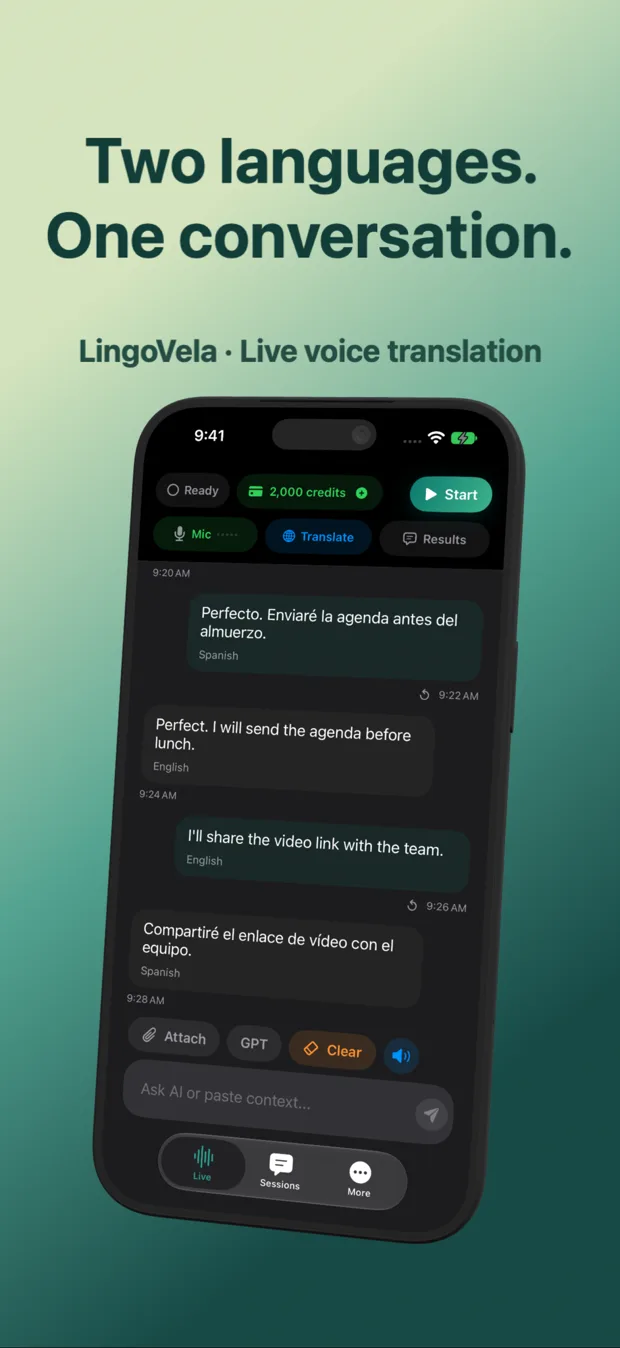
Using an Android Two-Way Voice Interpreter for Clinic Desks, Landlords & In-Laws (2026)
The hardest conversations abroad are rarely ordering coffee—they are explaining a leaking water heater to a landlord, checking appointment paperwork at a clinic front desk, or spending Sunday lunch with a partner’s parents.
Which LingoVela setup fits each real-world room
Match microphone placement, mode, and verification habits to the stakes of the conversation:
| Situation | Recommended Mode | Verification & Safety Rule |
|---|---|---|
| Family dinner / in-laws at home | OpenAI · Online + Translate both ways on table | Speak 1–2 sentences per turn so everyone stays engaged |
| Landlord, repair technician or shop | OpenAI · Online + Photo translation for invoices/meters | Point to written numbers, dates, and prices on screen to confirm |
| Subway, mountain pass or flight | On Device (pre-downloaded on Wi-Fi, 0 credits) | Keep sentences short and direct |
| Medical diagnosis, surgery consent, legal/court | Do NOT rely on a consumer app — request a certified interpreter | Use app only for basic reception logistics if permitted |
Is LingoVela a certified medical or legal interpreter?
No. Machine speech recognition and translation can misstate critical details; always request a qualified human interpreter for medical, legal, or immigration decisions.
Can LingoVela also translate printed forms or menus during the same visit?
Yes—use photo translation to read menus, signs, or printed notices alongside your spoken conversation.